This eight-question form collects everything a school needs to process a club membership application. It opens by gathering the student's identity — full name, date of birth, and grade level — before asking which club they want to join and why, giving reviewers a clear sense of fit and motivation. A dedicated section then captures the parent or guardian's name and email address, ensuring the school has a verified adult contact before moving forward. The final question, asking about preferred activities or roles such as 'Leadership roles', 'Event planning', or 'Mentorship', is optional, letting students flag their interests without blocking submission. After submitting, applicants see a confirmation that their application was received and that next steps will follow shortly.
Try the conversation below to see how this template works
Trusted by over 10,000 customers and growing
Conversations Started
Questions Answered
Forms Created
Relies on the "Which school club are you applying to join?" and motivation questions to quickly sort and prioritise applicants across multiple clubs.
Depends on the parent or guardian name and email questions to ensure every application has a verified adult contact on file before approval.
Uses the "Are there any specific activities or roles within the club that you are interested in?" question to match incoming students to open roles like 'Event planning' or 'Mentorship' from day one.

AI builds and refines your form through natural conversation no templates, no complex logic, no coding. From a simple text prompt or URL, Dashform generates intelligent flows that adapt automatically.
Dashform turns traditional form-filling into a two-way dialogue. The AI understands intent, remembers context, and asks relevant follow-up questions just like a real human conversation.
Every response is transformed into structured, meaningful, and ready-to-use data. Integrate with your favorite tools.
Everything you need to create amazing forms
Everything you need to know about this template
Don't see exactly what you need? Use our AI Form Generator to create a custom form in seconds. Just describe what you want, and AI will build it for you.
Explore more templates to find the perfect fit
 File Upload
Collect video testimonials with contact info, a satisfaction rating, feature highlights, and clear marketing consent.
 Booking
Let hotel guests request spa, dining, transport, tours, and more — with date, time, party size, and special notes.
 Appointment Booking
Book a therapy appointment by sharing your contact details, preferred time, and reason for visiting.
 Rsvp
Enter event, attendee, ticket-type, and seating details for an organizer to review before separately issuing admission.
 Request
A structured leave request form covering absence type, dates, coverage, and urgency — ready to send to your manager.
 Registration
Collect all the key details needed to begin a trademark registration application in one straightforward form.
Learn how to get the most out of your forms and templates
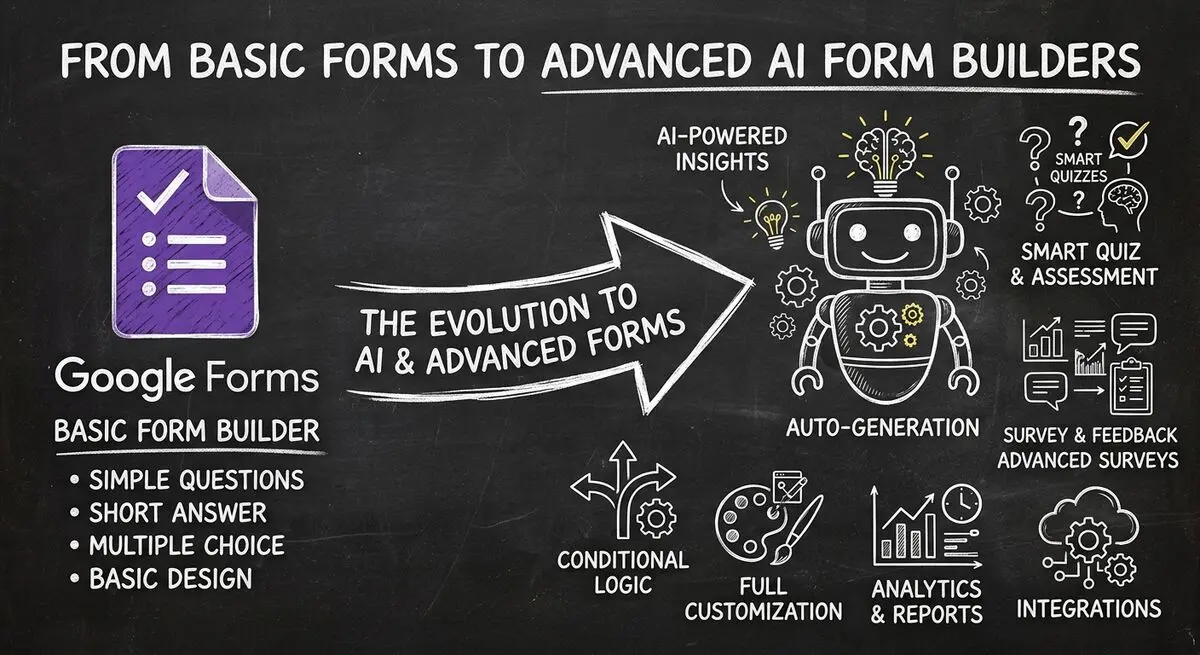
View Google Form responses, link a Google Sheet, enable email notifications, and export a CSV. Compare these workflows with Dashform Reply review.
A guide to sharing and closing Google Forms, checking the controls available in your account, and comparing Dashform sharing workflows.
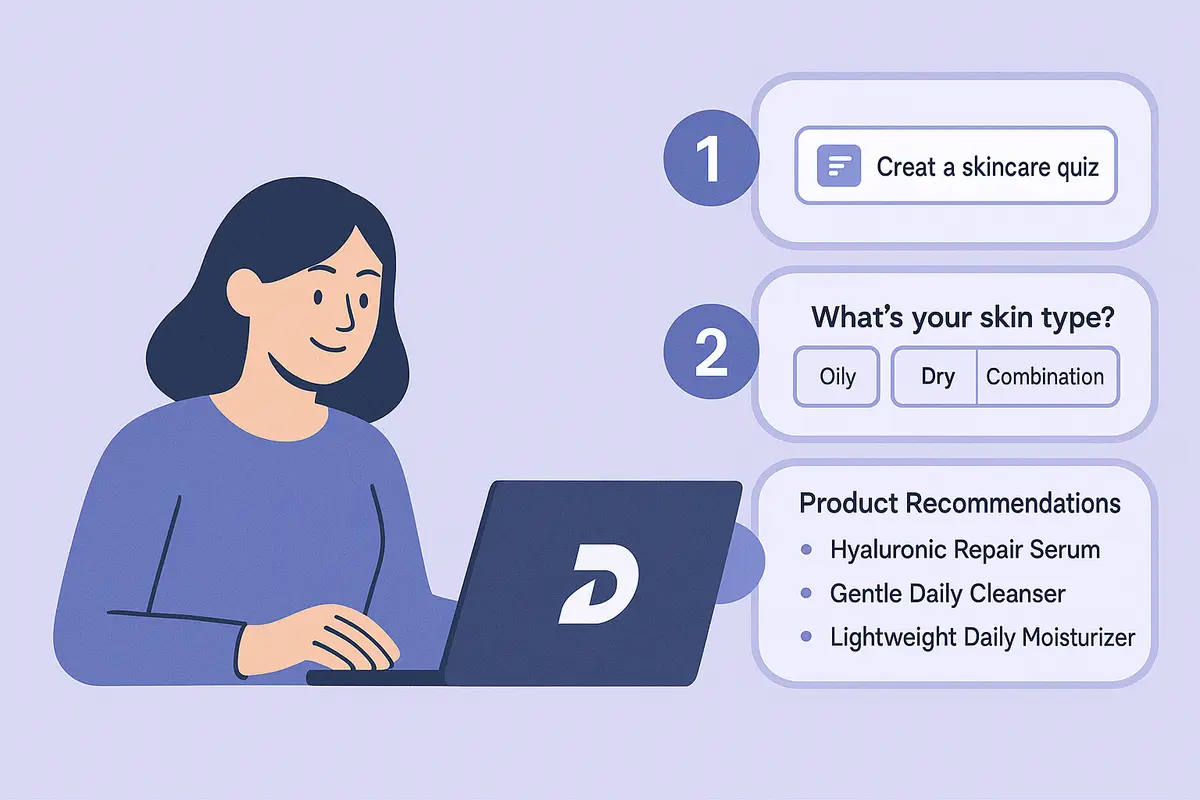
Build a high-converting AI product recommendation quiz in Dashform, with conditional logic, branding, and CRM integrations. A step-by-step guide, no code.
Try the world's first AI-native form and turn every response into action instantly.

