

The School Service Commission Form opens by asking a parent or guardian for their own name and the student's full name, then their current grade level from kindergarten through 12th grade, establishing exactly who the form covers. Next, parents select from six available services — such as transportation, the lunch program, and after-school care — and supply an emergency contact number, so the school has everything it needs to manage participation safely. An optional question about medical conditions or allergies sits here to catch any health details before the final consent question, "Do you provide consent for your child to participate in the selected school services?", which locks in a clear yes or no from the parent. After submitting, a thank-you screen confirms the response was received and that it helps the school deliver the best services for its students.
Try the conversation below to see how this template works
Trusted by over 10,000 customers and growing
Conversations Started
Questions Answered
Forms Created
Relies on the grade-level and service-selection questions to sort younger students into the right programs, like the lunch program and after-school care, before the school year begins.
Depends on the 'Field Trips' option in the service question and the required emergency contact and consent questions to confirm a student is cleared to travel.
Uses the optional medical conditions and allergies question to flag any health needs before a student joins transportation, extracurriculars, or other selected services.

AI builds and refines your form through natural conversation no templates, no complex logic, no coding. From a simple text prompt or URL, Dashform generates intelligent flows that adapt automatically.
Dashform turns traditional form-filling into a two-way dialogue. The AI understands intent, remembers context, and asks relevant follow-up questions just like a real human conversation.
Every response is transformed into structured, meaningful, and ready-to-use data. Integrate with your favorite tools.
Everything you need to create amazing forms
Everything you need to know about this template
Don't see exactly what you need? Use our AI Form Generator to create a custom form in seconds. Just describe what you want, and AI will build it for you.
Explore more templates to find the perfect fit
 Appointment Booking
Book a makeup appointment by sharing your contact info, preferred date and time, service type, and any special requests.
 Report
A structured seven-question form for department heads to document KPIs, achievements, challenges, and strategic recommendations.
 Survey
Collect employee or community vaccination status, dose dates, and exemption reasons in one short, structured survey.
 Survey
Eight-question survey capturing industry, challenges, budget, and switching intent for actionable market research.
 Survey
Collect consumer demographics, brand awareness, purchase drivers, and satisfaction scores in one focused survey.
 Application
Collect marketing contest entries with idea titles, submission links, and contact details in one tidy form.
Learn how to get the most out of your forms and templates
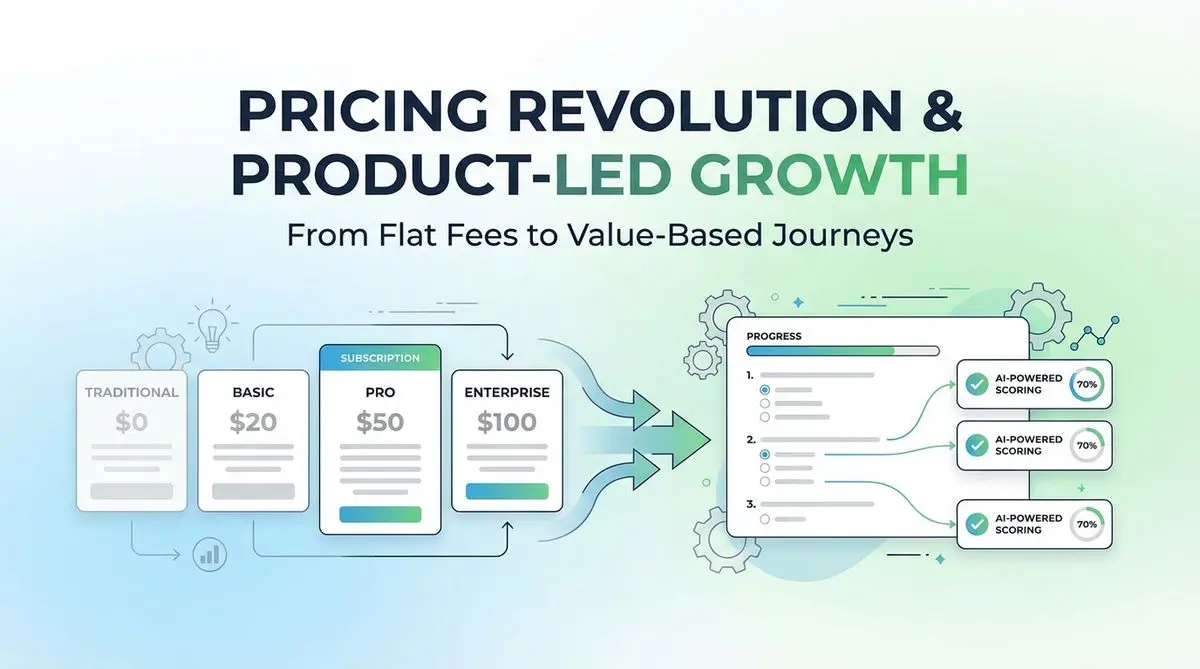
A proposed SaaS intake quiz can collect use case, budget, and timeline before a trial. Test its effect on signups, activation, and paying customers.
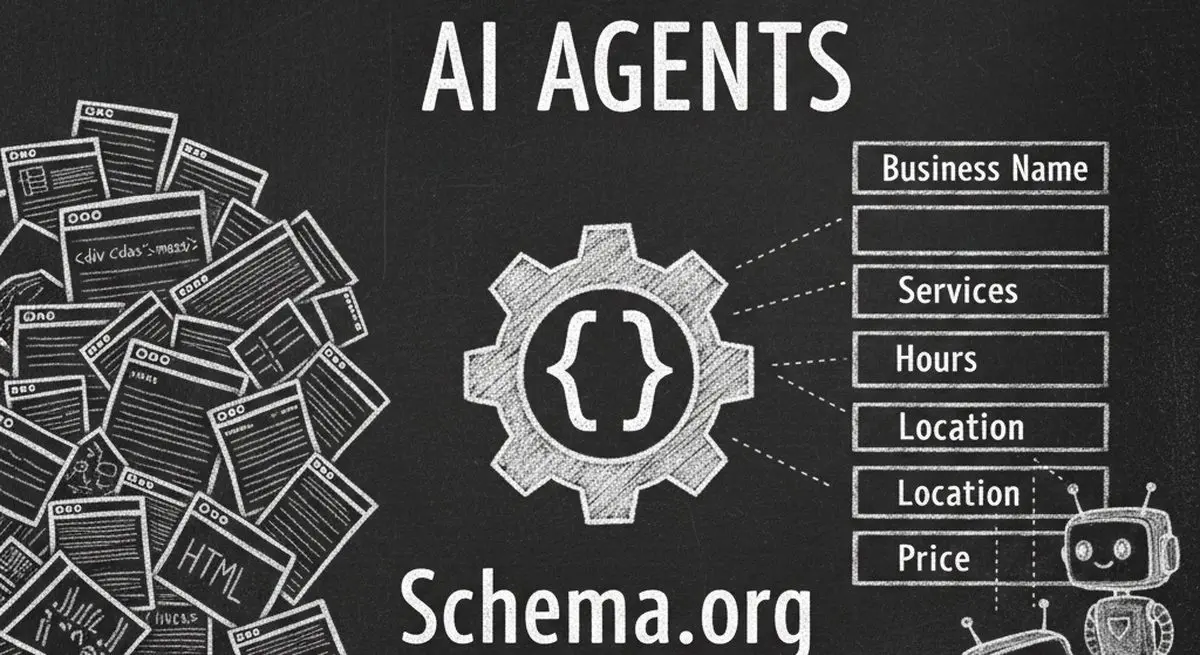
Review seven Schema.org types for describing business information accurately. Structured data can aid parsing, but does not guarantee discovery, citations, or bookings.

Many coaches start with ScoreApp for client scoring, but outgrow scoring-only workflows as their business scales. This article explores common ScoreApp alternatives and what modern coaches should look for beyond simple assessments.
Try the world's first AI-native form and turn every response into action instantly.