This scale ticket form captures six fields needed to log a weighing transaction from start to finish. It opens by asking for the "Date of Weighing" and "Vehicle Identification (e.g., Truck/Trailer ID)" to anchor the record in time and tie it to a specific vehicle. The "Description of Material" question follows so the load type is documented before the weight figures are entered. Back-to-back weight questions — "Gross Weight (Vehicle + Material)" then "Tare Weight (Empty Vehicle)" — keep the two values together, making net weight easy to calculate. The optional "Operator/Attendant Name" question closes the form so accountability can be traced without blocking submission. After submitting, respondents see a confirmation that their data has been recorded successfully.
Try the conversation below to see how this template works
Trusted by over 10,000 customers and growing
Conversations Started
Questions Answered
Forms Created
Relies on the "Description of Material" and both weight questions to document each incoming or outgoing load for billing and compliance.
Uses the "Vehicle Identification (e.g., Truck/Trailer ID)" and weight questions to track individual hauls and calculate net tonnage per trip.
Depends on the "Date of Weighing" and "Gross Weight (Vehicle + Material)" questions to create a timestamped record of each delivery for farmer settlement sheets.

AI builds and refines your form through natural conversation no templates, no complex logic, no coding. From a simple text prompt or URL, Dashform generates intelligent flows that adapt automatically.
Dashform turns traditional form-filling into a two-way dialogue. The AI understands intent, remembers context, and asks relevant follow-up questions just like a real human conversation.
Every response is transformed into structured, meaningful, and ready-to-use data. Integrate with your favorite tools.
Everything you need to create amazing forms
Everything you need to know about this template
Don't see exactly what you need? Use our AI Form Generator to create a custom form in seconds. Just describe what you want, and AI will build it for you.
Explore more templates to find the perfect fit
 General Request
A structured form for employees to formally request religious accommodations from their employer.
 Payment
Collect sender details, recipient info, payment amount, purpose, and reference codes in one clean remittance form.
 Request
A structured request form for parents to identify which devices their student needs for remote learning.
 Upload
Send a categorised reply with contact details, a written explanation, and optional links to files or photos.
 General Application
A structured rental application collecting contact info, property preferences, finances, and household details from prospective tenants.
 Checklist
A seven-question walkthrough for documenting a rental property's condition, from overall rating to room-by-room detail.
Learn how to get the most out of your forms and templates
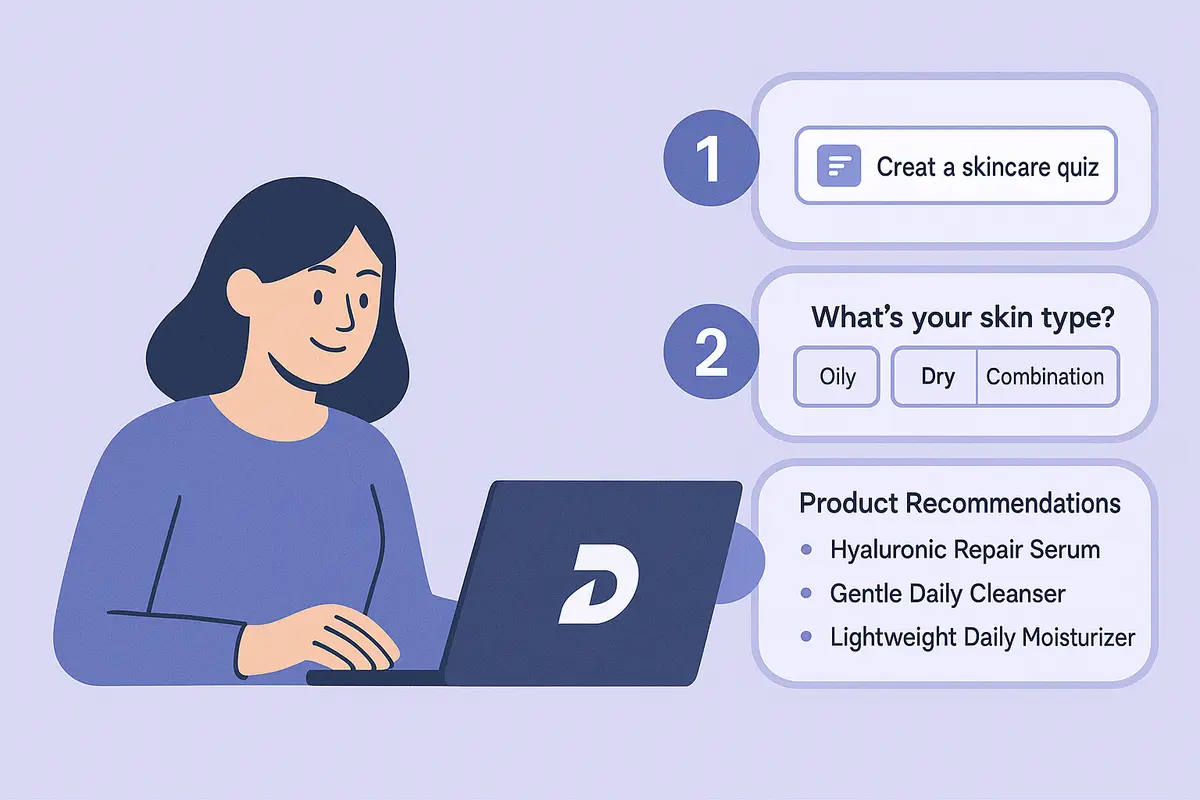
Build a high-converting AI product recommendation quiz in Dashform, with conditional logic, branding, and CRM integrations. A step-by-step guide, no code.

How realtors can use AI agent funnels to get pre-qualified buyer leads, with budget, timeline, and preferences already collected, and the setup it takes.
A proposed checklist for comparing form authoring, respondent experience, qualification, integrations, pricing, exports, and agent access.
Try the world's first AI-native form and turn every response into action instantly.

