

This form walks through nine questions to capture everything needed for a residential or commercial lease agreement. It opens by asking what type of property is being leased — covering options from a single family home to a commercial space — then collects the full property address, landlord details, and tenant information including an emergency contact. From there it moves into the financial and timing terms: monthly rent, security deposit, lease start date, and lease duration, with options ranging from six months to month-to-month or a custom period. An optional final question invites both parties to specify additional conditions such as pet policies, utility responsibilities, and parking. After submitting, respondents see a reminder to review the proposed terms and prepare a lease separately before arranging signatures; no document is generated.
Try the conversation below to see how this template works
Trusted by over 10,000 customers and growing
Conversations Started
Questions Answered
Forms Created
Collect landlord and tenant contacts alongside rent, deposit, and lease duration so proposed terms are available when preparing a tenancy agreement.
Uses the property type and address questions alongside the additional terms question to standardise agreements across multiple unit types and buildings.
Depends on the 'Commercial Space' option in the property type question and the open-ended additional terms question to capture the specific rules and responsibilities common in business leases.

AI builds and refines your form through natural conversation no templates, no complex logic, no coding. From a simple text prompt or URL, Dashform generates intelligent flows that adapt automatically.
Dashform turns traditional form-filling into a two-way dialogue. The AI understands intent, remembers context, and asks relevant follow-up questions just like a real human conversation.
Every response is transformed into structured, meaningful, and ready-to-use data. Integrate with your favorite tools.
Everything you need to create amazing forms
Everything you need to know about this template
Don't see exactly what you need? Use our AI Form Generator to create a custom form in seconds. Just describe what you want, and AI will build it for you.
Explore more templates to find the perfect fit
 Quote
QuoteCollect project details, budget, and timeline from prospective clients so your team can prepare and send an accurate estimate.
 Request
Collect names, promo codes, and purchase proof to verify and process customer discount or reward redemptions.
 Quiz
QuizA five-question grammar quiz testing pronoun recognition, selection, and verb agreement, with a closing confidence check.
 Employee Information
Organize personal details, former employment, departure date, and reported benefit status for separate verification.
 Application
Collect tenant identity, income, employment, references, and current residence in one straightforward rental application form.
 Agreement
Collect co-owner details, ownership splits, cost-sharing terms, and exit conditions for a shared property agreement.
Learn how to get the most out of your forms and templates
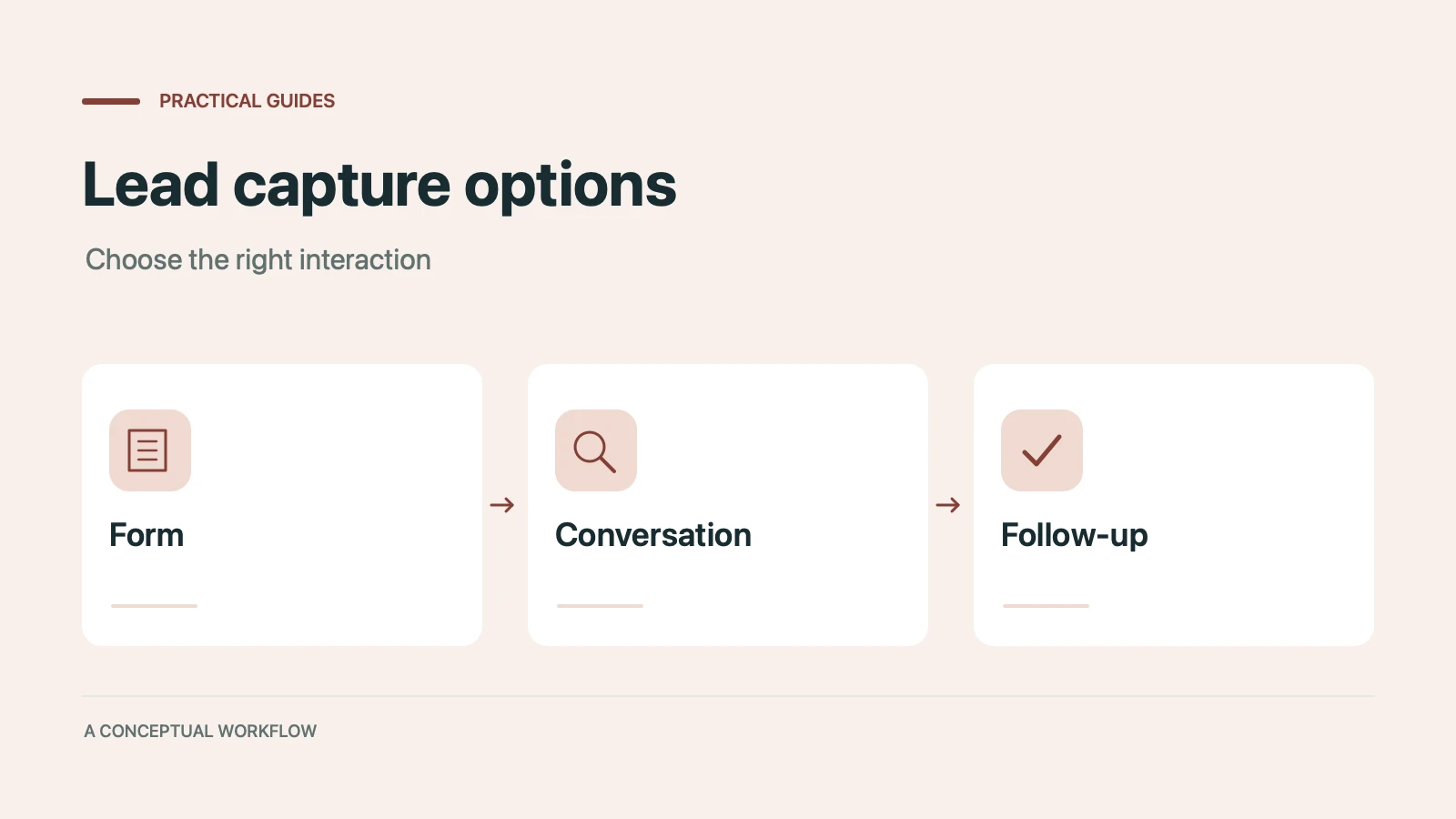
Static forms, AI chatbots, and conversational AI forms compared for lead capture: where each works, where each breaks, and the hybrid stack that combines them.
Call-to-action button examples grouped by goal, with best practices for placement, color, copy, and A/B testing.
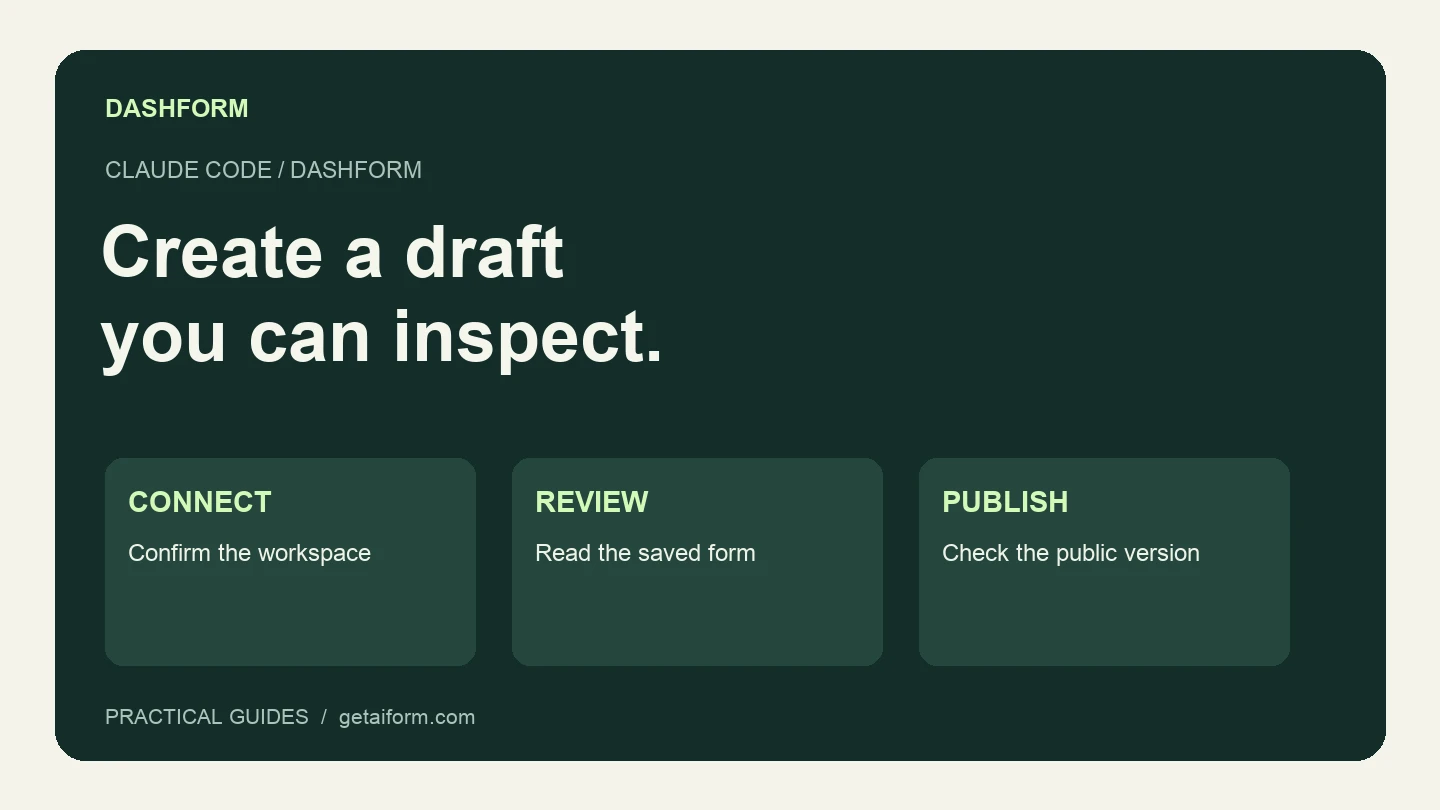
Connect Claude Code to Dashform, create and inspect a form draft, and understand the difference between reusable skills, MCP access, and publishing.
Try the world's first AI-native form and turn every response into action instantly.