

This waiver opens by asking for the participant's full name and date of birth, establishing who the lessons cover. An optional question asks for a parent or guardian's name when the participant is under 18; adults can leave it blank. Two required questions follow to capture an emergency contact's name and phone number, so staff can act quickly if something goes wrong in the water. An optional question invites disclosure of any medical conditions, allergies, or physical limitations that instructors should know about before the first lesson. Two single-choice acknowledgement questions close the form: one asks the respondent to confirm they understand the inherent risks of swimming, and the other grants staff permission to seek emergency medical treatment if needed. After submitting, respondents see a short confirmation welcoming them to the pool.
Try the conversation below to see how this template works
Trusted by over 10,000 customers and growing
Conversations Started
Questions Answered
Forms Created
Relies on the risk acknowledgement and medical consent questions to ensure every enrolled student has formally accepted the terms before entering the water.
Uses the emergency contact name and phone number questions to keep accurate safety records across a large, rotating roster of participants.
Depends on the date of birth and optional guardian name questions to confirm whether parental consent is needed before a lesson series begins.

AI builds and refines your form through natural conversation no templates, no complex logic, no coding. From a simple text prompt or URL, Dashform generates intelligent flows that adapt automatically.
Dashform turns traditional form-filling into a two-way dialogue. The AI understands intent, remembers context, and asks relevant follow-up questions just like a real human conversation.
Every response is transformed into structured, meaningful, and ready-to-use data. Integrate with your favorite tools.
Everything you need to create amazing forms
Everything you need to know about this template
Don't see exactly what you need? Use our AI Form Generator to create a custom form in seconds. Just describe what you want, and AI will build it for you.
Explore more templates to find the perfect fit
 Agreement
Collect tutor and student details, lesson frequency, hourly rate, payment method, and formal agreement in one short form.
 Survey
Gauge viewer sentiment, creative preferences, and ad recall across five focused questions about TV advertising.
 Leave Request
Request early departure with dates, proposed departure and scheduled end times, requested hours, reason, and manager-discussion status.
 Hr
HrLog uniform issuances to staff by capturing items, sizes, quantities, and a distribution date in one tidy record.
 Satisfaction Survey
Collect structured user feedback on satisfaction, ease of use, useful features, and likelihood to recommend.
 Survey
Gather first impressions, usability ratings, and improvement ideas from product testers in six focused questions.
Learn how to get the most out of your forms and templates
Connect Claude Code to Dashform, create and inspect a form draft, and understand the difference between reusable skills, MCP access, and publishing.
Compare Dashform and ScoreApp for coaching and agency assessments, including current pricing, scoring differences, and what to check before switching.
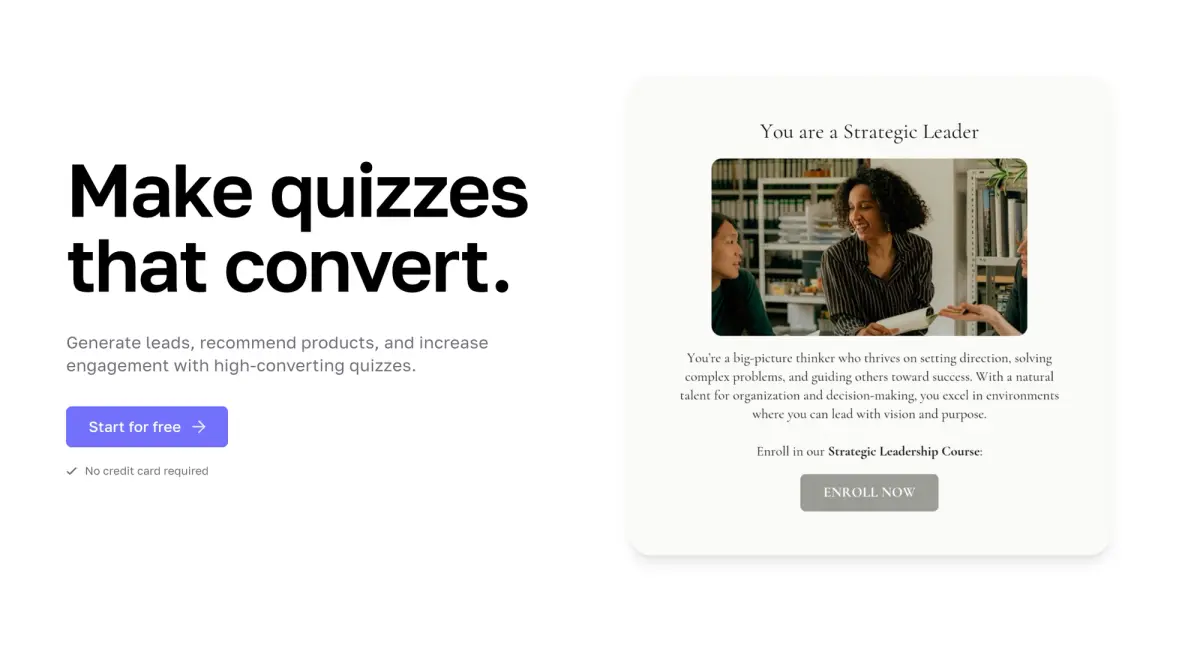
Interact's quiz builder is solid, but its features are spread across paid tiers. Compare Interact and Dashform side by side: AI quiz generation, scoring, branding, and free plan.
Try the world's first AI-native form and turn every response into action instantly.