

This legal client intake form opens by collecting contact details — full name, email, and phone number — then asks how the prospective client heard about the firm, which helps track referral sources. It moves into the substance of the matter with the "Area of Law" and "Briefly describe your legal matter" questions, giving the attorney a clear picture before the consultation. The "Date of incident or key event (if applicable)" question and the "Do any of the following apply to your situation?" question surface time-sensitive factors — such as approaching deadlines or pending court dates — so the firm can prioritize urgent cases. A question about prior attorney involvement rounds out the legal background, and the form closes by asking for the client's preferred communication method so follow-up happens on their terms. After submitting, respondents see a confirmation telling them a team member will be in touch within one business day and reminding them to bring relevant documents to their appointment.
Try the conversation below to see how this template works
Trusted by over 10,000 customers and growing
Conversations Started
Questions Answered
Forms Created
The "Area of Law" and "Briefly describe your legal matter" questions give a solo practitioner or small team the case context they need to prepare a focused first consultation without a lengthy phone screen.
The "Area of Law" question with nine distinct practice areas lets a multi-practice office route each intake to the right attorney or department before anyone picks up the phone.
The "Do any of the following apply to your situation?" question immediately surfaces deadlines, court dates, and protective orders so triage staff can identify which prospective clients need the fastest response.

AI builds and refines your form through natural conversation no templates, no complex logic, no coding. From a simple text prompt or URL, Dashform generates intelligent flows that adapt automatically.
Dashform turns traditional form-filling into a two-way dialogue. The AI understands intent, remembers context, and asks relevant follow-up questions just like a real human conversation.
Every response is transformed into structured, meaningful, and ready-to-use data. Integrate with your favorite tools.
Everything you need to create amazing forms
Everything you need to know about this template
Don't see exactly what you need? Use our AI Form Generator to create a custom form in seconds. Just describe what you want, and AI will build it for you.
Explore more templates to find the perfect fit
 Evaluation
Collect player and staff feedback on season performance, team cohesion, coaching, and areas for improvement.
 Checklist
Track equipment inspections by category, item condition, and any missing or damaged gear — with optional supervisor sign-off.
 Service Booking
Book watersports equipment hire in minutes — kayaks, paddleboards, wetsuits, and more.
 Tracking Log
Track business equipment with fields for condition, location, value, serial number, and assigned responsibility.
 Request
Let employees request new or replacement equipment with all the detail procurement needs to act quickly.
 Agreement
Capture all essential equity grant terms — valuation, percentage, vesting, and conditions — in one structured agreement form.
Learn how to get the most out of your forms and templates

6 AI drafting tools for course creators, with suggestions for reviewing quiz questions, gathering feedback, and collecting enrollment information.
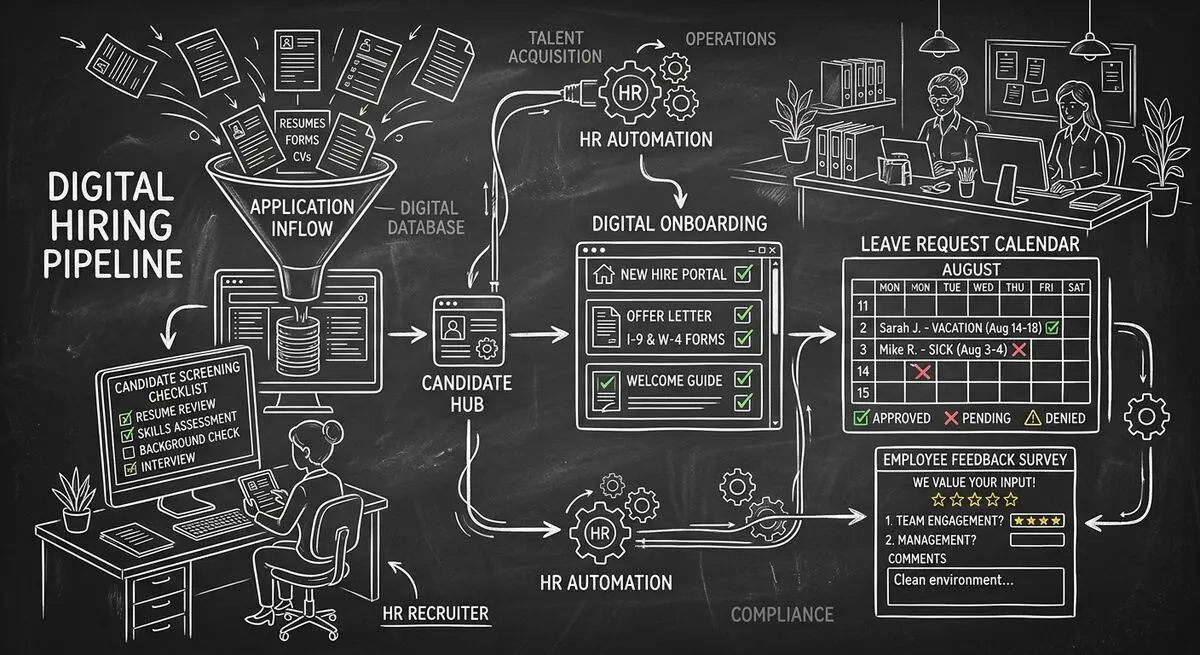
Six Dashform generator starting points for drafting applications, onboarding forms, leave requests, surveys, and feedback, with human review and integration setup.
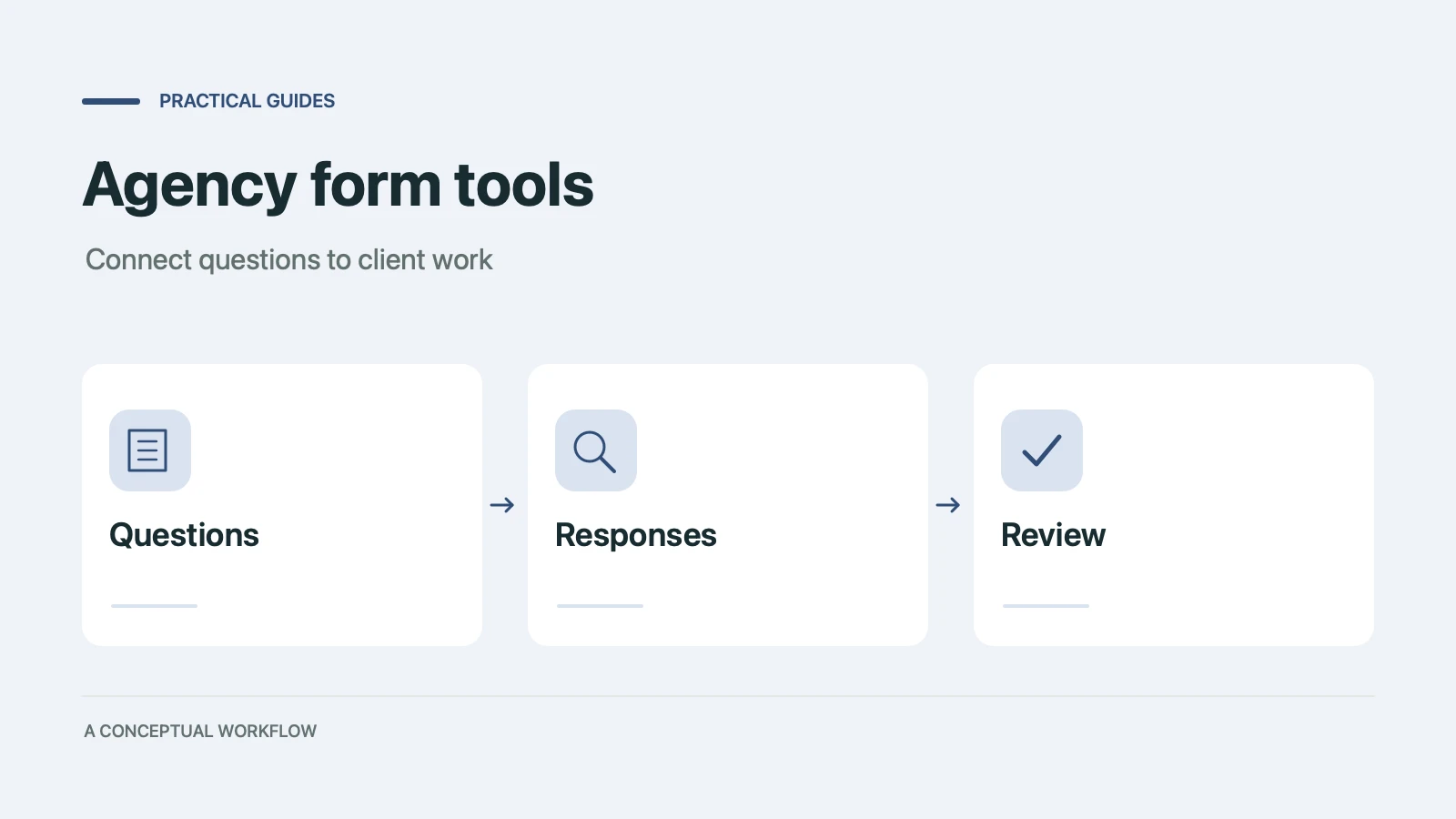
Use six Dashform generator entry points to draft client quizzes, surveys, intake forms, and feedback forms, then review and test the workflow.
Try the world's first AI-native form and turn every response into action instantly.