This five-question form opens by asking for the visitor's name and an optional email address for follow-up, then moves to the "What type of feedback would you like to provide?" question so the library knows whether to route the response as a suggestion, complaint, general feedback, or question. A rating question captures the visitor's overall experience that day, giving staff a quick numeric signal before reading the detail. The final "Please share your suggestions, comments, or concerns in detail." question is where visitors write freely — its position after the rating means the number and the explanation always arrive together. After submitting, visitors see a short thank-you screen confirming their input will be used to improve library services.
Try the conversation below to see how this template works
Trusted by over 10,000 customers and growing
Conversations Started
Questions Answered
Forms Created
Branch staff rely on the "How would you rate your overall experience with our library today?" question paired with the detail field to spot service issues tied to a specific day or location.
The "What type of feedback would you like to provide?" question routes responses into four clear categories, making it easy to triage complaints separately from suggestions or general comments across multiple branches.
The optional email question lets engagement staff follow up personally with visitors who leave questions or detailed suggestions, turning a one-way form into the start of a conversation.

AI builds and refines your form through natural conversation no templates, no complex logic, no coding. From a simple text prompt or URL, Dashform generates intelligent flows that adapt automatically.
Dashform turns traditional form-filling into a two-way dialogue. The AI understands intent, remembers context, and asks relevant follow-up questions just like a real human conversation.
Every response is transformed into structured, meaningful, and ready-to-use data. Integrate with your favorite tools.
Everything you need to create amazing forms
Everything you need to know about this template
Don't see exactly what you need? Use our AI Form Generator to create a custom form in seconds. Just describe what you want, and AI will build it for you.
Explore more templates to find the perfect fit
 Assessment
A six-question form for educators to assess preschool students' pre-academic, social, and communication development.
 Job Application
Collect teacher and intern applicants' contact info, education, experience, availability, and motivation in one tidy form.
 Evaluation Survey
Collect structured ratings and open feedback on a presenter's content, delivery, and overall impact.
 File Upload
Submit a press release with contact details, industry category, and regional targeting in one straightforward form.
 Other
Collect every detail needed for a professional press release, from headline and embargo date to boilerplate and media contact.
 Agreement
Collect customer contact info, property details, surface selections, and scheduling preferences for a pressure washing booking.
Learn how to get the most out of your forms and templates
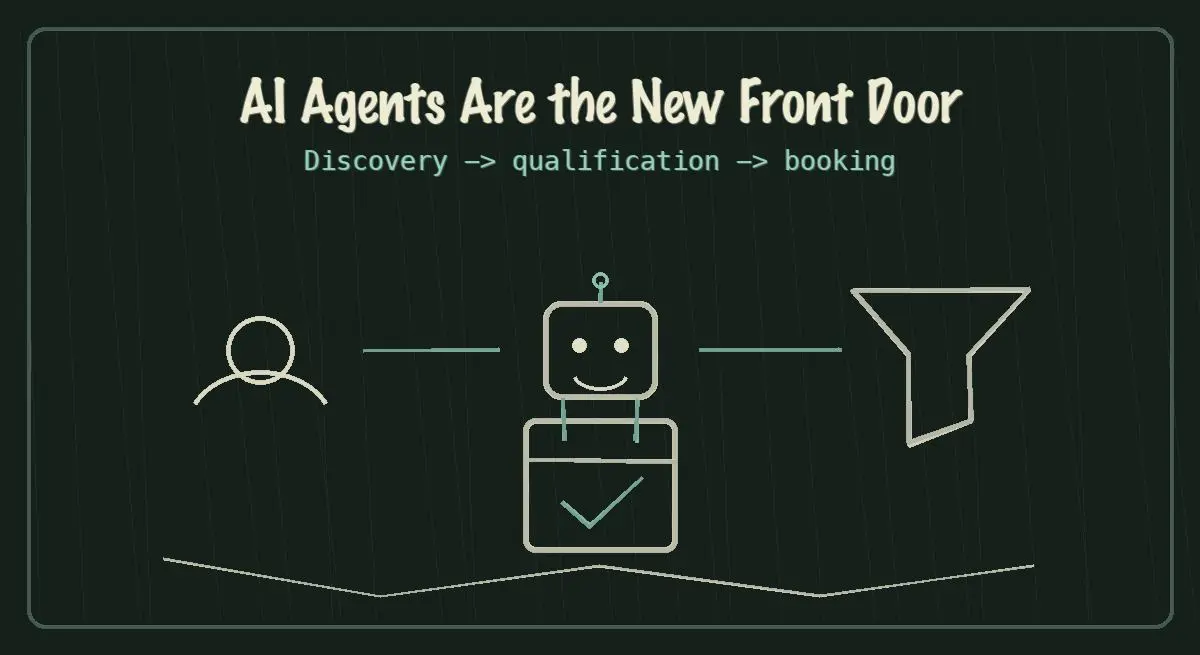
AI agents are becoming the new front door for local service discovery. Learn how to make your business discoverable, qualified, and bookable in 2026.
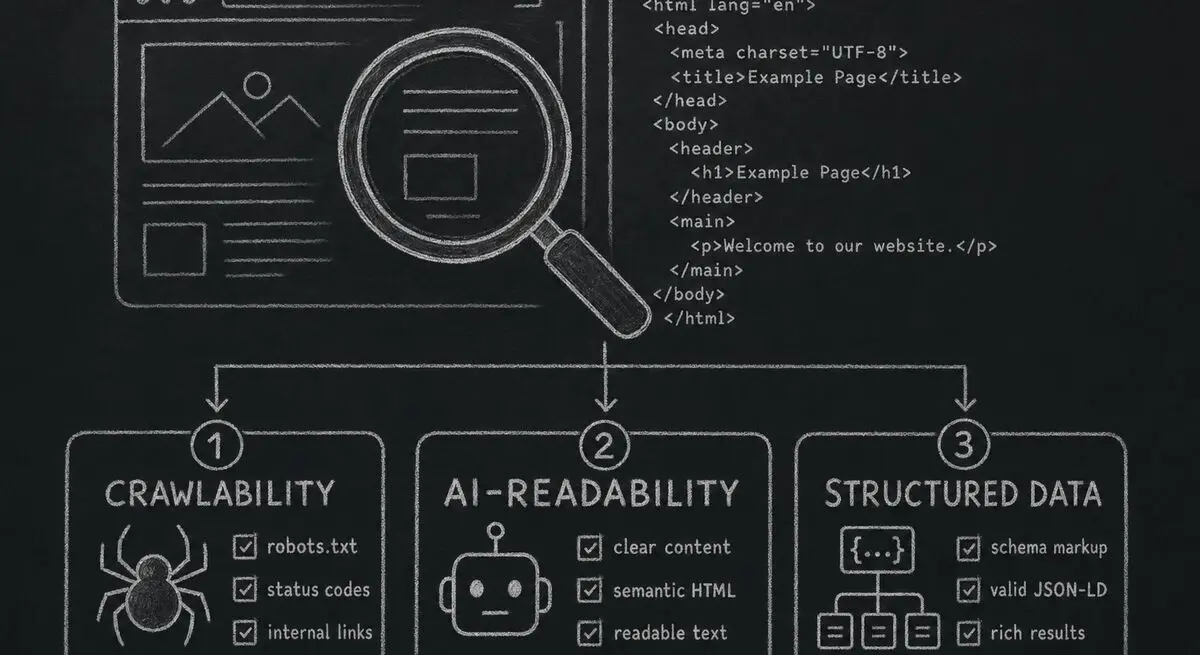
How Dashform computes technical agent readiness, groups its checks into Readiness Layers, and presents Findings without predicting traffic or revenue.

Add a header image in Google Forms and review Dashform's logo, theme, and step-background options for branded forms.
Try the world's first AI-native form and turn every response into action instantly.

