The Student Daily Feedback Form opens with a welcome screen that frames feedback as a contribution to everyone's learning environment, then moves into six questions. It starts with the "How would you rate your overall learning experience today?" question to capture an immediate top-line impression, before drilling into comprehension with the "Did you clearly understand the main concepts taught today?" question — giving educators a clear signal of where confusion may lie. Two open-ended questions then invite students to name what engaged them and what could have been clearer, surfacing specific detail that a rating alone cannot. The "How do you feel about your learning progress today?" question checks student confidence, which can diverge from comprehension scores and flags students who understand the material but still feel unsure. A final optional comments box catches anything the earlier questions missed. After submitting, students see a short thank-you screen confirming their input has been received and will feed into ongoing improvement.
Try the conversation below to see how this template works
Trusted by over 10,000 customers and growing
Conversations Started
Questions Answered
Forms Created
Rely on the "Did you clearly understand the main concepts taught today?" question to quickly identify which students need follow-up before the next lesson.
Use the open-ended "What was the most engaging or interesting part of today's lesson?" and "What could have been improved or made clearer in today's lesson?" questions to gather specific, lesson-level input for refining course materials.
Depend on the "How do you feel about your learning progress today?" question to track student confidence session by session and adjust pacing or teaching style accordingly.

AI builds and refines your form through natural conversation no templates, no complex logic, no coding. From a simple text prompt or URL, Dashform generates intelligent flows that adapt automatically.
Dashform turns traditional form-filling into a two-way dialogue. The AI understands intent, remembers context, and asks relevant follow-up questions just like a real human conversation.
Every response is transformed into structured, meaningful, and ready-to-use data. Integrate with your favorite tools.
Everything you need to create amazing forms
Everything you need to know about this template
Don't see exactly what you need? Use our AI Form Generator to create a custom form in seconds. Just describe what you want, and AI will build it for you.
Explore more templates to find the perfect fit
 Checklist
Track equipment inspections by category, item condition, and any missing or damaged gear — with optional supervisor sign-off.
 Service Booking
Book watersports equipment hire in minutes — kayaks, paddleboards, wetsuits, and more.
 Tracking Log
Track business equipment with fields for condition, location, value, serial number, and assigned responsibility.
 Request
Let employees request new or replacement equipment with all the detail procurement needs to act quickly.
 Agreement
Capture all essential equity grant terms — valuation, percentage, vesting, and conditions — in one structured agreement form.
 Professions
Collect skin concerns, allergies, and medical history from clients before their esthetician appointment.
Learn how to get the most out of your forms and templates
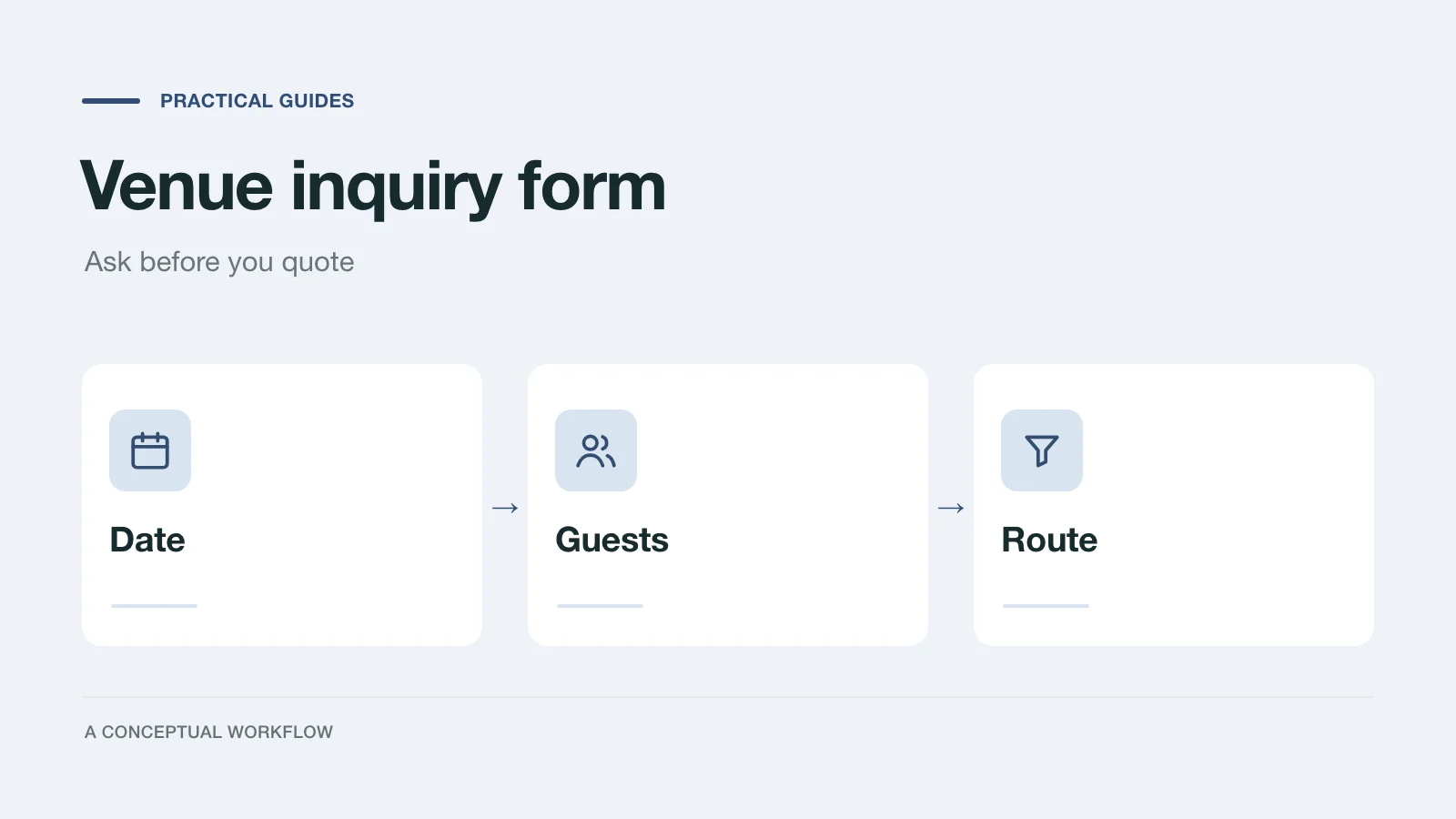
Copy a venue inquiry form question list and simple rules for which requests get an instant quote, a call, or a polite no, then build the form in Dashform.

Five proposed agency services to weigh beyond a generic AI pitch: readiness audits, intake forms, attribution, specialization, and supported agent work.
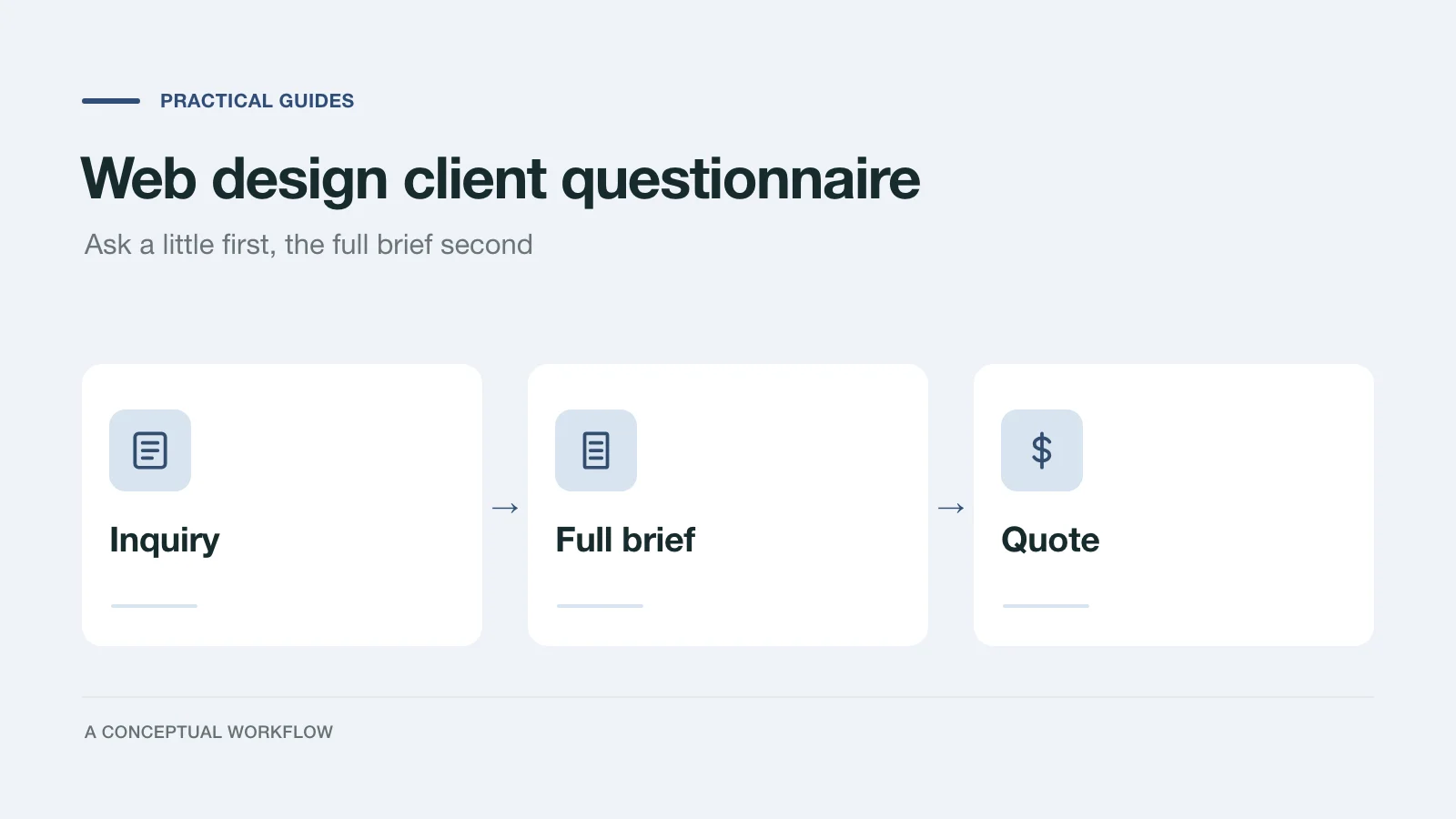
A web design client questionnaire in two stages: a short inquiry form to qualify the project, then the full brief you quote from. Every question explained.
Try the world's first AI-native form and turn every response into action instantly.

