

The Equipment Checklist Form opens by asking for the respondent's full name and today's date, establishing a clear record of who completed the check and when. A single-choice question then narrows the scope to one of six equipment categories — from Personal Protective Equipment to Vehicle Equipment — so the owner can sort submissions by type at a glance. The respondent then lists every item they inspected, including quantity and condition for each, followed by a required yes-or-no question about missing or damaged items; if they answer yes, an optional follow-up captures the specifics. A final optional field collects a supervisor's acknowledgment before submission, after which the end screen confirms the response was received and notes its role in maintaining operational readiness.
Try the conversation below to see how this template works
Trusted by over 10,000 customers and growing
Conversations Started
Questions Answered
Forms Created
The "Which category of equipment are you checking?" question with options like Tactical Gear and Communication Devices maps directly to the equipment inventories these teams manage before each shift.
The "Are there any items missing or in need of maintenance?" question gives EMS supervisors an immediate flag when Medical Supplies are low or compromised before a response.
The Vehicle Equipment category option, combined with the item-by-item condition log, lets managers track the state of vehicle-mounted gear across multiple drivers and shifts.

AI builds and refines your form through natural conversation no templates, no complex logic, no coding. From a simple text prompt or URL, Dashform generates intelligent flows that adapt automatically.
Dashform turns traditional form-filling into a two-way dialogue. The AI understands intent, remembers context, and asks relevant follow-up questions just like a real human conversation.
Every response is transformed into structured, meaningful, and ready-to-use data. Integrate with your favorite tools.
Everything you need to create amazing forms
Everything you need to know about this template
Don't see exactly what you need? Use our AI Form Generator to create a custom form in seconds. Just describe what you want, and AI will build it for you.
Explore more templates to find the perfect fit
 Checklist
Organize passenger, reservation, outbound flight, return flight, and travel notes before preparing an itinerary separately.
 Checklist
A six-question checklist covering surface condition, subfloor health, and installation compliance for any flooring inspection.
 General Survey
A six-question post-experience survey capturing satisfaction, likelihood to recommend, and open-ended feedback.
 General Survey
Collect food allergy details, reaction severity, emergency medications, and emergency contact info in one structured form.
 General Request
Request a replacement for a lost or stolen SNAP benefits card by submitting your contact details, case ID, and incident information.
 Registration
Register new clients for meal assistance by collecting contact details, household size, address, and dietary needs.
Learn how to get the most out of your forms and templates

The questions to ask a new coaching client before the first session, grouped by purpose, with which to make optional, what to leave out, and a template to start from.
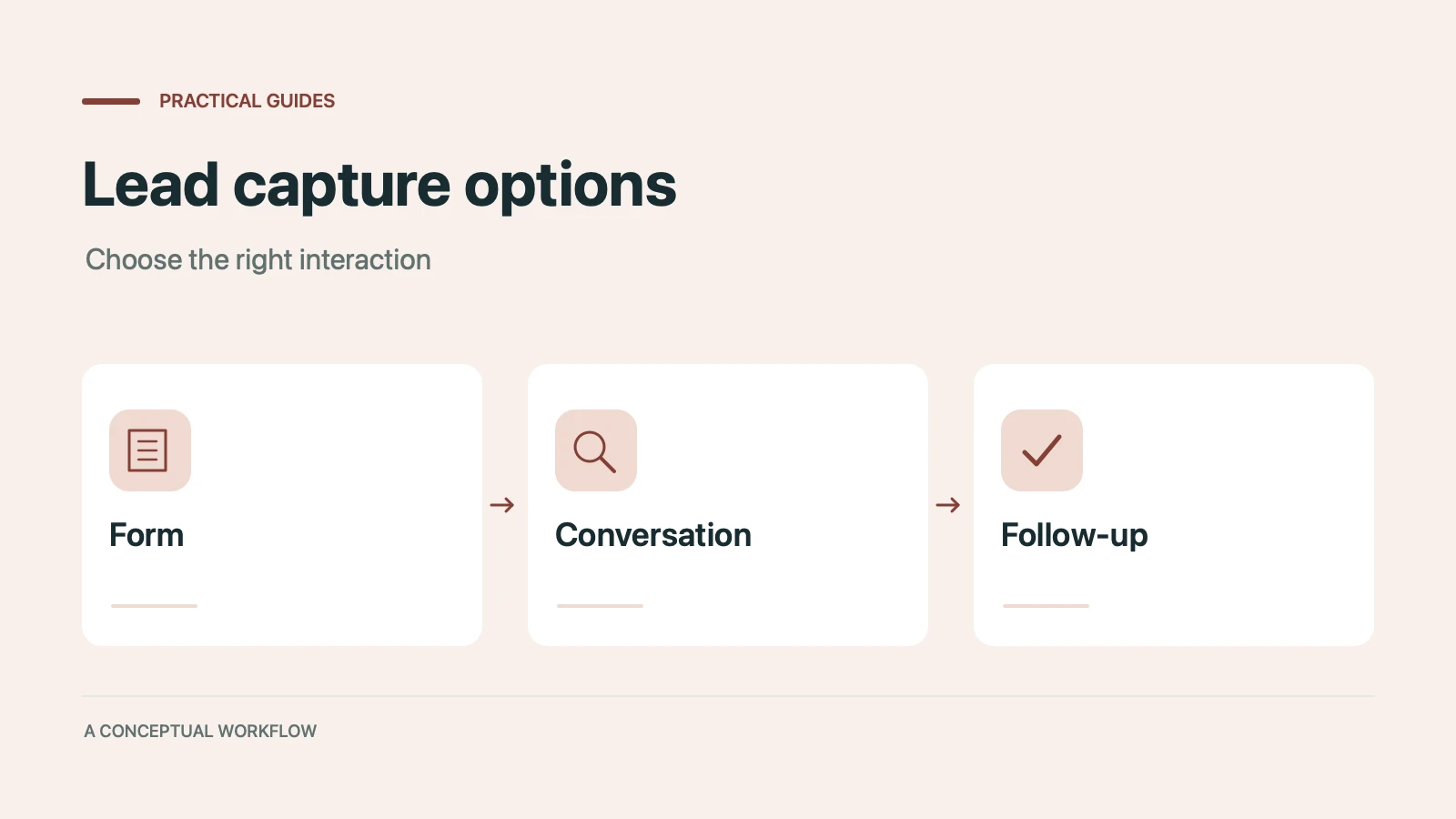
Static forms, AI chatbots, and conversational AI forms compared for lead capture: where each works, where each breaks, and the hybrid stack that combines them.
Call-to-action button examples grouped by goal, with best practices for placement, color, copy, and A/B testing.
Try the world's first AI-native form and turn every response into action instantly.