

This ten-question form collects everything a procurement team needs to evaluate and fulfill an equipment request. It opens by identifying the requester through the "Full Name", "Work Email Address", and "Department" questions, then moves into the specifics of the request: what's needed via the "Type of Equipment Requested" and "Equipment Description & Specifications" questions, and why it's needed via the "Reason for Request" and "Please provide additional justification or context" questions. The form then gauges urgency with the "Request Priority" question, followed by the optional "Date Equipment is Needed By" and "Budget Code or Cost Center (if known)" questions to help route and process the request without back-and-forth. After submitting, respondents see a confirmation screen letting them know that the procurement team will follow up within three to five business days.
Try the conversation below to see how this template works
Trusted by over 10,000 customers and growing
Conversations Started
Questions Answered
Forms Created
The "Request Priority" and "Date Equipment is Needed By" questions give IT and procurement a clear urgency signal so they can triage incoming requests without chasing down each requester.
The 'New Hire Setup' option in the "Reason for Request" question flags onboarding-related requests immediately, helping HR coordinate equipment delivery before a new employee's start date.
The "Equipment Description & Specifications" and "Please provide additional justification or context" questions let managers make a detailed case for project-driven or expansion-related equipment needs in one submission.

AI builds and refines your form through natural conversation no templates, no complex logic, no coding. From a simple text prompt or URL, Dashform generates intelligent flows that adapt automatically.
Dashform turns traditional form-filling into a two-way dialogue. The AI understands intent, remembers context, and asks relevant follow-up questions just like a real human conversation.
Every response is transformed into structured, meaningful, and ready-to-use data. Integrate with your favorite tools.
Everything you need to create amazing forms
Everything you need to know about this template
Don't see exactly what you need? Use our AI Form Generator to create a custom form in seconds. Just describe what you want, and AI will build it for you.
Explore more templates to find the perfect fit
 General Request
Notify your healthcare provider of a doctor change and authorize the transfer of your medical records in one short form.
 General Request
Document, justify, and route proposed changes to projects, contracts, processes, or systems for structured review.
 Progress Tracking
A weekly check-in covering weight, activity, nutrition, energy, sleep, and upcoming goals for consistent fitness tracking.
 Request
A structured internal form for submitting check requests with payee, amount, purpose, and budget details.
 Tracking Log
Log chemical substances with name, CAS number, quantity, storage location, hazard rating, and receipt date.
 Payment
Request a cheque payment by submitting payee details, amount, account code, approver, and required date.
Learn how to get the most out of your forms and templates
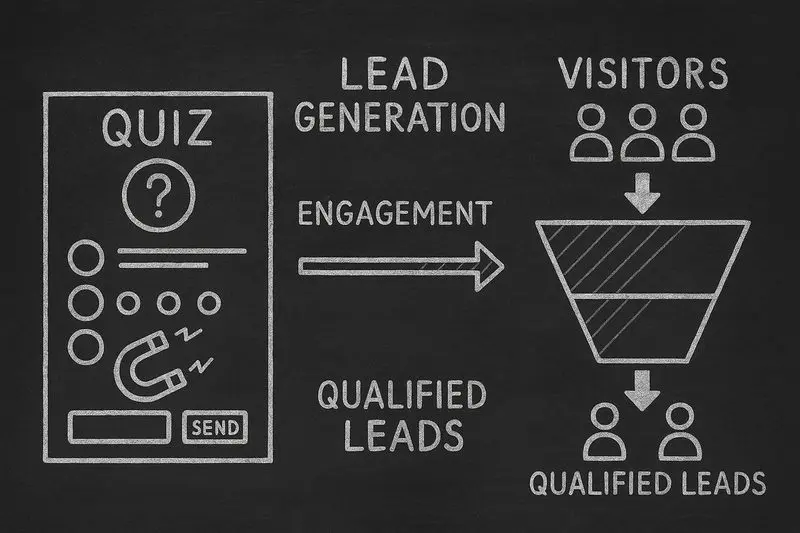
How lead generation quizzes work, the 5 quiz types that fit different goals, a design framework, and an email-capture playbook, with conversion data from Interact's quiz report.
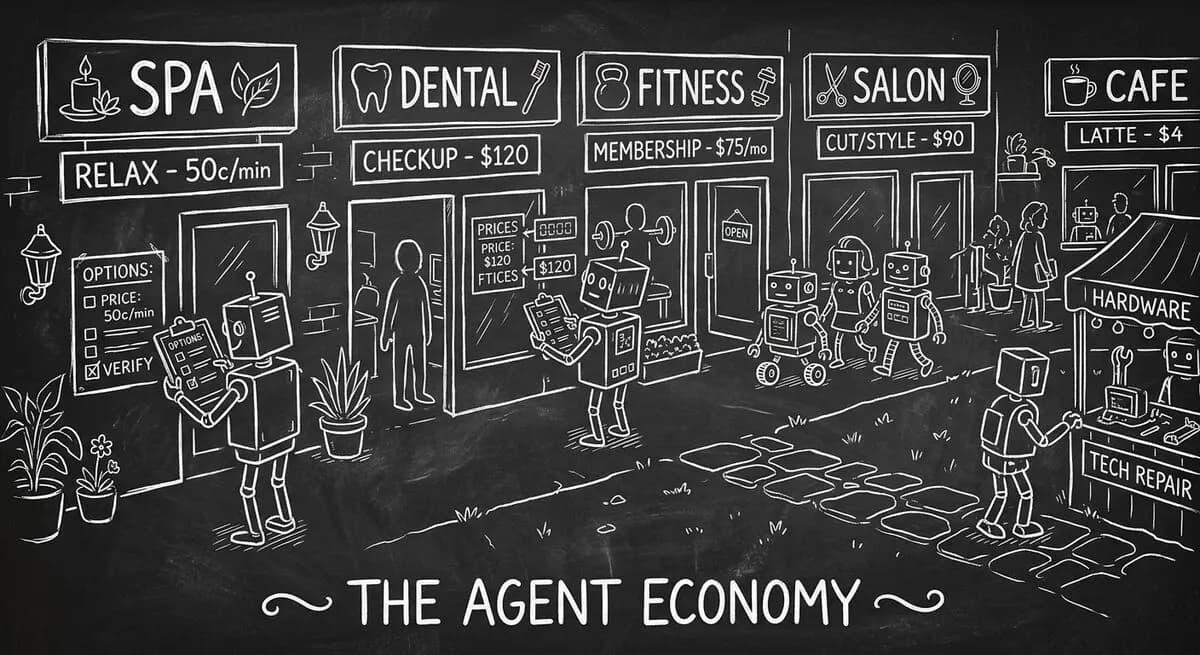
A practical guide to testing whether an authorized AI agent can find service information and submit an inquiry, with separate configuration for confirmed bookings.

OpenAI's GPT-5.4 joined Anthropic's Claude Opus 4.6 and Google's Gemini 3.1 Pro in early 2026. How their strengths differ for forms, quizzes, and lead qualification, and which to use for what.
Try the world's first AI-native form and turn every response into action instantly.