This equity agreement form collects seven pieces of information needed to document an ownership arrangement between a company and a recipient. It opens by asking for full legal names and addresses of all parties, then moves through the financial and structural terms: current company valuation, the percentage of equity being granted, and a description of the vesting schedule including any cliff periods or acceleration clauses. The "What type of equity is being granted?" question narrows the instrument to one of six options — from common or preferred stock to RSUs, phantom equity, or other — which shapes the legal character of the agreement. The form then asks for key conditions such as employment requirements, performance milestones, or transfer restrictions, before closing with the effective date. After submitting, respondents see a confirmation that their agreement has been generated, along with a strong prompt to have the document reviewed by a qualified attorney before signing.
Try the conversation below to see how this template works
Trusted by over 10,000 customers and growing
Conversations Started
Questions Answered
Forms Created
Relies on the equity type and vesting schedule questions to document early team grants with cliff periods and acceleration clauses that protect both the company and the recipient.
Uses the conditions and restrictions question to record employment requirements, transfer restrictions, and performance milestones that tie equity to ongoing obligations.
Depends on the "What is the current valuation of the company at the time of this equity grant?" question and the equity percentage question to establish the precise economic terms of the arrangement at grant date.

AI builds and refines your form through natural conversation no templates, no complex logic, no coding. From a simple text prompt or URL, Dashform generates intelligent flows that adapt automatically.
Dashform turns traditional form-filling into a two-way dialogue. The AI understands intent, remembers context, and asks relevant follow-up questions just like a real human conversation.
Every response is transformed into structured, meaningful, and ready-to-use data. Integrate with your favorite tools.
Everything you need to create amazing forms
Everything you need to know about this template
Don't see exactly what you need? Use our AI Form Generator to create a custom form in seconds. Just describe what you want, and AI will build it for you.
Explore more templates to find the perfect fit
 Appointment Booking
Request a doctor's appointment by providing patient details, a preferred date and time, and your reason for visiting.
 Other
Outline patient identity, visit date, reported absence period, and restrictions for a healthcare provider to review separately.
 Consent
Organize visit details, absence dates, restrictions, and a clinician-provided return date for separate medical review.
 Document Submission
Collect shareable document links with a document category, sender contact details, and optional notes.
 Evaluation
Audit any document for compliance, accuracy, completeness, and clarity in seven focused questions.
 Booking
A nine-question dog grooming booking form covering owner contact, dog size, services, preferred date and time, and notes on behavior or skin.
Learn how to get the most out of your forms and templates
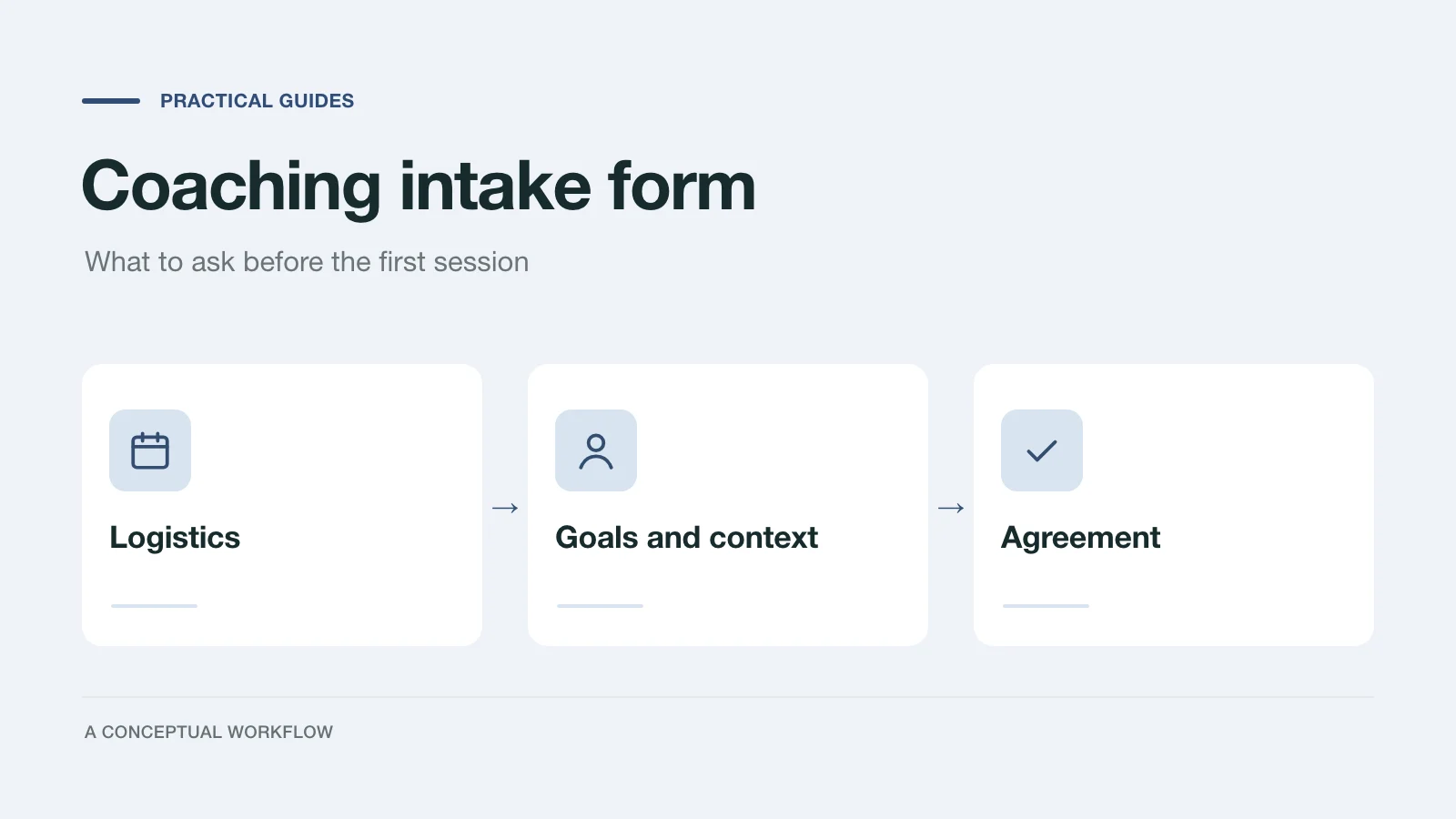
The questions to ask a new coaching client before the first session, grouped by purpose, with what to make optional, what to skip, and a template.
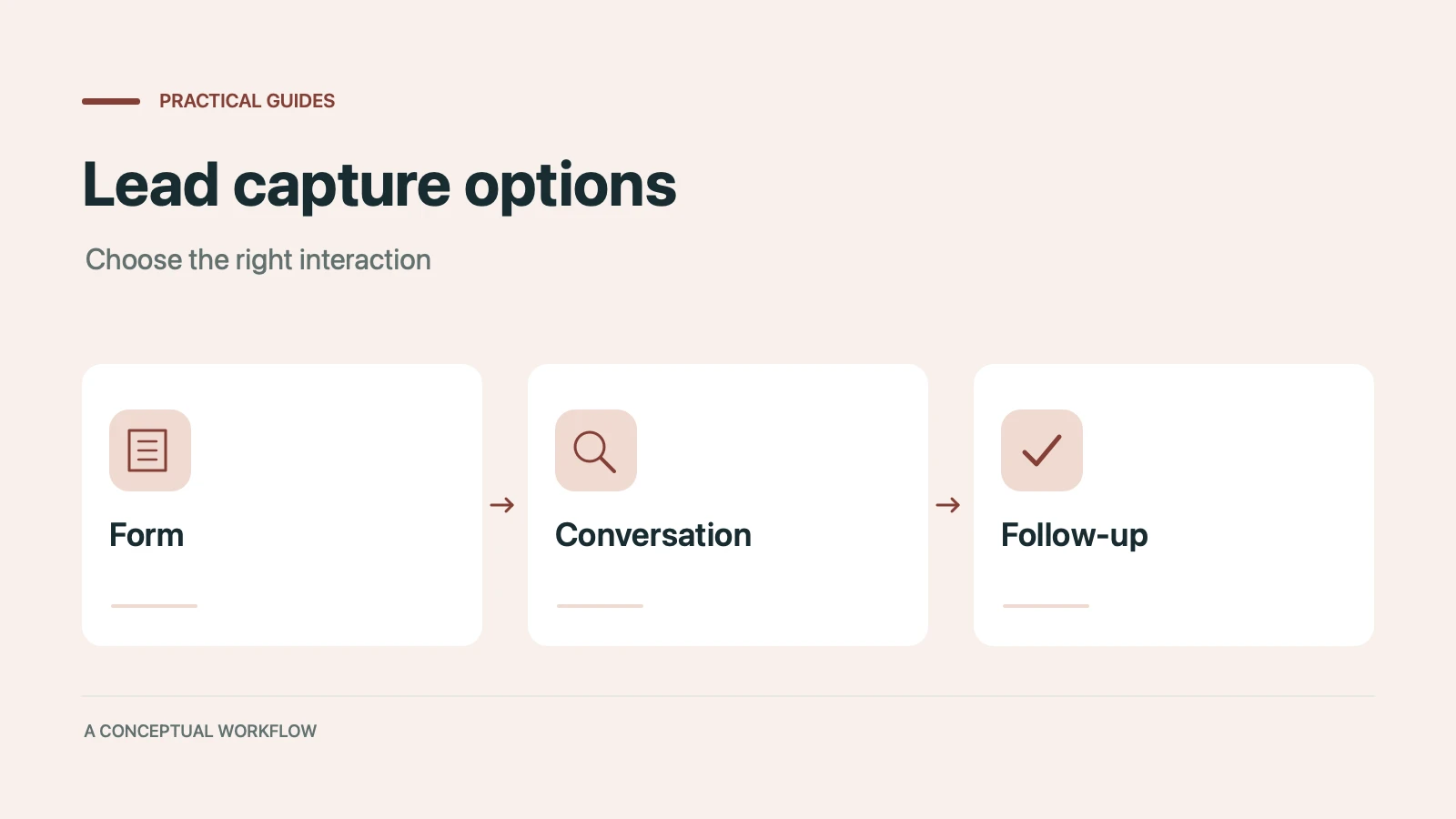
Can conversational AI replace lead capture forms? Compare static forms, AI chat, and conversational AI forms: where each works, breaks, and fits together.

Call-to-action button examples grouped by goal, with best practices for placement, color, copy, and A/B testing.
Try the world's first AI-native form and turn every response into action instantly.

