

The Equipment Inventory Form walks you through eight questions to capture a complete record of a single piece of business equipment. It opens by asking for the equipment name and serial number, then moves to the acquisition date and current condition — with options ranging from 'Excellent' to 'Out of Service' — so owners can quickly spot assets that need attention. It then collects the estimated current value and physical location, which together support financial reporting and day-to-day asset tracking. Two optional fields round things out: one for the person responsible for the equipment, and one for any free-form notes. After submitting, respondents see a confirmation screen thanking them for keeping inventory records up to date.
Try the conversation below to see how this template works
Trusted by over 10,000 customers and growing
Conversations Started
Questions Answered
Forms Created
Relies on the "Where is this equipment currently located?" and "What is the current condition of the equipment?" questions to keep a real-time picture of asset whereabouts and serviceability across sites.
Depends on the "When was this equipment acquired by the company?" and "Please provide the estimated current value of the equipment." questions to maintain accurate depreciation records and asset valuations.
Uses the serial number, responsible person, and notes fields to tie each asset to a specific user or location and flag anything that needs repair or has been taken out of service.

AI builds and refines your form through natural conversation no templates, no complex logic, no coding. From a simple text prompt or URL, Dashform generates intelligent flows that adapt automatically.
Dashform turns traditional form-filling into a two-way dialogue. The AI understands intent, remembers context, and asks relevant follow-up questions just like a real human conversation.
Every response is transformed into structured, meaningful, and ready-to-use data. Integrate with your favorite tools.
Everything you need to create amazing forms
Everything you need to know about this template
Don't see exactly what you need? Use our AI Form Generator to create a custom form in seconds. Just describe what you want, and AI will build it for you.
Explore more templates to find the perfect fit
 General Application
Collect Discord mod applications with questions on experience, availability, rule enforcement judgment, and tool familiarity.
 Issue Report
Report a Discord user for spam, harassment, inappropriate content, impersonation, or other rule violations.
 Consent
Collect diver consent, certification level, medical info, and emergency contact details before any diving activity.
 Survey
Collect age, gender, ethnicity, inclusion satisfaction, and open-ended suggestions to guide your diversity initiatives.
 Agreement
Outline an event, performance hours, equipment arrangements, fees, and cancellation terms for a separately prepared DJ agreement.
 Invoice
Record client details, event services, equipment, charges, and payment terms before preparing a DJ invoice.
Learn how to get the most out of your forms and templates
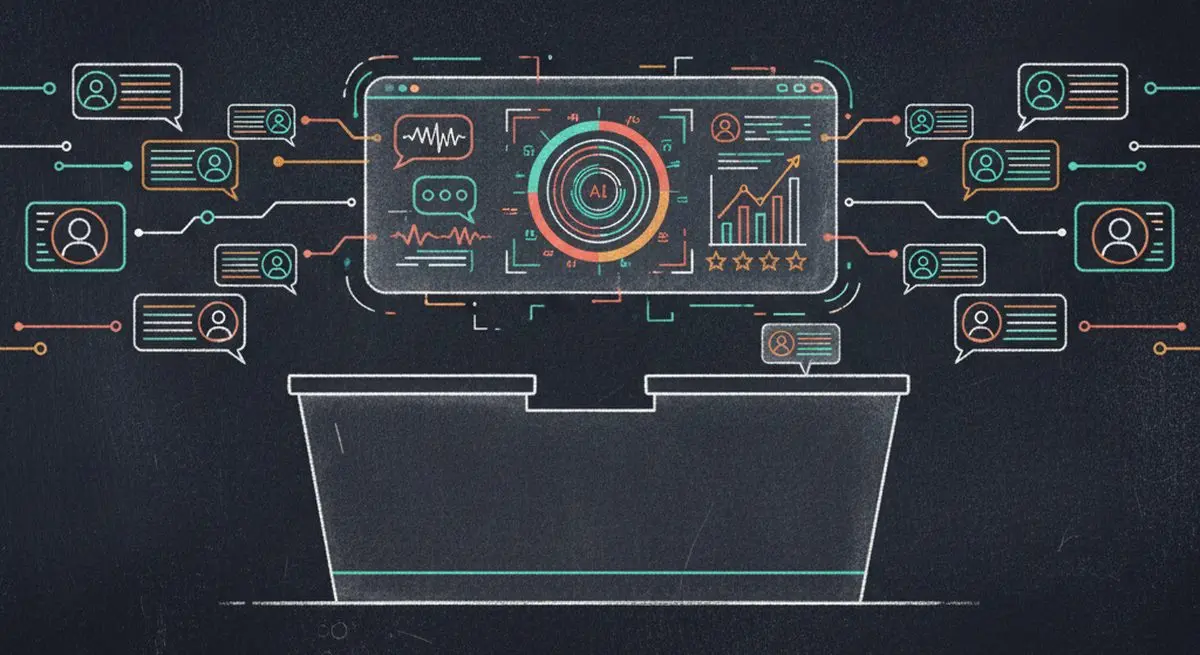
AI agents are taking on client intake for service businesses. How agent funnels handle discovery, qualification, and booking, and how the front desk's job changes.
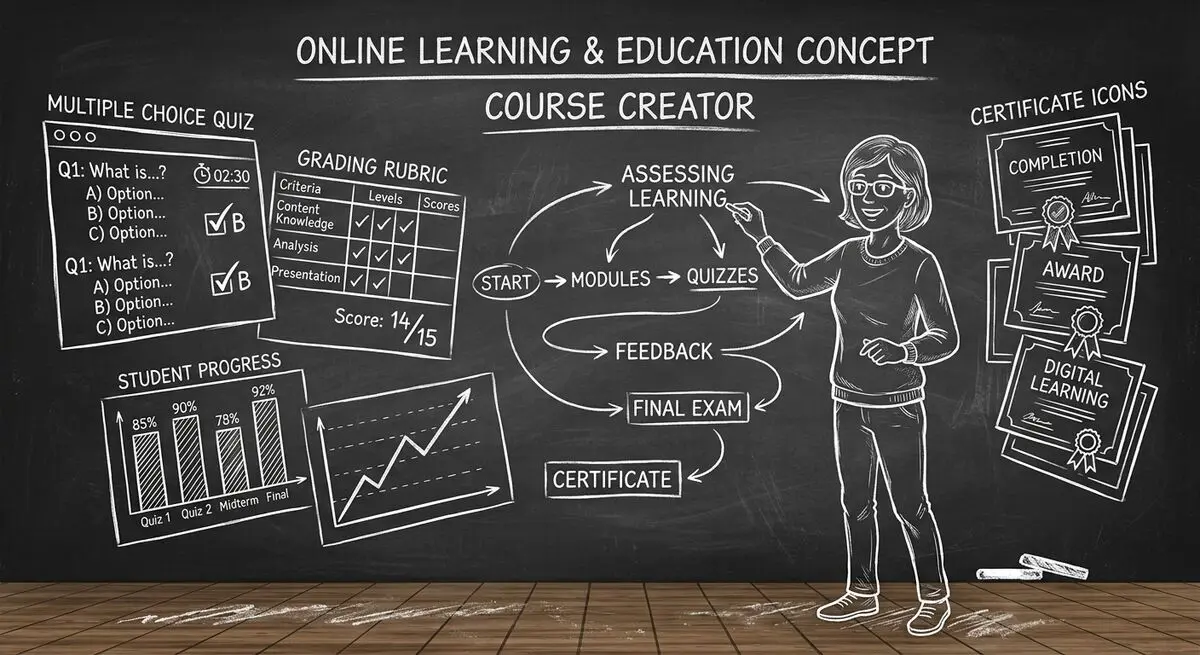
6 AI drafting tools for course creators, with suggestions for reviewing quiz questions, gathering feedback, and collecting enrollment information.
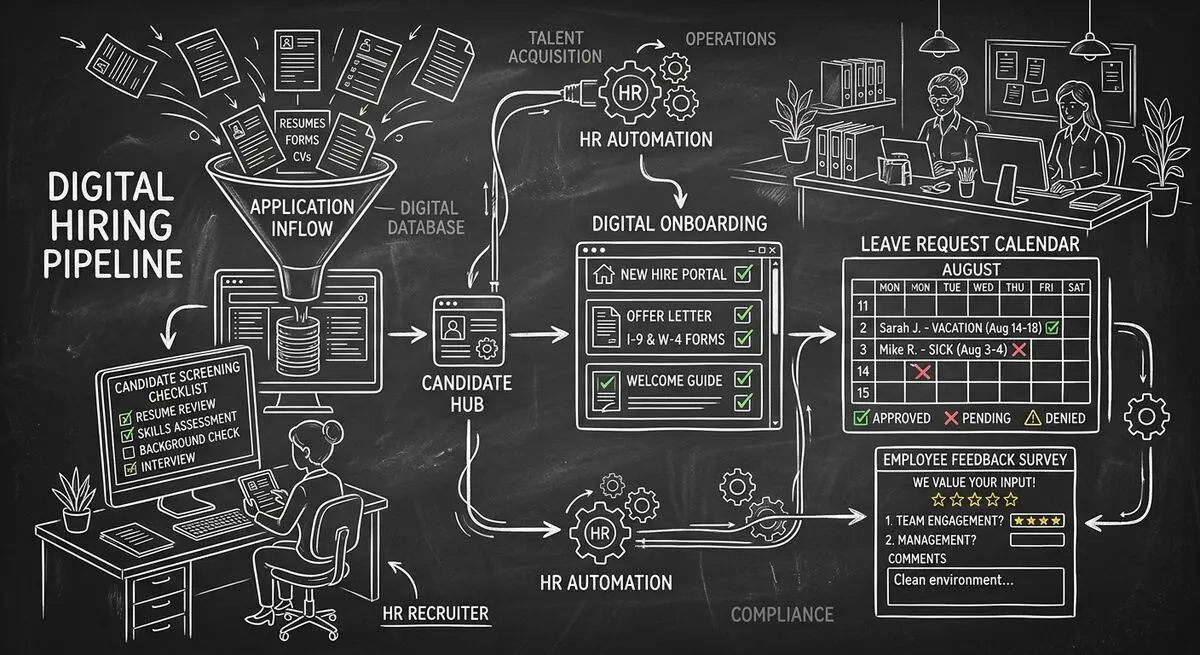
Six Dashform generator starting points for drafting applications, onboarding forms, leave requests, surveys, and feedback, with human review and integration setup.
Try the world's first AI-native form and turn every response into action instantly.