The School Uniform Order Form identifies the parent or guardian, child, and class before collecting shirt size and quantity. Its bottom fields ask explicitly for pants or skirts, sizes, and matching quantities, allowing both types to be listed without ambiguity. Families can write not needed or none and enter zero for unwanted categories. An optional final field captures additional items. The nine-question request ends with a reminder to await stock and price confirmation from the school or supplier.
Try the conversation below to see how this template works
Trusted by over 10,000 customers and growing
Conversations Started
Questions Answered
Forms Created
Match the child and class to shirt quantities and separately identified pants or skirt requests.
Use zero and no-item answers for categories you do not need while listing other uniform items in the final field.

AI builds and refines your form through natural conversation no templates, no complex logic, no coding. From a simple text prompt or URL, Dashform generates intelligent flows that adapt automatically.
Dashform turns traditional form-filling into a two-way dialogue. The AI understands intent, remembers context, and asks relevant follow-up questions just like a real human conversation.
Every response is transformed into structured, meaningful, and ready-to-use data. Integrate with your favorite tools.
Everything you need to create amazing forms
Everything you need to know about this template
Don't see exactly what you need? Use our AI Form Generator to create a custom form in seconds. Just describe what you want, and AI will build it for you.
Explore more templates to find the perfect fit
 Patient
Collect patient contact details, insurance info, medical history, and HIPAA consent before the first appointment.
 Patient Feedback
Collect patient feedback on wait times, staff, and care quality to pinpoint where your practice can improve.
 Client Intake
Collect a patient's full medication record, including prescriptions, OTC drugs, allergies, and review date.
 Incident Report
A structured end-of-shift form for officers to log patrol details, incidents, observations, and equipment status.
 Payroll
Enter employee identity, pay period, earnings, deductions, and net pay for payroll review before a pay stub is issued.
 Payment
Formally declare and certify a completed payment with payer details, amount, method, recipient, and purpose.
Learn how to get the most out of your forms and templates
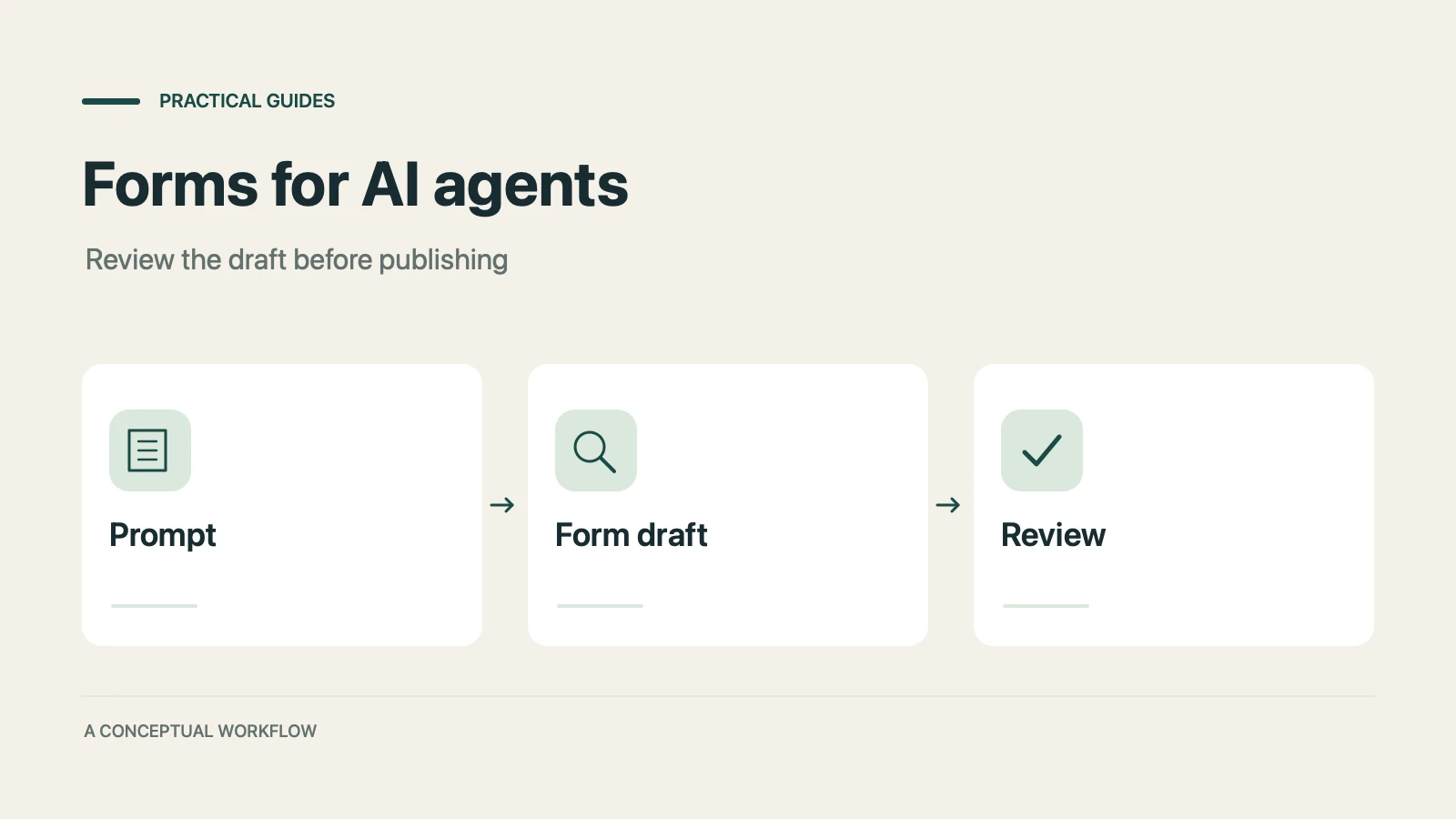
A practical guide to evaluating terminal-based Dashform workflows, checking current commands, reviewing drafts, and publishing with explicit authorization.
Use Dashform's MCP connection in a compatible AI client to draft and edit forms, review the saved result, and publish when ready.

Dashform supports MCP. Connect OpenClaw, Claude Code, LangChain, or any MCP agent to build forms, surveys, and quiz funnels through getaiform.com/api/mcp.
Try the world's first AI-native form and turn every response into action instantly.

