

This form walks a payer through formally certifying a completed transaction in eight steps. It opens by collecting the payer's full name and email address so the declaration is tied to an identifiable person or entity, then asks for the payment date, exact amount, and method — chosen from options including 'Bank Transfer', 'Credit Card', 'Cash', and 'Check' — to pin down the specifics of the transaction. The "What is the full name of the person or entity receiving the payment?" question and the "Briefly describe the purpose of this payment." question together establish who received the funds and why, giving the declaration its legal and administrative weight. An optional final question invites any extra context the payer wants on record. After submitting, respondents see a confirmation screen thanking them and confirming their declaration was received.
Try the conversation below to see how this template works
Trusted by over 10,000 customers and growing
Conversations Started
Questions Answered
Forms Created
They rely on the payment date, amount, and method questions to create an auditable record that matches transactions to ledger entries.
They use the "Briefly describe the purpose of this payment." question to document which project or invoice a payment relates to, keeping client records clean.
They depend on the payer and recipient name questions to formally declare rent or deposit payments and confirm which tenant and property are involved.

AI builds and refines your form through natural conversation no templates, no complex logic, no coding. From a simple text prompt or URL, Dashform generates intelligent flows that adapt automatically.
Dashform turns traditional form-filling into a two-way dialogue. The AI understands intent, remembers context, and asks relevant follow-up questions just like a real human conversation.
Every response is transformed into structured, meaningful, and ready-to-use data. Integrate with your favorite tools.
Everything you need to create amazing forms
Everything you need to know about this template
Don't see exactly what you need? Use our AI Form Generator to create a custom form in seconds. Just describe what you want, and AI will build it for you.
Explore more templates to find the perfect fit
 Agreement
Collect client details, health disclosures, and treatment consent before a skincare appointment.
 Survey
Six questions to capture skin type, concerns, routine habits, and product preferences for tailored skincare recommendations.
 Assessment
Nine questions that pinpoint which marketing levers are working and which gaps are slowing your small business's growth.
 Application
Apply for legal rights as an executor or personal representative for a small estate in eight straightforward steps.
 Assessment
Verify your rental property's alarm system status and functionality with this seven-question tenant inspection form.
 General Request
Request social media account verification by submitting your profile details, verification rationale, and ID type in one form.
Learn how to get the most out of your forms and templates
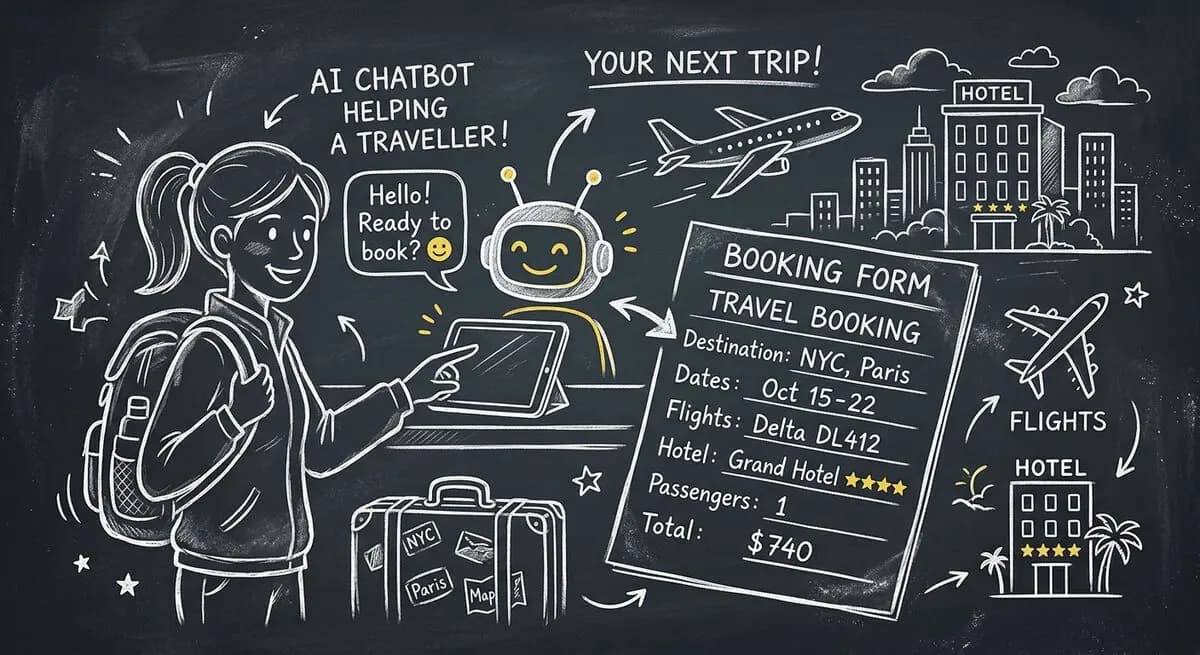
How hotels and tour operators can pair OpenClaw AI agents with Dashform preference forms to personalize bookings, offer upsells, and follow up after trips.

GLP-1 drugs like Ozempic are bringing new patients to med spas. How AI lead qualification helps clinics focus on high-value clients as the trend grows.
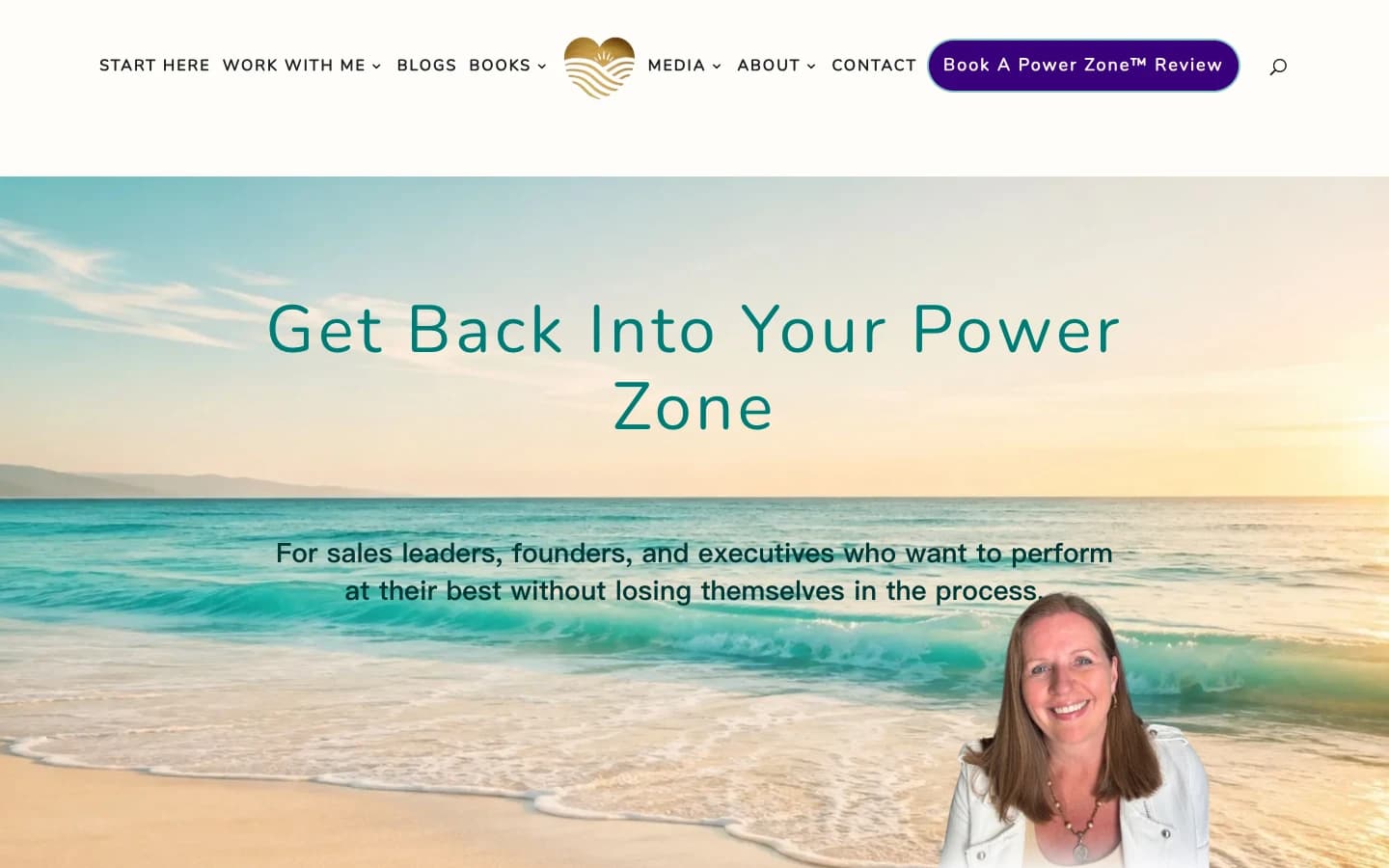
Leadership coach Pia Jansson shares how she turned her method into a personalized assessment, with four result sections and optional email signup.
Try the world's first AI-native form and turn every response into action instantly.