

This patient registration form opens by collecting the basics — full legal name, date of birth, email, phone, and home address — so the practice has accurate records before the appointment. It then asks for an emergency contact name and phone number, followed by insurance company name and policy or member ID, giving the front desk everything needed for billing without a back-and-forth at check-in. The medical history section asks patients to list allergies, current medications with dosages, and any chronic conditions or significant history, giving the care team a clear picture ahead of the visit. The final "Do you consent to our privacy practices as described in our HIPAA notice?" question closes the form with a required acknowledgment before patients see a confirmation screen thanking them and noting their appointment.
Try the conversation below to see how this template works
Trusted by over 10,000 customers and growing
Conversations Started
Questions Answered
Forms Created
Relies on the insurance and medical history questions to arrive at appointments with billing details and allergy or medication information already on file.
Uses the "Who is your primary care physician? (if applicable)" question and the chronic conditions question to understand referral context and relevant history before the first visit.
Depends on the emergency contact, allergy, and current medications questions to act quickly when a walk-in patient cannot provide details in the moment.

AI builds and refines your form through natural conversation no templates, no complex logic, no coding. From a simple text prompt or URL, Dashform generates intelligent flows that adapt automatically.
Dashform turns traditional form-filling into a two-way dialogue. The AI understands intent, remembers context, and asks relevant follow-up questions just like a real human conversation.
Every response is transformed into structured, meaningful, and ready-to-use data. Integrate with your favorite tools.
Everything you need to create amazing forms
Everything you need to know about this template
Don't see exactly what you need? Use our AI Form Generator to create a custom form in seconds. Just describe what you want, and AI will build it for you.
Explore more templates to find the perfect fit
 General Survey
Help your Secret Santa pick the perfect gift by sharing your tastes, sizes, wishlist, and any gift preferences to avoid.
 Progress Tracking
Track mood, sleep, physical activity, and emotional practices in one concise self-care check-in.
 Survey
A seven-question survey on self-harm experiences, triggers, coping strategies, and help-seeking behavior.
 Event Registration
Register a senior for the all-night party with emergency contact details, health notes, and parent or guardian e-signature consent.
 Evaluation
Capture SEO strategies, tool usage, key metrics, satisfaction, and 12-month goals in one structured business report.
 Agreement
Capture both parties' details, agreed services, deliverables, timeline, pricing, and success metrics in one SEO contract form.
Learn how to get the most out of your forms and templates

Eight Botox marketing ideas to evaluate: dedicated landing pages, consultation requests, seasonal promotions, local SEO, and configured follow-ups.
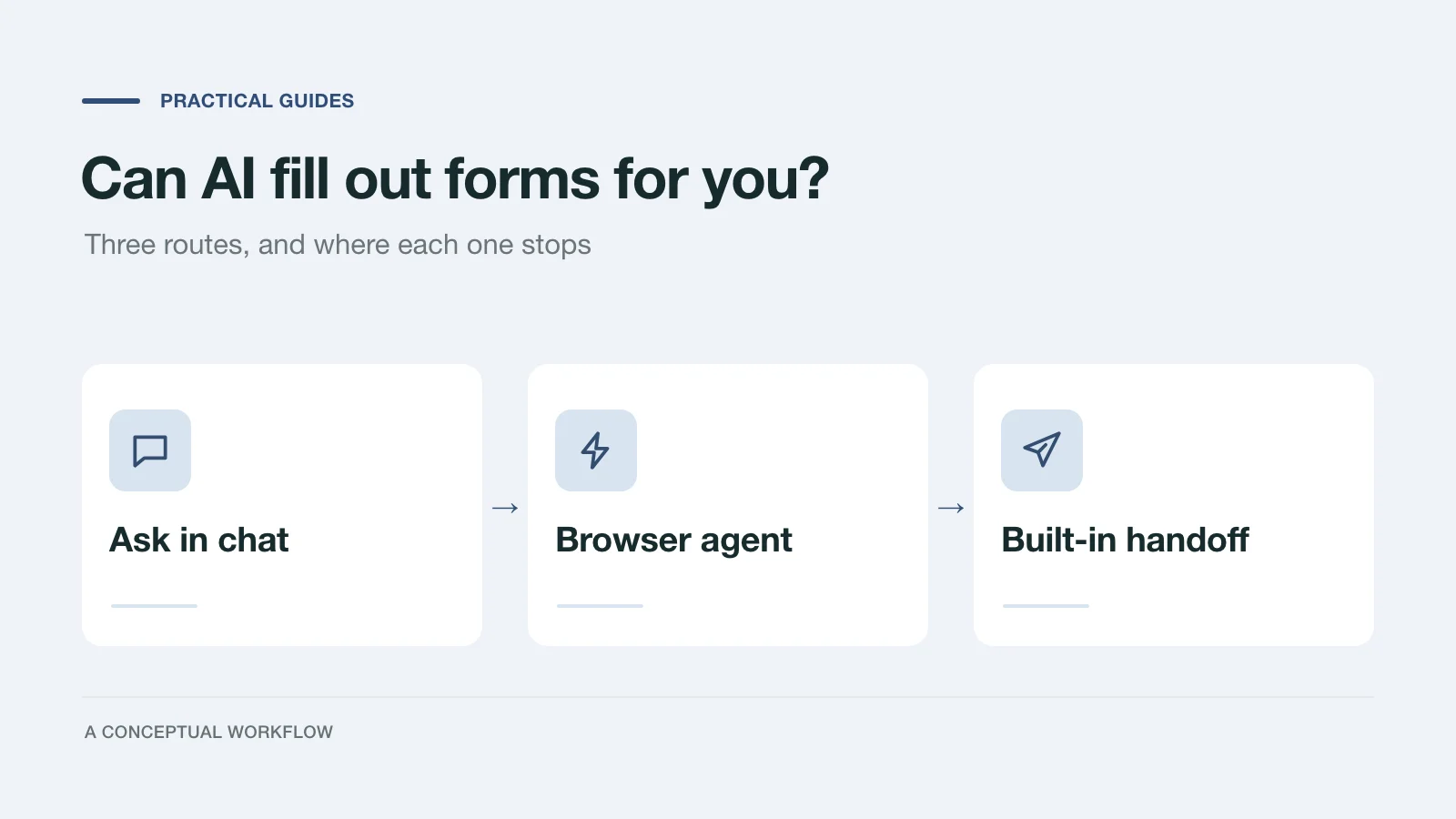
Yes, in three different ways: answers you paste in, a browser agent that clicks for you, or a form built for assistants. What each one handles and where it stops.
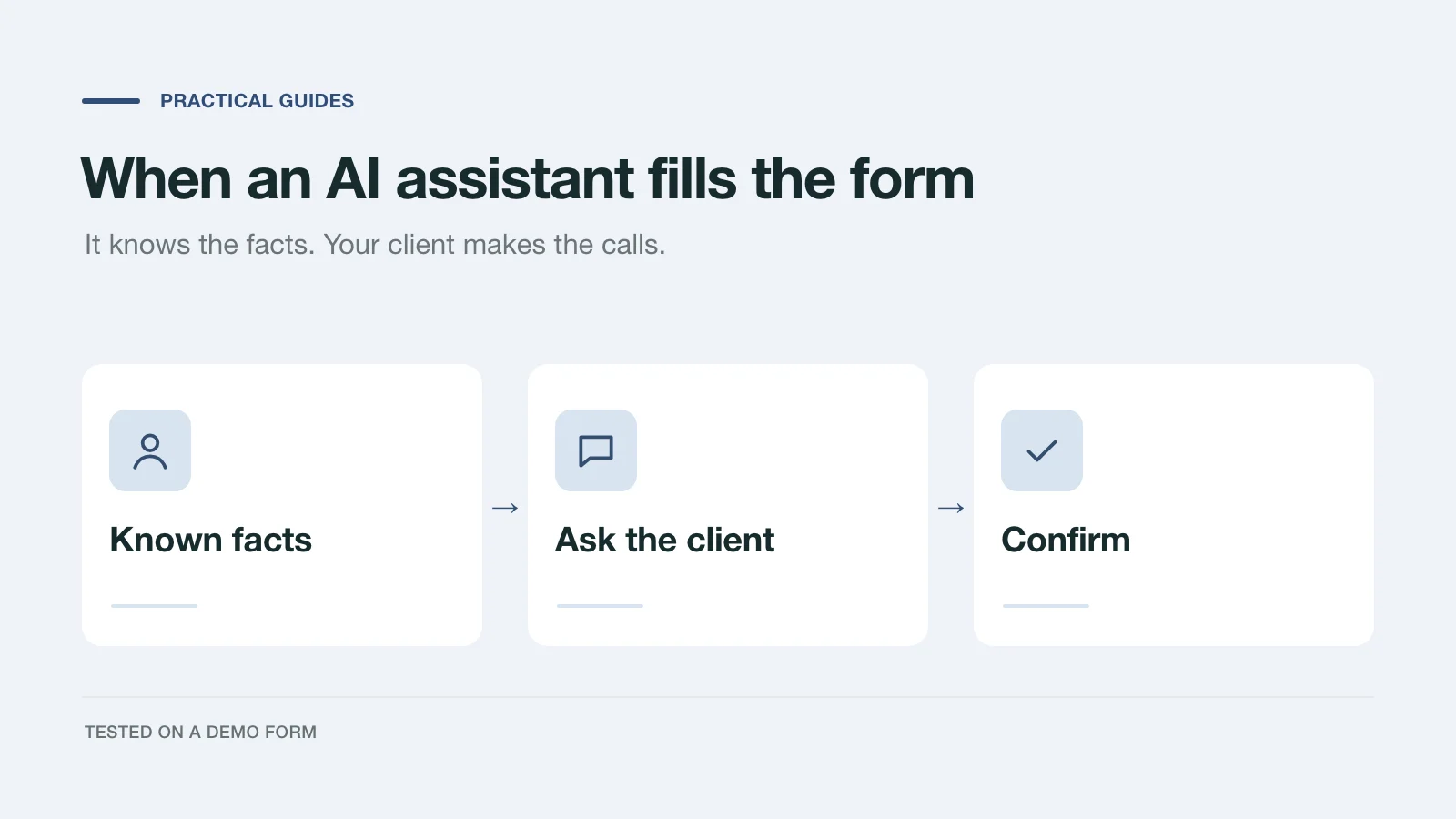
We had an AI assistant complete a demo project inquiry two ways: by clicking through the page and through a handoff prompt. What it knew, what it asked, and what to change.
Try the world's first AI-native form and turn every response into action instantly.