

The Patient Medication Form opens by asking for two required identifiers — the "Please enter the patient's full name." question and the "Please enter the patient's date of birth (MM/DD/YYYY)." question — so every record is tied to a specific individual from the start. It then moves through four optional open-ended questions covering prescribed medications (with name, dosage, frequency, route, and reason), over-the-counter medications, known allergies or adverse reactions, and any broader medication history or notes, building a layered clinical picture in a logical sequence. The form closes with the "Enter the date of the last medication review (MM/DD/YYYY), if applicable." question, which flags how current the record is. After submitting, respondents see a confirmation screen letting them know the information has been successfully saved.
Try the conversation below to see how this template works
Trusted by over 10,000 customers and growing
Conversations Started
Questions Answered
Forms Created
Relies on the prescribed medications question to capture the full details — name, dosage, frequency, route, and reason — that a GP needs for an up-to-date patient record.
Uses the over-the-counter medications question alongside the allergies question to spot potential interactions before dispensing.
Depends on the last medication review date question to assess how current the record is and flag patients who may need a clinical review on arrival.

AI builds and refines your form through natural conversation no templates, no complex logic, no coding. From a simple text prompt or URL, Dashform generates intelligent flows that adapt automatically.
Dashform turns traditional form-filling into a two-way dialogue. The AI understands intent, remembers context, and asks relevant follow-up questions just like a real human conversation.
Every response is transformed into structured, meaningful, and ready-to-use data. Integrate with your favorite tools.
Everything you need to create amazing forms
Everything you need to know about this template
Don't see exactly what you need? Use our AI Form Generator to create a custom form in seconds. Just describe what you want, and AI will build it for you.
Explore more templates to find the perfect fit
 Preorder
Reserve items from the Good Hart September collection and choose shipping or local pickup before launch.
 Tracking Log
Record a student's assignments, exams, attendance, participation, and final grade in one structured gradebook entry.
 Evaluation Survey
Collect structured graduate student feedback on course quality, instructor delivery, and learning materials.
 Rsvp
RsvpCollect graduate attendance confirmations and guest counts for your graduation ceremony in one simple form.
 Event Registration
A simple RSVP form for graduation party guests to confirm attendance, share guest counts, and flag dietary needs.
 Survey
A seven-question survey collecting graduating students' ratings, post-graduation plans, and program feedback.
Learn how to get the most out of your forms and templates
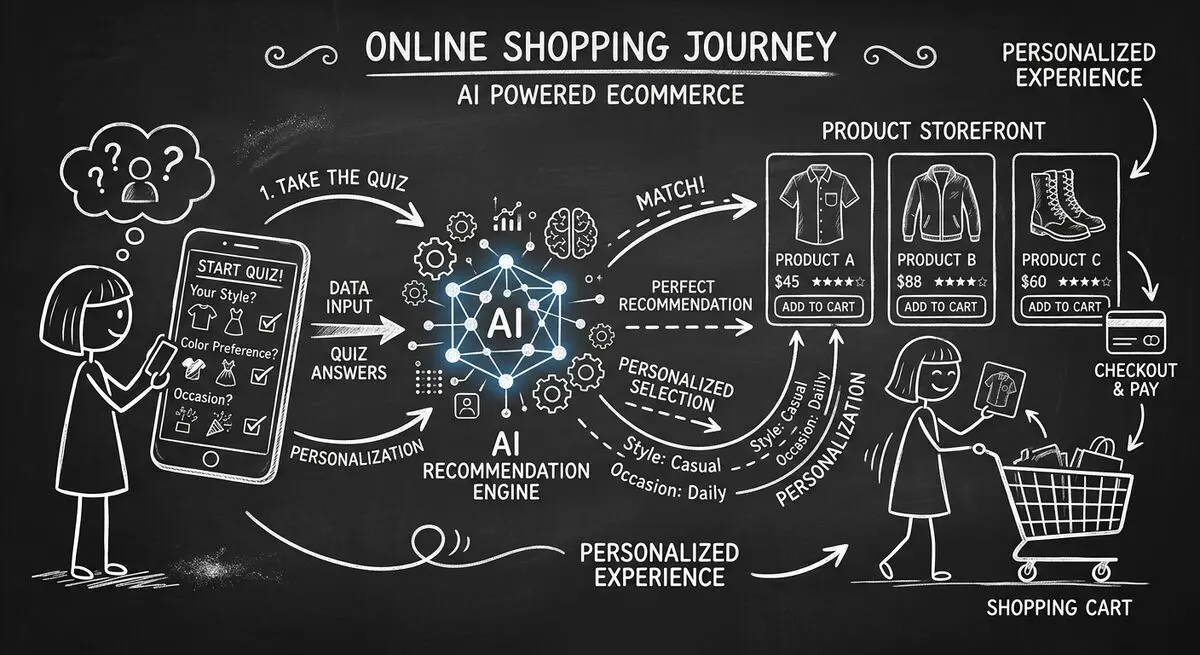
How to design an AI-assisted product quiz, map answers to recommendations, configure external tools, and measure the result for your store.
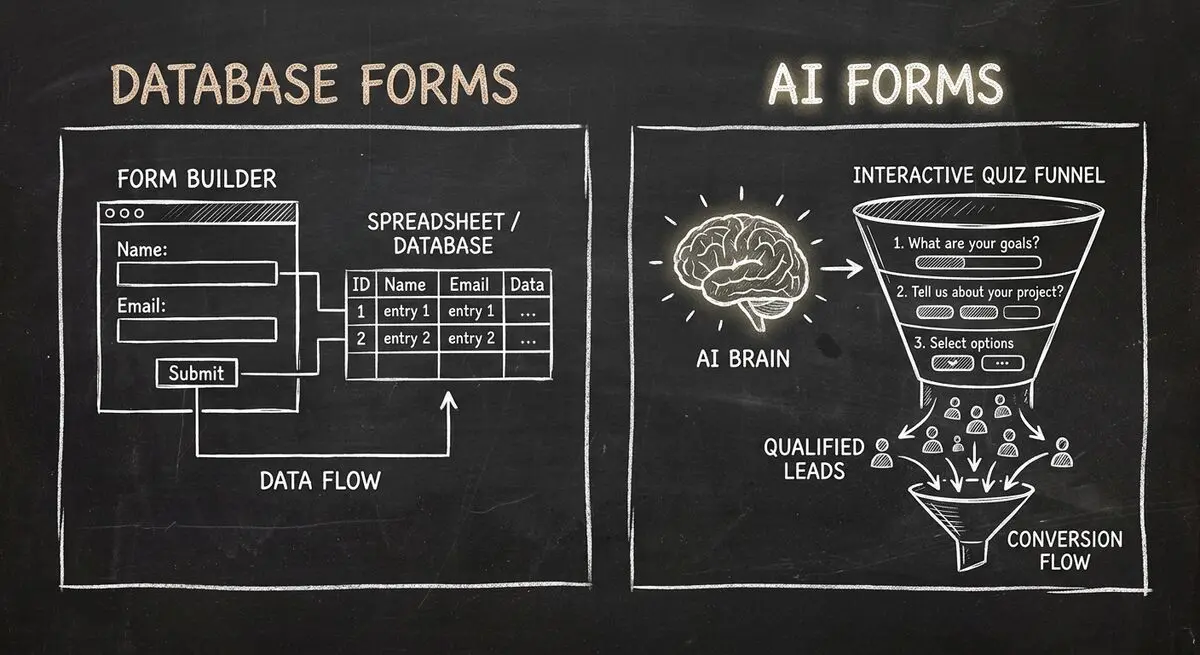
Compare Dashform and Fillout for lead intake, AI drafting, qualification, database connections, and the handoffs to test before switching.
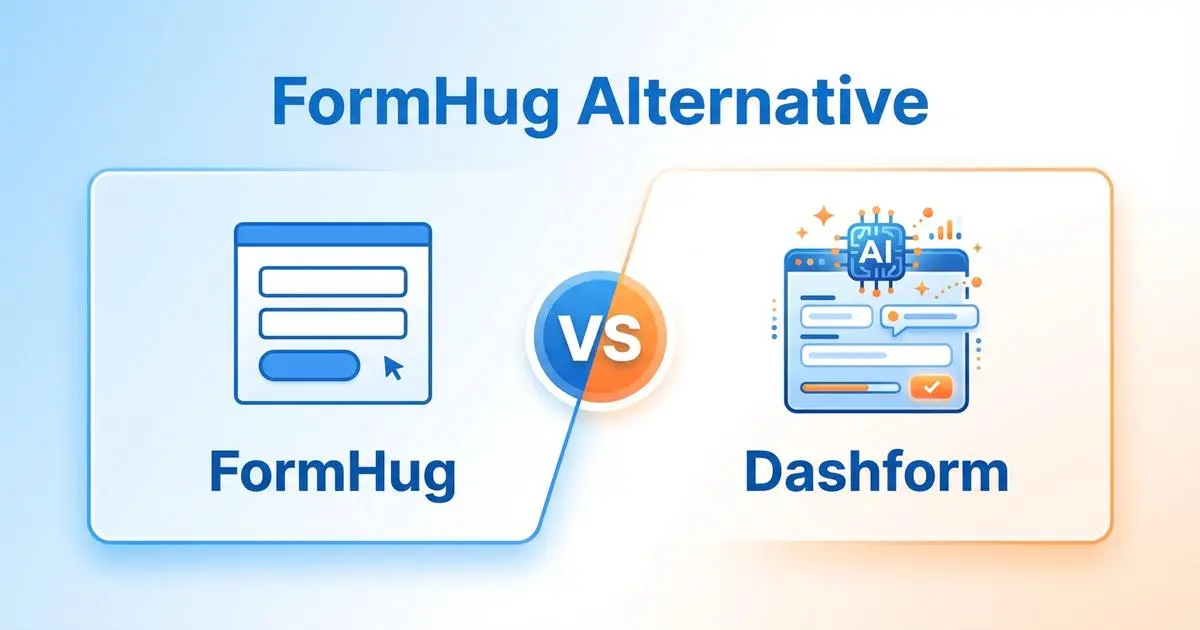
FormHug vs Dashform side by side: AI quiz funnels, lead scoring, and pricing. Where FormHug excels and where switching makes sense for agencies and coaches.
Try the world's first AI-native form and turn every response into action instantly.