The Patrol Report Form opens by collecting an officer's full name and badge or ID number, then the date and time of filing, establishing a clear chain of accountability before anything else. It moves into shift specifics — start and end times plus the assigned area or route — followed by a multiple-choice question on the types of activities performed, letting supervisors quickly categorise workload across routine patrol, traffic enforcement, incident response, and more. Two open-ended questions then invite detail on any incidents encountered and any additional observations or follow-up actions, both optional so officers aren't blocked when a shift was uneventful. An equipment status question and an optional shift-effectiveness rating round things out, giving command staff both a safety check and a performance signal. After submitting, officers see a confirmation screen thanking them and noting that their detailed reply supports accurate record-keeping and operational effectiveness.
Try the conversation below to see how this template works
Trusted by over 10,000 customers and growing
Conversations Started
Questions Answered
Forms Created
Rely on the shift details, activity categories, and incident questions to build a consistent, searchable record across every officer's submission.
Use the equipment status question and the follow-up observations field to track maintenance issues and outstanding actions without a separate reporting step.
Lean on the "Rate the overall effectiveness of your shift." question alongside the activity and incident fields to assess individual shifts and spot patterns over time.

AI builds and refines your form through natural conversation no templates, no complex logic, no coding. From a simple text prompt or URL, Dashform generates intelligent flows that adapt automatically.
Dashform turns traditional form-filling into a two-way dialogue. The AI understands intent, remembers context, and asks relevant follow-up questions just like a real human conversation.
Every response is transformed into structured, meaningful, and ready-to-use data. Integrate with your favorite tools.
Everything you need to create amazing forms
Everything you need to know about this template
Don't see exactly what you need? Use our AI Form Generator to create a custom form in seconds. Just describe what you want, and AI will build it for you.
Explore more templates to find the perfect fit
 Professions
Gather contact details, case background, urgency flags, and communication preferences before a legal consultation.
 Waiver
A digital liability waiver collecting participant details, emergency contacts, and risk acknowledgements before swimming lessons begin.
 Feedback
Share feedback on your library visit — rate your experience and leave suggestions, complaints, or questions in under two minutes.
 Membership Registration
Register for a library membership by providing your contact details, membership type, and agreement to terms.
 Upload
Gather a new coaching client's goals, challenges, focus areas, and background before their very first session.
 Survey
Collect personal life histories covering family, migration, education, employment, and key turning points for societal research.
Learn how to get the most out of your forms and templates
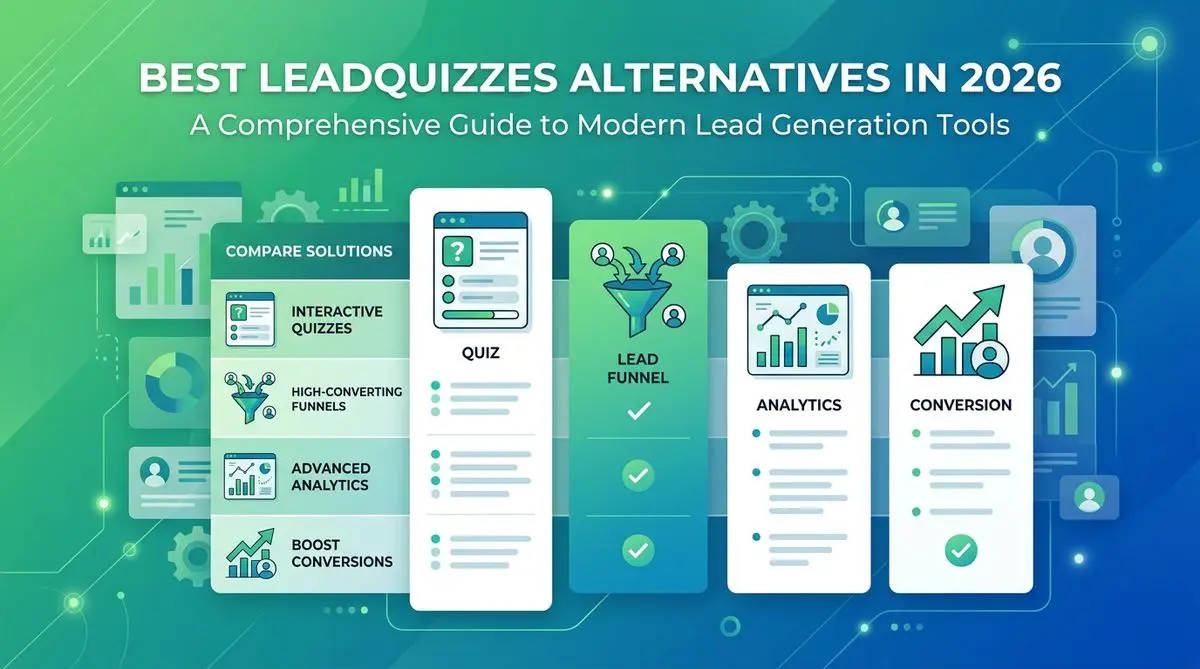
LeadQuizzes' interface is dated and its plans cap responses. 7 alternatives with AI quiz generation, automatic lead scoring, and modern UX, compared.

Med spa website examples with clear service pages, strong calls to action, mobile-friendly layouts, and lead capture that works.
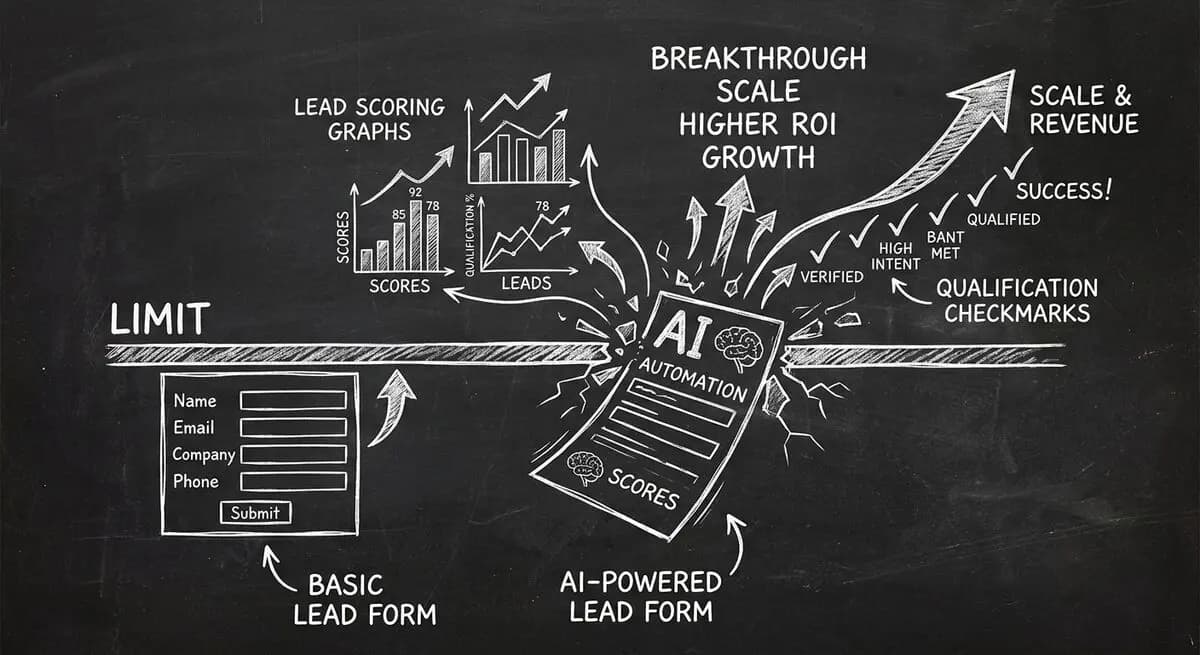
Compare Dashform and Tally for AI drafting, form logic, lead review, and integrations, with a practical checklist for evaluating a switch.
Try the world's first AI-native form and turn every response into action instantly.

