The Outpatient Telehealth Consent Form asks for a patient name and date of birth, then checks understanding of remote care, provider-supplied risk information, and emergency procedures. A separate consent choice permits agreement, refusal, or a request for more information. The final optional text field invites questions before arranging care. Six of the seven questions are required, but negative choices remain valid and lead to the same completion message. The provider supplies the service information and procedures separately. Name and birth date are self-reported details; the questionnaire does not verify a patient, capture a signature, or establish compliance with consent requirements.
Try the conversation below to see how this template works
Trusted by over 10,000 customers and growing
Conversations Started
Questions Answered
Forms Created
Separate risk and emergency-procedure checks show which part of the provider's telehealth explanation a patient wants to revisit.
Patient name and birth date provide details for a staff-led record comparison without claiming verified identity.
An optional concerns field gives patients space to describe hesitation about receiving care remotely.

AI builds and refines your form through natural conversation no templates, no complex logic, no coding. From a simple text prompt or URL, Dashform generates intelligent flows that adapt automatically.
Dashform turns traditional form-filling into a two-way dialogue. The AI understands intent, remembers context, and asks relevant follow-up questions just like a real human conversation.
Every response is transformed into structured, meaningful, and ready-to-use data. Integrate with your favorite tools.
Everything you need to create amazing forms
Everything you need to know about this template
Don't see exactly what you need? Use our AI Form Generator to create a custom form in seconds. Just describe what you want, and AI will build it for you.
Explore more templates to find the perfect fit
 Feedback
Collect structured parent feedback on satisfaction, cleanliness, safety, and activities to improve your daycare services.
 Report
Log a parcel delivery with recipient details, address, delivery status, and optional driver comments.
 Product Order
Place a delivery order by sharing your contact details, address, items, and any special instructions.
 Inquiry
Let visitors request a personalized product demo by sharing their contact details, area of interest, and any questions in advance.
 Client Intake
Collect patients' dental and medical history before their appointment, covering medications, allergies, conditions, and past treatments.
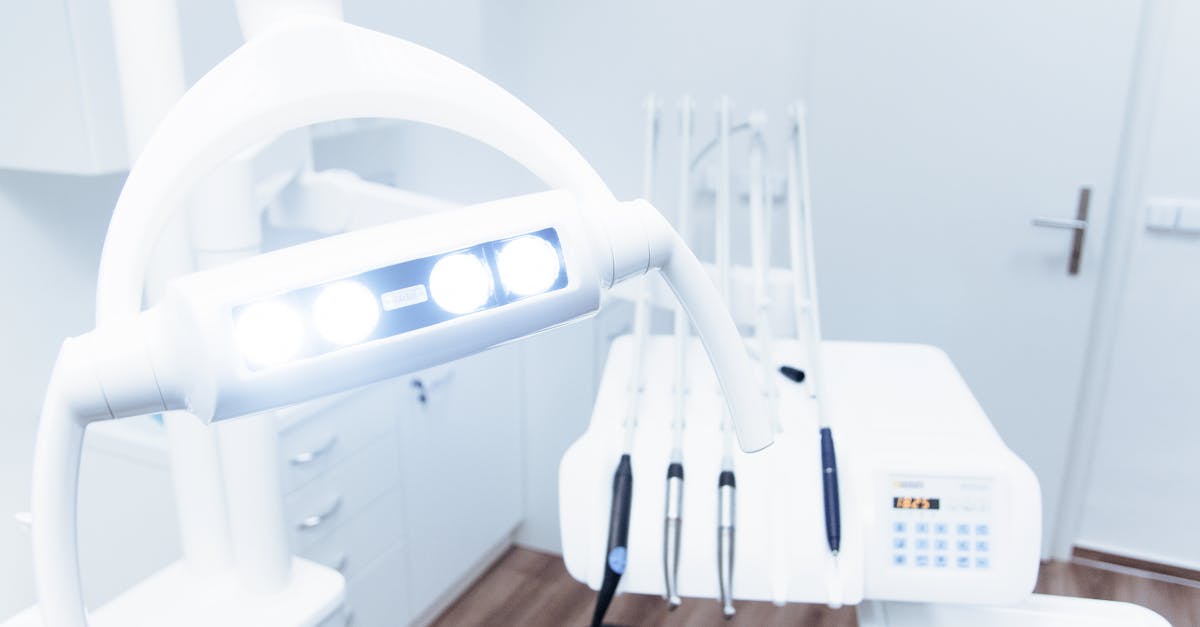 Professions
Collect contact details, insurance info, visit reason, and medical history from new dental patients before their first appointment.
Learn how to get the most out of your forms and templates
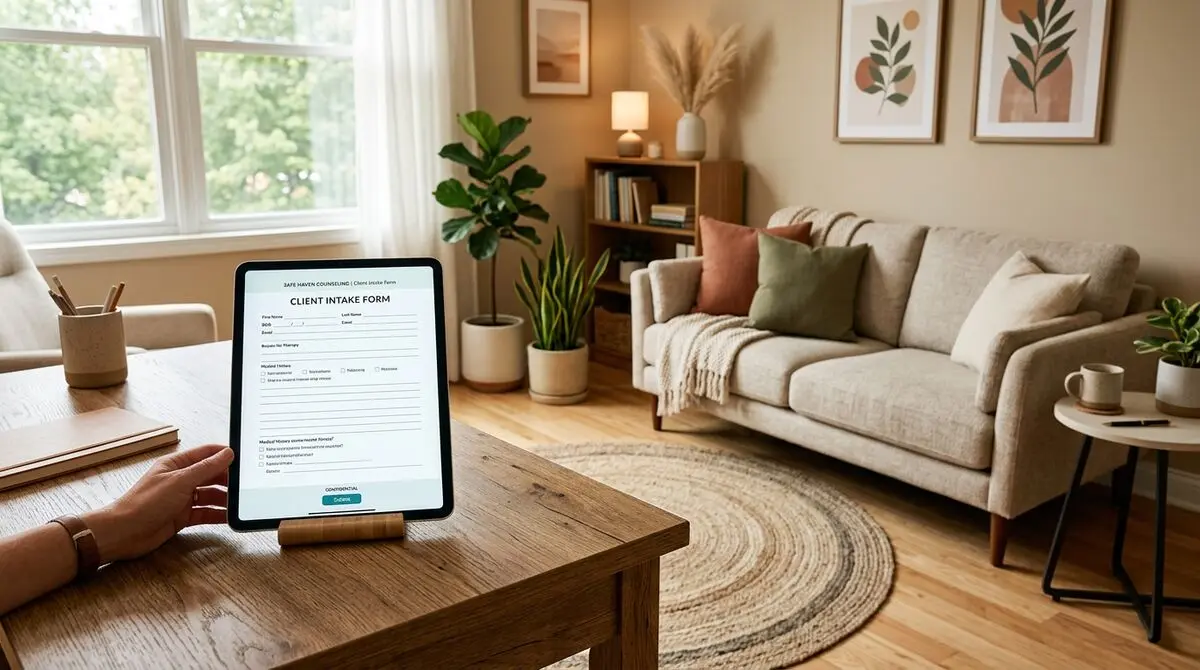
Ten intake form templates for private practice therapists: family intake, PHQ-9, medical history, consent, telehealth, booking, and client feedback.
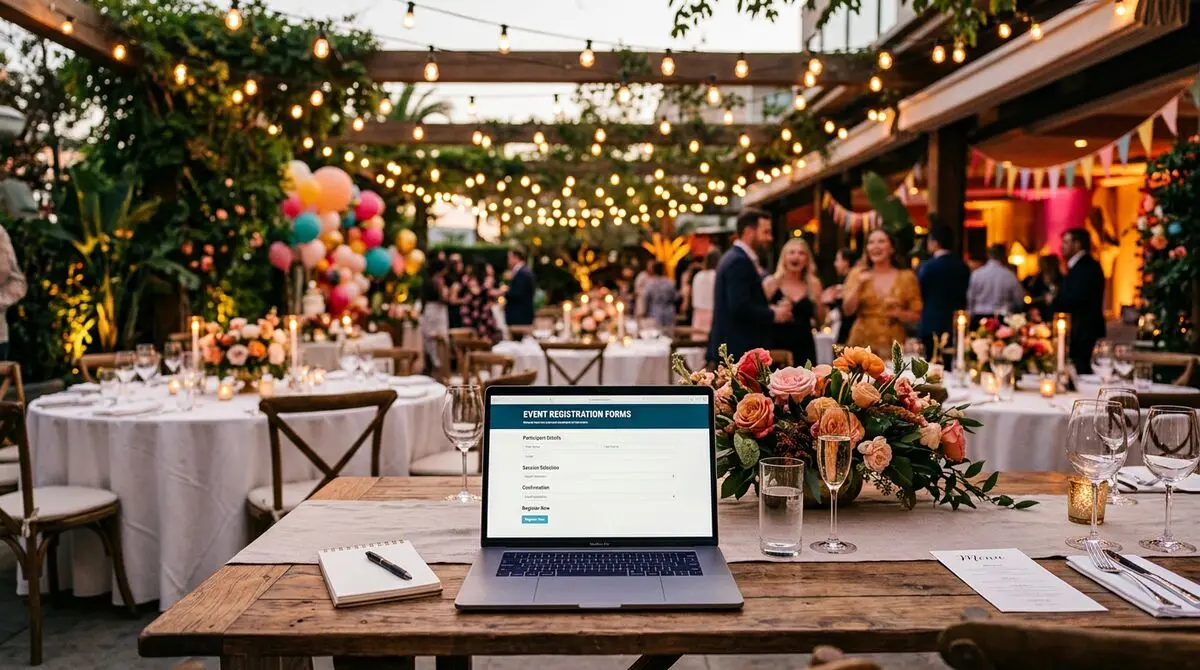
Twelve event planning form templates for registration, RSVPs, volunteers, webinars, waivers, and feedback, grouped by event stage with setup notes.
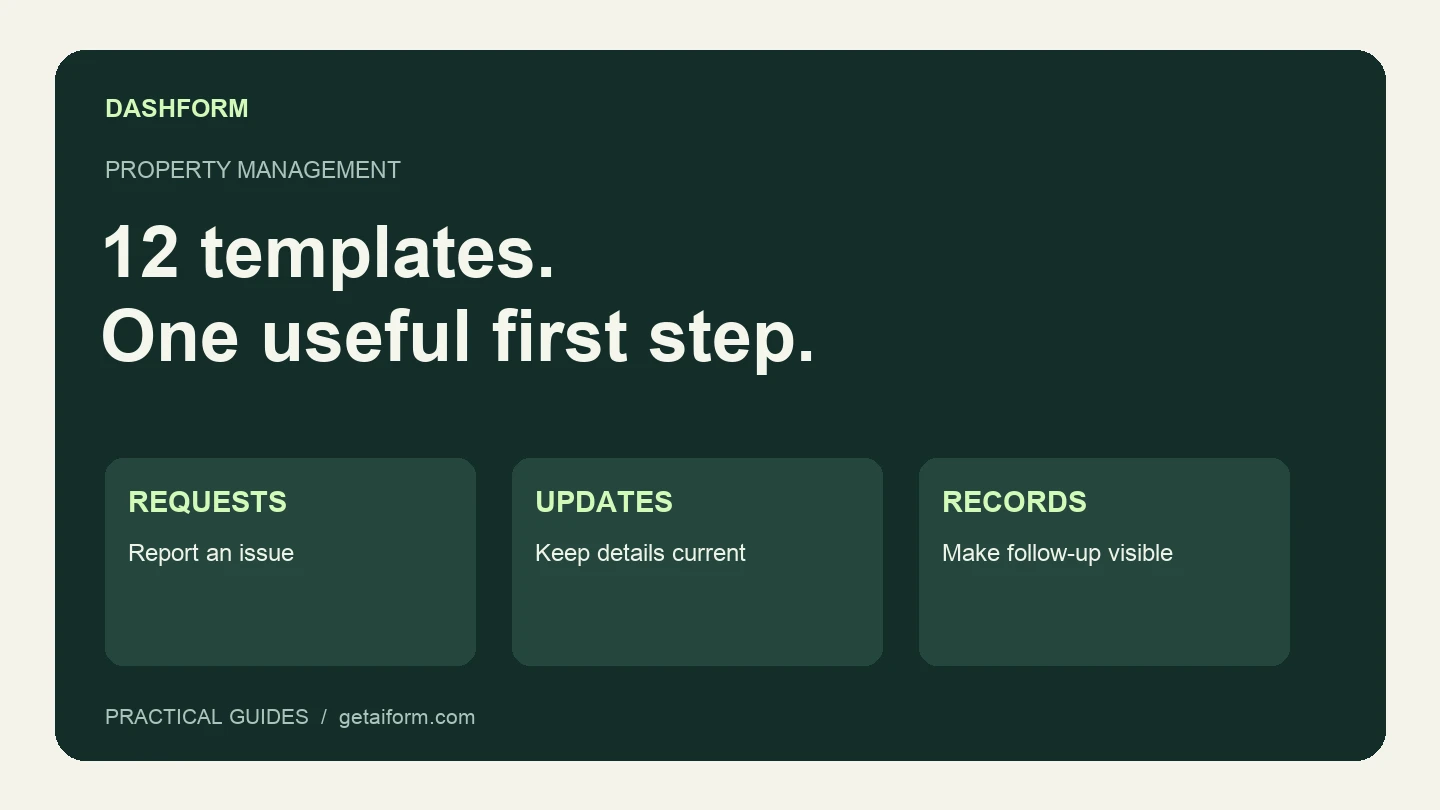
Property management form templates for rental applications, maintenance requests, tenant updates, lease changes, and inspections, with a rollout plan.
Try the world's first AI-native form and turn every response into action instantly.

