The Staff Leave Application Form walks employees through ten questions to capture everything a manager needs to assess a time-off request. It opens by collecting identity details — full name, employee ID, and department — then asks the "What type of leave are you requesting?" question, where staff choose from five options: annual, sick, personal, parental, or unpaid. The start date, end date, and total days questions follow in sequence so the duration of the absence is unambiguous. The "Please provide a brief reason for your leave request." question gives context for approval, while the optional emergency contact and additional comments questions round out the submission. After submitting, employees see a confirmation screen letting them know their request is under review.
Try the conversation below to see how this template works
Trusted by over 10,000 customers and growing
Conversations Started
Questions Answered
Forms Created
HR teams rely on the "What type of leave are you requesting?" question and the start and end date fields to log, categorise, and track staff absences consistently across the organisation.
Managers use the "Please provide a brief reason for your leave request." question alongside the total days field to make quick, informed approval decisions without needing a follow-up conversation.
The optional "Please enter your Employee ID (if applicable)." and "Which department do you belong to?" questions mean the form works just as well for a small team without formal ID systems as it does for a larger workforce.

AI builds and refines your form through natural conversation no templates, no complex logic, no coding. From a simple text prompt or URL, Dashform generates intelligent flows that adapt automatically.
Dashform turns traditional form-filling into a two-way dialogue. The AI understands intent, remembers context, and asks relevant follow-up questions just like a real human conversation.
Every response is transformed into structured, meaningful, and ready-to-use data. Integrate with your favorite tools.
Everything you need to create amazing forms
Everything you need to know about this template
Don't see exactly what you need? Use our AI Form Generator to create a custom form in seconds. Just describe what you want, and AI will build it for you.
Explore more templates to find the perfect fit
 Waiver
Record residents' or guests' intended amenity use and their answers to risk, liability-release, and terms questions.
 Service Booking
Request animal care assistance by sharing your contact details and a description of what your pet needs.
 Survey
Share your perspective on animal testing practices, ethics, and alternatives in this five-question research survey.
 Performance Evaluation
A six-question self-review covering achievements, development areas, leadership, teamwork, goals, and overall performance.
 Quiz
A structured digital answer sheet covering multiple-choice, multi-select, and short-answer questions for an assessment reviewed by its owner.
 Assessment
Collect student name, ID, course, assignment title, and written answers in one structured submission form.
Learn how to get the most out of your forms and templates
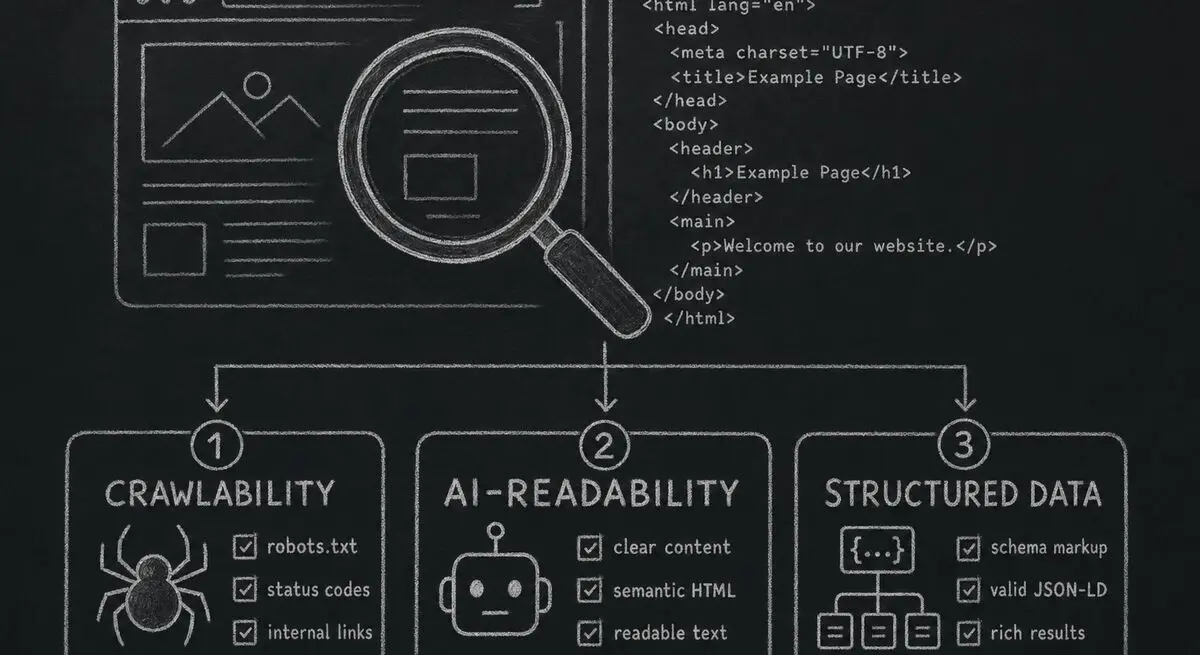
How Dashform computes technical agent readiness, groups its checks into Readiness Layers, and presents Findings without predicting traffic or revenue.

Add a header image in Google Forms and review Dashform's logo, theme, and step-background options for branded forms.

Step-by-step Facebook quiz creation: question types that convert, image setup, embedding, lead capture. Free with an AI quiz generator.
Try the world's first AI-native form and turn every response into action instantly.

