


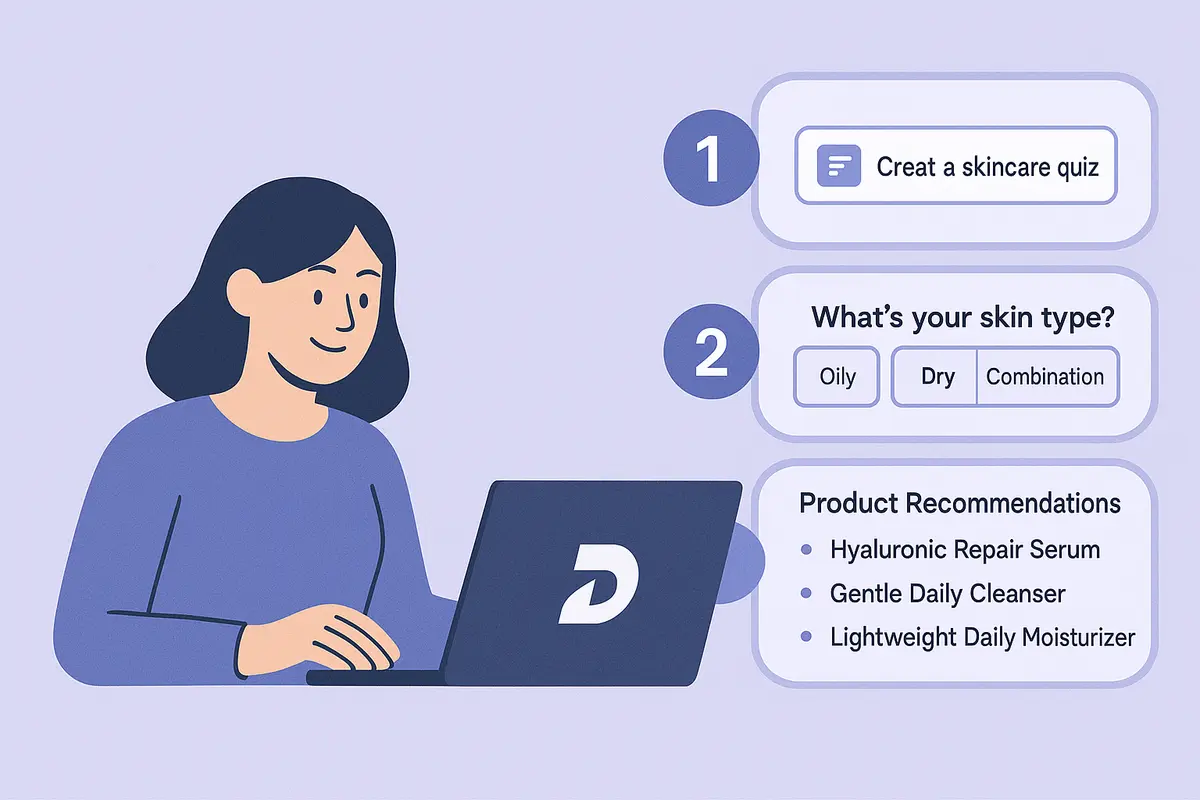
In 2025, small businesses across the U.S. from California beauty brands to Texas eCommerce shops are embracing AI product recommendation quizzes to boost conversions, increase average order value, and reduce customer decision fatigue.
But here’s the truth: Most businesses don’t have the time, tools, or technical skills to build a personalized quiz that actually feels smart.
That’s exactly what Dashform AI Form Builder solves.
Instead of manually writing logic, configuring branching, or designing layouts, Dashform generates an intelligent quiz from a single prompt—complete with conditional logic, brand styling, and CRM integrations.
In this guide, you’ll learn step-by-step how to use Dashform to create the ultimate product recommendation quiz for your business.
Quick Summary
AI product recommendation quizzes help small businesses increase conversions and reduce decision fatigue.
- Dashform generates a complete personalized quiz from a single prompt
- Built-in conditional logic tailors recommendations automatically
- Brand styling and layout are generated instantly
- CRM and marketing integrations streamline lead capture
- Publishing requires no coding or technical setup
With Dashform, you can launch a high-converting recommendation quiz in minutes instead of days.
🚀 Step-by-Step: Create a Product Recommendation Quiz with Dashform
Step 1 Start With a Simple Prompt
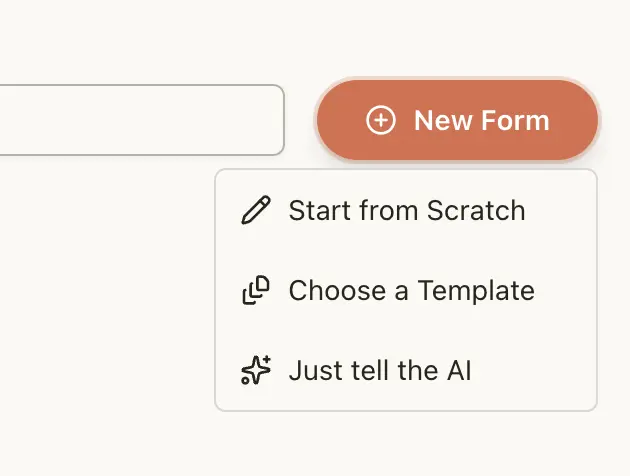
Open Dashform → Click “New Form” → Type a natural language prompt:
“Create a product recommendation quiz for a skincare brand in California. Ask about skin type, concerns, sensitivity level, budget, and routine. Use friendly tone. Add conditional logic. Recommend 1–3 products based on answers.”
Dashform’s NLP engine instantly generates:
✔ A 6–10 question quiz ✔ Conditional branching ✔ Logic-based recommendation output ✔ Clean UI layout
No coding. No manual setup.
Step 2 Customize Your Questions (AI-Assisted Editing)
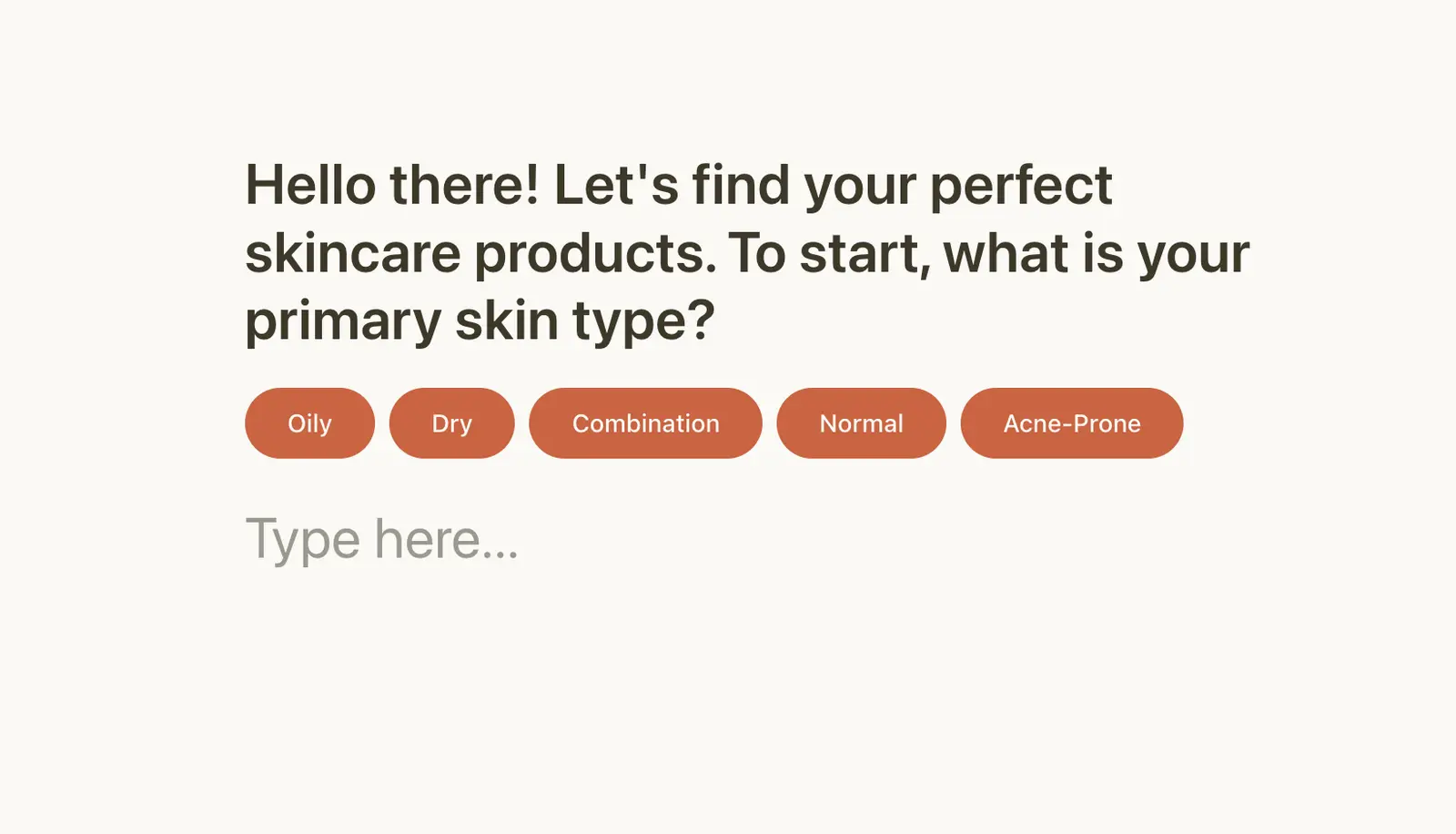
Examples:
- “Make this question more professional for healthcare SMBs.”
- “Add examples to help users choose faster.”
Step 3 Add Smart Conditional Logic
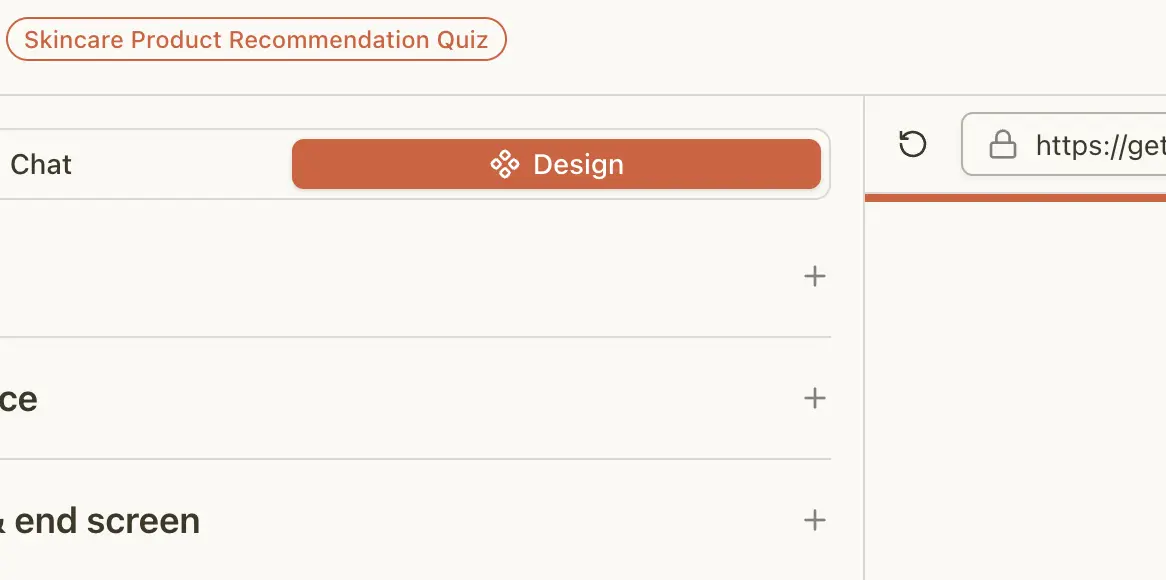
Dashform automatically detects logic patterns such as:
- If skin type = oily → skip hydration questions
- If budget = low → show best-value products
- If sensitivity = high → filter fragrance-free items
This mirrors modern AI form builders for SMBs in NYC, Chicago, Seattle, and Denver, where conditional logic is critical for:
✔ Lead qualification ✔ Product personalization ✔ Reducing abandonment ✔ Increasing conversions
You can edit logic visually no flowchart experience needed.
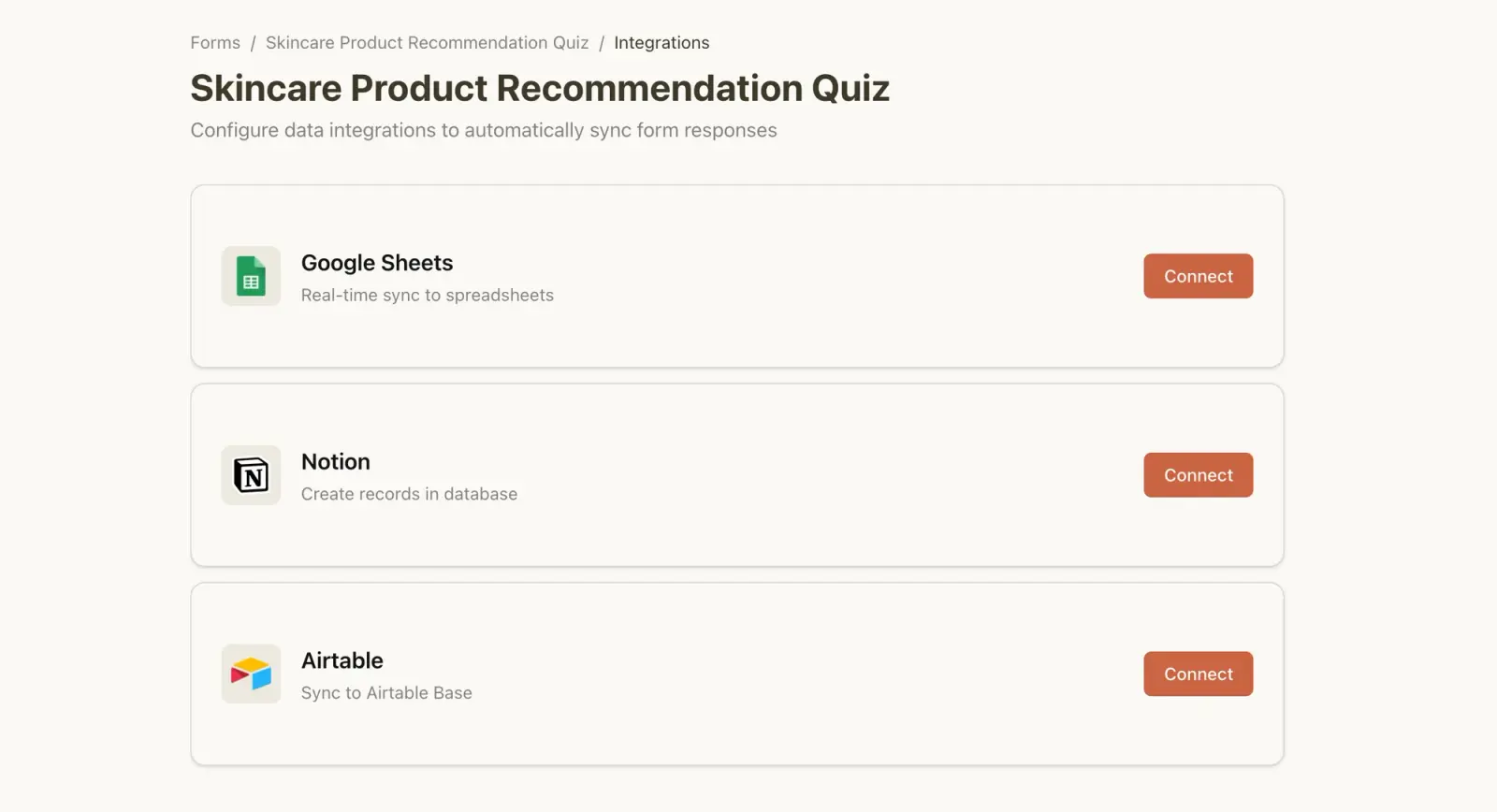
Step 4 Marketing Integrations
Step 5 Apply Your Brand
Dashform automatically generates:
- Brand colors
- Button styles
- Font pairings
Step 6 Publish
When your form is ready, Dashform gives you multiple ways to publish and share it instantly no coding required. The Publish Panel lets you:
1. Copy the public link (Link Sharing)
This is the fastest way to share your form.
👉 Dashform automatically generates a public URL like: https://getaiform.com/r/XXXXXXX
You can send this link to customers, embed it in emails, add it to social posts, or use it inside your workflows.
2. Embed the form on your website (Embed Options)
If you want your form to appear directly inside your website, Dashform provides ready-to-use embed codes. You only need to paste the embed code into your website’s <body> tag, and Dashform handles the rest.

If you're a small business owner. AI-powered recommendation quizzes are one of the fastest ways to increase conversions without hiring developers.
With Dashform, you can build a smart, personalized quiz in minutes.
⚡ Try Dashform AI Form Builder
Related Reading
How to Create a High-Converting AI Quiz Lead Magnet
Dashform AI Quiz Generator: The Fastest Way to Create Free AI Quizzes





