

The IT Work Log form opens with a prompt asking staff to record their daily IT tasks and issue resolutions. It then moves through seven questions in a logical workflow order: identifying the task with the "Please provide the Task or Issue ID." question, pinning down the date and time spent, then capturing a full description of actions taken. The "What is the current status of this task/issue?" question locks in where each item stands — completed, in progress, pending review, or blocked — giving managers an at-a-glance picture of the workload. The two optional closing questions surface next steps and blockers, so nothing that could slow the team down gets missed. After submitting, respondents see a confirmation screen thanking them and noting that their entry supports accurate records and service improvement.
Try the conversation below to see how this template works
Trusted by over 10,000 customers and growing
Conversations Started
Questions Answered
Forms Created
Relies on the "What is the current status of this task/issue?" question to give team leads a real-time view of which tickets are moving and which are blocked across the whole team.
Uses the "How much time was spent on this task? (e.g., 2.5 hours)" and "Please describe the work performed or actions taken." questions together to build an accurate picture of effort against each tracked issue.
Depends on the "Please provide the Task or Issue ID." question to tie every log entry back to a specific client ticket, keeping multi-client workloads organized and auditable.

AI builds and refines your form through natural conversation no templates, no complex logic, no coding. From a simple text prompt or URL, Dashform generates intelligent flows that adapt automatically.
Dashform turns traditional form-filling into a two-way dialogue. The AI understands intent, remembers context, and asks relevant follow-up questions just like a real human conversation.
Every response is transformed into structured, meaningful, and ready-to-use data. Integrate with your favorite tools.
Everything you need to create amazing forms
Everything you need to know about this template
Don't see exactly what you need? Use our AI Form Generator to create a custom form in seconds. Just describe what you want, and AI will build it for you.
Explore more templates to find the perfect fit
 Survey
Collect employee feedback on workplace processes, management support, and training to pinpoint where operations can improve.
 Customer Feedback
Collect structured customer ratings, feature feedback, and follow-up preferences in one concise product feedback form.
 Survey
Collect structured pre-launch feedback on usability, satisfaction, and feature gaps from product testers.
 Tracking Log
Track production tasks from assignment to quality check, with status, materials, deadlines, and efficiency all in one form.
 Employee Information
Collect structured, confidential job references covering performance ratings, key strengths, and rehire intent.
 Invoice
Collect revenue, COGS, and operating expenses to document business financial performance for any reporting period.
Learn how to get the most out of your forms and templates

Evaluate Dashform and Riddle for quiz drafting, question logic, result content, branding, and publishing with a practical workflow checklist.

Looking for a smarter alternative to Specific.app? Dashform AI Survey offers adaptive logic, AI-generated follow-ups, and flexible workflows designed for teams that need deeper insights and better decision-making.
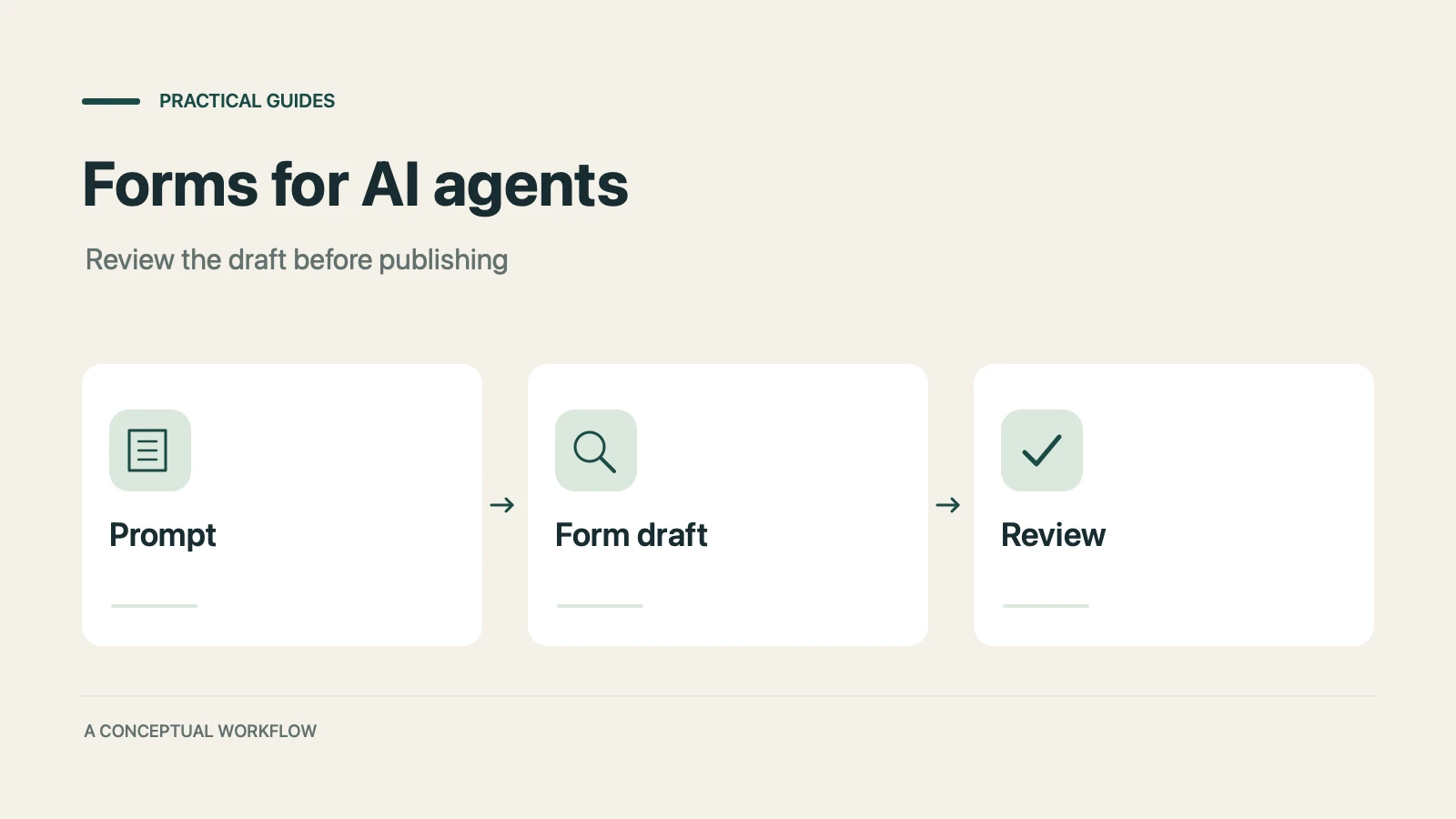
A practical guide to evaluating terminal-based Dashform workflows, checking current commands, reviewing drafts, and publishing with explicit authorization.
Try the world's first AI-native form and turn every response into action instantly.