This form collects seven essential details about each staff member to build a complete employee roster. It opens by capturing identity and role — full name, job title, and department — so every entry is immediately sortable and searchable by team. Contact information comes next, keeping reachability front and center for scheduling and coordination. The final three questions cover start date, shift schedule (from day and evening through rotating and flexible options), and employment status (full-time through temporary), giving managers everything they need to plan coverage at a glance. After submitting, respondents see a confirmation that the staff member has been added and a prompt to continue entering team members until the roster is complete.
Try the conversation below to see how this template works
Trusted by over 10,000 customers and growing
Conversations Started
Questions Answered
Forms Created
Relies on the "Which department does this employee belong to?" and "What is this employee's current employment status?" questions to maintain a structured, accurate headcount across the whole organisation.
Depends on the "What is this employee's primary shift schedule?" question to quickly see who is available for day, evening, night, or rotating coverage when planning weekly schedules.
Uses the "What is this employee's start date with the organization?" and contact information questions to log a new hire's details immediately and make them reachable from day one.

AI builds and refines your form through natural conversation no templates, no complex logic, no coding. From a simple text prompt or URL, Dashform generates intelligent flows that adapt automatically.
Dashform turns traditional form-filling into a two-way dialogue. The AI understands intent, remembers context, and asks relevant follow-up questions just like a real human conversation.
Every response is transformed into structured, meaningful, and ready-to-use data. Integrate with your favorite tools.
Everything you need to create amazing forms
Everything you need to know about this template
Don't see exactly what you need? Use our AI Form Generator to create a custom form in seconds. Just describe what you want, and AI will build it for you.
Explore more templates to find the perfect fit
 Quote
Collect project details, budget, and timeline from prospective clients so your team can prepare and send an accurate estimate.
 Request
Collect names, promo codes, and purchase proof to verify and process customer discount or reward redemptions.
 Quiz
A five-question grammar quiz testing pronoun recognition, selection, and verb agreement, with a closing confidence check.
 Employee Information
Organize personal details, former employment, departure date, and reported benefit status for separate verification.
 Application
Collect tenant identity, income, employment, references, and current residence in one straightforward rental application form.
 Agreement
Collect co-owner details, ownership splits, cost-sharing terms, and exit conditions for a shared property agreement.
Learn how to get the most out of your forms and templates
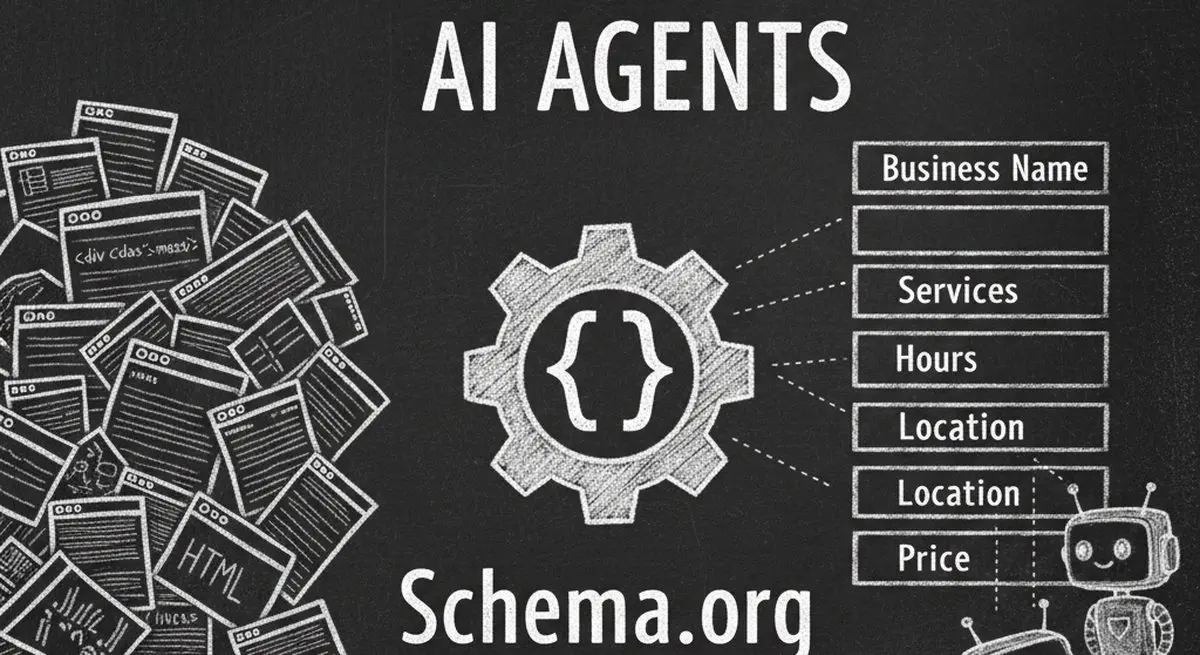
Seven Schema.org types for describing business details accurately. Structured data can aid parsing, but won't guarantee discovery, citations, or bookings.

Many coaches start with ScoreApp but outgrow scoring-only workflows as they scale. Common ScoreApp alternatives and what to look for beyond assessments.
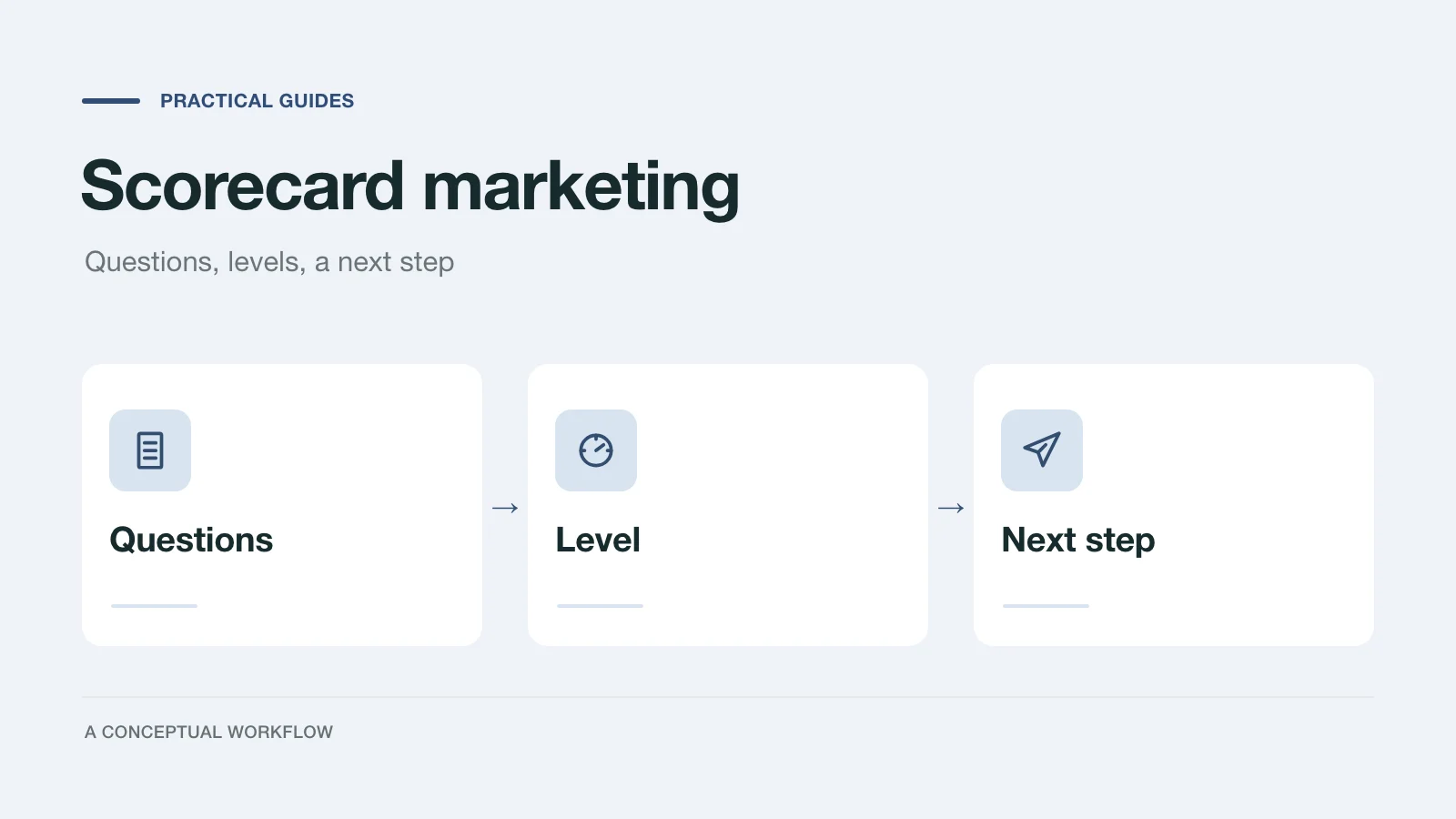
What scorecard marketing is, where the term comes from, and a build checklist: topic, questions, honest result levels and what to do with each lead.
Try the world's first AI-native form and turn every response into action instantly.

