This eight-question form opens by collecting the stallholder's contact name, registered business name, email address, and phone number — the four details event organisers need to identify and reach each participant. It then asks stallholders to describe their products or services, giving organisers a clear picture of the stall's offering before moving on to logistics: preferred stall size (with four footprint options ranging from small to large) and whether electrical power access is required. An optional final question invites any special requests or logistical needs, ensuring nothing important is left unaddressed. After submitting, respondents see a confirmation screen thanking them and letting them know their details will be reviewed and followed up shortly.
Try the conversation below to see how this template works
Trusted by over 10,000 customers and growing
Conversations Started
Questions Answered
Forms Created
Relies on the stall size and electrical power questions to allocate space and infrastructure before the event day.
Uses the products and services description question to plan stall groupings and create accurate event guides for attendees.
Depends on the contact name, email, and phone questions to maintain a reliable directory of stallholders for all pre-event communications.

AI builds and refines your form through natural conversation no templates, no complex logic, no coding. From a simple text prompt or URL, Dashform generates intelligent flows that adapt automatically.
Dashform turns traditional form-filling into a two-way dialogue. The AI understands intent, remembers context, and asks relevant follow-up questions just like a real human conversation.
Every response is transformed into structured, meaningful, and ready-to-use data. Integrate with your favorite tools.
Everything you need to create amazing forms
Everything you need to know about this template
Don't see exactly what you need? Use our AI Form Generator to create a custom form in seconds. Just describe what you want, and AI will build it for you.
Explore more templates to find the perfect fit
 Employee Information
Organize personal details, former employment, departure date, and reported benefit status for separate verification.
 Application
Collect tenant identity, income, employment, references, and current residence in one straightforward rental application form.
 Agreement
Collect co-owner details, ownership splits, cost-sharing terms, and exit conditions for a shared property agreement.
 Inquiry
Tell an agent your property type, location, budget, and bedroom needs — and optionally book a visit — in one quick form.
 Report
Document a full property inspection across structure, roof, systems, defects, and repair recommendations in one organized report.
 Agreement
Capture buyer/seller details, property description, sale price, contingencies, and closing terms in one structured form.
Learn how to get the most out of your forms and templates

15 real estate forms and templates agents use to capture leads, run showings, collect feedback, and keep transactions organized.
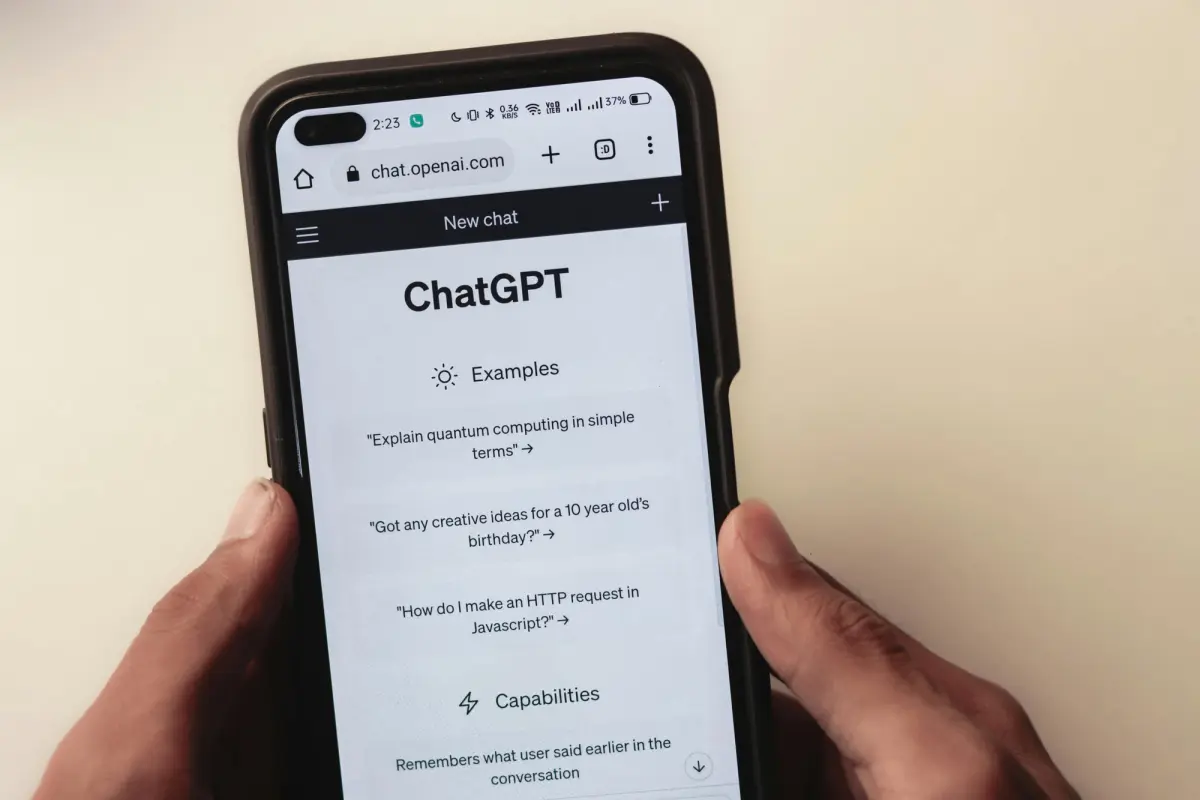
Discover 50 Dashform AI prompts for creating forms and surveys, and learn to generate better survey questions and streamline data collection with AI.

Explore eight contractor form templates for project inquiries, estimates, inspections, work orders, and follow-up, with practical setup and review advice.
Try the world's first AI-native form and turn every response into action instantly.

