This eight-question form walks a requester through everything a team needs to produce the right report: contact details ("What is your full name?" and "What is your email address?") come first so follow-up is possible, then "Which department or company are you representing?" adds context for multi-team or external requests. The form then moves into the report itself — its title and purpose, its type (from a focused set of five options), and the specific data points and metrics to include. Two optional questions close out the content section: one for preferred visualization types and one for extra notes or supporting materials. After submitting, respondents see a confirmation screen telling them their request has been received and that someone will be in touch if more details are needed.
Try the conversation below to see how this template works
Trusted by over 10,000 customers and growing
Conversations Started
Questions Answered
Forms Created
They rely on the "What type of report are you requesting?" and "Please list the key content, data points, or metrics you need included." questions to scope requests consistently across multiple stakeholders.
The "Are there any preferred visualization types?" question lets BI teams capture output preferences upfront, reducing back-and-forth before a dashboard or data summary goes into production.
The "Which department or company are you representing?" and "What is your email address?" questions make it easy to track who requested what and route deliverables to the right external contact.

AI builds and refines your form through natural conversation no templates, no complex logic, no coding. From a simple text prompt or URL, Dashform generates intelligent flows that adapt automatically.
Dashform turns traditional form-filling into a two-way dialogue. The AI understands intent, remembers context, and asks relevant follow-up questions just like a real human conversation.
Every response is transformed into structured, meaningful, and ready-to-use data. Integrate with your favorite tools.
Everything you need to create amazing forms
Everything you need to know about this template
Don't see exactly what you need? Use our AI Form Generator to create a custom form in seconds. Just describe what you want, and AI will build it for you.
Explore more templates to find the perfect fit
 Professions
Book a nail appointment in minutes by sharing your contact details, preferred date and time, service type, and any design or allergy notes.
UploadA pre-appointment consultation form that collects contact info, service details, nail conditions, and allergy history before a nail technician visit.
 Assessment
Submit a structured NDIS patient referral, including support needs and verified consent, in one short form.
 Consent
Declare your negative test status before travel by submitting your personal details and test information.
 Survey
A six-question NPS survey that captures a recommendation score, the reasoning behind it, and key satisfaction signals.
 Client Intake
Collect new-client contact details, discovery source, free-text service interests, and a project description for an initial conversation.
Learn how to get the most out of your forms and templates
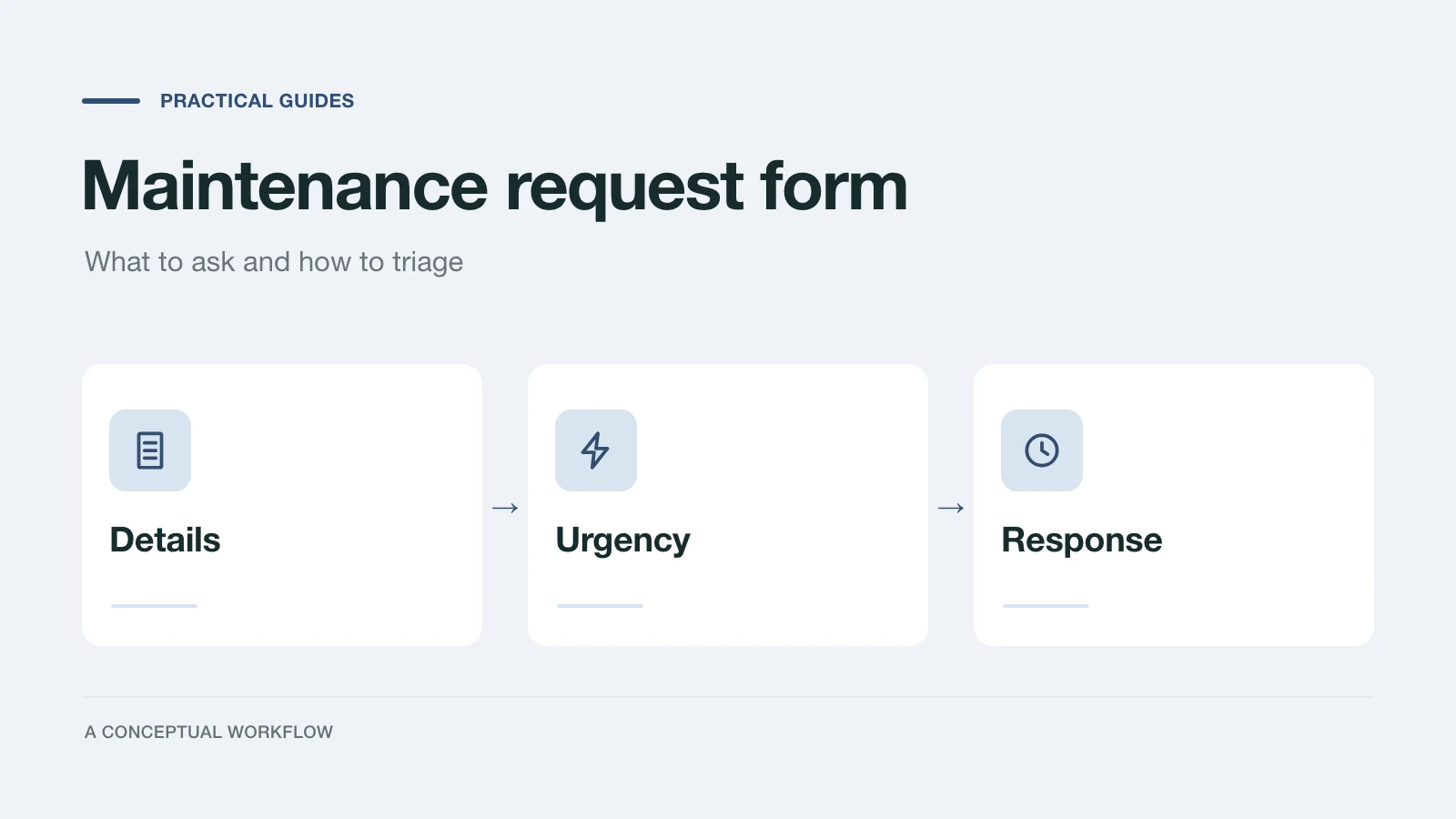
Copy a tenant maintenance request form field list, an emergency, urgent and routine triage rule set, and response templates for each tier.
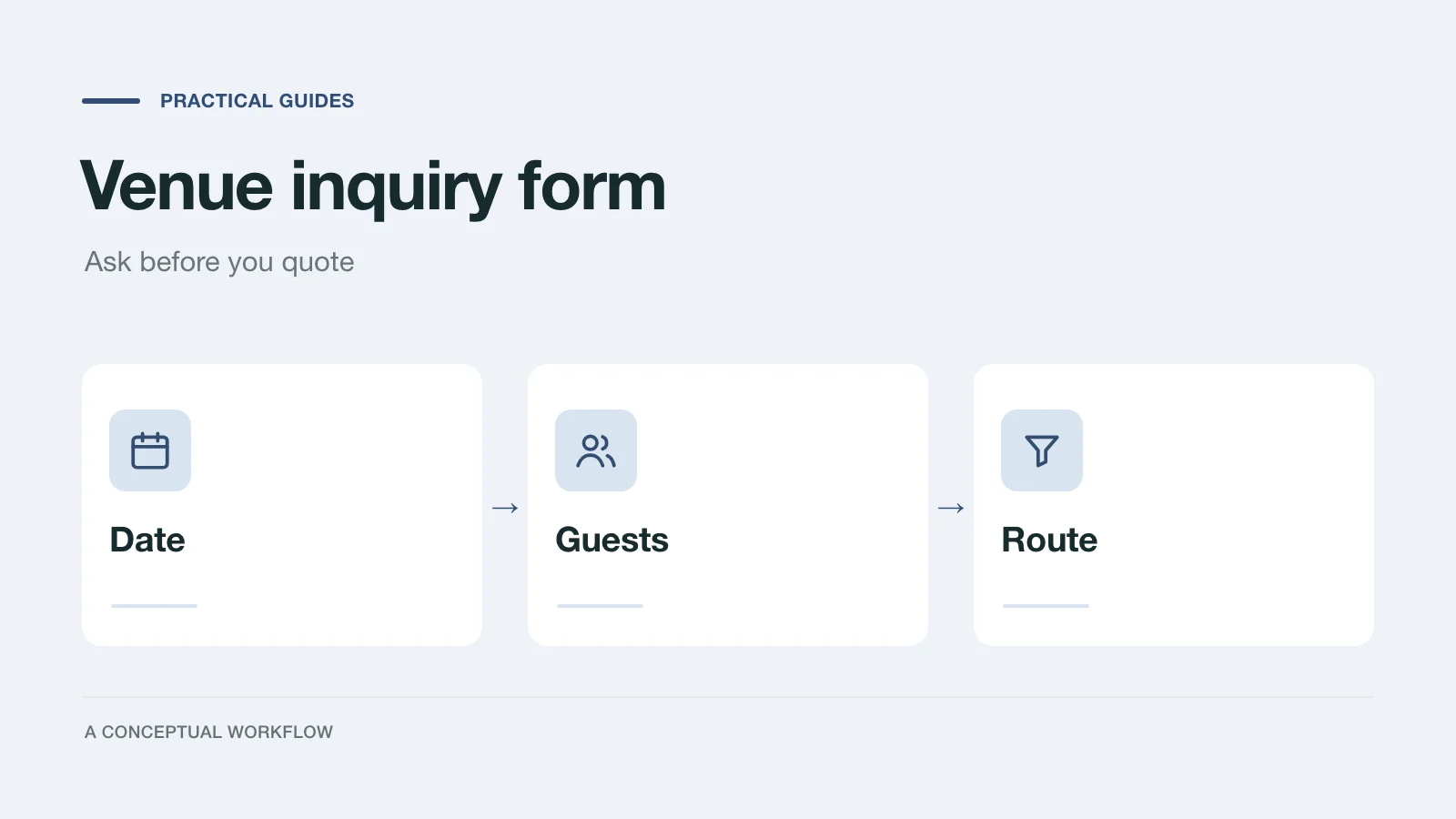
Copy a venue inquiry form question list and simple rules for which requests get an instant quote, a call, or a polite no, then build the form in Dashform.

Five proposed agency services to weigh beyond a generic AI pitch: readiness audits, intake forms, attribution, specialization, and supported agent work.
Try the world's first AI-native form and turn every response into action instantly.

