

The Negative Test Declaration Form opens with a brief welcome explaining that a negative test declaration is required for upcoming travel, then collects the traveller's full name, email address, and date of birth to uniquely identify the respondent. It then asks "Have you tested negative for the required illness (e.g., COVID-19)?" so the form owner can immediately flag anyone who cannot yet declare a negative result. The final three questions capture the exact date, time, and location or facility of the test, giving the form owner a verifiable record of when and where testing took place. After submitting, respondents see a confirmation message letting them know their declaration has been recorded.
Try the conversation below to see how this template works
Trusted by over 10,000 customers and growing
Conversations Started
Questions Answered
Forms Created
Relies on the test date, time, and facility questions to verify that attendees meet entry requirements before a ticketed event.
Uses the full name, date of birth, and negative test details to maintain a compliant record for every employee travelling on behalf of the organisation.
Depends on the "Where did you take your negative test (location/facility)?" question to cross-reference test results against approved testing sites.

AI builds and refines your form through natural conversation no templates, no complex logic, no coding. From a simple text prompt or URL, Dashform generates intelligent flows that adapt automatically.
Dashform turns traditional form-filling into a two-way dialogue. The AI understands intent, remembers context, and asks relevant follow-up questions just like a real human conversation.
Every response is transformed into structured, meaningful, and ready-to-use data. Integrate with your favorite tools.
Everything you need to create amazing forms
Everything you need to know about this template
Don't see exactly what you need? Use our AI Form Generator to create a custom form in seconds. Just describe what you want, and AI will build it for you.
Explore more templates to find the perfect fit
 Registration
Register as a festival volunteer by sharing your availability, preferred roles, and any relevant skills or experience.
 File Upload
Collect shareable image links, contributor details, purpose, and descriptions in a six-question form.
 Professions
Collect a new client's goals, income, assets, and risk tolerance so their advisor can prepare a tailored first consultation.
 Assessment
Eight questions that map your saving, debt, investments, and insurance into a clear picture of your financial health.
 Assessment
Gather a client's income, goals, retirement outlook, risk tolerance, and planned purchases in one focused form.
 Waiver
Collect informed consent, medical disclosures, and emergency contact details from participants before fitness activities begin.
Learn how to get the most out of your forms and templates

Med spa website examples with clear service pages, strong calls to action, mobile-friendly layouts, and lead capture that works.
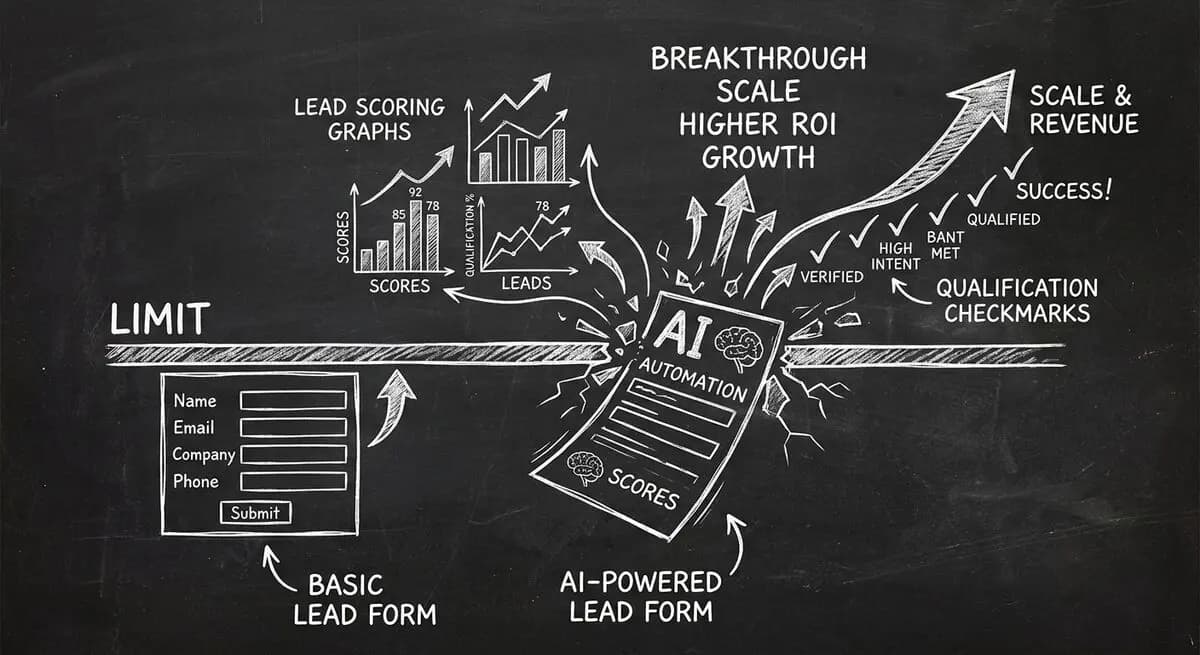
Compare Dashform and Tally for AI drafting, form logic, lead review, and integrations, with a practical checklist for evaluating a switch.
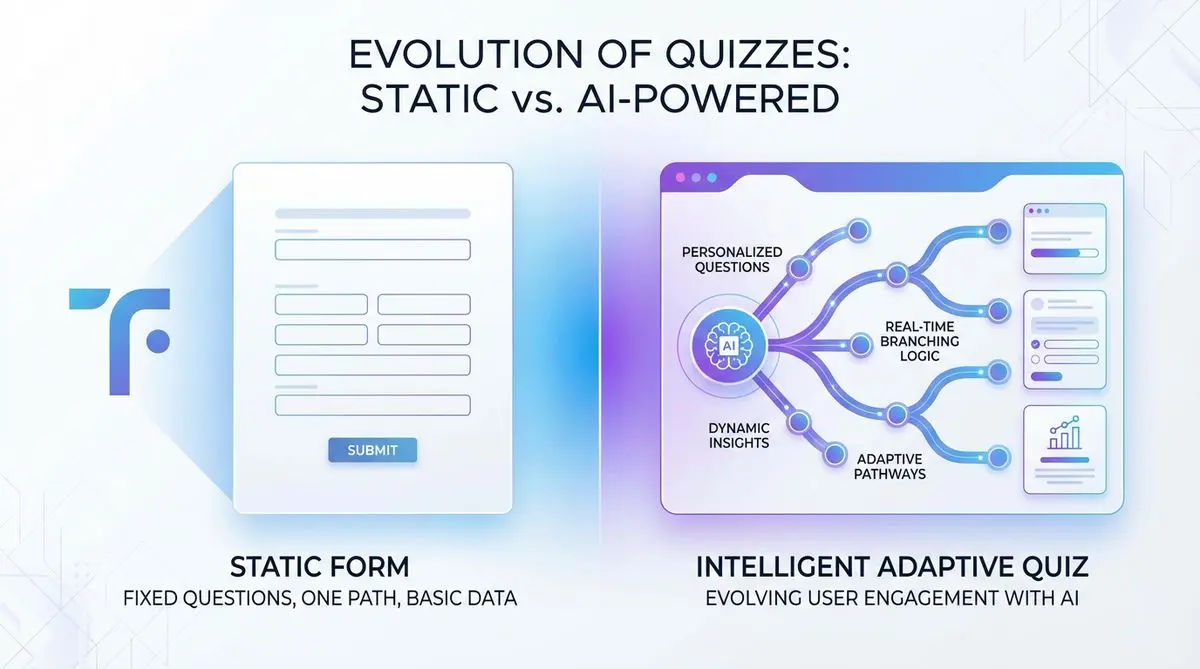
Compare Dashform and Typeform for question drafting, qualification, results, and configured CRM or scheduling handoffs.
Try the world's first AI-native form and turn every response into action instantly.