

The Nail Appointment Booking Form opens with a friendly welcome and moves through ten questions across two clear stages. It starts by collecting contact details — "Full Name", "Email Address", and "Phone Number" — so the salon can confirm the booking and follow up if needed. Next, it nails down the appointment itself: "Preferred Appointment Date" and "Preferred Time Slot" establish when the client wants to come in, while "Service Type" tells the stylist exactly what to prepare for, from a Classic Manicure to a Manicure + Pedicure Combo. Three optional questions then capture finer details — preferred nail length, any design requests, and allergies or skin sensitivities — giving the technician everything needed to personalise the visit safely. A final optional "How did you hear about us?" question helps the salon track which channels are bringing in clients. After submitting, clients see a warm confirmation screen letting them know their request has been received and a confirmation is on its way.
Try the conversation below to see how this template works
Trusted by over 10,000 customers and growing
Conversations Started
Questions Answered
Forms Created
Relies on the "Service Type" and "Preferred Time Slot" questions to arrive at each appointment fully prepared, with no back-and-forth needed.
Uses the "Nail Art or Design Requests" question to describe inspiration or styles in detail, so the technician can plan materials and time in advance.
Depends on the "Any Allergies or Skin Sensitivities" question to flag concerns before the visit, allowing the salon to source suitable products ahead of time.

AI builds and refines your form through natural conversation no templates, no complex logic, no coding. From a simple text prompt or URL, Dashform generates intelligent flows that adapt automatically.
Dashform turns traditional form-filling into a two-way dialogue. The AI understands intent, remembers context, and asks relevant follow-up questions just like a real human conversation.
Every response is transformed into structured, meaningful, and ready-to-use data. Integrate with your favorite tools.
Everything you need to create amazing forms
Everything you need to know about this template
Don't see exactly what you need? Use our AI Form Generator to create a custom form in seconds. Just describe what you want, and AI will build it for you.
Explore more templates to find the perfect fit
 Waiver
A structured application form for students, faculty, and staff to request a partial, full, or course-specific tuition fee waiver.
 General Request
A structured product return request form that captures order details, return reason, and item condition in one place.
 Course Registration
Collect student contact details and a specific tutorial or course name, subject, level, and preferred session for registration review.
 Agreement
Collect tutor and student details, lesson frequency, hourly rate, payment method, and formal agreement in one short form.
 Survey
Gauge viewer sentiment, creative preferences, and ad recall across five focused questions about TV advertising.
 Leave Request
Request early departure with dates, proposed departure and scheduled end times, requested hours, reason, and manager-discussion status.
Learn how to get the most out of your forms and templates
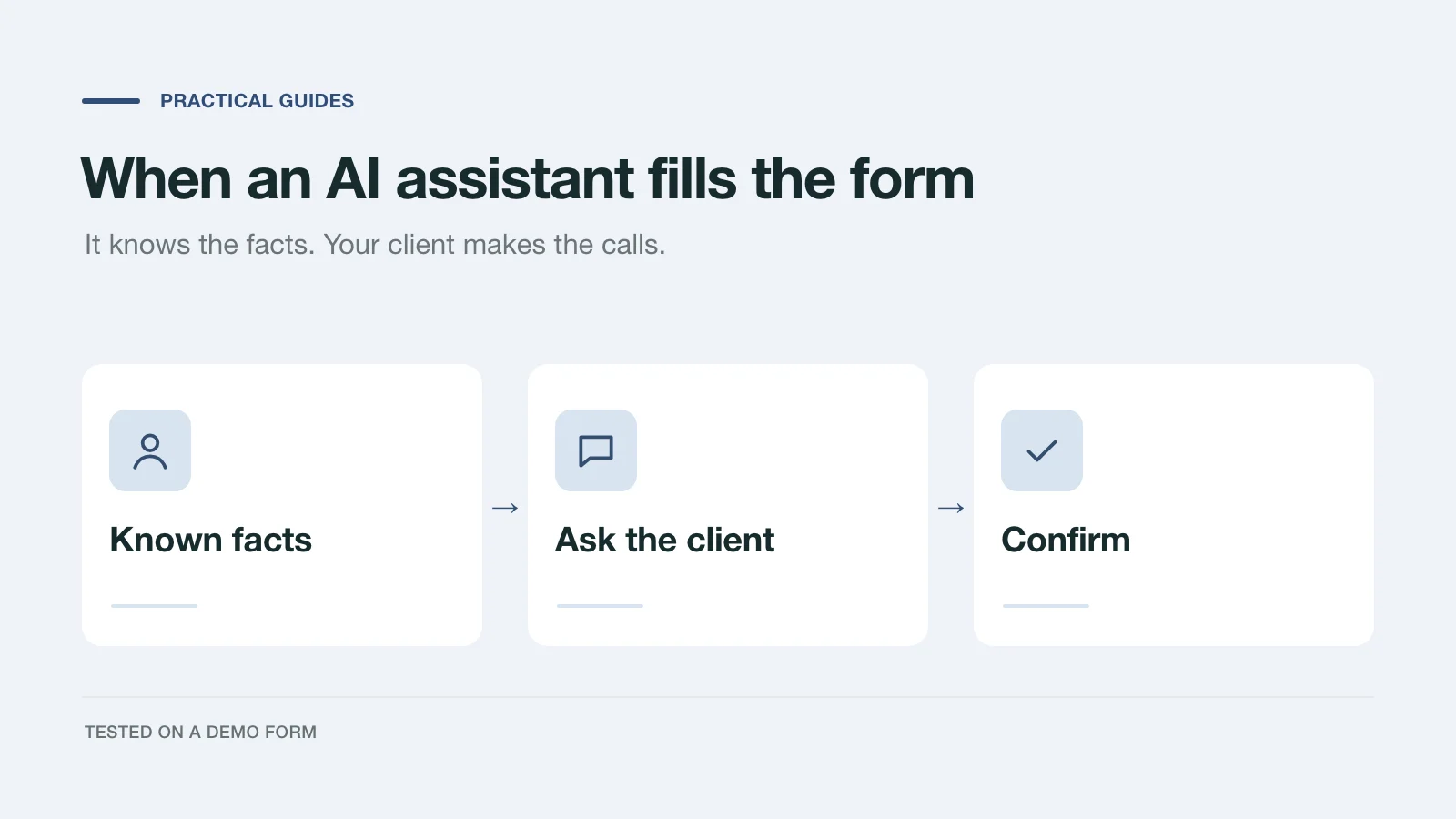
We had an AI assistant complete a demo project inquiry two ways: by clicking through the page and through a handoff prompt. What it knew, what it asked, and what to change.
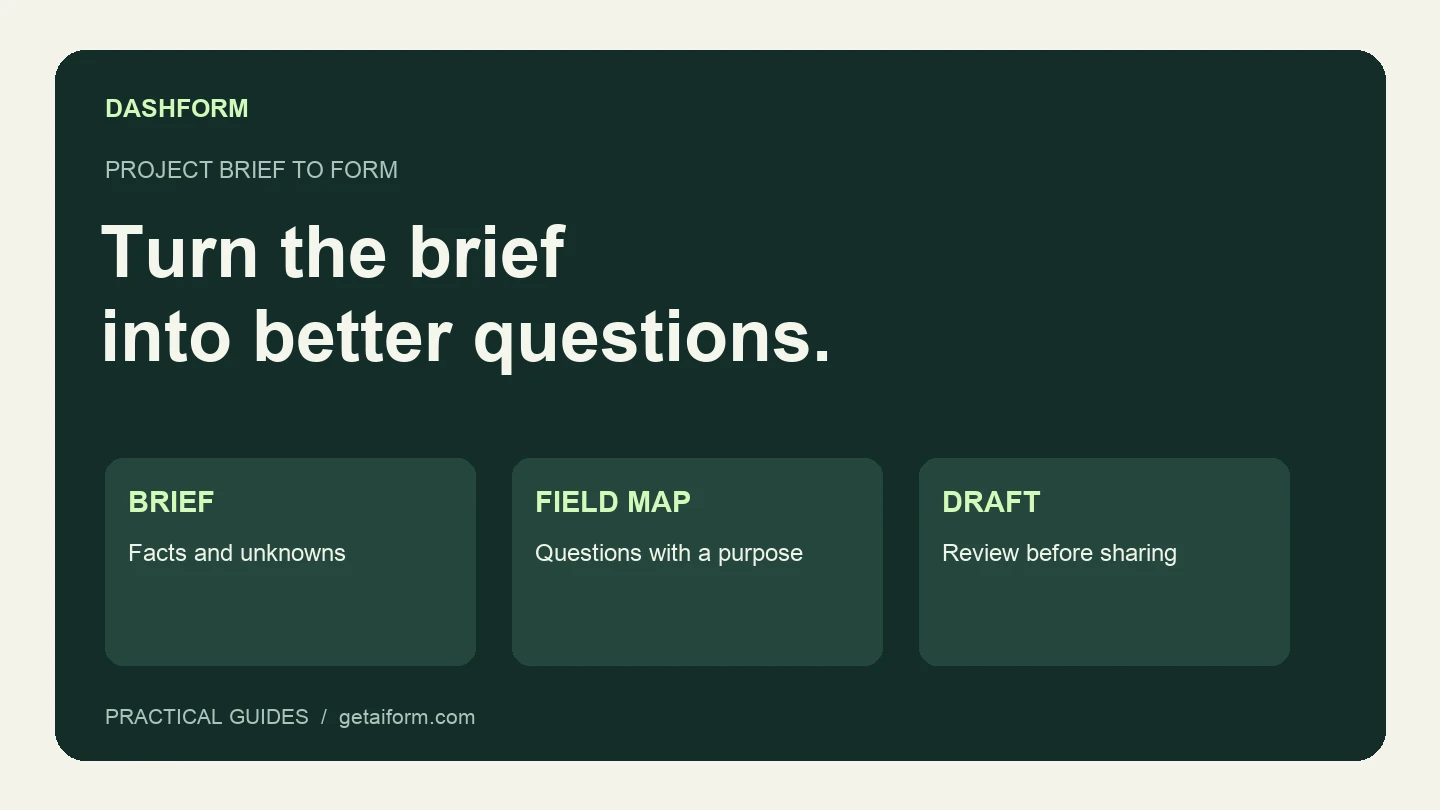
Turn a fictional agency brief into a reviewed Dashform draft using Claude Code, with copyable prompts, a field map, and a publication checklist.
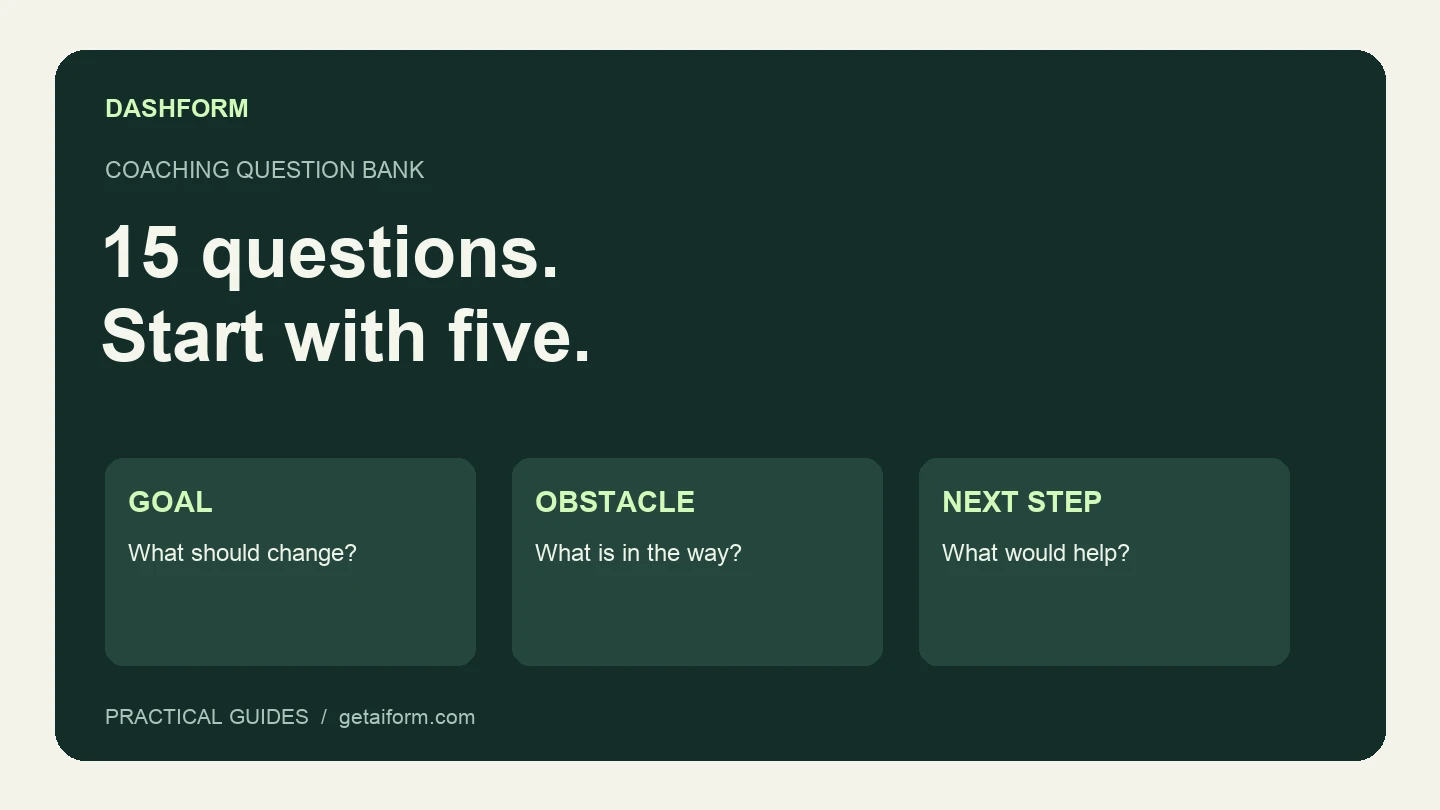
A practical coaching question bank with a five-question discovery form, example answers, follow-up guidance, and a copyable Dashform prompt.
Try the world's first AI-native form and turn every response into action instantly.