The NDIS Referral Form guides a referring healthcare professional through seven questions to submit a patient referral for National Disability Insurance Scheme assessment and support. It opens by collecting the patient's legal name and date of birth, then establishes the referrer's identity with their full name and hospital or clinic. The "Briefly describe the primary reason for this NDIS referral." question gives the professional space to set clinical context, while the "Which areas best describe the patient's current support needs?" question maps needs across six categories — from personal care and mobility to employment or education — helping NDIS coordinators prioritise the right supports. The form closes with a mandatory consent check before submission, and after submitting the respondent sees a confirmation that the referral has been received and will help connect the patient with disability support services.
Try the conversation below to see how this template works
Trusted by over 10,000 customers and growing
Conversations Started
Questions Answered
Forms Created
GPs rely on the clinical reason and support needs questions to communicate a patient's situation clearly without writing a lengthy referral letter.
Discharge teams use the multiple-choice support needs question to flag the right post-hospital NDIS categories quickly when coordinating patient transitions.
Physiotherapists, occupational therapists, and speech pathologists depend on the consent question to ensure all referrals meet NDIS compliance requirements before submission.

AI builds and refines your form through natural conversation no templates, no complex logic, no coding. From a simple text prompt or URL, Dashform generates intelligent flows that adapt automatically.
Dashform turns traditional form-filling into a two-way dialogue. The AI understands intent, remembers context, and asks relevant follow-up questions just like a real human conversation.
Every response is transformed into structured, meaningful, and ready-to-use data. Integrate with your favorite tools.
Everything you need to create amazing forms
Everything you need to know about this template
Don't see exactly what you need? Use our AI Form Generator to create a custom form in seconds. Just describe what you want, and AI will build it for you.
Explore more templates to find the perfect fit
 General Request
A structured form for employees to formally request religious accommodations from their employer.
 Payment
Collect sender details, recipient info, payment amount, purpose, and reference codes in one clean remittance form.
 Request
A structured request form for parents to identify which devices their student needs for remote learning.
 Upload
Send a categorised reply with contact details, a written explanation, and optional links to files or photos.
 General Application
A structured rental application collecting contact info, property preferences, finances, and household details from prospective tenants.
 Checklist
A seven-question walkthrough for documenting a rental property's condition, from overall rating to room-by-room detail.
Learn how to get the most out of your forms and templates

Six Dashform generator starting points for applications, onboarding forms, leave requests, surveys, and feedback, with human review and integration setup.
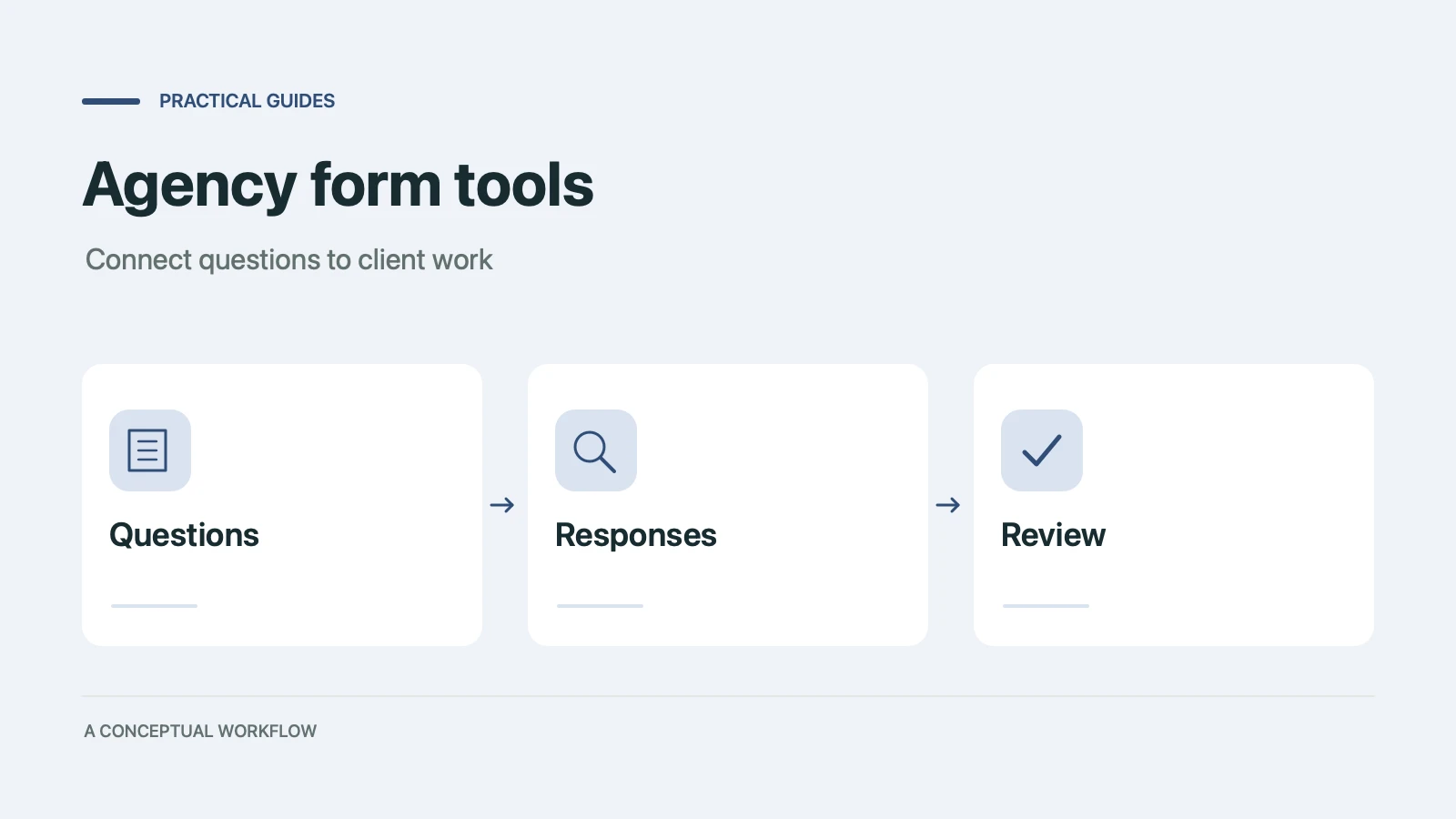
Use six Dashform generator entry points to draft client quizzes, surveys, intake forms, and feedback forms, then review and test the workflow.
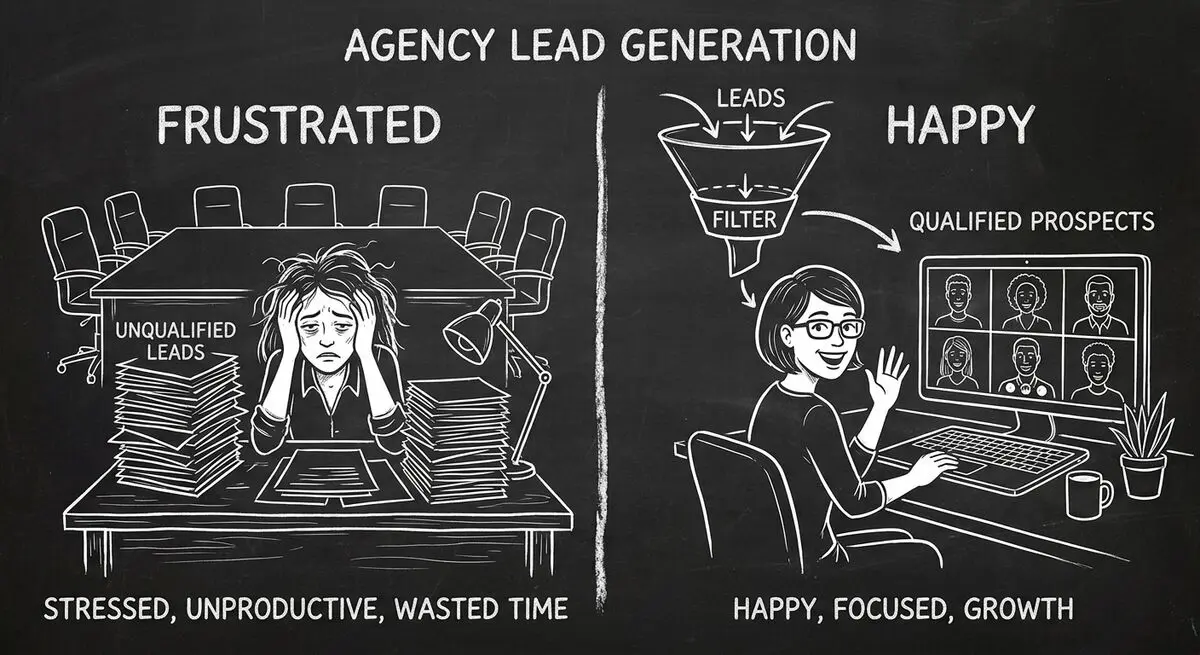
An illustrative playbook for a B2B content agency swapping its contact form for an AI quiz funnel: the questions, scoring, routing, and 60-day metrics.
Try the world's first AI-native form and turn every response into action instantly.

