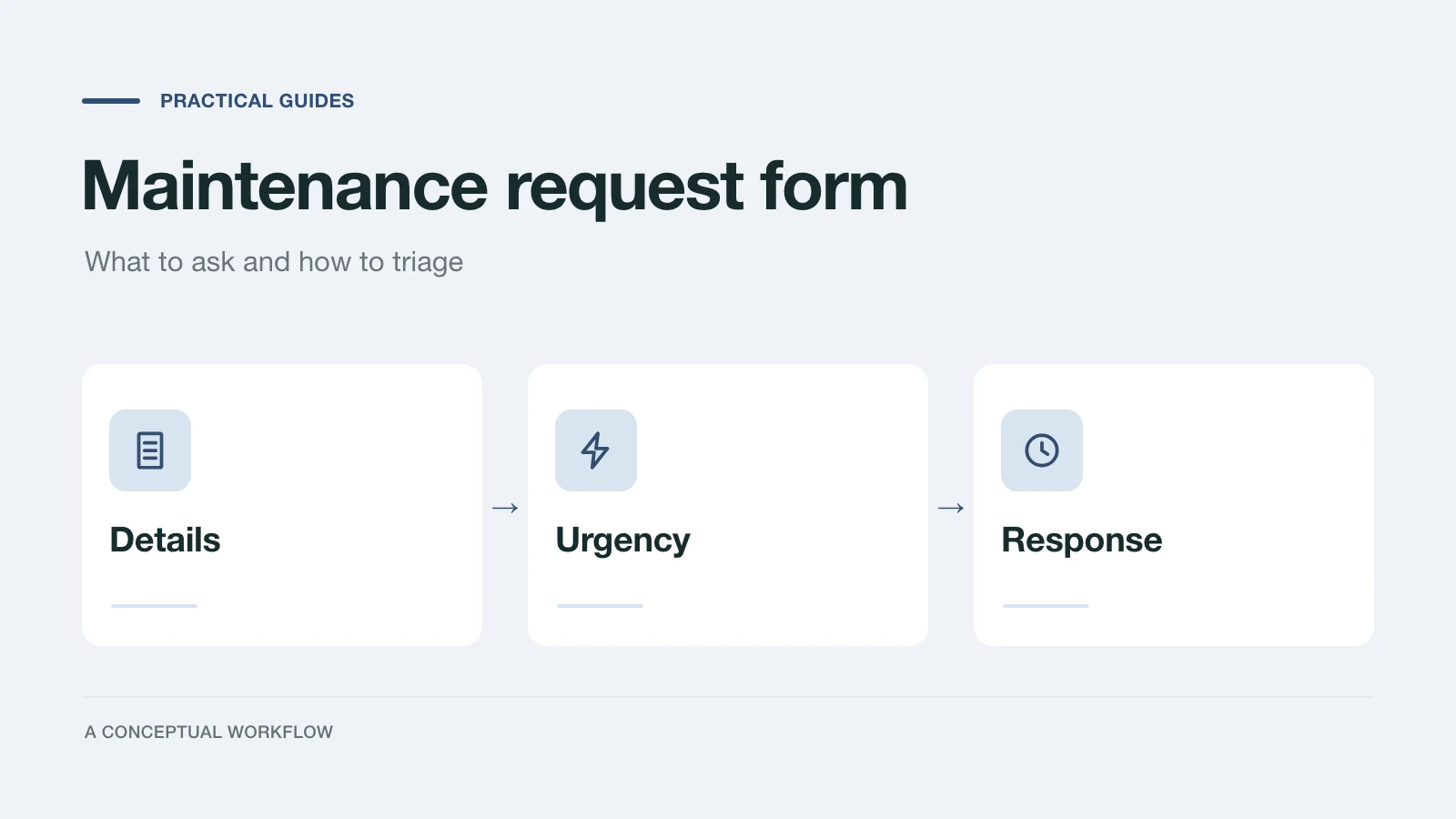
"The sink is broken" can mean a slow drip or water on the kitchen floor. A maintenance request form exists to tell those two apart before anyone drives over, and to get enough detail that the first visit can be the last one.
This post gives you three things to copy: the fields to ask for, a triage rule set that sorts each request into emergency, urgent or routine, and a response template for each tier. It goes deeper on the maintenance request than our property management form templates roundup, which covers the other forms a landlord needs.
The timelines in the templates are placeholders for your own targets. Repair deadlines and tenant remedies are set by state and local law and by your lease, so check yours before you promise a time.
Put the emergency question first
The first thing a tenant sees should tell them when not to use the form. A form is not watched the way a phone is, and some problems should not wait for anyone to read a submission.
Start with a short screen that says, in your words: if you smell gas, see fire or smoke, or a carbon monoxide alarm is sounding, leave the unit and call 911 first. Government safety guidance puts leaving first. The Pennsylvania Public Utility Commission's gas emergency page says to leave and call 911 and the gas utility once you're away from the odor, and the U.S. Consumer Product Safety Commission's carbon monoxide page says that if you suspect carbon monoxide poisoning, get outside to fresh air and then call 911. After that, list your own after-hours maintenance number.
Then ask one yes or no question: Is this an emergency right now? A yes should end the form with your emergency number, not continue into ten questions about appliance model numbers.
The field list
Keep the required fields to the ones you need to act. Everything else is optional.
| Field | Type | Required | Why |
|---|---|---|---|
| Emergency right now? | Yes / no | Yes | Routes true emergencies away from the form |
| Name | Short text | Yes | Who to contact |
| Property and unit | Dropdown or short text | Yes | Where to go |
| Best phone and email | Phone, email | Yes | How to reach them |
| Contact preference | Call / text / email | No | Avoids missed calls |
| Category | Single choice | Yes | Plumbing, electrical, heating or cooling, appliance, doors and locks, pests, other |
| Location in the unit | Single choice | Yes | Kitchen, bathroom, bedroom, living area, outside, building common area |
| What's happening | Long text | Yes | The description in their words |
| When did it start? | Date or single choice | Yes | Today, this week, longer |
| Is it getting worse? | Yes / no / not sure | Yes | The strongest urgency signal after the emergency question |
| Can you use the room or fixture? | Yes / partly / no | Yes | Separates an annoyance from a loss of use |
| Photo or video | File upload | No | Helps the technician bring the right part |
| Permission to enter | Yes / no, call first | Yes | So the visit isn't wasted |
| Pets, alarm codes, access notes | Long text | No | What the technician should know at the door |
| Best times | Multiple choice | No | Mornings, afternoons, evenings |
Two details matter in practice. Make the photo optional, and keep a text-only path, because some tenants can't upload from their phone and a missing photo shouldn't block a report. And write the category options in tenant language ("no hot water," "toilet won't flush") inside the description prompt, so people don't have to know which trade fixes their problem.
The triage rules
Sort each request into one of three tiers. Write the rule set down, share it with whoever reads the requests, and apply it the same way every time.
Emergency. Danger to people or rapid damage to the building. Handled by phone, never by waiting on the form.
- Gas smell, smoke, fire, or a sounding carbon monoxide alarm (tell the tenant to leave and call 911 first, as the CPSC and Pennsylvania PUC advise)
- Active water leak or flooding that the tenant can't stop
- Sewage backing up into the unit
- Sparking, burning smell, or exposed live wiring
- An exterior door or window that won't lock, or a break-in
- No heat during freezing weather, where your climate makes that dangerous
Urgent. The unit is still safe, but something essential doesn't work. Same or next working day.
- No hot water
- The only toilet doesn't work
- Refrigerator not cooling
- Heating or cooling out when the weather isn't extreme
- A leak that is contained but continuing
- Tenant locked out
Routine. Inconvenient, not essential. Schedule it.
- Dripping faucet, running toilet in a second bathroom
- An appliance that works but poorly
- Pests that aren't a health risk
- Cosmetic damage, sticking doors, loose fixtures
When a request sits between two tiers, the answers to "Is it getting worse?" and "Can you use the room or fixture?" decide it. Worse and unusable moves it up a tier.
For a sense of how one state frames timing, California's Department of Real Estate landlord and tenant guide says the law usually considers 30 days reasonable for repairs, and that one to two days may be reasonable for an urgent problem such as a broken furnace in very cold weather. Other states and cities differ, so treat that as an example, not a rule for your property.
The response templates
Send the acknowledgment as soon as the request is read. Fill the brackets with your own targets.
Emergency (sent after you've spoken by phone):
Hi [name], confirming our call about [issue] at [unit]. [Technician or company]
is on the way and expects to arrive by [time]. If anything changes before then,
call [after-hours number]. We'll follow up once the immediate problem is fixed.
Urgent:
Hi [name], we got your request about [issue] at [unit]. We're treating it as
urgent. [Technician or company] will contact you by [day and time window] to
arrange a visit. You said [entry permission]; reply if that has changed.
If it gets worse, call [number] instead of waiting for us.
Routine:
Hi [name], thanks for reporting [issue] at [unit]. We've scheduled it as a
routine repair and will confirm a visit time by [date]. You said [best times]
work best. If anything changes, or it starts to get worse, reply here or
call [number].
Closing the request (every tier):
Hi [name], [technician] finished the work on [issue] on [date]: [one line on
what was done]. If the problem comes back, reply to this message within
[your window] and we'll reopen the same request.
Keep a log of the date each request came in, the tier you assigned, when you first responded, and when it was closed. If a tenant later disputes how a repair was handled, that log is what you'll want.
Build it in Dashform
Start from the maintenance request template and replace its fields with the list above, or describe the form in the AI intake form generator:
Logic Funnel: tenant maintenance request form. First screen: emergency
instructions (gas, smoke or fire, carbon monoxide alarm: leave and call 911;
then our after-hours number [number]). First question: "Is this an emergency
right now?" If yes, end on an ending that shows [number] and tells them to call
now. Otherwise ask: name, property and unit, phone, email, contact preference,
category, location in the unit, what's happening, when it started, is it
getting worse, can you use the room or fixture, optional photo, permission to
enter, access notes, best times. End with: "We'll reply by [time] with next steps."
Build it as a Logic Funnel, Dashform's form type with fixed steps and branching, so the emergency question always routes the same way. In the editor, check that a yes on the emergency question jumps to its own ending.
To have each new request pre-sorted, open the editor's Lead scoring settings and write the triage tiers as the criteria: high is your emergency and urgent lists, medium is anything that is getting worse or unusable, low is the routine list. Dashform then tags each new reply high, medium or low against those criteria. Treat that tag as a first sort for whoever reads the queue, not a decision: it is an AI reading of the tenant's words against yours, and true emergencies should already have gone to the phone. To get an alert the moment a request arrives, connect Slack or another tool from the form's Connect tab (native integrations are on paid plans; see pricing).
Then put the form where tenants will find it: a link in your welcome email and lease packet, a QR code in the building, and a page on your website. If it goes on your site, our guide to embedding a form on WordPress, Webflow, Wix and Squarespace has the steps.
Check it after a month
Read back through the requests and your log. Look for emergencies that came through the form anyway (make the first screen clearer), requests you had to call about for missing details (add or reword a field), and tiers you changed after the visit (adjust the rules). The form should get shorter over time, not longer.