If you run client work through n8n, the form is where most of your workflows start: a new inquiry should become a sheet row, a Slack message, and a CRM record without anyone copying answers across. There are two ways to get a submission into n8n. You can let n8n host the form with its own Form Trigger, or keep the form somewhere else and receive it with a Webhook node.
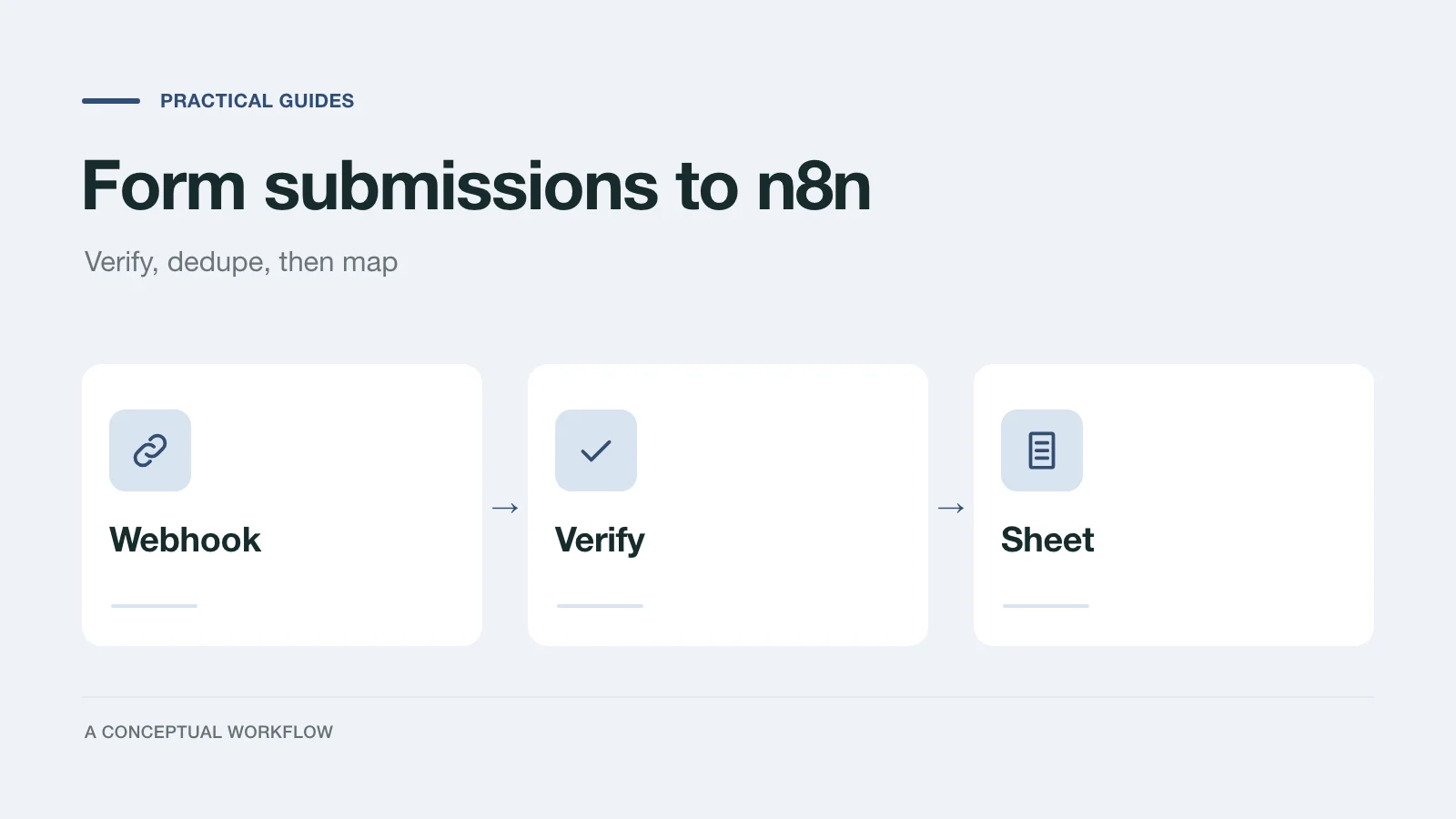
This post helps you pick one, then walks through a complete Webhook build: the node settings, a signature check, deduplication, field mapping, the response, and a Google Sheets step. We ran the workflow on a local n8n before publishing, and say below exactly what that confirmed.
If you want the reasoning behind each safety step (why IDs, signatures, and retries matter at all), read the form webhook checklist first. This post is the build.
When n8n's own Form Trigger is enough
The n8n Form Trigger generates a form page and starts the workflow when someone submits it. According to n8n's docs (checked November 18, 2026), it offers:
- Field types including text, email, number, date, dropdown, checkboxes, radio buttons, hidden fields, custom HTML, and a File element for uploads.
- Authentication set to Basic Auth, n8n User Auth (only signed-in n8n users), or None.
- Respond When set to "Form Is Submitted" or "Workflow Finishes."
- A Custom Form Styling option that takes your own CSS, and a custom Form Path.
- More pages through the separate n8n Form node, with If or Switch nodes between pages to route people down different paths and a Form Ending page at the end.
That covers most internal work, such as a request form for your own team or an upload form for a client you already work with. There's nothing to verify, because the form and the workflow are the same system.
When an external form plus a Webhook node fits better
Use a separate form tool and the Webhook node when one of these is true:
- The form is client-facing and has to look like the client's brand. n8n's styling is CSS over its default form; a form tool gives designers a builder instead.
- The form is hosted and embedded in places n8n shouldn't be. The public form keeps working, and keeps collecting replies, while your n8n instance is down or being upgraded. The sender's retries cover a short gap, and a delivery that still fails can be replayed later.
- The branching belongs to the form, not the workflow. n8n branches between pages with workflow nodes. If the people editing the questions aren't the people editing the workflow, keeping the logic in the form tool keeps those jobs apart.
The trade-off is that the Webhook node receives whatever anyone posts to its URL. You need the signature check and the deduplication below, which a Form Trigger doesn't.
Dashform has no native n8n node, and n8n has no Dashform node (we checked the node list in n8n 2.48.5). The connection is Dashform's generic Webhook destination posting to n8n's Webhook node, which is what the rest of this post builds.
What Dashform sends
Each completed reply arrives as an HTTPS POST. The default JSON envelope, from the Dashform webhook docs:
{
  "schemaVersion": 1,
  "replyId": "5b8e1c2d-3f4a-4e6b-8c7d-9a0b1c2d3e4f",
  "formId": "0c2f7b0e-8d7e-4b8f-9a51-3f0d5e2a6c11",
  "formRevisionId": "9f1d2c3b-4a5e-4f6d-8b7c-1a2b3c4d5e6f",
  "formName": "Project discovery intake",
  "completedAt": "2026-11-16T18:04:12.000Z",
  "source": "web",
  "respondent": { "email": "ada@example.com", "name": "Ada Lovelace" },
  "fields": { "budget": "10k-25k", "timeline": "Q1" }
}
Two headers matter: Idempotency-Key, which stays the same when Dashform retries or you replay a delivery, and X-Dashform-Signature (sha256= plus a hex HMAC-SHA256 of the raw body), sent when you set a signing secret. Answers in fields are keyed by each question's step key, not its label, so a renamed question doesn't break your mapping.
The workflow, node by node
The example is fictional: a small studio's discovery form, where each reply should land as one row in a Google Sheet. Here is the whole workflow.
| Order | Node | Settings | Why |
|---|---|---|---|
| 1 | Webhook | HTTP Method POST; Path dashform; Respond "Using 'Respond to Webhook' Node"; option Raw Body on | Raw Body keeps the exact bytes for the signature; you choose when to answer |
| 2 | Crypto | Action Hmac; Binary File on; Binary Property Name data; Type SHA256; Property Name signature; Encoding HEX; Crypto credential with your signing secret as Hmac Secret | Recomputes the signature over the raw body |
| 3 | If | String is equal to: {{ 'sha256=' + $json.signature }} and {{ $json.headers['x-dashform-signature'] }} | Splits genuine deliveries from everything else |
| 4 (false) | Respond to Webhook | Respond With No Data; Response Code 401 | Dashform marks a 401 as failed and doesn't retry it |
| 4 (true) | Remove Duplicates | Operation "Remove Items Processed in Previous Executions"; Keep Items Where "Value Is New"; Value to Dedupe On {{ $json.headers['idempotency-key'] }} | A retry of a delivery you already took stops here |
| 5 | Respond to Webhook | Respond With No Data; Response Code 200 | Dashform marks the delivery Delivered |
| 6 | Edit Fields (Set) | reply_id from {{ $json.body.replyId }}, email from {{ $json.body.respondent.email }}, one field per answer from {{ $json.body.fields.<step key> }} | Flattens the envelope into sheet columns |
| 7 | Google Sheets | Operation "Append or Update Row"; Column to match on reply_id | One row per reply, even if a duplicate slips past |
Build it step by step
- Create the workflow and the Webhook node. Set the method and path from the table. Under Add Option, turn on Raw Body. Copy the Test URL for now.
- Add the Crypto credential. In the Crypto node, create a new credential and paste a long random string as the Hmac Secret. You'll paste the same string into Dashform.
- Point Dashform at n8n. In Dashform, open the form's Connect tab, choose Webhook, paste the n8n URL, and paste the same signing secret. Leave Body format on the JSON envelope. Dashform only posts to a public HTTPS URL, so a self-hosted n8n needs to be reachable over HTTPS from the internet. Native destinations, the Webhook included, are on the Pro and Business plans (pricing, checked November 18, 2026).
- Capture one real delivery. Click Listen for Test Event in n8n, submit your form once, and open the Webhook node's output. With Raw Body on, the node gives you both a parsed
bodyand a binarydataproperty holding the raw bytes. Header names arrive lowercased. - Add Crypto, If, and the two Respond to Webhook nodes as in the table. Execute the workflow on the captured event and check that the If node sends it down the true branch. If it goes to false, the usual cause is a different secret on each side or a Crypto node reading the parsed body instead of the binary
data. - Add Remove Duplicates, then Edit Fields. Map the step keys you need. Open the Webhook output to find them; they're the keys inside
fields, such asbudgetortimeline. - Add the Google Sheets node. Create a sheet whose header row matches your Edit Fields names, including
reply_id. Choose Append or Update Row, pick the document and sheet, set Column to match on toreply_id, and map each column. - Publish. Copy the Production URL from the Webhook node, update the URL in Dashform's Webhook destination, and submit the form once more. Production runs don't show in the editor; check the workflow's Executions tab. In Dashform, View Delivery log should show the delivery as Delivered. Delete the test reply afterwards.
If you'd rather post to Slack than to a sheet, swap step 7 for the Slack node's Send message operation, or add it after the sheet. A Slack post isn't an upsert, so it relies on the Remove Duplicates node to avoid double messages.
What we confirmed on a local n8n
On November 18, 2026 we imported this workflow (Webhook, Crypto, If, Remove Duplicates, two Respond to Webhook nodes, and Edit Fields) into n8n 2.48.5 running locally, published it, and posted a sample Dashform envelope signed with the test secret:
- A correctly signed delivery returned
200and reached Edit Fields withreply_id,email, and thebudgetanswer mapped. - The same delivery sent again with the same
Idempotency-Keyreturned200and stopped at Remove Duplicates. - A delivery with a wrong signature returned
401from the Reject branch. - With Raw Body on,
$json.bodystill held the parsed JSON, so no extra parsing node was needed.
We didn't connect Google Sheets or Slack credentials in that test. The Sheets and Slack settings above come from n8n's Google Sheets docs and the node source in the same version. We also didn't receive a live Dashform delivery in that local run, since a local n8n isn't reachable from the internet; the payload and signature format come from the Dashform webhook docs and source.
Where to answer, and what that means for failures
The table answers Dashform right after deduplication and before the sheet step. That keeps the response fast, but once n8n has said 200, Dashform considers the delivery done. If the Google Sheets step fails afterwards, Dashform won't retry; the failed run shows in n8n's Executions tab and you rerun it there.
The alternative is to move the 200 response to the end, after the sheet. Then a failure before the response makes n8n return an error status (its Respond to Webhook docs say a workflow that errors before the first Respond to Webhook node returns a 500), and Dashform retries after 1, 5, 15, and 30 minutes. But the Remove Duplicates node has already stored the key on the failed run, so the retry is dropped. We checked this on the same local n8n: a run that failed after Remove Duplicates returned 500, and the retry with the same key stopped at Remove Duplicates and returned 200 without doing anything. If you choose this order, remove the Remove Duplicates node and let the Sheets "Append or Update Row" match on reply_id do the deduplication instead. That works for a sheet; it doesn't work for a Slack message.
Checks before you rely on it
- Your secret is identical in the n8n Crypto credential and the Dashform destination, with no trailing space.
- The Dashform destination points at the Production URL, not the Test URL.
- One test reply produced exactly one row, and posting the same delivery again (same body, signature, and
Idempotency-Key) didn't produce a second. - Every question you map has a step key you copied from a real delivery, not typed from the label.
A routing condition on the Dashform destination can cut the volume before n8n sees it, for example sending only replies where a budget answer equals a given range. For the questions worth putting on the form in the first place, see the project discovery form. If the destination is a CRM rather than a sheet, the form to CRM guide compares the native HubSpot destination, a webhook, and Zapier.