The Weekly Budget Form opens with a welcome screen inviting you to take control of your finances, then walks through eight questions covering every part of a weekly budget. It starts by asking about income sources and total estimated income, then moves to fixed expenses (like rent or subscriptions), variable expenses (like groceries or transport), and savings goals — building a full picture of planned spending before capturing what actually happened. The final two questions ask about unexpected expenses and how well you stuck to your budget using a 1-to-5 rating, then offer space for open-ended reflections on your habits. After submitting, the end screen thanks you and reminds you that consistent tracking is the key to financial success.
Try the conversation below to see how this template works
Trusted by over 10,000 customers and growing
Conversations Started
Questions Answered
Forms Created
The "Please list your primary source(s) of income for this week." and total income questions give individuals a clear starting point for balancing their budget each week.
The "On a scale of 1 to 5, how well did you stick to your budget this week? (1=Poorly, 5=Excellent)" question gives coaches a repeatable metric to track client progress across sessions.
The "Any additional notes or reflections on your spending and saving habits this week?" question prompts participants to develop self-awareness, which is a core goal of financial education programs.

AI builds and refines your form through natural conversation no templates, no complex logic, no coding. From a simple text prompt or URL, Dashform generates intelligent flows that adapt automatically.
Dashform turns traditional form-filling into a two-way dialogue. The AI understands intent, remembers context, and asks relevant follow-up questions just like a real human conversation.
Every response is transformed into structured, meaningful, and ready-to-use data. Integrate with your favorite tools.
Everything you need to create amazing forms
Everything you need to know about this template
Don't see exactly what you need? Use our AI Form Generator to create a custom form in seconds. Just describe what you want, and AI will build it for you.
Explore more templates to find the perfect fit
 Survey
Collect household size, composition, housing type, employment, neighborhood satisfaction, and income in one short survey.
 Agreement
Document an HVAC installation or service job with property details, system specs, scope of work, cost, and warranty terms.
 Food Order
Request ice cream flavors with per-flavor quantities and serving sizes, optional toppings, and a delivery address or pickup note.
 Assessment
A five-question clinical intake form assessing urinary leakage frequency, volume, triggers, and impact on daily life.
 General Request
Collect, categorize, and assess new ideas with structured questions on the problem, solution, benefits, and difficulty.
 Survey
Gather employee preferences on in-person meeting frequency, format, and timing to shape a fair and practical meetings policy.
Learn how to get the most out of your forms and templates
What GoHighLevel's quiz builder offers, when a survey or an outside form fits a quiz funnel better, and an options table with the limits of each route.
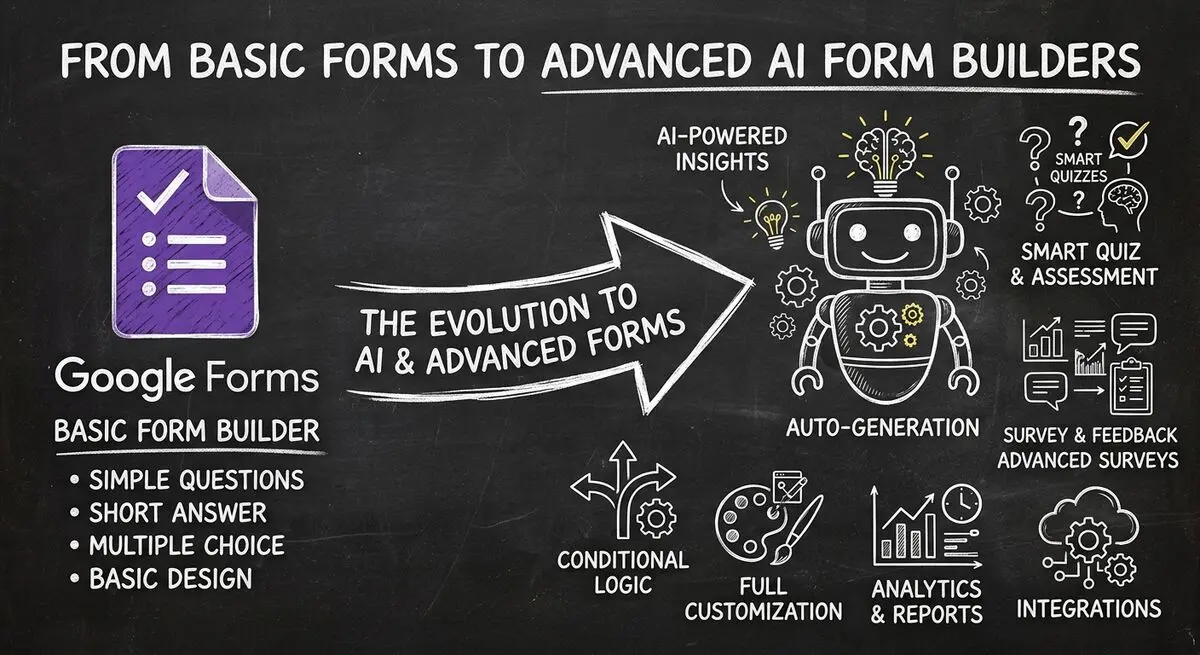
Google Forms 2026 features compared with Dashform: conditional logic, question types, AI generation, integrations, and when Google Forms is enough.
Many consumers now ask AI assistants for local picks as well as Google. Why SEO alone can't reach that discovery, and how to be visible to AI agents.
Try the world's first AI-native form and turn every response into action instantly.

