

This seven-question form walks employees through a timesheet adjustment request in a logical order, starting with identity details: the "Please enter your full name." and "Please enter your employee identification number." questions establish who is filing. The "What type of adjustment are you requesting?" question then narrows the request to a category — vacation, sick, personal, correction to work hours, or other — before the form collects the specific week and dates affected, a detailed explanation of original versus adjusted hours, and the reason for the change. Every field is required, so HR or a manager receives everything they need in one submission. After submitting, employees see a confirmation message telling them to await a response from HR or their manager on the status of their request.
Try the conversation below to see how this template works
Trusted by over 10,000 customers and growing
Conversations Started
Questions Answered
Forms Created
The "What type of adjustment are you requesting?" question and the detailed explanation field give HR a categorised, complete record to act on without back-and-forth.
The specific week and exact date fields, combined with the original-versus-adjusted hours explanation, supply the precise data payroll needs to make accurate corrections.
The "Please enter your employee identification number." and "Briefly explain the reason for this timesheet adjustment request." questions let managers quickly verify who is requesting what and why.

AI builds and refines your form through natural conversation no templates, no complex logic, no coding. From a simple text prompt or URL, Dashform generates intelligent flows that adapt automatically.
Dashform turns traditional form-filling into a two-way dialogue. The AI understands intent, remembers context, and asks relevant follow-up questions just like a real human conversation.
Every response is transformed into structured, meaningful, and ready-to-use data. Integrate with your favorite tools.
Everything you need to create amazing forms
Everything you need to know about this template
Don't see exactly what you need? Use our AI Form Generator to create a custom form in seconds. Just describe what you want, and AI will build it for you.
Explore more templates to find the perfect fit
 Survey
A seven-question post-support survey covering resolution, agent helpfulness, response time, and ease of contact.
 Satisfaction Survey
A nine-question survey covering satisfaction, response time, staff knowledge, issue resolution, and likelihood to recommend.
 Agreement
Gather customer review status, satisfaction, concerns, and acceptance choices for a named project or service.
 Contact
A clean, five-question form for capturing visitor inquiries with contact details and a full description of the request.
 Survey
Help your school understand and address cyberbullying by gathering student experiences, reporting habits, and prevention ideas.
 Report
A structured daily log for field teams to record work completed, hours, safety notes, and next steps.
Learn how to get the most out of your forms and templates
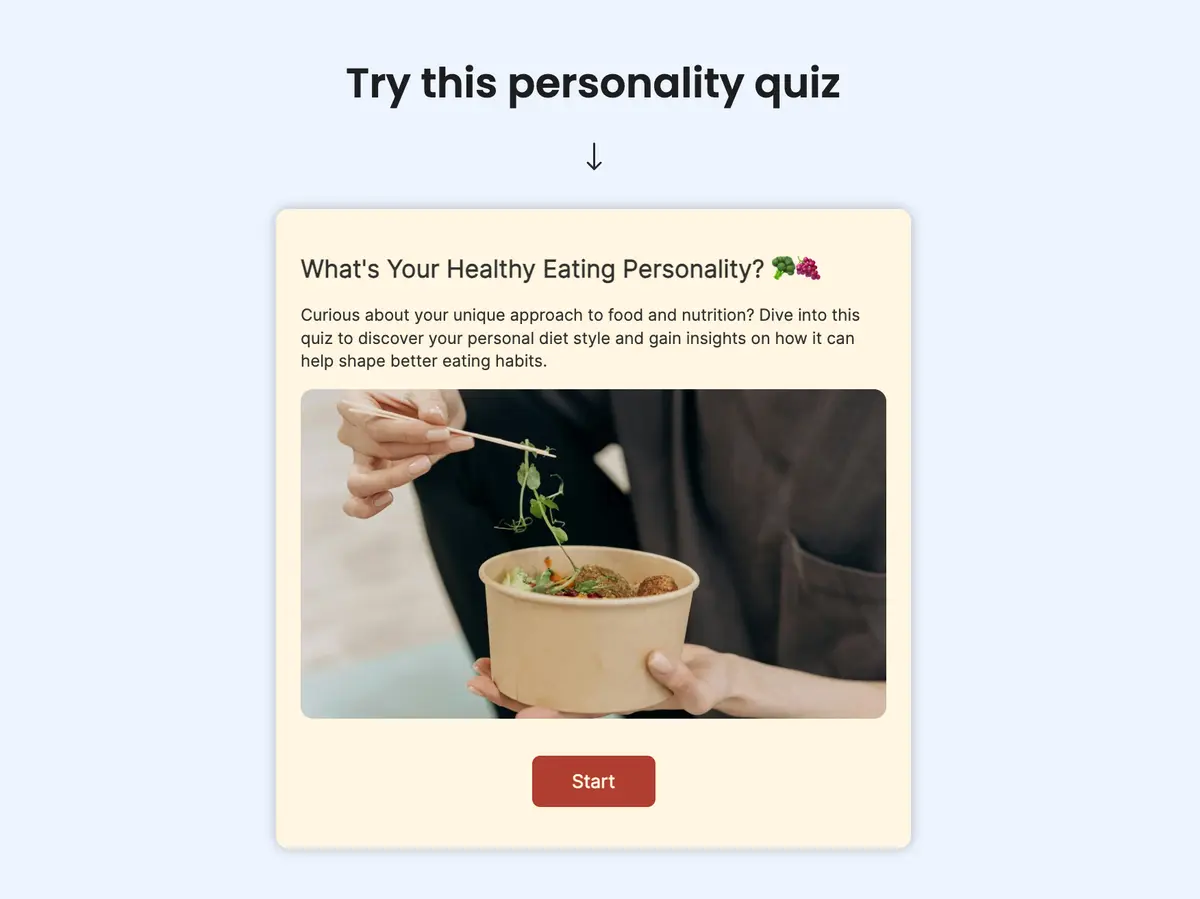
Compare Dashform quiz authoring with your Opinion Stage workflow: AI-assisted drafts, configurable branches, Endings, themes, and plan allowances.
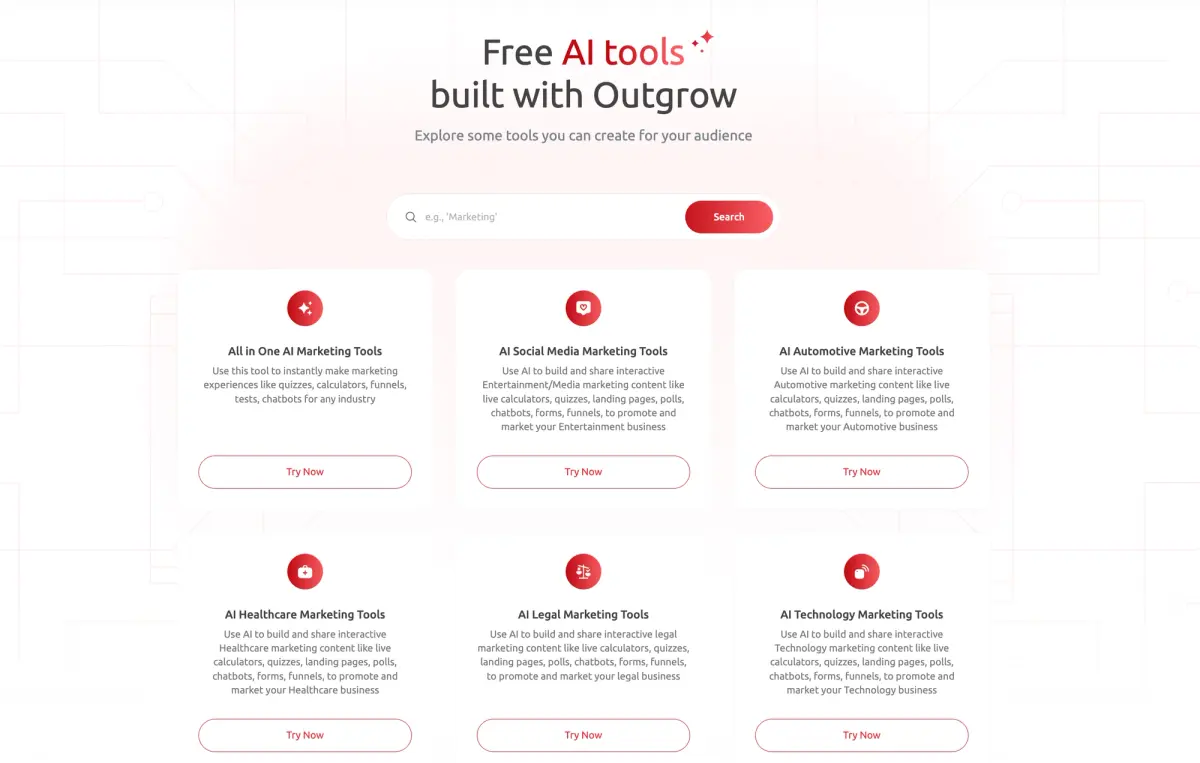
Compare Dashform and Outgrow by drafting workflow, qualification requirements, branding, and current plan allowances. Test the features your campaign needs before switching.
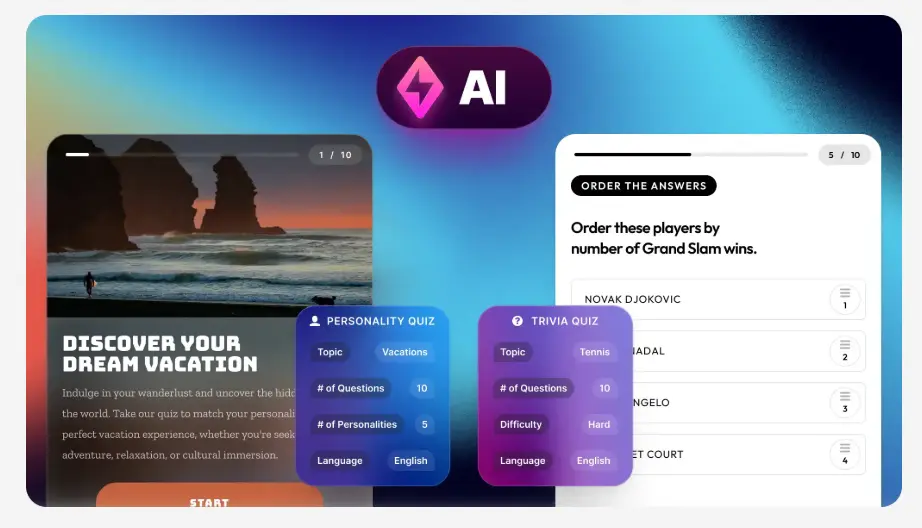
Evaluate Dashform and Riddle for quiz drafting, question logic, result content, branding, and publishing with a practical workflow checklist.
Try the world's first AI-native form and turn every response into action instantly.