This eight-question form collects the details a school needs to feature each graduate in its yearbook and official graduation records. It opens by asking for legal name, student ID, and a primary email address for graduation communications — the three pieces that tie a submission to a verified graduate — before an optional phone number field for any follow-up contact. The form then asks for the graduate's major or program of study, a link to or description of their high-resolution graduation photo, and explicit photo consent, so the institution has both the asset and the legal permission to publish it. An optional closing question invites graduates to share a favorite memory for yearbook inclusion, giving the record a personal touch. After submitting, graduates see a warm confirmation screen thanking them for their contribution.
Try the conversation below to see how this template works
Trusted by over 10,000 customers and growing
Conversations Started
Questions Answered
Forms Created
Rely on the legal name, student ID, and major questions to build accurate, verifiable graduation records for every degree candidate.
Use the photo link, consent, and favorite memory questions to gather both the assets and the permissions needed to publish a complete, personalized yearbook.
Depend on the email and optional phone number questions to keep a reliable communication channel open for ceremony updates and follow-up logistics.

AI builds and refines your form through natural conversation no templates, no complex logic, no coding. From a simple text prompt or URL, Dashform generates intelligent flows that adapt automatically.
Dashform turns traditional form-filling into a two-way dialogue. The AI understands intent, remembers context, and asks relevant follow-up questions just like a real human conversation.
Every response is transformed into structured, meaningful, and ready-to-use data. Integrate with your favorite tools.
Everything you need to create amazing forms
Everything you need to know about this template
Don't see exactly what you need? Use our AI Form Generator to create a custom form in seconds. Just describe what you want, and AI will build it for you.
Explore more templates to find the perfect fit
 Application
Nominate someone for a leadership role by submitting their details, the target position, and your reasons for recommending them.
 Hr
A straightforward seven-question form for submitting internal requests for review and approval across any department.
 Application
Apply to volunteer at a community fridge — share your availability, preferred roles, and motivation in one short form.
 Other
Request an official community service verification letter by submitting your volunteer hours, dates, and organization details.
 Tracking Log
A structured eight-question handover form for shift staff to log activities, incidents, and priority follow-ups for the next team.
 Hr
Eight-question employee survey rating work-life balance, collaboration, transparency, growth, values, and inclusion.
Learn how to get the most out of your forms and templates
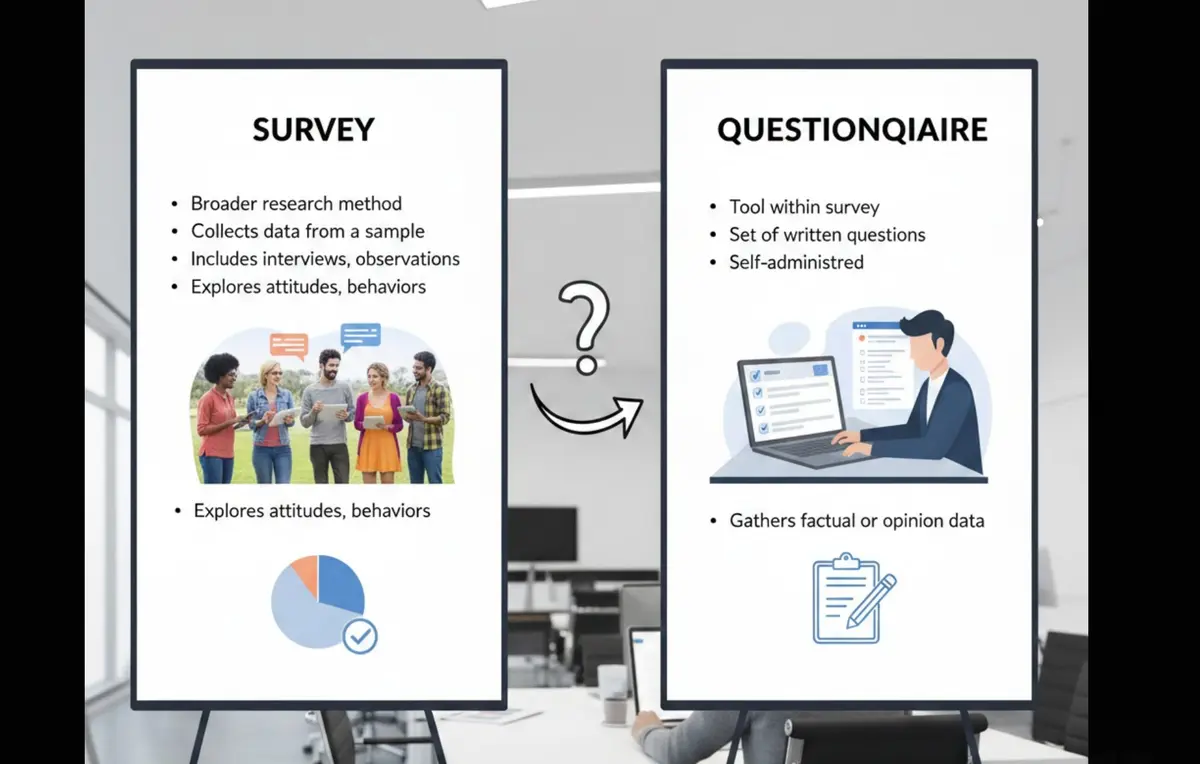
Survey vs questionnaire: the key differences, use cases, and a decision framework for picking the right one for research, feedback, or internal workflows.
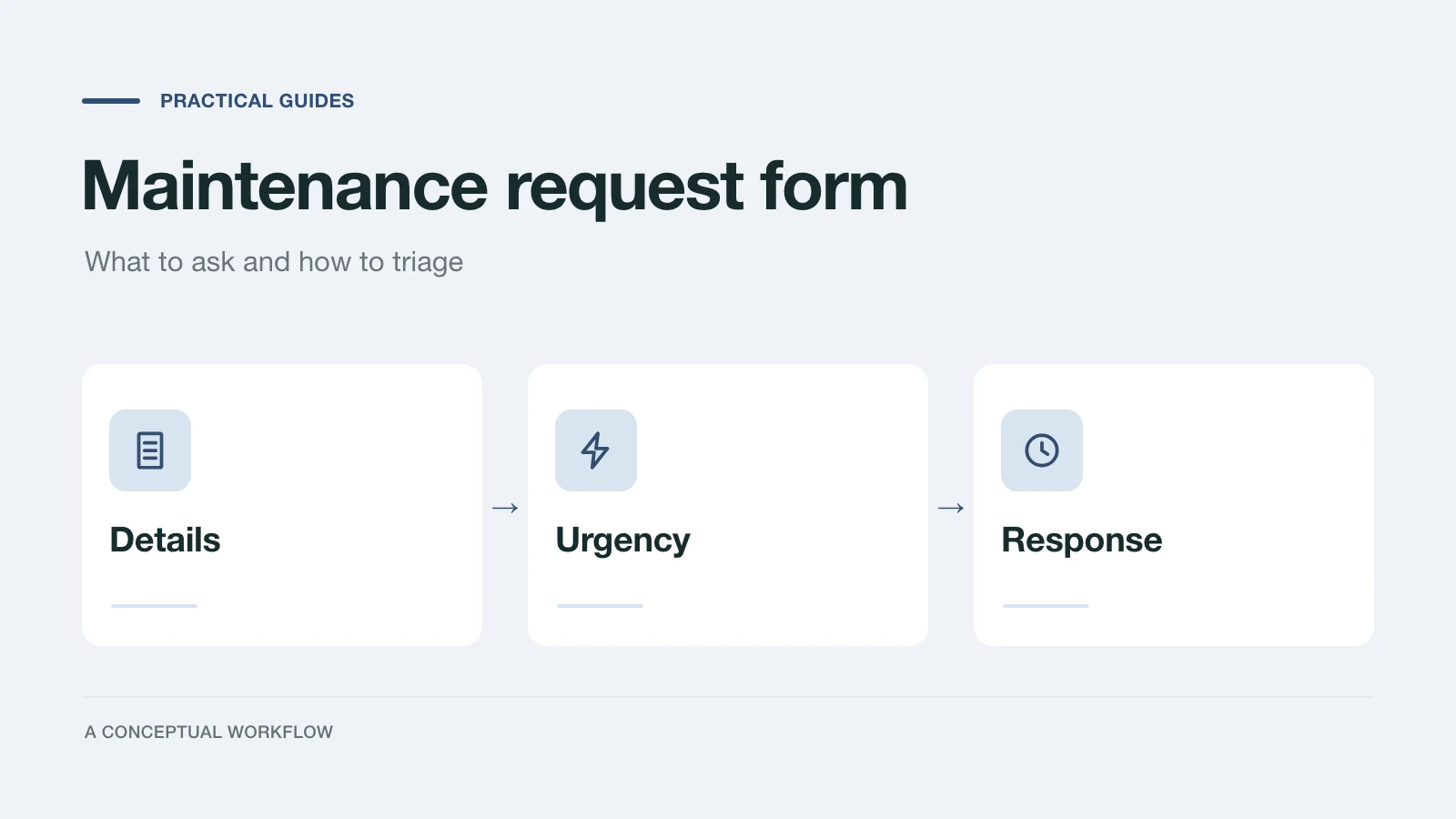
Copy a tenant maintenance request form field list, an emergency, urgent and routine triage rule set, and response templates for each tier.
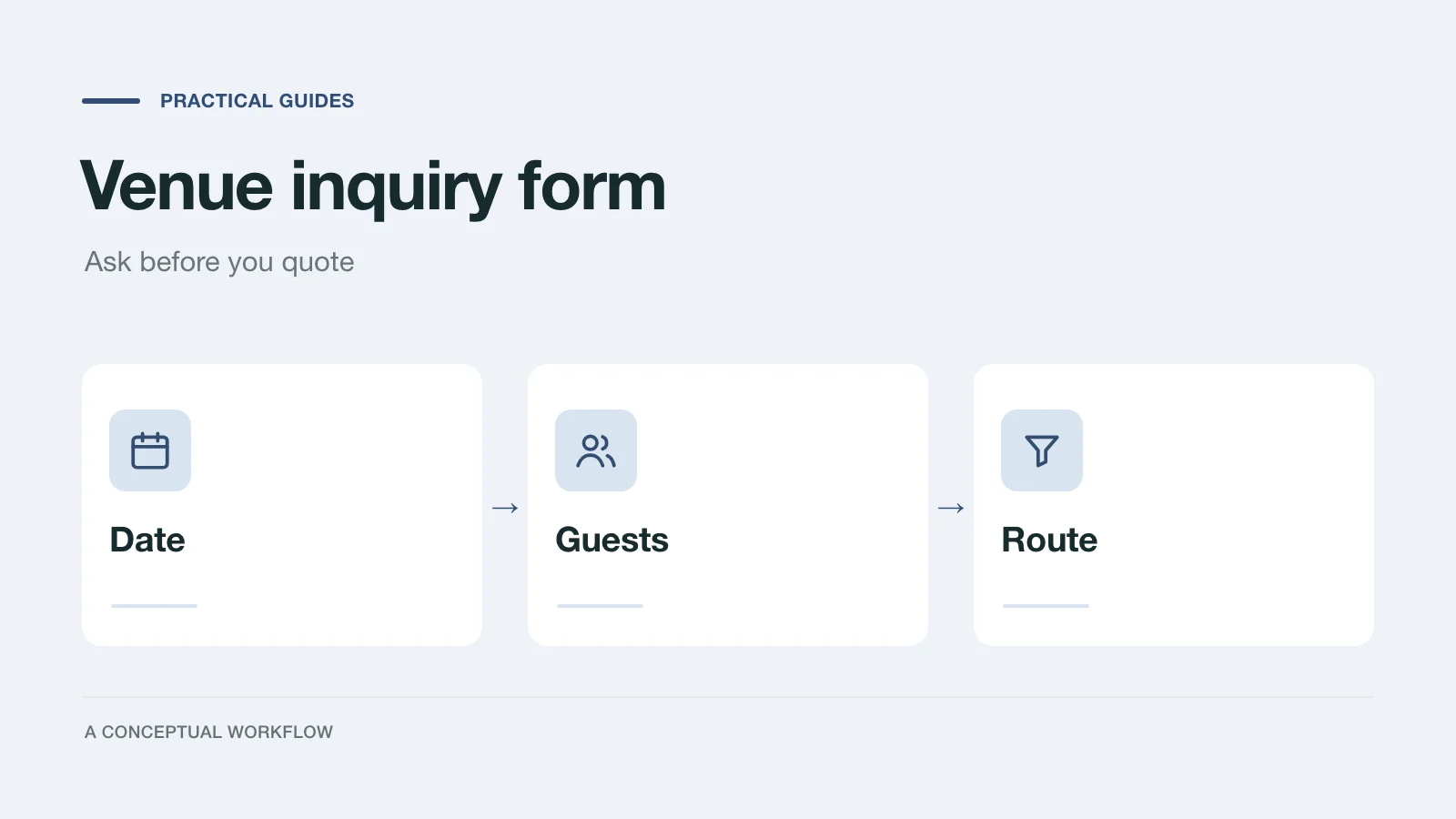
Copy a venue inquiry form question list and simple rules for which requests get an instant quote, a call, or a polite no, then build the form in Dashform.
Try the world's first AI-native form and turn every response into action instantly.

