

This volunteer application form opens with a welcome note explaining the community fridge's mission to reduce food waste and support people in need, then works through eight questions. It starts by collecting contact details — full legal name, email, and an optional phone number — before asking which days the applicant is available and which of five roles interest them, from food collection to administrative support. An optional question about prior volunteering or food-handling experience sits before the required "Why are you interested in volunteering for the community fridge initiative?" question, giving coordinators a sense of motivation. A final optional question asks how the applicant heard about the opportunity, helping the team understand which outreach channels are working. After submitting, applicants see a thank-you screen acknowledging their commitment to the community.
Try the conversation below to see how this template works
Trusted by over 10,000 customers and growing
Conversations Started
Questions Answered
Forms Created
The availability and role-preference questions give coordinators everything they need to schedule shifts and assign tasks before a follow-up conversation.
The 'Food Collection & Transport' and 'Fridge Cleaning & Maintenance' role options make this form a practical fit for any organisation that moves and stores donated food.
The motivation question and the optional experience field help grassroots organisers identify volunteers who are personally invested in the local community, not just looking to fill hours.

AI builds and refines your form through natural conversation no templates, no complex logic, no coding. From a simple text prompt or URL, Dashform generates intelligent flows that adapt automatically.
Dashform turns traditional form-filling into a two-way dialogue. The AI understands intent, remembers context, and asks relevant follow-up questions just like a real human conversation.
Every response is transformed into structured, meaningful, and ready-to-use data. Integrate with your favorite tools.
Everything you need to create amazing forms
Everything you need to know about this template
Don't see exactly what you need? Use our AI Form Generator to create a custom form in seconds. Just describe what you want, and AI will build it for you.
Explore more templates to find the perfect fit
 Registration
Register as a festival volunteer by sharing your availability, preferred roles, and any relevant skills or experience.
 File Upload
Collect shareable image links, contributor details, purpose, and descriptions in a six-question form.
 Professions
Collect a new client's goals, income, assets, and risk tolerance so their advisor can prepare a tailored first consultation.
 Assessment
Eight questions that map your saving, debt, investments, and insurance into a clear picture of your financial health.
 Assessment
Gather a client's income, goals, retirement outlook, risk tolerance, and planned purchases in one focused form.
 Waiver
Collect informed consent, medical disclosures, and emergency contact details from participants before fitness activities begin.
Learn how to get the most out of your forms and templates

View Google Form responses, link a Google Sheet, enable email notifications, and export a CSV. Compare these workflows with Dashform Reply review.
A guide to sharing and closing Google Forms, checking the controls available in your account, and comparing Dashform sharing workflows.
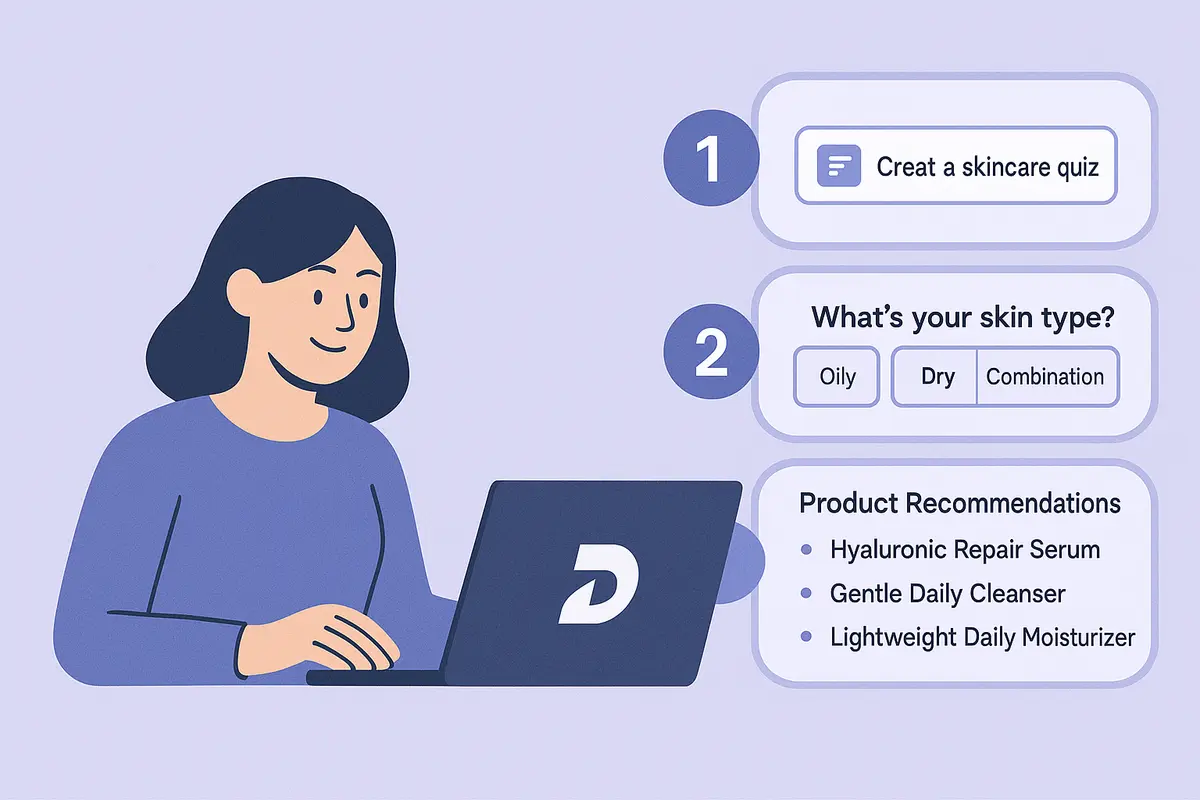
Learn how to create a high-converting AI product recommendation quiz using Dashform. This step-by-step guide shows how to generate personalized quizzes with conditional logic, branding, and CRM integrations — no coding required.
Try the world's first AI-native form and turn every response into action instantly.