

This form collects everything a team needs to process an internal request from start to finish. It opens by asking for the requester's name and department, then moves to the type and full description of the request, so reviewers immediately know what they're dealing with and who sent it. The "What is the priority level of this request?" and "When do you need this request fulfilled?" questions sit back-to-back so approvers can weigh urgency against the deadline at a glance. Finally, "Who should approve this request?" routes the submission to the right person without any back-and-forth. After submitting, respondents see a confirmation that their request has been received and will be reviewed by the appropriate department.
Try the conversation below to see how this template works
Trusted by over 10,000 customers and growing
Conversations Started
Questions Answered
Forms Created
Relies on the "What type of request are you submitting?" and "Who should approve this request?" questions to triage and route equipment, supply, and access requests without manual follow-up.
Depends on the "What is the priority level of this request?" and "When do you need this request fulfilled?" questions to schedule and prioritise software access and resource allocation work.
Uses the "Which department are you from?" and "Please describe your request in detail" questions to keep a clear, auditable record of every cross-team request submitted for approval.

AI builds and refines your form through natural conversation no templates, no complex logic, no coding. From a simple text prompt or URL, Dashform generates intelligent flows that adapt automatically.
Dashform turns traditional form-filling into a two-way dialogue. The AI understands intent, remembers context, and asks relevant follow-up questions just like a real human conversation.
Every response is transformed into structured, meaningful, and ready-to-use data. Integrate with your favorite tools.
Everything you need to create amazing forms
Everything you need to know about this template
Don't see exactly what you need? Use our AI Form Generator to create a custom form in seconds. Just describe what you want, and AI will build it for you.
Explore more templates to find the perfect fit
 Consent
Designate an agent and define their powers with this seven-question Durable Power of Attorney form.
 General Request
Request an e-book reader loan by specifying your preferred model, start date, and how long you need it.
 Signup
A quick five-question entry form for an Easter giveaway, collecting contact details and rule agreement.
 Quiz
QuizA five-question Easter quiz covering traditions, symbols, and personal favourites — great for seasonal engagement.
 Survey
Gather sales performance data and personal Easter engagement in one short survey.
 Survey
A clinical intake survey covering eating behaviors, physical symptoms, body image, and mood to support healthcare assessment.
Learn how to get the most out of your forms and templates

15 real estate forms and templates agents use to capture leads, run showings, collect feedback, and keep transactions organized.
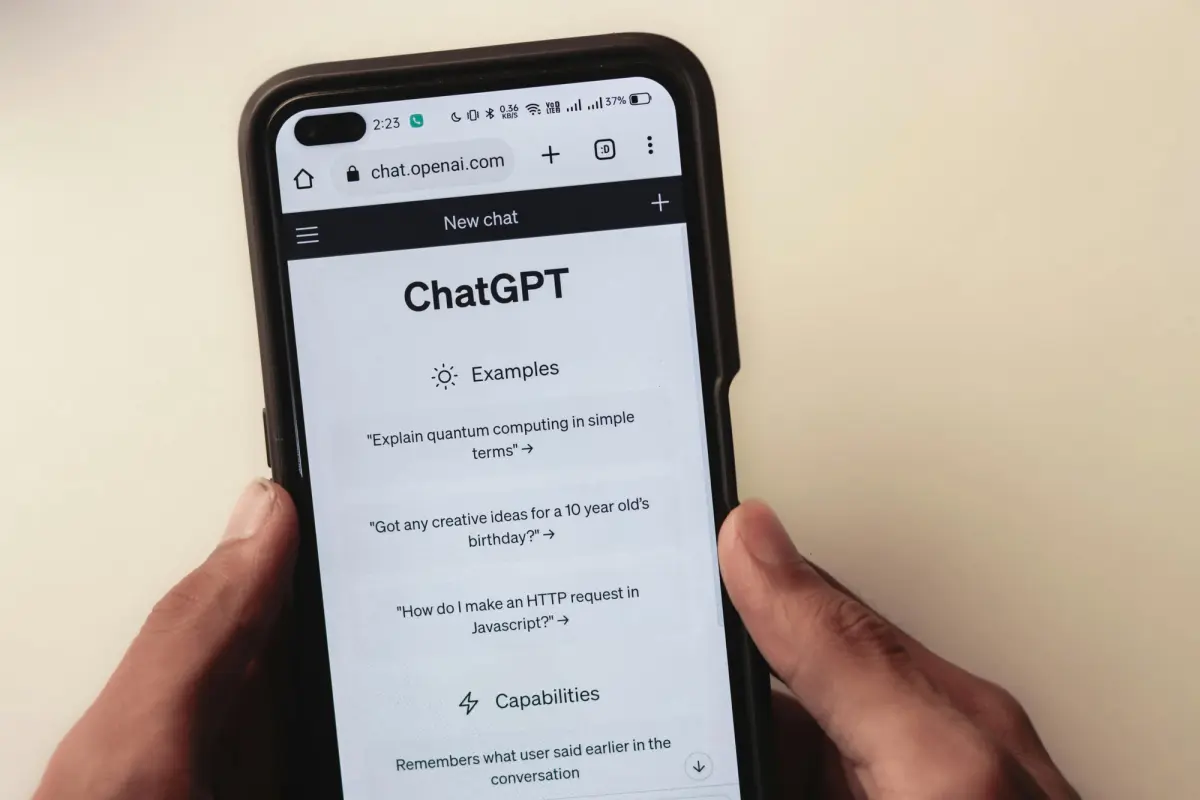
Discover 50 powerful Dashform AI prompts for creating forms and surveys. Learn how to generate better survey questions, improve engagement, and streamline data collection with AI-driven form design.

Explore eight contractor form templates for project inquiries, estimates, inspections, work orders, and follow-up, with practical setup and review advice.
Try the world's first AI-native form and turn every response into action instantly.