The Community Shift Report opens with a welcome screen that frames thoroughness as essential to a smooth handover, then walks staff through eight questions in a logical sequence. It starts with the basics — date, full name, and shift times — to anchor the record before moving to the work itself: key activities performed, then any significant observations, issues, or incidents. The "Please provide any important notes or endorsements for the next staff member." question bridges the two shifts directly, followed by the "What is the overall priority level for follow-up actions by the next shift?" question, where staff choose from low to critical so the incoming team knows immediately what needs attention. The optional "How would you rate the overall flow and challenges of this shift?" rating question closes the form, giving owners a quick read on workload patterns over time. After submitting, staff see a confirmation screen thanking them and reinforcing that their input keeps operations and communication consistent across shifts.
Try the conversation below to see how this template works
Trusted by over 10,000 customers and growing
Conversations Started
Questions Answered
Forms Created
They rely on the "Please provide any important notes or endorsements for the next staff member." question to pass on context about clients or situations that cannot wait until the next scheduled meeting.
They use the "What is the overall priority level for follow-up actions by the next shift?" question to triage incoming tasks and deploy staff attention before the new shift even begins.
They depend on the "Please list the key activities performed during your shift." question to maintain accountability and verify that scheduled tasks were completed across rotating volunteer teams.

AI builds and refines your form through natural conversation no templates, no complex logic, no coding. From a simple text prompt or URL, Dashform generates intelligent flows that adapt automatically.
Dashform turns traditional form-filling into a two-way dialogue. The AI understands intent, remembers context, and asks relevant follow-up questions just like a real human conversation.
Every response is transformed into structured, meaningful, and ready-to-use data. Integrate with your favorite tools.
Everything you need to create amazing forms
Everything you need to know about this template
Don't see exactly what you need? Use our AI Form Generator to create a custom form in seconds. Just describe what you want, and AI will build it for you.
Explore more templates to find the perfect fit
 Rsvp
A clean, six-question RSVP form for cocktail events — confirms attendance, collects guest counts, and captures dietary needs.
 Application
A straightforward college application covering personal details, course choice, education background, and a personal statement.
 Application
Apply for commercial building insurance by sharing your property details, construction type, claims history, and desired start date.
 Request
Submit a commission approval request with payee details, sales figures, rate, and supporting documentation.
 Application
Nominate someone for a leadership role by submitting their details, the target position, and your reasons for recommending them.
 Hr
A straightforward seven-question form for submitting internal requests for review and approval across any department.
Learn how to get the most out of your forms and templates
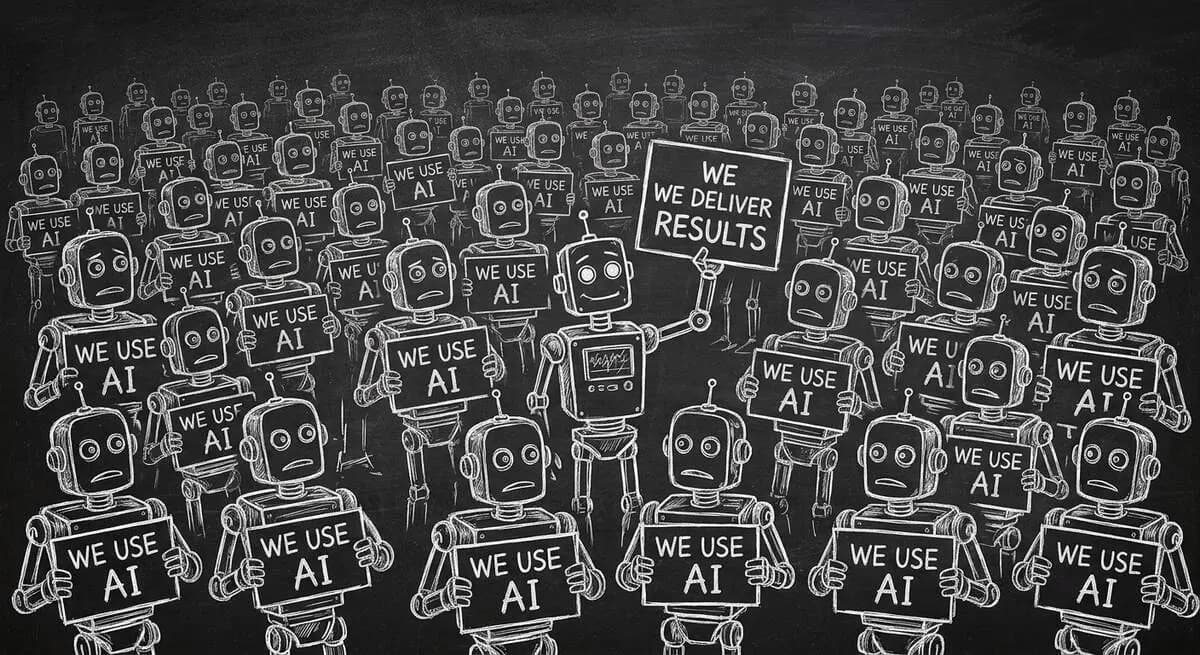
Five proposed agency services to weigh beyond a generic AI pitch: readiness audits, intake forms, attribution, specialization, and supported agent work.
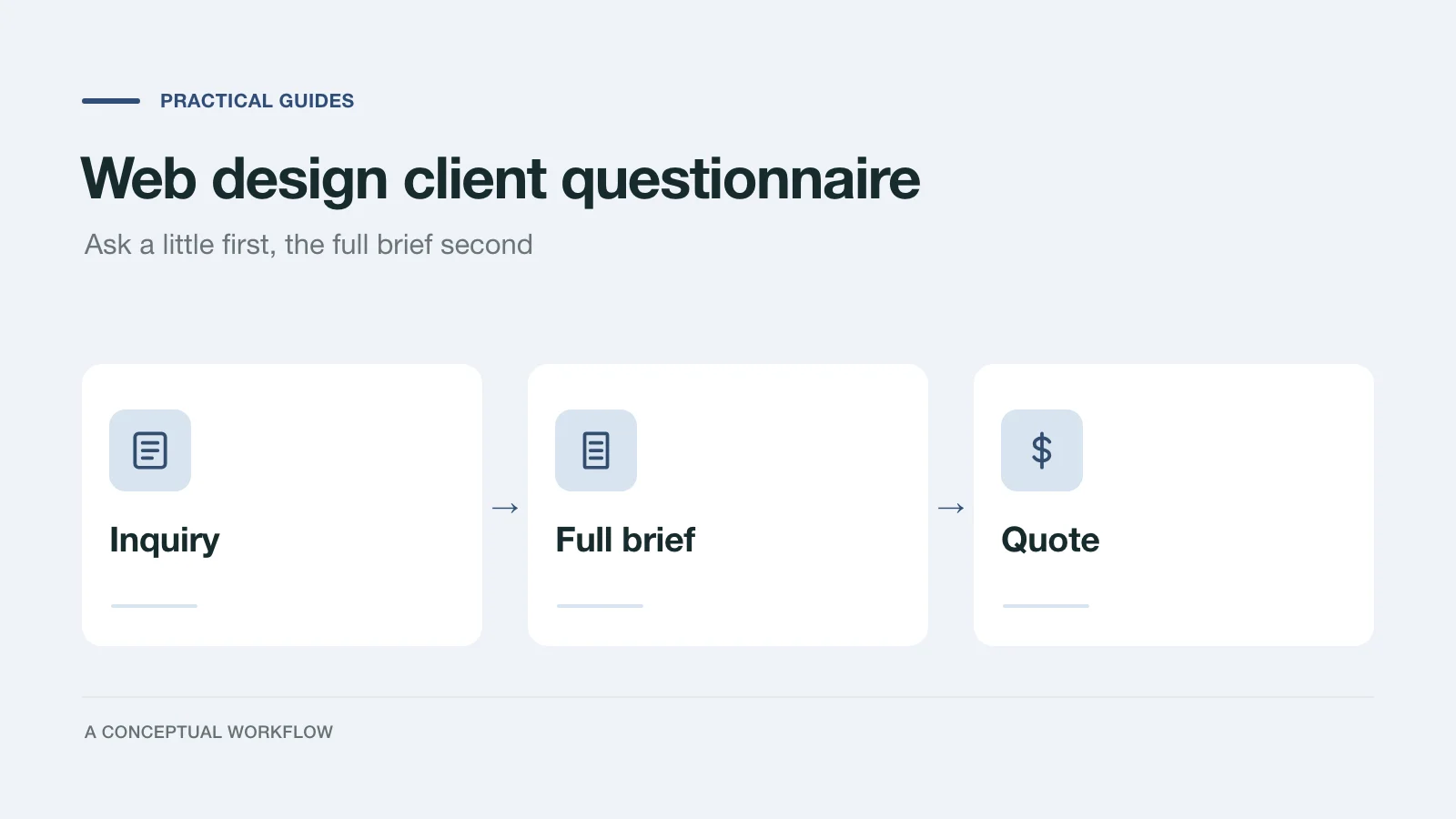
A web design client questionnaire in two stages: a short inquiry form to qualify the project, then the full brief you quote from. Every question explained.
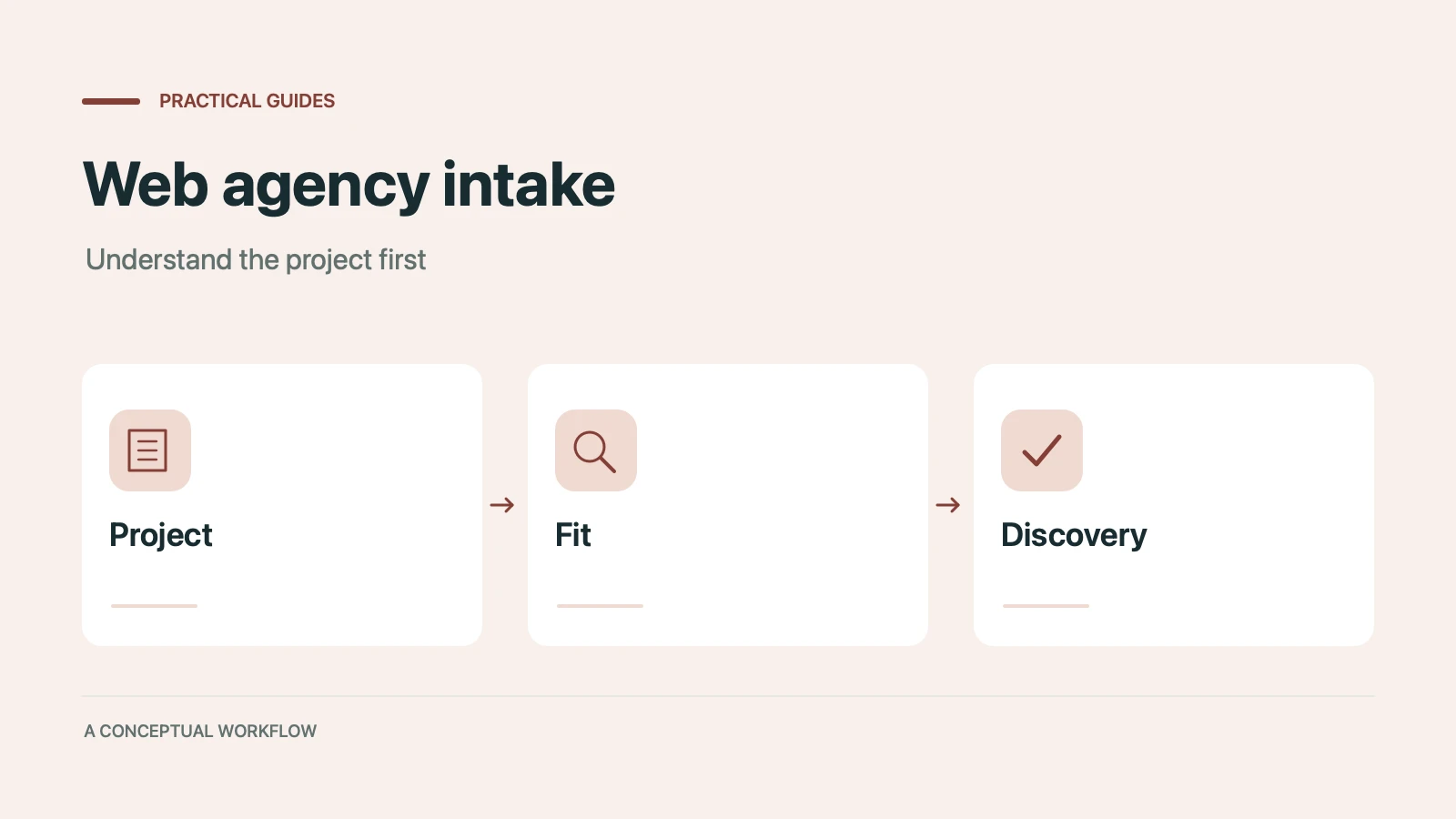
An illustrative walkthrough of a web development agency swapping its contact form for AI-scored intake: the questions, tiered routing, and what to measure.
Try the world's first AI-native form and turn every response into action instantly.

