This seven-question Wedding RSVP Form opens by asking for the respondent's name and email address so the couple can match every reply to their guest list. The attendance question offers 'Joyfully accepts' and 'Regretfully declines'. Every guest then sees the additional guest count, main course preference, dietary restrictions, and personal message questions; declining does not hide those fields. Meal and allergy questions are optional but give caterers exactly what they need, and the final "Would you like to leave a message for the happy couple?" question lets guests add a personal note. After submitting, guests see a warm thank-you screen confirming their RSVP was received.
Try the conversation below to see how this template works
Trusted by over 10,000 customers and growing
Conversations Started
Questions Answered
Forms Created
The attendance, guest count, and meal questions give couples everything their venue and caterer need, all in one place.
The "How many additional guests (including children) will be attending with you? (Please specify 0 if none)" question makes it straightforward to compile accurate headcounts without chasing guests individually.
The "Please select your main course preference:" and "Do you have any dietary restrictions or allergies we should be aware of?" questions deliver the precise per-guest meal data needed for kitchen planning.

AI builds and refines your form through natural conversation no templates, no complex logic, no coding. From a simple text prompt or URL, Dashform generates intelligent flows that adapt automatically.
Dashform turns traditional form-filling into a two-way dialogue. The AI understands intent, remembers context, and asks relevant follow-up questions just like a real human conversation.
Every response is transformed into structured, meaningful, and ready-to-use data. Integrate with your favorite tools.
Everything you need to create amazing forms
Everything you need to know about this template
Don't see exactly what you need? Use our AI Form Generator to create a custom form in seconds. Just describe what you want, and AI will build it for you.
Explore more templates to find the perfect fit
 Registration
Register new clients for meal assistance by collecting contact details, household size, address, and dietary needs.
 Order
Place a food order online by choosing menu items, quantities, delivery details, and a preferred time.
 Other
Collect football pool picks, a tiebreaker prediction, reported payment status, and a choice about organizer-supplied rules.
 Exit Interview
Collect honest exit feedback from departing employees across experience, reasons for leaving, and improvement suggestions.
 Appointment Booking
Schedule a personalized 1-on-1 coaching session by sharing your contact details, coaching focus, and availability.
 Booking
Collect contact details, service needs, and scheduling preferences to book a free, no-obligation client consultation.
Learn how to get the most out of your forms and templates
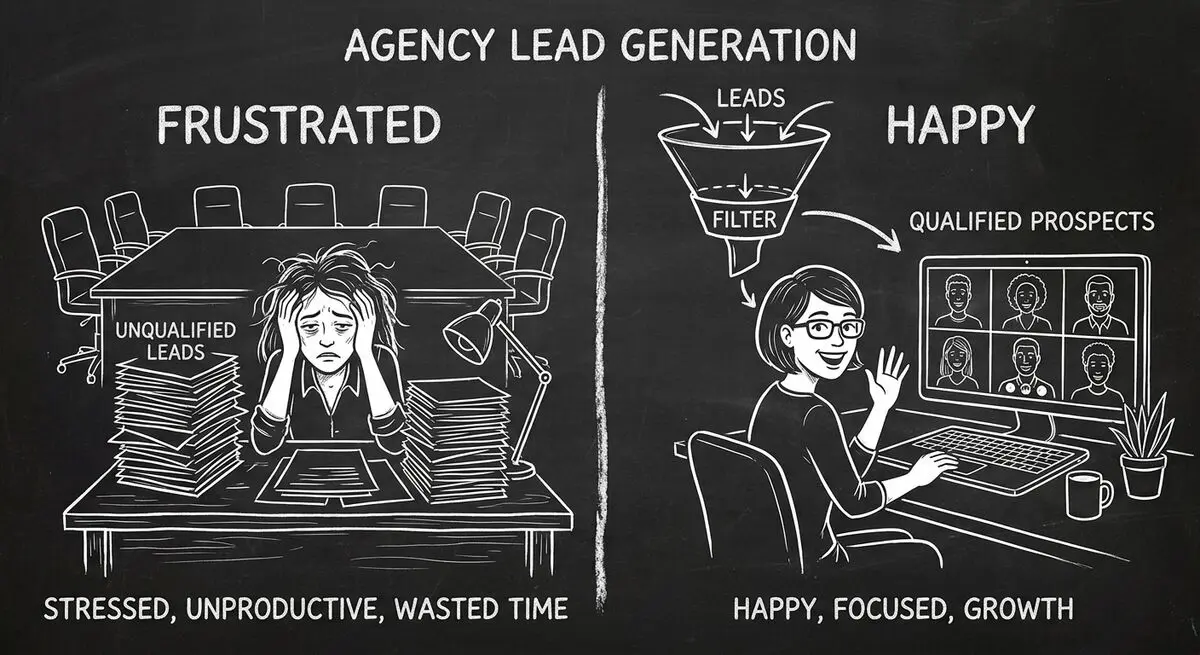
An illustrative playbook for a B2B content agency swapping its contact form for an AI quiz funnel: the questions, scoring, routing, and 60-day metrics.
AI lead form tools compared: Dashform, Typeform, Jotform, Fillout, Heyflow, Tally, and involve.me on drafting, scoring, integrations, and best use.
Draft intake questions for clinician review, distinguish administrative forms from validated assessments, and plan privacy and scheduling requirements.
Try the world's first AI-native form and turn every response into action instantly.

