

An agent-assisted intake path lets a compatible AI client read and fill a published form on a customer's behalf. For a front desk, that creates another way to receive an inquiry. Staff still need to review the request, handle exceptions, and confirm any appointment through the scheduling system.
Keep Several Inquiry Paths Available
Review the channels your customers actually use and decide who monitors each one:
| Inquiry channel | Operational check |
|---|---|
| AI-assisted form | Can the connected client complete the required questions? |
| Website form | Is the confirmation accurate and readable on mobile? |
| Phone call | Who answers or reviews voicemail? |
| Social media message | Who moves the inquiry into the review workflow? |
| Walk-in or referral | How are follow-up details recorded? |
Do not infer your customers' channel preferences from an industry claim. Track your own inquiry sources and test an agent-assisted form as an additional option.
Separate Intake Collection from Staff Decisions
| Task | Form or agent-assisted path | Staff responsibility |
|---|---|---|
| Collect an inquiry | Ask authored questions and save a reply | Check missing or ambiguous details |
| Review service fit | Apply configured hot, warm, and cold criteria | Confirm the decision and override mistakes |
| Explain services | Expose the published Business Profile and Services | Keep descriptions and prices accurate |
| Request an appointment | Collect preferences or link to a scheduler | Confirm availability and the appointment |
| Handle exceptions | Show accurate contact instructions | Respond to urgent or unusual needs |
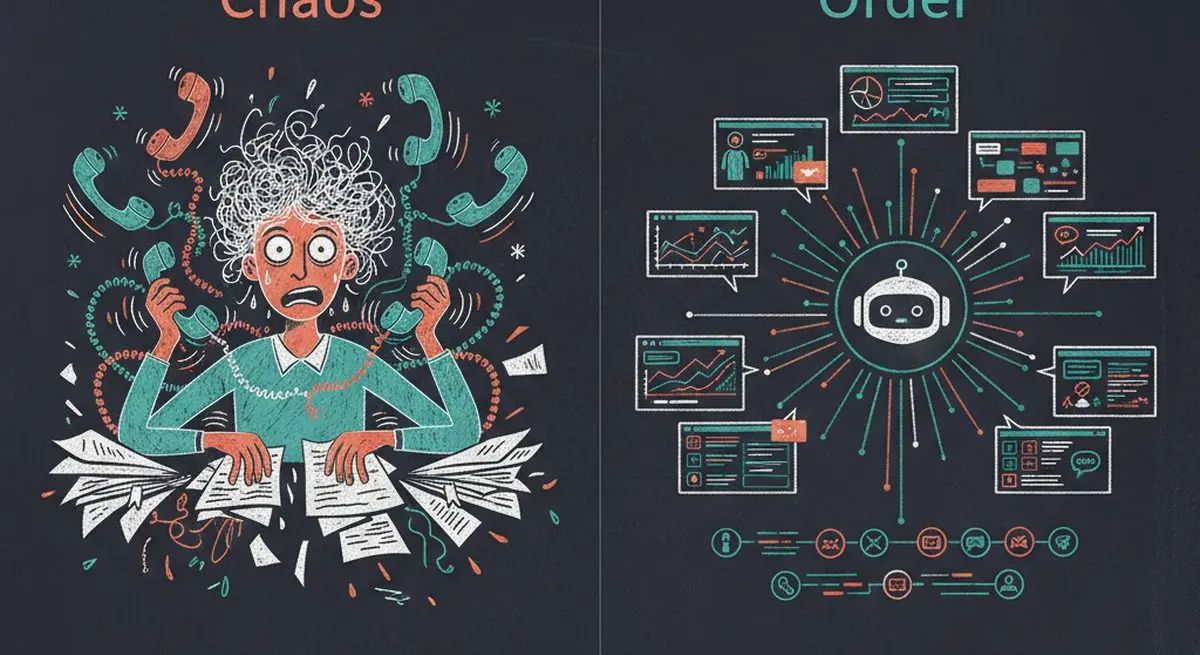
Publishing an agent-accessible form makes a supported interaction possible. It does not guarantee discovery, inquiries, or bookings.
Example Service-Business Workflows
| Industry | Proposed intake questions | Review boundary |
|---|---|---|
| Med spas and wellness | Treatment interests and consultation preferences | Clinician determines suitability |
| Dental and medical clinics | Requested service and contact details | Use approved systems for sensitive patient data |
| Real estate | Location, budget, and timeline | Agent confirms requirements |
| Legal services | Matter type and jurisdiction | Attorney reviews conflicts and engagement |
| Coaching | Goals and scheduling preferences | Coach confirms fit and availability |
| Home services | Job type, location, and urgency | Staff handles urgent requests and dispatch |
These are proposed workflows, not customer results. Choose the fields and review boundary that fit your service.
How AI Agent Funnels Work for Service Businesses

Build the intake path around these components:
1. Discovery Layer (Replacing: "How did you hear about us?")
Publish the form and review its MCP endpoint. Add accurate Services and opt into marketplace participation if you want the form listed. Any changes to your own website's discovery files or metadata must be configured and tested there.
2. Service Catalog (Replacing: "Let me tell you about our services")
A structured, machine-readable catalog of everything you offer -- services, pricing, duration, categories. Agents can browse, compare, and match without any human explanation.
3. Lead Qualification (Replacing: "Are you a good fit for our practice?")
Configure Lead Scoring to evaluate completed replies against your written criteria. It assigns hot, warm, or cold verdicts for staff review; it does not promise a numeric threshold or exclude every unsuitable inquiry.
4. Booking (Replacing: "Let me check our availability")
Use an external scheduling tool for availability and booking, connected explicitly through a link or supported automation. A Dashform reply is an inquiry, not confirmation that a time slot has been reserved.
Plan the Handoff and Measure It
Track incomplete replies, staff review time, and confirmed appointments in your own workflow. Give after-hours inquiries an accurate response expectation. If you want appointment reminders, configure them in the scheduling or messaging tool and test the recipient, timing, and cancellation behavior.
Getting Started: 3 Steps for Service Businesses

Step 1: Audit Your AI Visibility
Run a free AX Audit to see how AI agents currently perceive your business. Read the Findings and Readiness Layers; an AX Score measures the audited site, not expected revenue.
Step 2: Activate Agent Funnel
Create a Dashform funnel with your services and enable Agent Funnel. Import your business profile directly from your website URL -- review the imported details before saving.
Step 3: Write Your Qualification Criteria
Describe hot, warm, and cold inquiries using your service area, supported services, and other relevant requirements. Test representative replies, inspect the verdicts, and assign staff responsibility for review.
Frequently Asked Questions
Will this actually replace my receptionist?
A form can collect information for your front desk to review. Whether it changes staffing needs depends on your workload and responsibilities; it does not replace judgment, customer care, or exception handling.
What happens when an AI agent books an appointment?
A completed form creates a reply in Dashform. A booking requires an external scheduler configured with the appropriate availability and confirmation flow. Configure and test reply Destinations separately.
Is the AI qualification accurate?
Lead Scoring evaluates completed replies against configured criteria and assigns hot, warm, or cold verdicts. Compare those verdicts with staff decisions, correct mistakes, and refine the criteria; AI evaluation can be inaccurate.
How much does this cost?
Check Dashform plans for current feature access and reply allowances. External scheduling and automation tools may have their own costs.
Test an Additional Intake Path
Start with an AX Audit to inspect your site's readiness, then publish a test Dashform funnel. Verify the human and agent-assisted paths before sending real inquiries into the front desk workflow.