AI Tools for Course Questions and Feedback
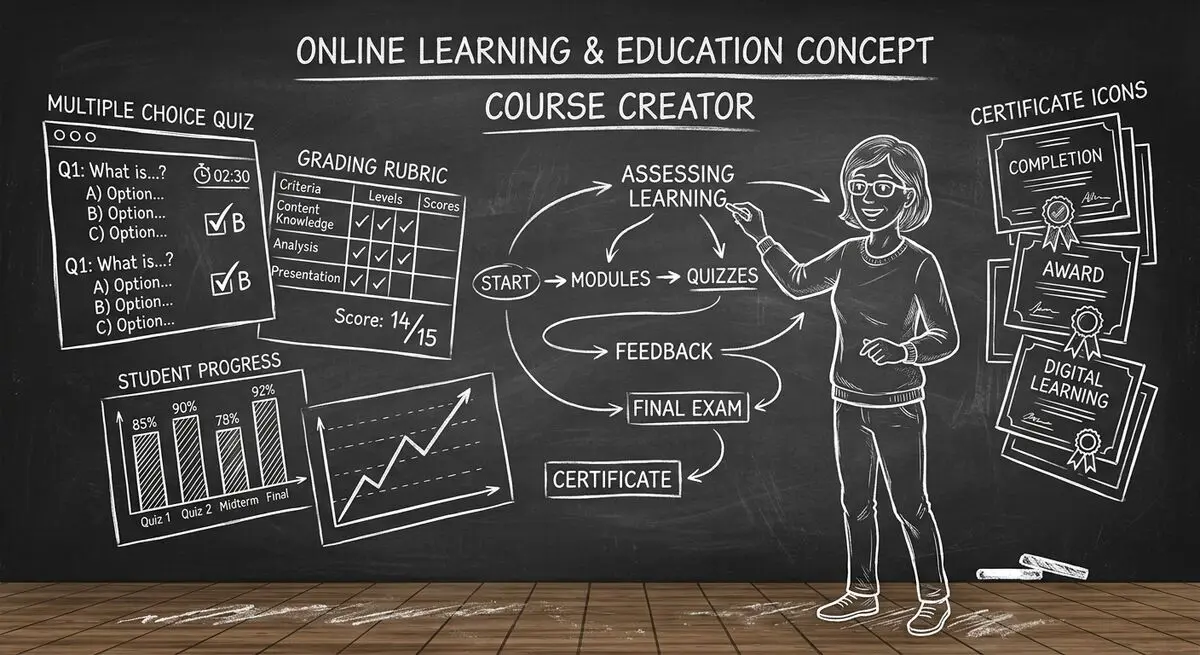
Course creators need questions that match their learning objectives and feedback that reveals where students need help. This guide suggests ways to draft those materials and review them before use.
The following Dashform tools provide starting points for questions, feedback, and intake. They do not replace an educator’s review or the controls of a formal learning management system.
Dashform AI Tools for Course Creators
| Tool | Use Case |
|---|---|
| AI Education Quiz Builder | Module assessments, placement tests |
| AI Quiz Generator | Lead gen quizzes, knowledge checks |
| AI Personality Quiz Maker | Learning style assessments, cohort matching |
| AI Survey Generator | Student feedback, course evaluation |
| AI Feedback Form Generator | NPS/CSAT after modules, instructor reviews |
| AI Form Generator | Registration, enrollment, application forms |
1. AI Education Quiz Builder: Draft Assessment Questions
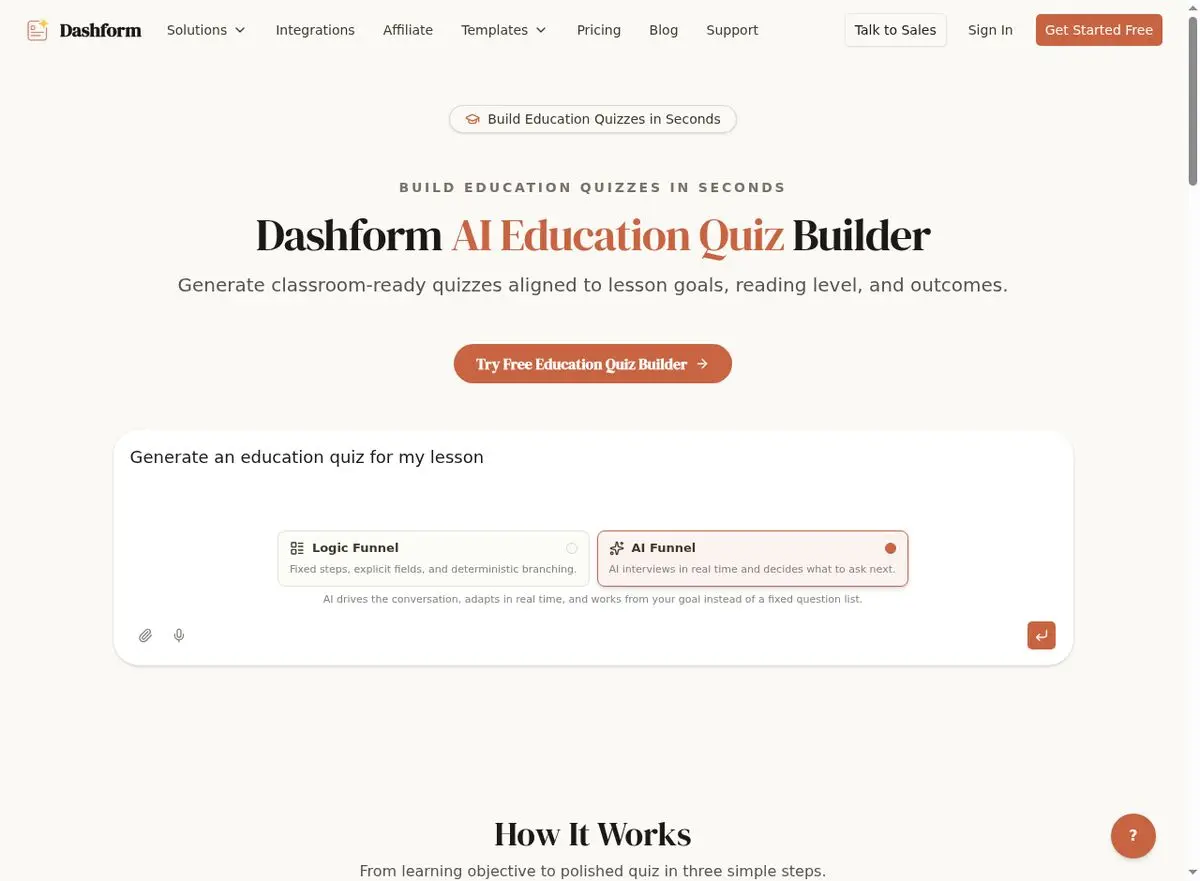
The AI Education Quiz Builder is purpose-built for educators. Describe your subject, learning objectives, and student level, and AI generates assessments aligned to your curriculum. Ask for question drafts suited to your topic, then verify supported question types and the answer key before use.
- Include the learning objective and the reasoning skill each question should test.
- State the intended level and review whether the wording fits your students.
- Check every answer and explanation against your teaching material.
- Draft questions by module so you can review their coverage systematically.
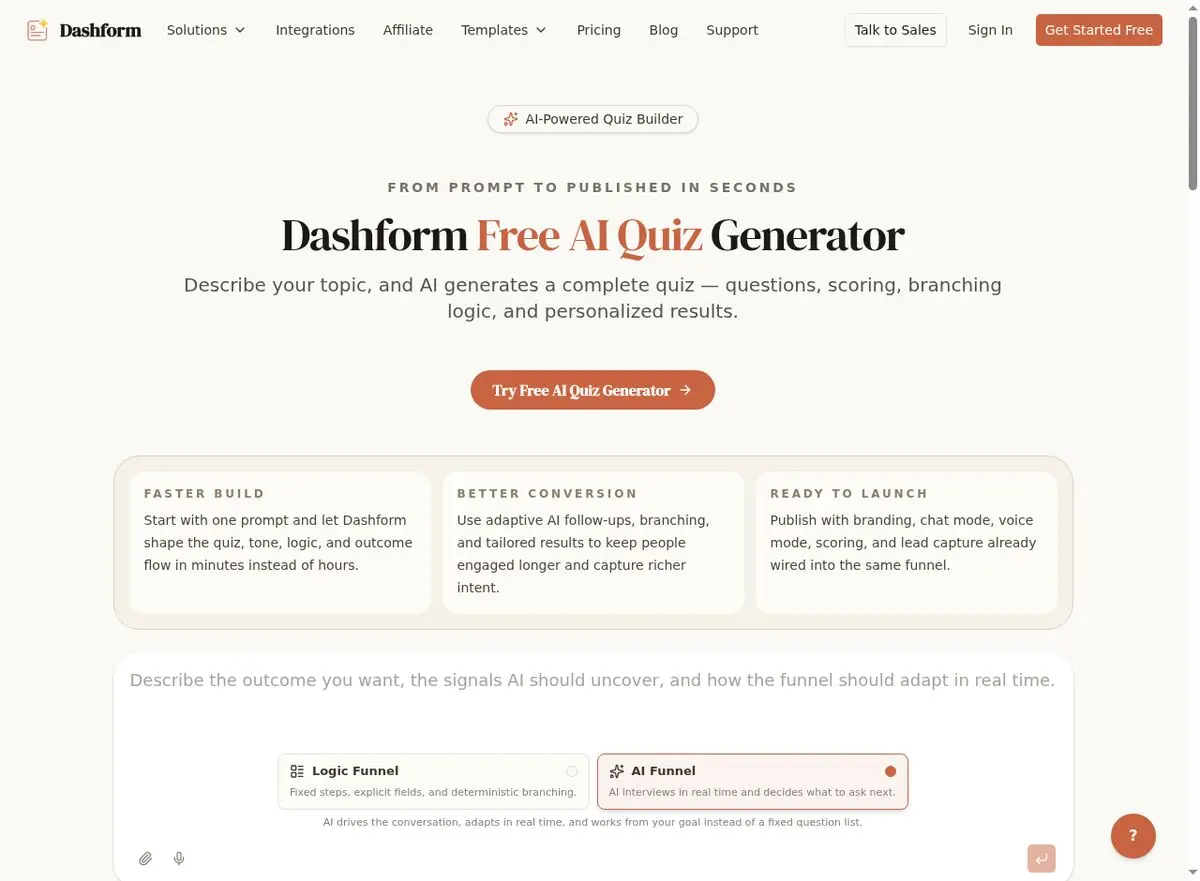
2. AI Quiz Generator: Lead Generation and Knowledge Checks
Course creators need leads before they need students. The AI Quiz Generator creates quiz funnels that attract potential students and qualify them before enrollment. For example, a bootcamp could draft an 'Are You Ready for a Career in Tech?' self-reflection quiz and author Endings that link to relevant course information. This is a proposed workflow, not a measured placement test.
Beyond lead gen, the Quiz Generator creates quick knowledge checks between lessons. These low-stakes checkpoints keep students engaged and help identify concepts that need review before the next module.
3. AI Personality Quiz Maker: Learning Style and Cohort Matching
Not every student learns the same way. The AI Personality Quiz Maker creates assessments that identify learning preferences, personality types, and working styles. Results can route students to appropriate cohorts, recommend specific learning paths, or personalize the content delivery method.
Possible uses include asking leadership participants about team preferences, language students about conversation topics, or writers about genres they want to explore. Treat these as self-reported preferences, not validated psychological or learning-style diagnoses.
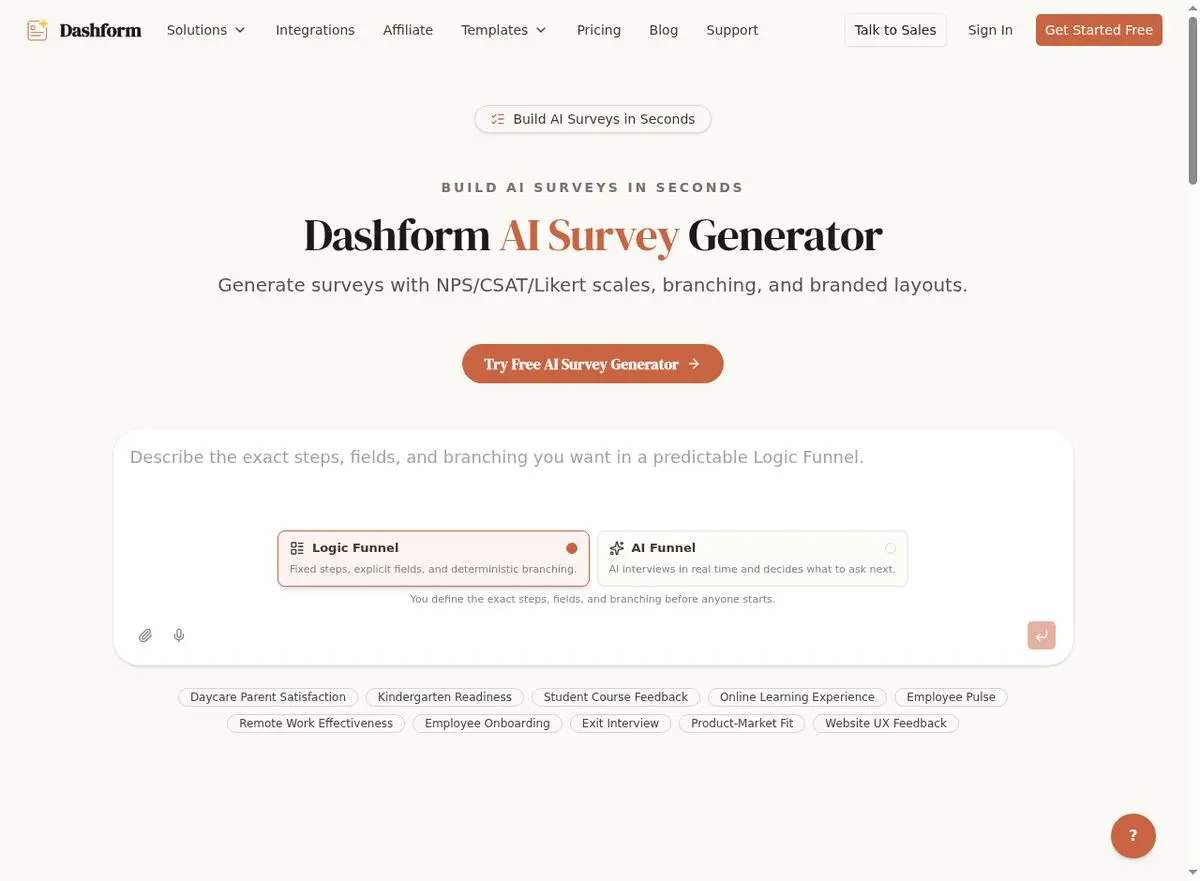
4. AI Survey Generator: Student Feedback That Drives Improvement
Course evaluations should not wait until the end. The AI Survey Generator creates mid-course check-ins, end-of-module reviews, and post-completion satisfaction surveys with NPS, CSAT, and Likert scale questions. AI adapts follow-up questions based on responses, so a student who rates satisfaction as low gets asked specifically what could improve.
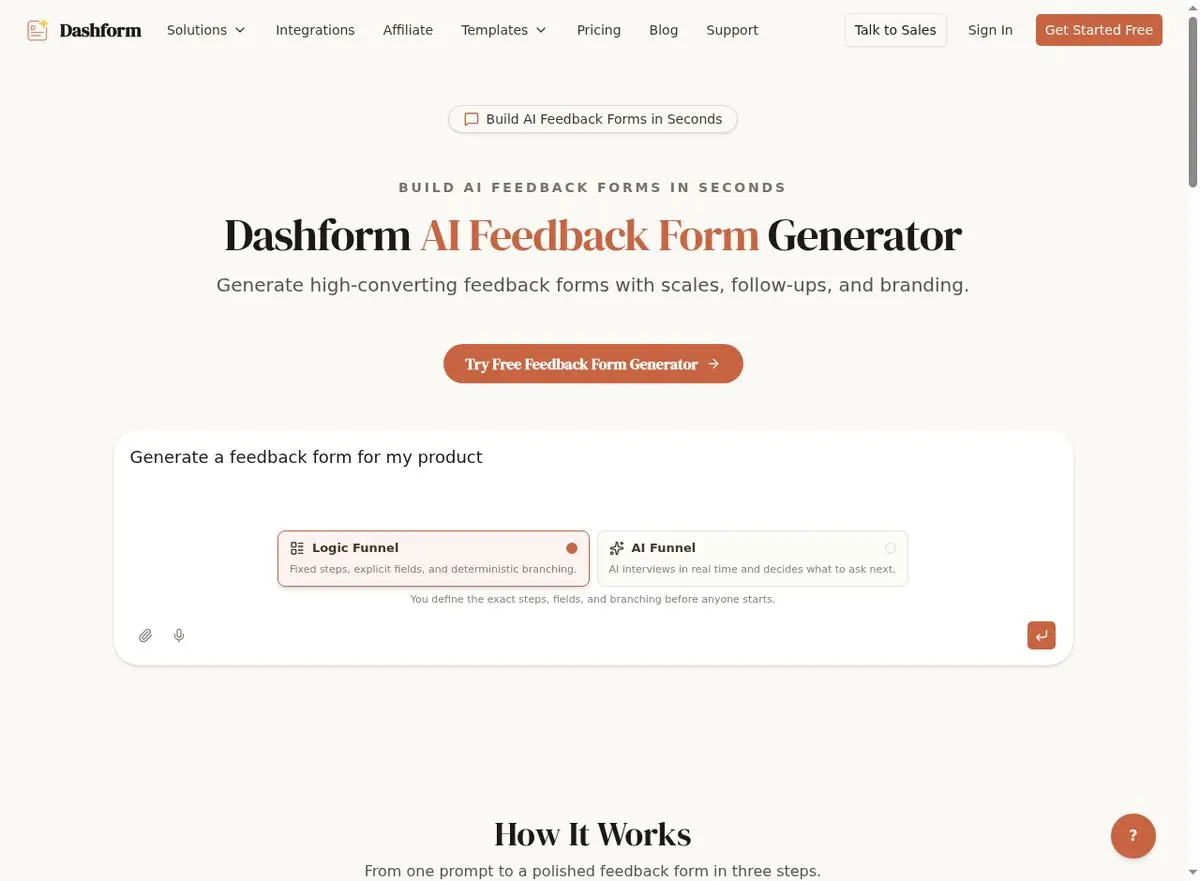
5. AI Feedback Form Generator: Instructor and Module Reviews
The AI Feedback Form Generator creates targeted feedback forms for specific touchpoints: after a live session, after a module completion, after a group project, or after a mentoring call. Each form is contextually relevant rather than generic, which gives students a reason to answer.
6. AI Form Generator: Registration, Enrollment, and Applications
The AI Form Generator handles the administrative backbone: course registration forms, enrollment applications, scholarship applications, and pre-course intake forms. Describe your course requirements and AI generates forms with appropriate fields, validation logic, and conditional sections.
Building Your Complete Course Assessment Stack
Course Lifecycle Assessment Plan
| Course Stage | Tool | Form Type | Frequency |
|---|---|---|---|
| Pre-enrollment | Quiz Generator | Lead qualification quiz | Once per visitor |
| Enrollment | Form Generator | Registration form | Once per student |
| Onboarding | Personality Quiz Maker | Learning style assessment | Once per student |
| Mid-module | Education Quiz Builder | Knowledge check quiz | After each module |
| Mid-course | Survey Generator | Progress satisfaction survey | 2-3 times per course |
| Post-module | Feedback Form Generator | Module review feedback | After each module |
| Completion | Survey Generator | Course evaluation NPS | Once at completion |
Frequently Asked Questions
Can I export quiz results to my LMS?
Dashform can send completed Reply data through a configured webhook. Verify the receiving LMS API, permissions, and field mapping; do not assume a native LMS integration or per-question timing export.
How does AI know my subject matter?
You describe your course topic, learning objectives, and student level in plain text. The AI uses this context to generate relevant questions. For specialized subjects, you can provide key concepts and terminology that the AI incorporates into assessments.
Can students retake quizzes?
For formal assessments, use your LMS to enforce attempt limits, identity, and grading rules. Test repeat fills separately; do not assume Dashform provides an exam attempt or randomization policy.
Is this suitable for K-12 education?
You can include a target grade level and learning objectives in the prompt, but an educator must review the generated content and the data collection requirements before using it with children.
How does this compare to Google Forms for course assessments?
Compare the question types, grading workflow, branching, and result presentation your course needs. Dashform can draft questions and support authored branches and Endings; verify academic grading requirements separately.
Transform Your Course Assessments
Start with a question draft from Dashform’s AI Education Quiz Builder, review it against your course material, and pilot it with learners. Track comprehension and completion in your own course before drawing conclusions about effectiveness.