

This eight-question checklist walks an inspector through the key areas of a warehouse visit, starting with the "What is your name?" and "What is the inspection date?" questions to timestamp and attribute the record before any findings are logged. The "What warehouse location are you inspecting?" question ties the report to a specific site. Three single-choice questions then cover PPE condition, storage conditions, and fire safety compliance — each using a clear severity scale so results can be compared across inspections and locations. The "Describe the structural condition and any maintenance needs:" question gives the inspector space to flag anything the fixed options don't capture. A final star rating summarises the inspector's overall judgement at a glance. After submitting, the end screen confirms the inspection is complete and thanks the inspector for upholding the facility's safety and compliance standards.
Try the conversation below to see how this template works
Trusted by over 10,000 customers and growing
Conversations Started
Questions Answered
Forms Created
Relies on the PPE condition and fire safety compliance questions to document regulatory status and flag items needing immediate action.
Uses the "Describe the structural condition and any maintenance needs:" question to capture building issues that structured options alone can't convey.
Depends on the "How would you rate the storage conditions?" question and the overall star rating to monitor site standards across regular inspection cycles.

AI builds and refines your form through natural conversation no templates, no complex logic, no coding. From a simple text prompt or URL, Dashform generates intelligent flows that adapt automatically.
Dashform turns traditional form-filling into a two-way dialogue. The AI understands intent, remembers context, and asks relevant follow-up questions just like a real human conversation.
Every response is transformed into structured, meaningful, and ready-to-use data. Integrate with your favorite tools.
Everything you need to create amazing forms
Everything you need to know about this template
Don't see exactly what you need? Use our AI Form Generator to create a custom form in seconds. Just describe what you want, and AI will build it for you.
Explore more templates to find the perfect fit
 Feedback
Collect structured parent feedback on satisfaction, cleanliness, safety, and activities to improve your daycare services.
 Report
Log a parcel delivery with recipient details, address, delivery status, and optional driver comments.
 Product Order
Place a delivery order by sharing your contact details, address, items, and any special instructions.
 Inquiry
Let visitors request a personalized product demo by sharing their contact details, area of interest, and any questions in advance.
 Client Intake
Collect patients' dental and medical history before their appointment, covering medications, allergies, conditions, and past treatments.
 Professions
Collect contact details, insurance info, visit reason, and medical history from new dental patients before their first appointment.
Learn how to get the most out of your forms and templates
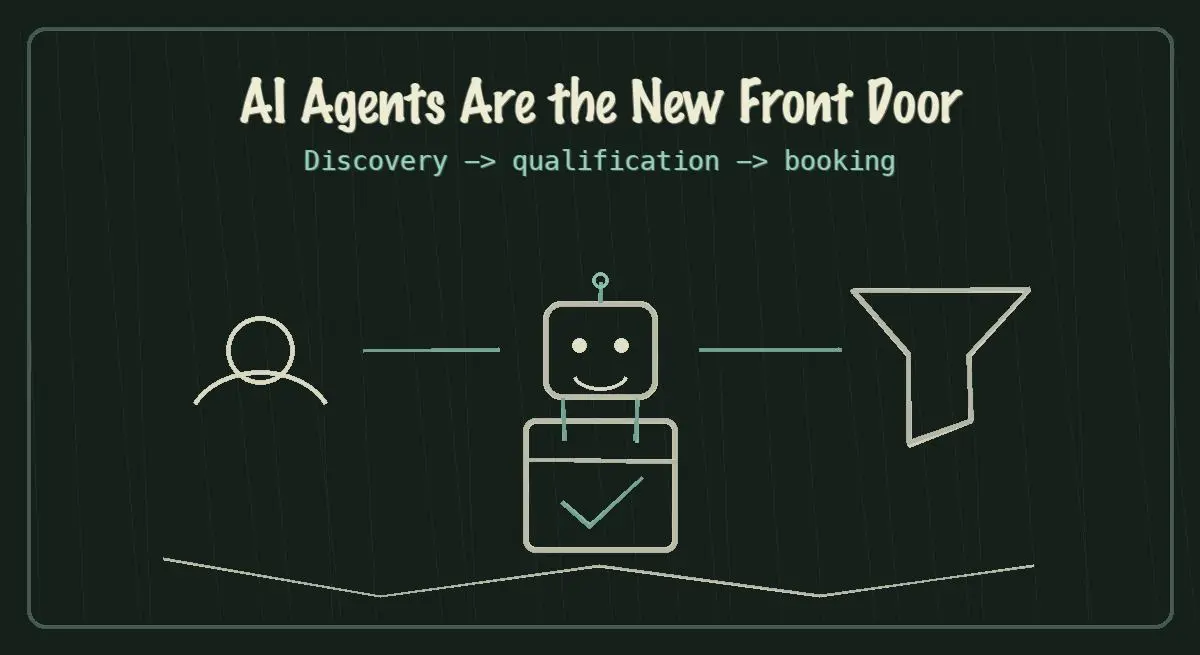
AI agents are becoming the new front door for local service discovery. Learn how to make your business discoverable, qualified, and bookable in 2026.
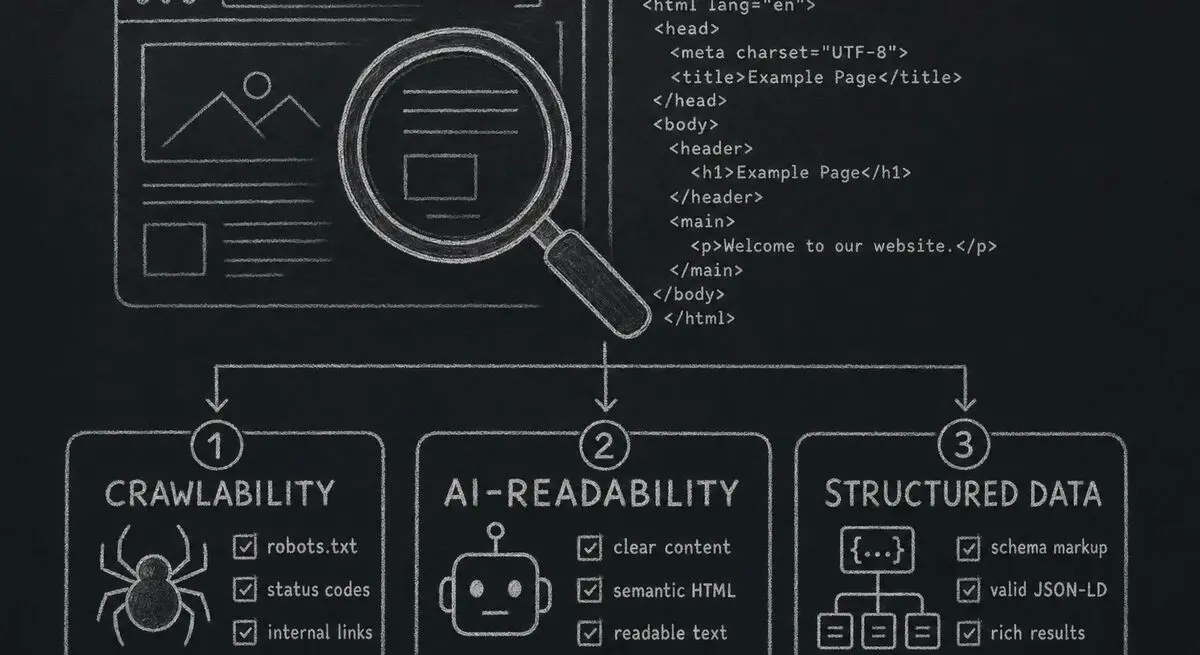
How Dashform computes technical agent readiness, groups its checks into Readiness Layers, and presents Findings without predicting traffic or revenue.

Add a header image in Google Forms and review Dashform's logo, theme, and step-background options for branded forms.
Try the world's first AI-native form and turn every response into action instantly.