

This eight-question form opens by asking for the client's company name and contact details, establishing who the request is coming from before moving into the project itself. It then asks what type of website is needed — choosing from business, e-commerce, portfolio, or blog — so the design team can frame the rest of the responses in context. The "Please describe your project vision and main objectives." question and the features question that follows it work together to capture both the big picture and the practical specifics, such as booking systems or galleries. Timeline and budget questions near the end let the team qualify the project and tailor the proposal accordingly, while a final open field invites any extra notes on design preferences or technical requirements. After submitting, respondents see a confirmation that their request has been received and that a detailed proposal will follow within a few business days.
Try the conversation below to see how this template works
Trusted by over 10,000 customers and growing
Conversations Started
Questions Answered
Forms Created
The timeline and budget questions let agencies quickly assess project fit and scope before investing time in a custom proposal.
The "What type of website do you need?" question and the features field help freelancers understand deliverables upfront and avoid back-and-forth scoping emails.
The "Please describe your project vision and main objectives." question gives studios the strategic context they need to align web design work with a client's broader marketing goals.

AI builds and refines your form through natural conversation no templates, no complex logic, no coding. From a simple text prompt or URL, Dashform generates intelligent flows that adapt automatically.
Dashform turns traditional form-filling into a two-way dialogue. The AI understands intent, remembers context, and asks relevant follow-up questions just like a real human conversation.
Every response is transformed into structured, meaningful, and ready-to-use data. Integrate with your favorite tools.
Everything you need to create amazing forms
Everything you need to know about this template
Don't see exactly what you need? Use our AI Form Generator to create a custom form in seconds. Just describe what you want, and AI will build it for you.
Explore more templates to find the perfect fit
 Signup
Collect name, email, product interests, and referral source ahead of your Black Friday sale.
 Checklist
A five-question checklist to help shoppers review personal safety, security, and planning before Black Friday.
 Document Submission
Collect seller and buyer details, property description, transaction type, and value for a property deed record.
 General Application
A structured application form for prospective board members covering contact info, background, motivation, and availability.
 Registration
A clean five-question registration form that collects contact details and submission channel in under a minute.
 Waiver
A structured form for law enforcement and government agencies to document the formal release of an individual from custody.
Learn how to get the most out of your forms and templates

The questions to ask a new coaching client before the first session, grouped by purpose, with which to make optional, what to leave out, and a template to start from.
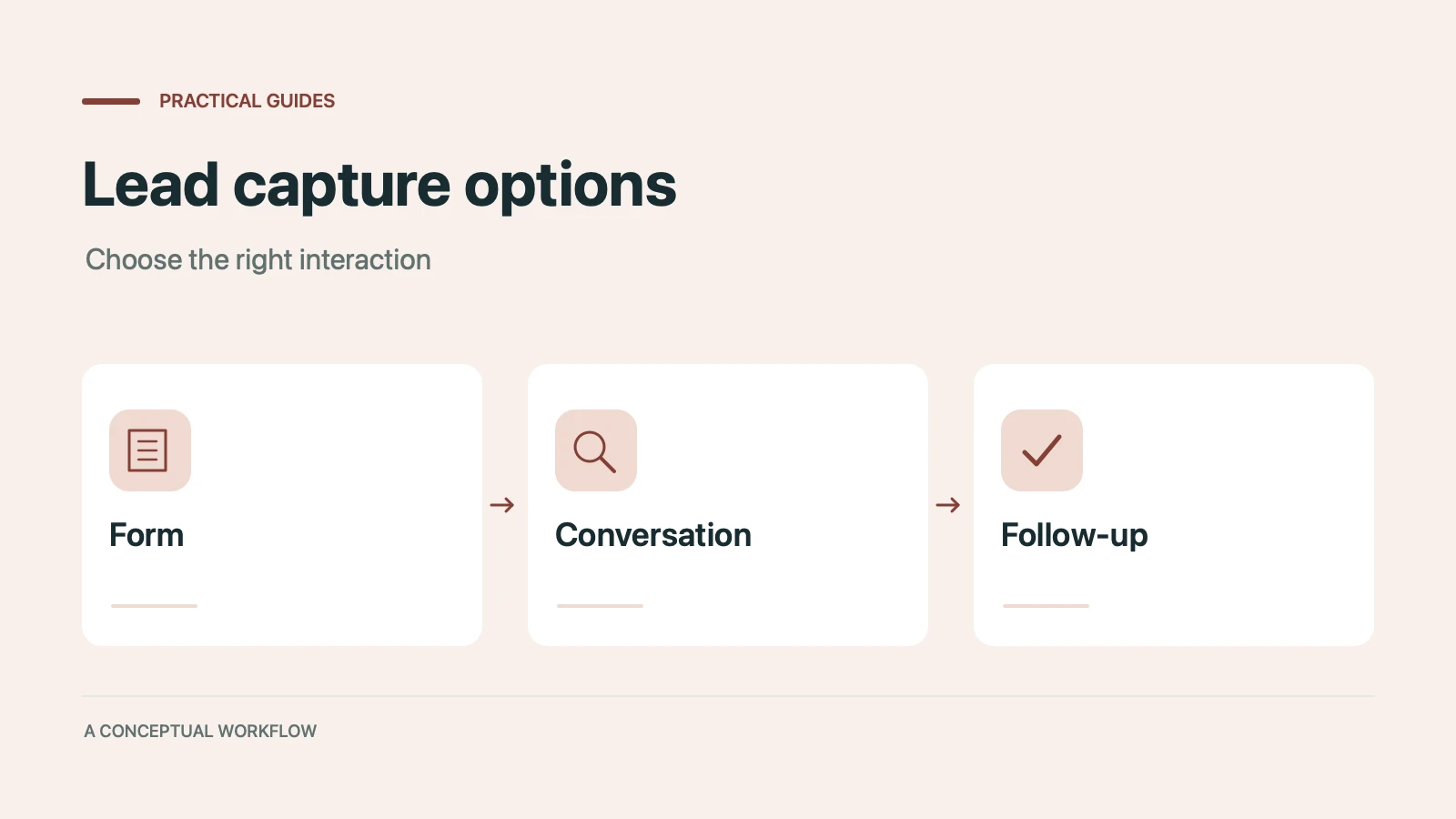
Static forms, AI chatbots, and conversational AI forms compared for lead capture: where each works, where each breaks, and the hybrid stack that combines them.
Call-to-action button examples grouped by goal, with best practices for placement, color, copy, and A/B testing.
Try the world's first AI-native form and turn every response into action instantly.