This form collects everything needed to book a critical incident response session in a logical, triage-first order. It opens by asking "What type of critical incident requires this session?" so the coordinator immediately understands the nature of the situation, followed by an optional incident ID field to link the session to any existing tracking system. The respondent then provides their name and email for follow-up, their preferred date and time, and an optional description of their session goals to help the coordinator prepare. Finally, the "How would you rate the urgency of this session?" question ensures the most time-sensitive requests can be prioritised. After submitting, respondents see a confirmation message letting them know their details have been received and that a confirmation is on its way.
Try the conversation below to see how this template works
Trusted by over 10,000 customers and growing
Conversations Started
Questions Answered
Forms Created
The 'Security Breach' and 'System Outage' options in the "What type of critical incident requires this session?" question make it straightforward to triage and book technical response sessions quickly.
The 'Personnel Crisis' incident type, combined with the optional session-goals question, lets HR coordinators capture sensitive context before the session without making disclosure mandatory.
The urgency rating and preferred date and time questions together give coordinators the scheduling and prioritisation data they need to manage multiple concurrent incident response requests.

AI builds and refines your form through natural conversation no templates, no complex logic, no coding. From a simple text prompt or URL, Dashform generates intelligent flows that adapt automatically.
Dashform turns traditional form-filling into a two-way dialogue. The AI understands intent, remembers context, and asks relevant follow-up questions just like a real human conversation.
Every response is transformed into structured, meaningful, and ready-to-use data. Integrate with your favorite tools.
Everything you need to create amazing forms
Everything you need to know about this template
Don't see exactly what you need? Use our AI Form Generator to create a custom form in seconds. Just describe what you want, and AI will build it for you.
Explore more templates to find the perfect fit
 Employee Information
A structured leave request form for employees to submit time-off details, leave type, dates, and reasons for manager review.
 Hr
Collect name, role, department, contact info, start date, shift, and employment status for every staff member.
 Registration
Collect contact details, stall preferences, and logistical needs from stallholders ahead of your event.
 Tracking Log
A structured daily log for IT staff to record task IDs, time spent, work descriptions, statuses, and blockers.
 Product Order
Order exclusive state football championship t-shirts by choosing your design, size, quantity, and payment method in one simple form.
 Product Order
Order your favourite scented statement candles, specify quantities, add personal touches, and submit your delivery details in one simple form.
Learn how to get the most out of your forms and templates
Turn a fictional agency brief into a reviewed Dashform draft using Claude Code, with copyable prompts, a field map, and a publication checklist.
A practical coaching question bank with a five-question discovery form, example answers, follow-up guidance, and a copyable Dashform prompt.
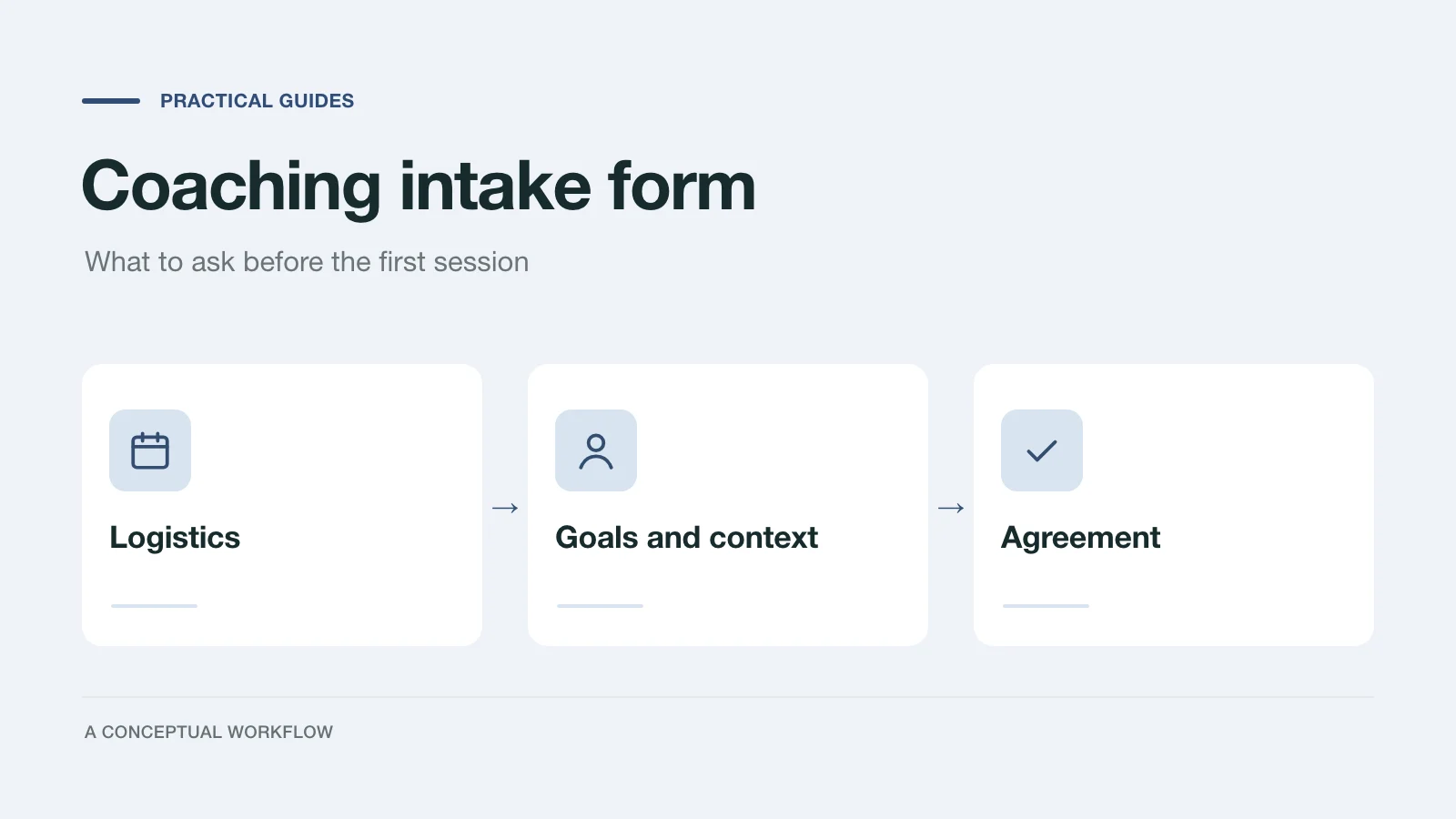
The questions to ask a new coaching client before the first session, grouped by purpose, with what to make optional, what to skip, and a template.
Try the world's first AI-native form and turn every response into action instantly.

