This seven-question form walks a site manager or project lead through a structured progress update, starting with the "What is the name or ID of the project you are reporting on?" question to pin the report to a specific project, followed immediately by the submission date to timestamp the record. The "Which phase is the project currently in?" question places the work in one of eight sequential stages — from Planning through Completed — so owners can track phase progression across reports at a glance. Three open-ended questions then capture what was accomplished, any challenges or delays and their potential impact, and planned next steps, giving stakeholders the full picture of momentum and risk. Finally, the "Rate the overall current status of the project (1=Significantly Behind, 5=Ahead of Schedule)." question adds a quick numeric signal that can be compared across reporting periods. After submitting, respondents see a confirmation screen confirming their update has been successfully recorded.
Try the conversation below to see how this template works
Trusted by over 10,000 customers and growing
Conversations Started
Questions Answered
Forms Created
Rely on the "Which phase is the project currently in?" question and the schedule rating to monitor multiple active sites from a single, consistent data source.
Use the "Are there any challenges, issues, or delays encountered? Please provide details and potential impact." question to stay informed of risks before they escalate into cost overruns.
Depend on the "Outline the planned next steps and objectives for the upcoming reporting period." question to formalize commitments and keep crews aligned week to week.

AI builds and refines your form through natural conversation no templates, no complex logic, no coding. From a simple text prompt or URL, Dashform generates intelligent flows that adapt automatically.
Dashform turns traditional form-filling into a two-way dialogue. The AI understands intent, remembers context, and asks relevant follow-up questions just like a real human conversation.
Every response is transformed into structured, meaningful, and ready-to-use data. Integrate with your favorite tools.
Everything you need to create amazing forms
Everything you need to know about this template
Don't see exactly what you need? Use our AI Form Generator to create a custom form in seconds. Just describe what you want, and AI will build it for you.
Explore more templates to find the perfect fit
 Hr
Officially record the transfer of company equipment to an employee, capturing asset details, condition, and handover date.
 Evaluation
Track assignment progress across a class by collecting each student's status, submission date, and confidence level.
 Application
A straightforward application form for athletes to share their contact details, sport, achievements, and social media profile for sponsorship review.
 Registration
Register a student-athlete for a sports season by submitting their details, sport selection, emergency contact, and participation consent.
 Attendance
Enter participant, event, organizer, and attendance-hour details for separate certificate preparation.
 Rsvp
Track attendance across events, training sessions, or workplaces with a single, straightforward form.
Learn how to get the most out of your forms and templates
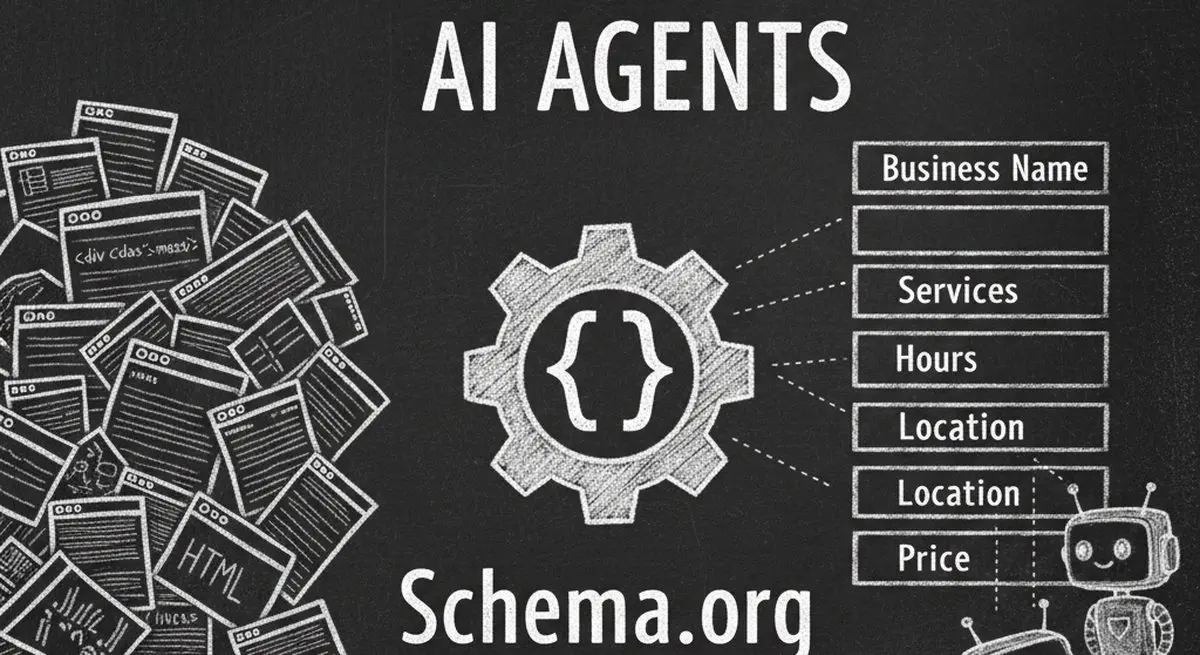
Seven Schema.org types for describing business details accurately. Structured data can aid parsing, but won't guarantee discovery, citations, or bookings.

Many coaches start with ScoreApp but outgrow scoring-only workflows as they scale. Common ScoreApp alternatives and what to look for beyond assessments.
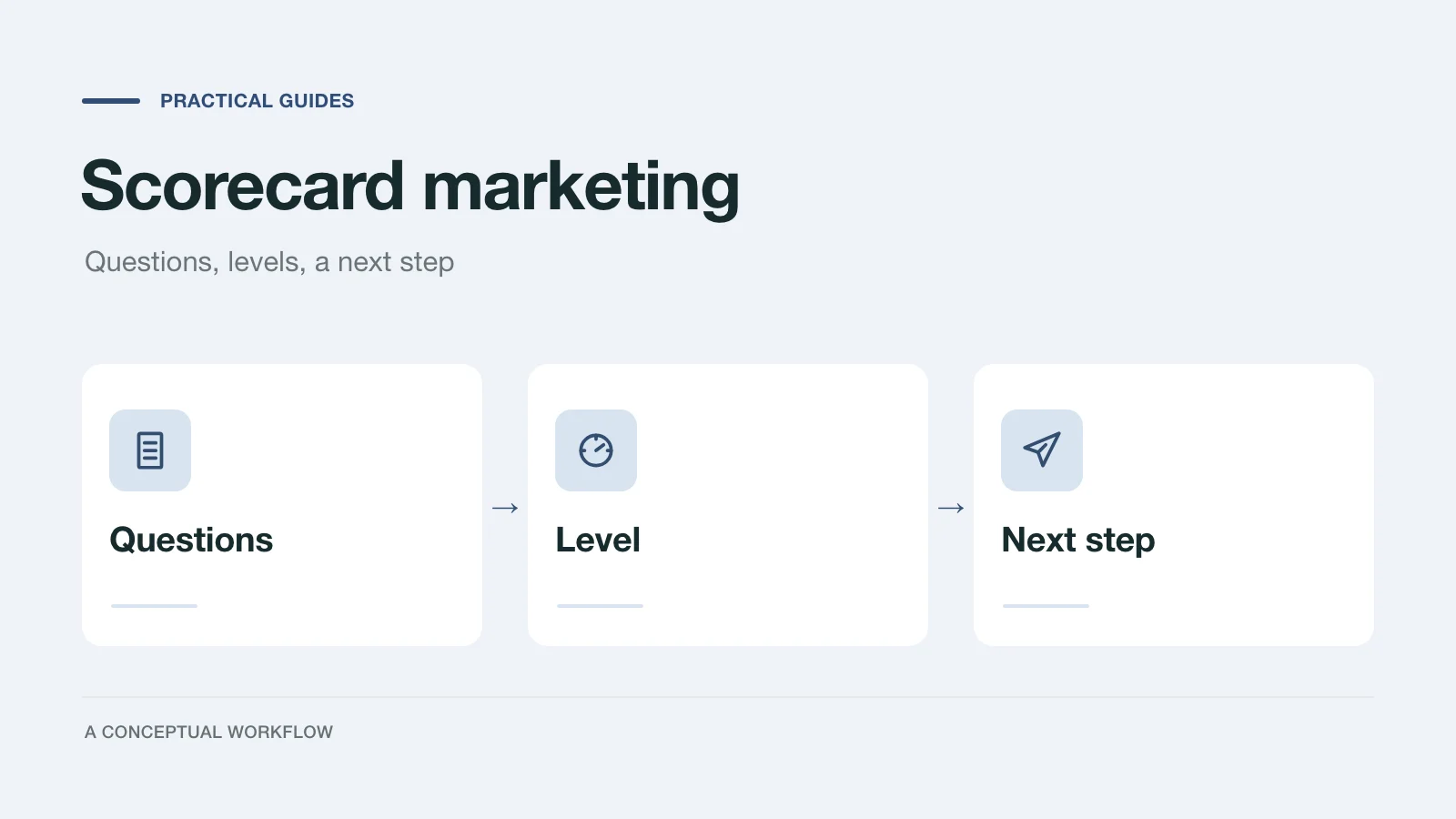
What scorecard marketing is, where the term comes from, and a build checklist: topic, questions, honest result levels and what to do with each lead.
Try the world's first AI-native form and turn every response into action instantly.

