

The Athletic Participation Form opens with a welcome screen explaining that accurate information supports a safe season, then moves through six required questions in a logical order. It starts by collecting the student-athlete's full legal name and date of birth to establish identity and age eligibility, then asks which sport or sports they want to join — choosing from Basketball, Soccer, Volleyball, Track & Field, Swimming, or Other. The form then gathers an emergency contact's full name and phone number so staff are prepared for any on-field situation. It closes with the "Do you acknowledge and consent to the terms of participation as outlined by the athletic department/program?" question, ensuring families confirm agreement before registration is complete. After submitting, respondents see a confirmation screen thanking them and letting them know the program will be in touch shortly.
Try the conversation below to see how this template works
Trusted by over 10,000 customers and growing
Conversations Started
Questions Answered
Forms Created
Relies on the legal name, date of birth, and sport-selection questions to build accurate rosters and verify age eligibility across multiple teams at once.
Uses the emergency contact name and phone number questions to ensure every registered participant has a reachable adult on file before the season begins.
Depends on the consent question to confirm that a parent or guardian has reviewed and agreed to the program's terms before a child's registration is processed.

AI builds and refines your form through natural conversation no templates, no complex logic, no coding. From a simple text prompt or URL, Dashform generates intelligent flows that adapt automatically.
Dashform turns traditional form-filling into a two-way dialogue. The AI understands intent, remembers context, and asks relevant follow-up questions just like a real human conversation.
Every response is transformed into structured, meaningful, and ready-to-use data. Integrate with your favorite tools.
Everything you need to create amazing forms
Everything you need to know about this template
Don't see exactly what you need? Use our AI Form Generator to create a custom form in seconds. Just describe what you want, and AI will build it for you.
Explore more templates to find the perfect fit
 Client Intake
Gather client hobbies, interests, and communication preferences to tailor your services to each individual.
 Checklist
Document clinical inventory items by condition, quantity, location, and department, with a staff sign-off on accuracy.
 Attendance
Submit a correction to a recorded clock-in, clock-out, break start, or break end time for payroll and attendance accuracy.
 Order
OrderCollect garment type, size, color, quantity, shipping address, and payment method in one clean order form.
 Customer Feedback
Collect honest post-visit ratings, cleanliness feedback, staff scores, and improvement ideas from club members and guests.
 Rsvp
RsvpA clean, six-question RSVP form for cocktail events — confirms attendance, collects guest counts, and captures dietary needs.
Learn how to get the most out of your forms and templates
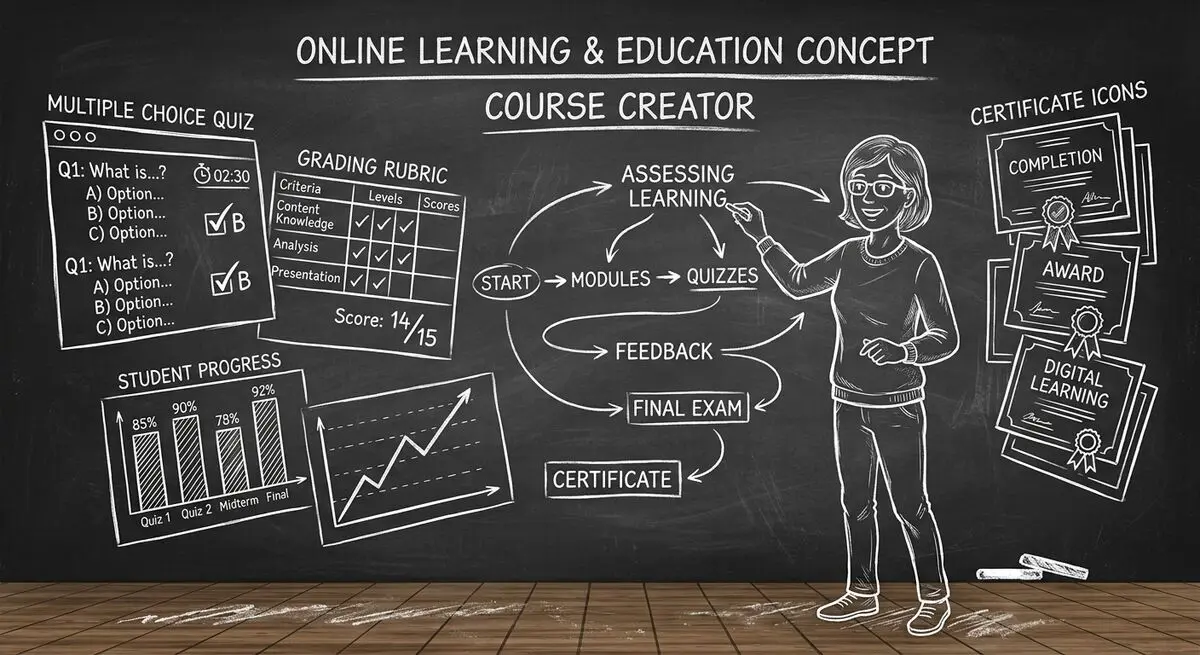
6 AI drafting tools for course creators, with suggestions for reviewing quiz questions, gathering feedback, and collecting enrollment information.
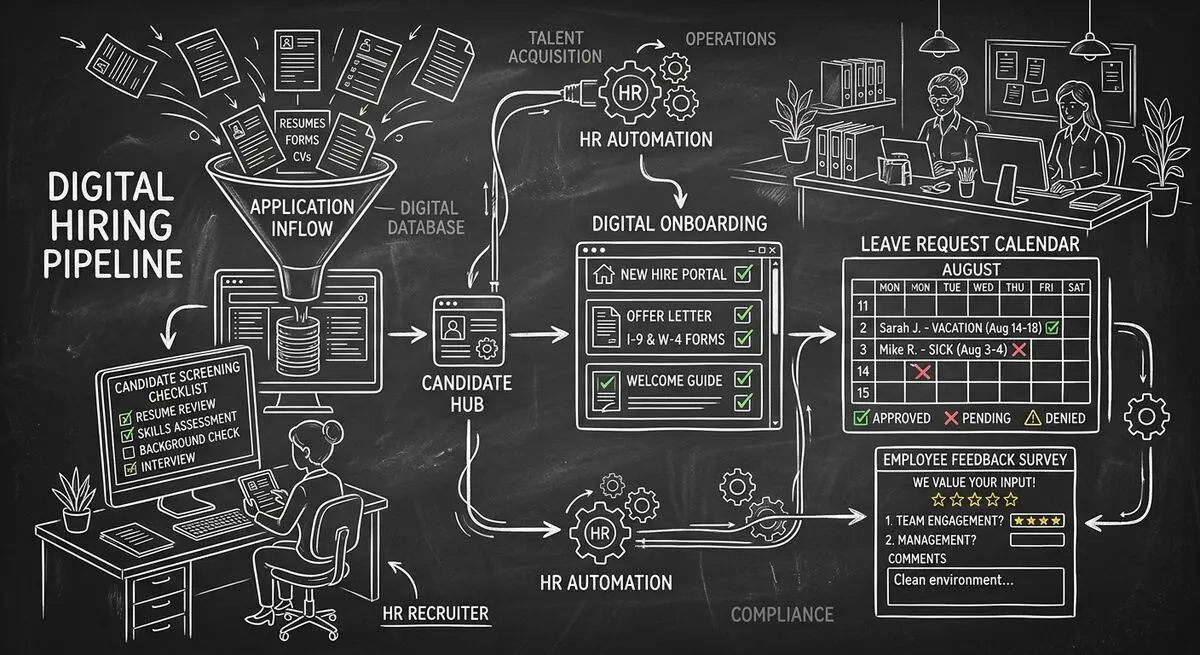
Six Dashform generator starting points for drafting applications, onboarding forms, leave requests, surveys, and feedback, with human review and integration setup.
Use six Dashform generator entry points to draft client quizzes, surveys, intake forms, and feedback forms, then review and test the workflow.
Try the world's first AI-native form and turn every response into action instantly.