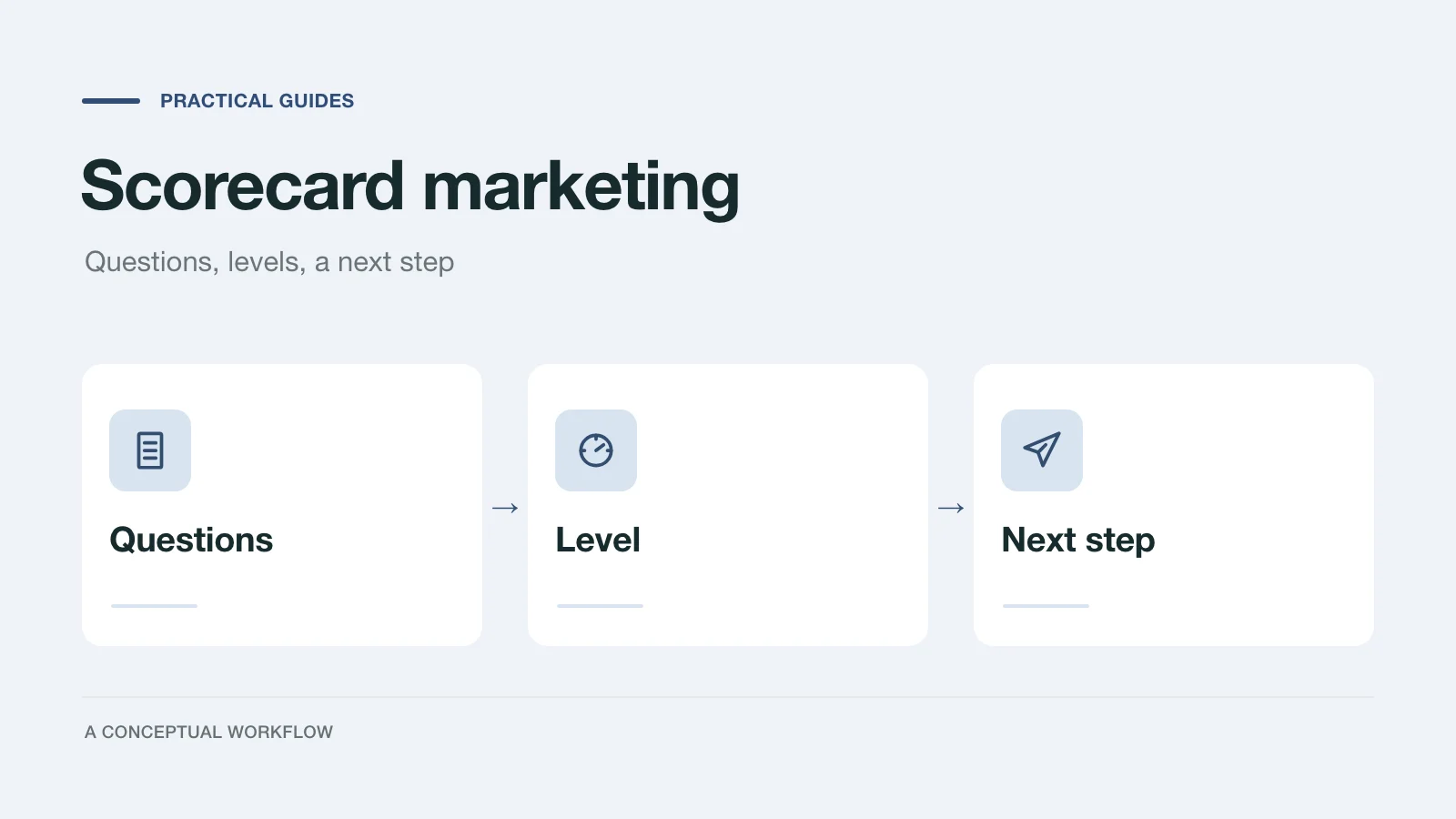
Scorecard marketing means offering prospects a short self-assessment instead of a download or a "book a call" button. They answer questions about their own situation, see which level they are at and what to do next, and you receive a lead whose answers tell you what they need.
This guide explains the method and then walks through building one: choosing the topic, deciding how many questions to ask, writing three or four levels with honest recommendations, and handling the lead afterwards. A build checklist sits near the end. Read the tooling section before you build: a classic scorecard needs a tool that scores answers.
Where the term comes from
The name comes from the book Scorecard Marketing by Daniel Priestley with Glen Carlson, published by Rethink Press (first edition 2022, revised edition 2023). Priestley is also a cofounder of ScoreApp, a scorecard software company. If you want the authors' own method and reasoning, read the book. What follows is our general description of how a self-assessment works as a lead source and how to build one, not a summary of their framework.
How a scorecard works
A scorecard has five parts. Each needs its own decision.
| Part | What the prospect sees | What it does for you |
|---|---|---|
| The question in the title | "How ready are your books for tax season?" | Attracts people who already wonder about it |
| Situation questions | Short questions about what they do today | Gives you facts you can act on |
| A result by level | "You're at level 2 of 4" and what that means | Makes the answers useful to them right away |
| A recommendation and next step | One thing to do, and an offer that fits that level | Moves the right people toward you |
| The lead | Nothing, beyond a confirmation | Name, email and every answer, for your follow-up |
A prospect gets an honest read on their situation in a few minutes, and you get context a contact form never collects. The level also tells you how to follow up.
A scorecard is a poor fit when you cannot recommend anything different per level, or when the honest answer for nearly everyone is "talk to us". Then a plain inquiry form with good questions does the same job with less pretence. Our agency lead qualification scorecard covers that internal-only case.
Choose the topic
Pick a topic that passes three tests.
- The prospect already asks the question. "Is my website ready for paid ads?" is something owners ask their peers. "How aligned is your digital ecosystem?" is not.
- You can recommend something different at each level. If every result ends with the same sales call, the levels are decoration.
- It sits next to what you sell. A bookkeeper's scorecard about tax-season readiness leads naturally to bookkeeping. A bookkeeper's scorecard about leadership style does not.
Write the title as the question the prospect would ask. Avoid promising a precise diagnosis. A self-assessment reflects what someone says about themselves, and the result should read that way.
Decide how many questions
Ask enough questions to justify each level's recommendation, and stop there. For most service businesses that ends up between eight and twelve. Test every question against two checks: does the answer move someone between levels, and does it change what you would say on a follow-up call? If it does neither, cut it.
Keep the questions about facts the prospect knows. "How often do you reconcile your accounts?" with options like monthly, quarterly, once a year and never is answerable in seconds. "Rate your financial discipline from one to ten" asks for a self-judgment and gives you little to work with.
Put name and email at the end, after the questions and before the result. Say at the start that you will ask for an email and what they will get for it.
Write three or four levels
Three or four levels are enough for most topics. Each level needs a plain name, a description the prospect can recognise, one honest recommendation, and one next step. Here is a fictional example for a small bookkeeping practice:
| Level | Who is here | Recommendation | Next step |
|---|---|---|---|
| 1. Catching up | Receipts in a box, accounts reconciled rarely or never | Get the last quarter reconciled before anything else | A free month-end checklist by email |
| 2. Keeping up | Reconciled now and then, records mostly in one place | Set a fixed monthly close date and keep it | An invitation to a short group workshop |
| 3. In order | Monthly close, records in software, a few gaps | Fix the remaining gaps before year end | A booked review call |
| 4. Ready to delegate | Clean books, owner time is the constraint | Hand off the routine work | A proposal call |
The honest part matters most at level 1. The right recommendation there may be "you don't need us yet", and saying so builds more trust than steering everyone to a call. It also keeps your calendar for the people at levels 3 and 4.
Write each level's description in the prospect's words. "Receipts in a box" lands; "low financial maturity" does not.
Score the answers, or route on deciding answers
A classic scorecard gives each answer points, adds them up, and maps the total to a level. In the bookkeeping example, the reconciliation question might give 0 points for never, 1 for once a year, 2 for quarterly and 3 for monthly. With eight questions scored 0 to 3, totals run from 0 to 24, and you might set bands of 0 to 6, 7 to 12, 13 to 18 and 19 to 24. Check the arithmetic and the band edges with a few test answers before you publish.
In Dashform you set this up on the form itself:
- Points per option. Give each choice a point value. On a multiple-choice question every selected option counts. Rating, scale and NPS questions score the number the person picks.
- Categories. Put each question in a category such as Records or Cash flow. Dashform adds up the total, each category, and the highest and lowest category.
- Score bands to endings. Each ending can claim a band on the total or on one category, by points or by percent. A band runs from its minimum up to the next band's minimum, so there are no gaps.
- Show the score. Endings can print the total, the percent and each category's score, with optional score bars.
- Deciding answers still win. A branch rule that sends someone to a specific ending ("if reconciliation is never, go to Catching up") overrides the bands, so knock-out answers keep working.
The score also travels with the reply: you see it on each reply, in CSV and JSON exports, and in the webhook, and you can map it into your destinations.
You don't have to use points. When two or three answers decide the level, plain branch rules are often easier to explain: "you're at level 1 because you said you rarely reconcile" is clearer than "you scored 9". Pick whichever matches how you actually judge readiness.
Separately, AI lead scoring sorts each completed reply into high, medium or low priority against criteria you write in plain language, for the form owner only. It is an AI judgment, not the points total, so review its verdicts before you trust them.
Decide what happens to the lead
Plan the follow-up per level before you publish, not after the first replies arrive.
- Level 1: an automatic email with the free resource you promised. No call.
- Middle levels: a short, personal note that refers to one of their answers.
- Top level: a direct invitation to book, from a person.
Some answers should get a call regardless of level, such as a fixed deadline or a stated budget. List those in advance. Treat "not sure" as missing information to ask about, never as a reason to drop someone.
Send replies to the place you already work. Dashform can deliver each reply to Slack, Google Sheets, HubSpot or a webhook, or through its Zapier app, and each destination can have its own routing conditions. Native integrations and Zapier are on paid plans; see pricing.
Build checklist
- Write the title as a question your prospect already asks.
- Confirm you can recommend something different at each level.
- Draft three or four levels: name, description in the prospect's words, one recommendation, one next step.
- Write eight to twelve situation questions. Cut any that do not move someone between levels or change your follow-up.
- Decide how answers become a level: points and bands, or deciding-answer rules. Dashform supports both on the same form.
- Test the rules with one fictional respondent per level and one who answers "not sure" throughout.
- Ask for name and email after the questions, and say up front what they get.
- Write a level 1 result that is useful even if the person never contacts you.
- Set the follow-up for each level and the answers that trigger a call regardless of level.
- Connect the destination where your team will see the reply.
- Review the first batch of real replies and adjust the questions people misread.
Build it in Dashform
Paste a brief like this into the form generator, with your own topic and levels:
Create a self-assessment called "How ready are your books for tax season?"
for owners of small service businesses.
Ask eight multiple-choice questions about how they keep records today:
reconciliation, receipts, software, payroll, invoicing, tax deadlines,
who does the work, and how long month-end takes.
Collect name and email after the questions.
Create four endings: Catching up, Keeping up, In order, Ready to delegate.
Each ending has a short description, one recommendation, and one next step.
Score each answer from 0 to 3, give each ending a score band,
and show the total on the ending.
Save as a draft so I can review it.
Review the draft in the editor, then check the points and bands (or the branch rules, if you use deciding answers), test them against your test respondents, and write the lead scoring criteria in your own words.
For three ready question sets with levels, see the business assessment questionnaire. If you are moving an existing scorecard over, the assessment rebuild guide covers mapping and test cases.