

The Assignment Completion Check Form opens by asking students to identify themselves with the "What is your full name?" and "Please enter your student ID number." questions, then pinpoints the work in question through the "Which course is this assignment for?" and "What is the title of the assignment?" questions. The heart of the form is the "What is the current status of this assignment?" question, which gives educators a clear snapshot of where each student stands — from 'Completed and submitted' right through to 'Not yet started'. Two optional follow-up questions — "If submitted, what was the reply date?" and "On a scale of 1-5, how confident are you in your completion of this assignment?" — add timeline and self-assessment context, while "Do you have any additional comments or questions regarding this assignment?" gives students a space to flag concerns. After submitting, students see a confirmation screen letting them know their response has been recorded.
Try the conversation below to see how this template works
Trusted by over 10,000 customers and growing
Conversations Started
Questions Answered
Forms Created
They rely on the "What is the current status of this assignment?" question to get a real-time view of where every student stands without chasing individual replies.
They use the "Please enter your student ID number." and "Which course is this assignment for?" questions to accurately attribute responses across multiple courses and cohorts.
They use the "Do you have any additional comments or questions regarding this assignment?" question to flag blockers or ask for guidance at the same time as reporting their progress.

AI builds and refines your form through natural conversation no templates, no complex logic, no coding. From a simple text prompt or URL, Dashform generates intelligent flows that adapt automatically.
Dashform turns traditional form-filling into a two-way dialogue. The AI understands intent, remembers context, and asks relevant follow-up questions just like a real human conversation.
Every response is transformed into structured, meaningful, and ready-to-use data. Integrate with your favorite tools.
Everything you need to create amazing forms
Everything you need to know about this template
Don't see exactly what you need? Use our AI Form Generator to create a custom form in seconds. Just describe what you want, and AI will build it for you.
Explore more templates to find the perfect fit
 Assessment
Rate your marketing across strategy, budget, content, conversion, automation, and ROI tracking in eight focused questions.
 Other
OtherOrganize spouses, ceremony details, officiant information, and witnesses for review by an authorized records office.
 Agreement
Capture financial arrangements, property terms, and legal acknowledgements for a prenuptial or postnuptial agreement.
 Event Registration
Register for the Masquerade Ball by sharing your details, group size, and any dietary or accessibility needs.
 Quiz
QuizA five-question matching quiz covering geography, science, history, coding, and astronomy, with identity capture and feedback fields.
 Preorder
Collect customer details, item selections, and shipping info to secure pre-orders for the February 2022 collection.
Learn how to get the most out of your forms and templates

Explore eight contractor form templates for project inquiries, estimates, inspections, work orders, and follow-up, with practical setup and review advice.

8 law firm intake form templates: case evaluation, conflict check, retainer agreement, and more, as free AI-powered forms.
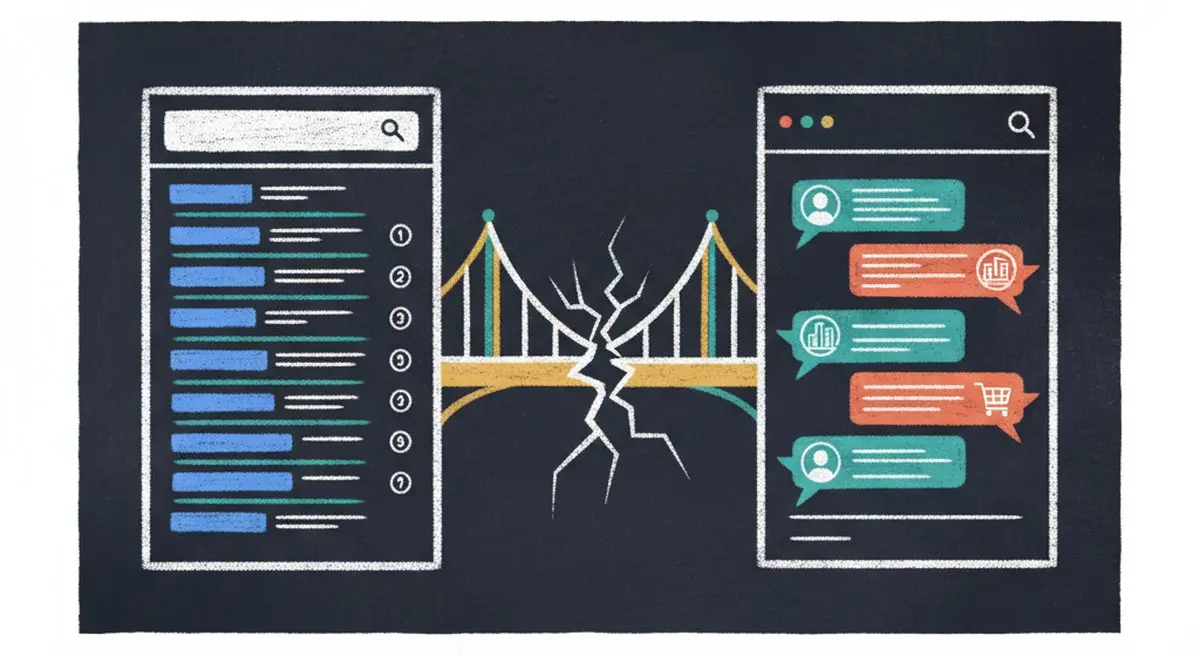
SEO alone isn't enough anymore. The difference between SEO, AEO (Answer Engine Optimization), and AXO, and how to appear in ChatGPT, Claude, and AI agent recommendations.
Try the world's first AI-native form and turn every response into action instantly.