

This attendance form opens by asking for the respondent's full name and email address, establishing a clear identity record before moving into the specifics. It then asks which event, session, or training is being logged and the date of attendance, so every submission is tied to a precise occasion. The "What is your role or affiliation?" question narrows each record to one of four categories — student, employee, volunteer, or guest — giving the form owner a way to sort and filter responses by group. An optional organization or department field and a free-text comments field round things out for cases where extra context matters. After submitting, respondents see a brief thank-you confirmation acknowledging their participation.
Try the conversation below to see how this template works
Trusted by over 10,000 customers and growing
Conversations Started
Questions Answered
Forms Created
They rely on the "Which event, session, or training are you attending or reporting attendance for?" and "What is the date of your attendance?" questions to build a clear, timestamped record for each training run.
They use the "What is your role or affiliation?" question to separate employee records from guest or volunteer entries, making it easy to filter attendance by group.
They depend on the "What is your full name?" and optional "Which organization or department are you representing (if applicable)?" questions to tie each student submission to the right class or department.

AI builds and refines your form through natural conversation no templates, no complex logic, no coding. From a simple text prompt or URL, Dashform generates intelligent flows that adapt automatically.
Dashform turns traditional form-filling into a two-way dialogue. The AI understands intent, remembers context, and asks relevant follow-up questions just like a real human conversation.
Every response is transformed into structured, meaningful, and ready-to-use data. Integrate with your favorite tools.
Everything you need to create amazing forms
Everything you need to know about this template
Don't see exactly what you need? Use our AI Form Generator to create a custom form in seconds. Just describe what you want, and AI will build it for you.
Explore more templates to find the perfect fit
 Invoice
Create, update, or log payment preferences for any client invoice in one short five-question form.
 Invoice
Collect an invoice link together with its number, date, amount due, and customer contact details.
 Invoice
Collect vendor details, client billing info, itemized charges, and payment terms to generate a professional invoice.
 Tracking Log
Describe an issue, priority, category, suggested assignee, target date, and current status for separate team triage.
 Checklist
Build a complete travel itinerary by entering your travelers, dates, destinations, transport, stays, and activities.
 Evaluation
Collect jewelry ownership, material, gemstone, condition, and purpose details for a professional appraisal report.
Learn how to get the most out of your forms and templates

SEO alone isn't enough anymore. The difference between SEO, AEO (Answer Engine Optimization), and AXO, and how to appear in ChatGPT, Claude, and AI agent recommendations.

Gated PDFs collect an email and little else; quiz funnels qualify leads as they answer. The agency playbook for replacing static lead magnets with interactive qualification funnels, with 4 B2B templates.
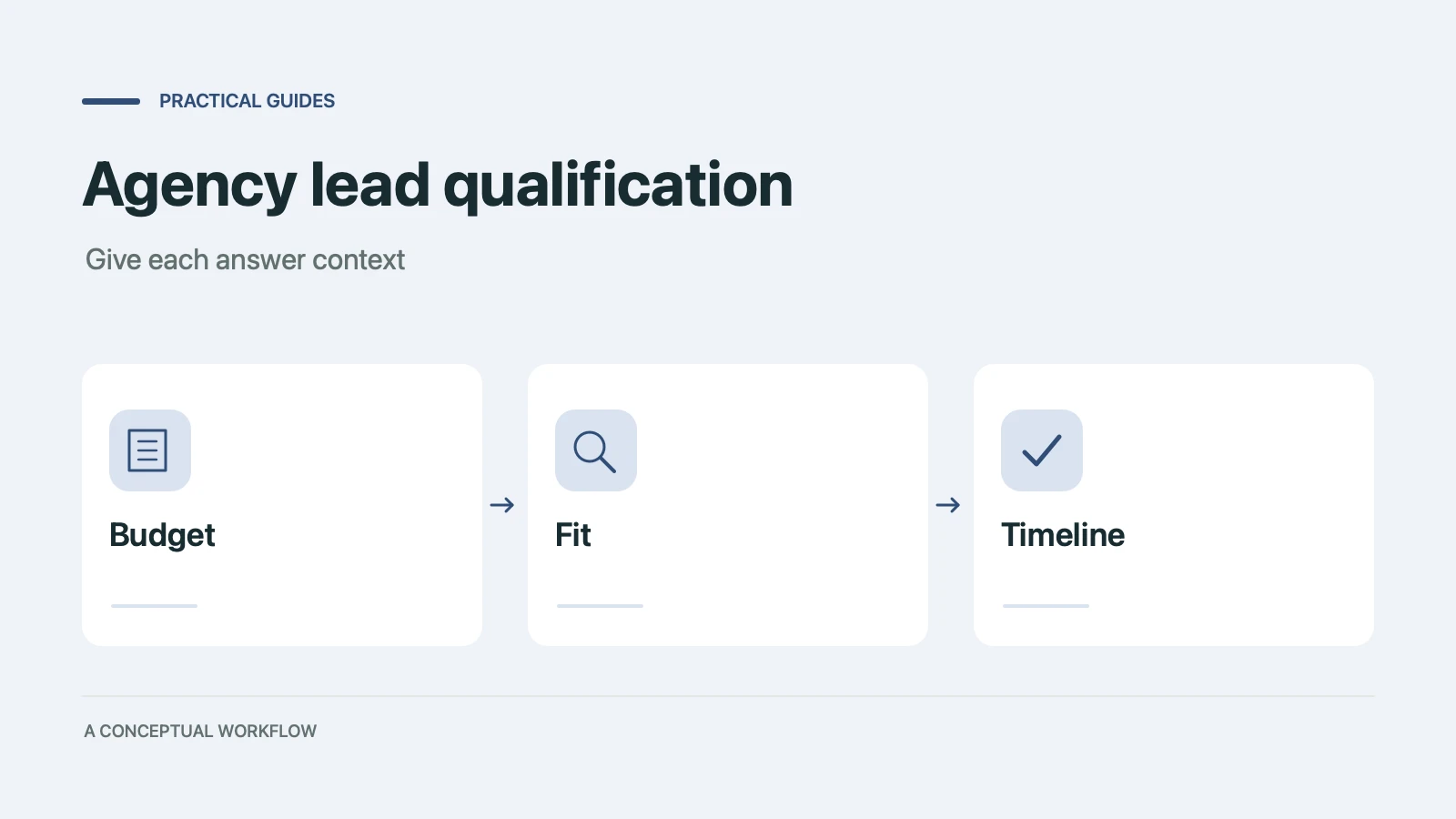
Copy a ten-point agency lead qualification scorecard, check worked examples, and turn the questions into a Dashform inquiry form with clear review rules.
Try the world's first AI-native form and turn every response into action instantly.