The attendance questionnaire identifies a participant, event, start date, and organizing body. Optional questions add an end date, authorizing role, location, and hours attended. These fields give an organizer a starting point for checking attendance and drafting a certificate; completing them does not verify participation or award credit. At the end of the preview, the details remain a browser exercise. The organizer must separately verify the record, prepare the certificate, and decide how to issue it.
Try the conversation below to see how this template works
Trusted by over 10,000 customers and growing
Conversations Started
Questions Answered
Forms Created
Uses the hours field as reported attendance information to check against training records before recognizing completion.
Organizes event name, dates, and location for staff who separately prepare attendance certificates.
Identifies the organizing body and authorizing role for institutional review before a certificate is issued.

AI builds and refines your form through natural conversation no templates, no complex logic, no coding. From a simple text prompt or URL, Dashform generates intelligent flows that adapt automatically.
Dashform turns traditional form-filling into a two-way dialogue. The AI understands intent, remembers context, and asks relevant follow-up questions just like a real human conversation.
Every response is transformed into structured, meaningful, and ready-to-use data. Integrate with your favorite tools.
Everything you need to create amazing forms
Everything you need to know about this template
Don't see exactly what you need? Use our AI Form Generator to create a custom form in seconds. Just describe what you want, and AI will build it for you.
Explore more templates to find the perfect fit
 Client Intake
Gather client hobbies, interests, and communication preferences to tailor your services to each individual.
 Checklist
Document clinical inventory items by condition, quantity, location, and department, with a staff sign-off on accuracy.
 Attendance
Submit a correction to a recorded clock-in, clock-out, break start, or break end time for payroll and attendance accuracy.
 Order
Collect garment type, size, color, quantity, shipping address, and payment method in one clean order form.
 Customer Feedback
Collect honest post-visit ratings, cleanliness feedback, staff scores, and improvement ideas from club members and guests.
 Rsvp
A clean, six-question RSVP form for cocktail events — confirms attendance, collects guest counts, and captures dietary needs.
Learn how to get the most out of your forms and templates
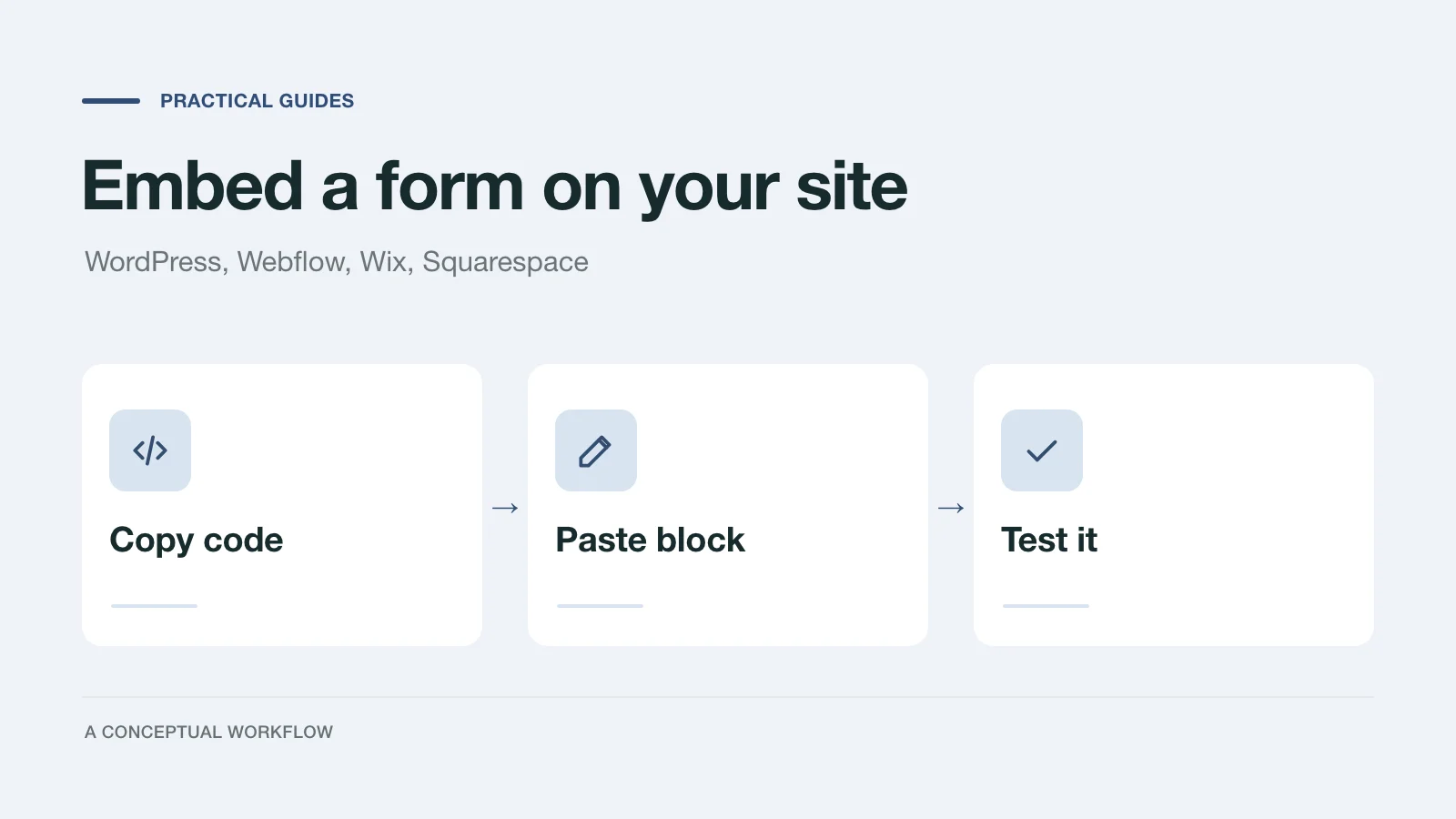
Exact steps to embed a form on WordPress, Webflow, Wix and Squarespace: which block to add, where to paste the code, plan limits, and a test checklist.

Stop spending hours on unqualified discovery calls. AI intake forms qualify fitness clients on goals, budget, and commitment before they book.
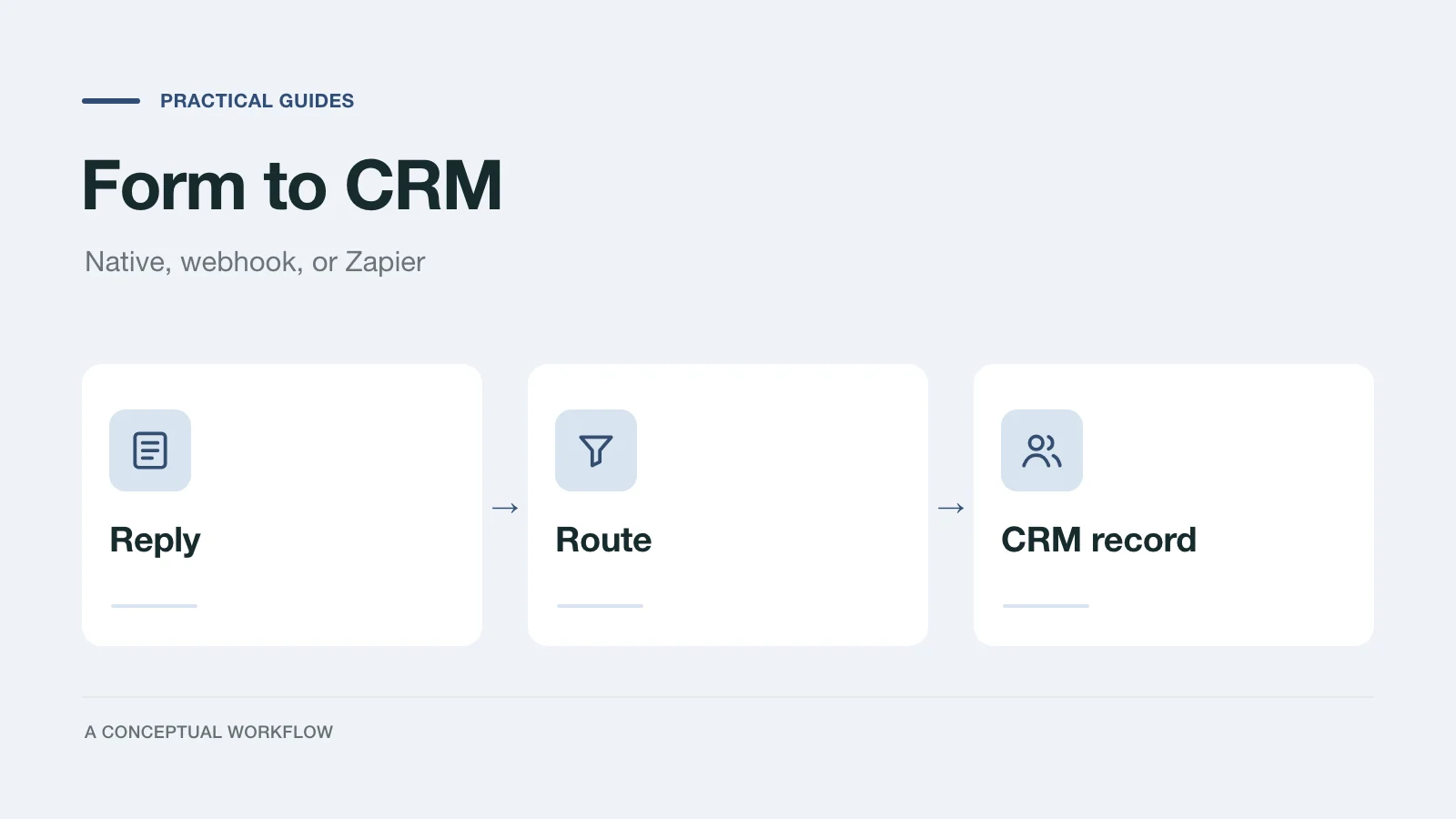
Compare three ways to send form submissions to your CRM (native, webhook, Zapier) by setup, failures, and duplicates, with two worked HubSpot builds.
Try the world's first AI-native form and turn every response into action instantly.

