

The Fitness Weekly Check-In Form opens by asking for current weight, then invites a free-text summary of the week's physical activity — covering workouts, duration, and intensity — so the coach has a full picture before the evaluative questions follow. Next come two required rating scales for average energy levels and sleep quality (each on a 1-to-5 scale), sandwiched around the "How would you rate your adherence to your nutrition plan this week?" question, which captures the three pillars of recovery in one tight sequence. Three optional open-ended questions then invite the respondent to flag challenges, set goals for the coming week, and raise anything else on their mind — keeping the form honest without making it feel burdensome. After submitting, respondents see an encouraging end screen thanking them and affirming that their answers will be used to support their progress.
Try the conversation below to see how this template works
Trusted by over 10,000 customers and growing
Conversations Started
Questions Answered
Forms Created
Rely on the "Please summarize your physical activity this past week (e.g., workouts, duration, intensity)." question to verify whether clients are following prescribed training between sessions.
Use the "How would you rate your adherence to your nutrition plan this week?" question to quickly gauge where a client sits — from 'Excellent' to 'Poor' — before diving into a session debrief.
Lean on the "What are your primary fitness goals or focus areas for the upcoming week?" question to keep remote participants accountable and to personalise guidance without a live check-in call.

AI builds and refines your form through natural conversation no templates, no complex logic, no coding. From a simple text prompt or URL, Dashform generates intelligent flows that adapt automatically.
Dashform turns traditional form-filling into a two-way dialogue. The AI understands intent, remembers context, and asks relevant follow-up questions just like a real human conversation.
Every response is transformed into structured, meaningful, and ready-to-use data. Integrate with your favorite tools.
Everything you need to create amazing forms
Everything you need to know about this template
Don't see exactly what you need? Use our AI Form Generator to create a custom form in seconds. Just describe what you want, and AI will build it for you.
Explore more templates to find the perfect fit
 Progress Tracking
A structured weekly or periodic update form for construction teams to report phase, progress, challenges, next steps, and schedule status.
 Quote Request
Collect project scope, materials, timeline, budget, and permitting details to build an accurate construction proposal.
 Document Submission
Submit proposed materials, equipment, shop drawings, or work methods for project team review and approval.
 Registration
Collect a child's legal name, date of birth, parent/guardian contact, emergency contact, and medical notes in one tidy form.
 Contact
A clean, paper-themed contact form that captures name, email, subject, message, and contact preferences.
 Information Request
Collect a contact's name, email, phone number, and optional mailing address in one clean, straightforward form.
Learn how to get the most out of your forms and templates
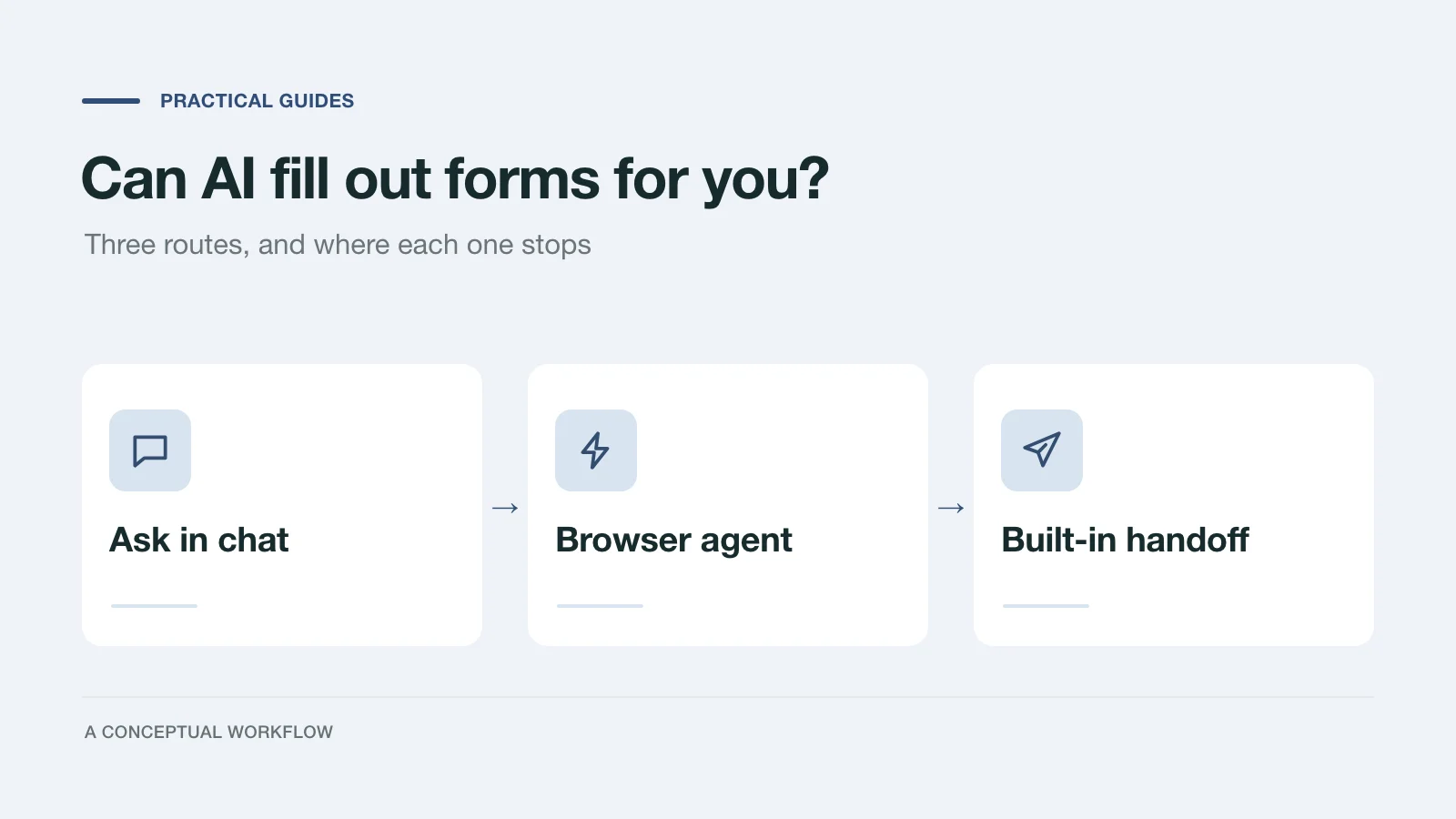
Yes, in three different ways: answers you paste in, a browser agent that clicks for you, or a form built for assistants. What each one handles and where it stops.
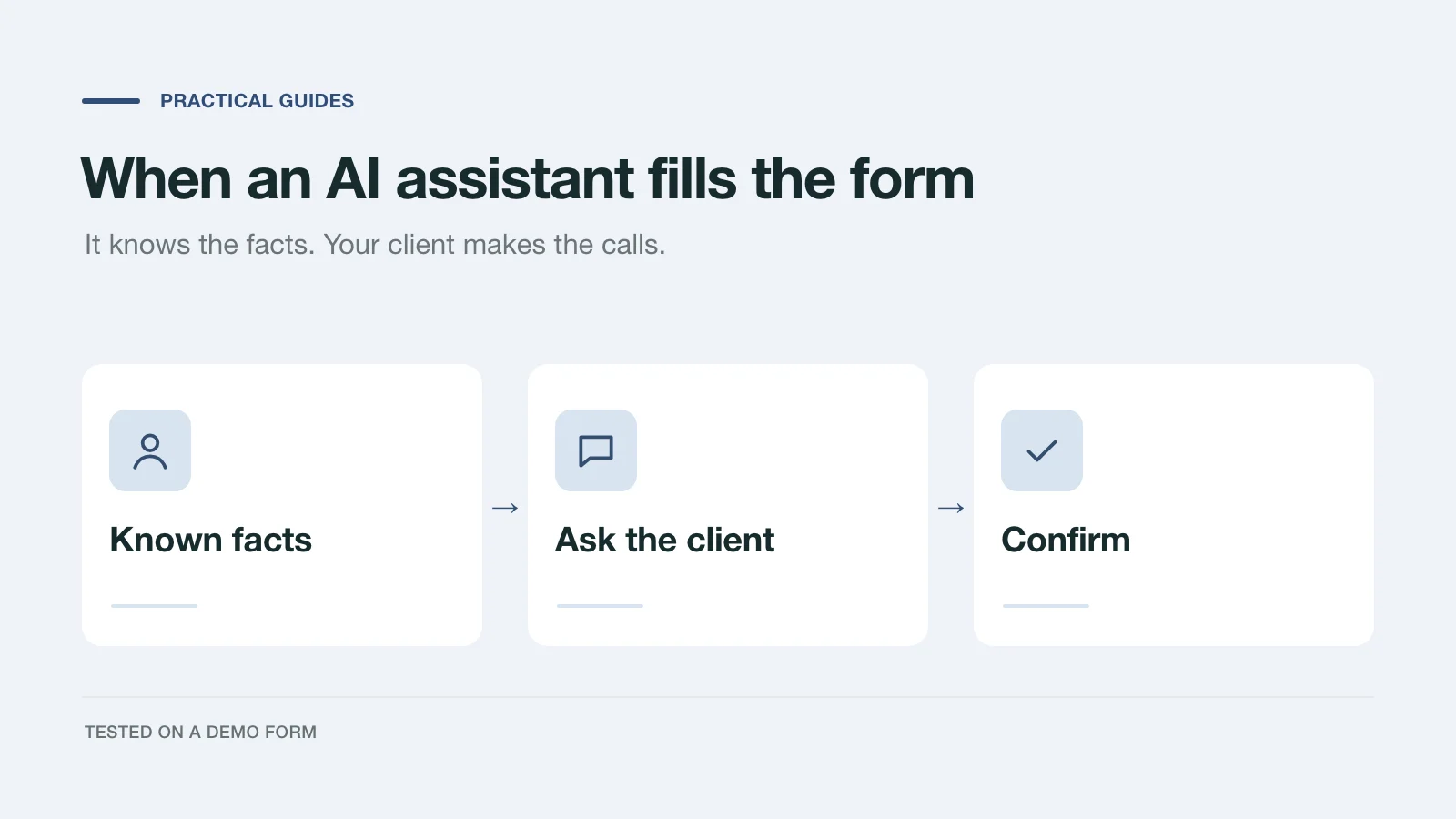
We had an AI assistant complete a demo project inquiry two ways: by clicking through the page and through a handoff prompt. What it knew, what it asked, and what to change.
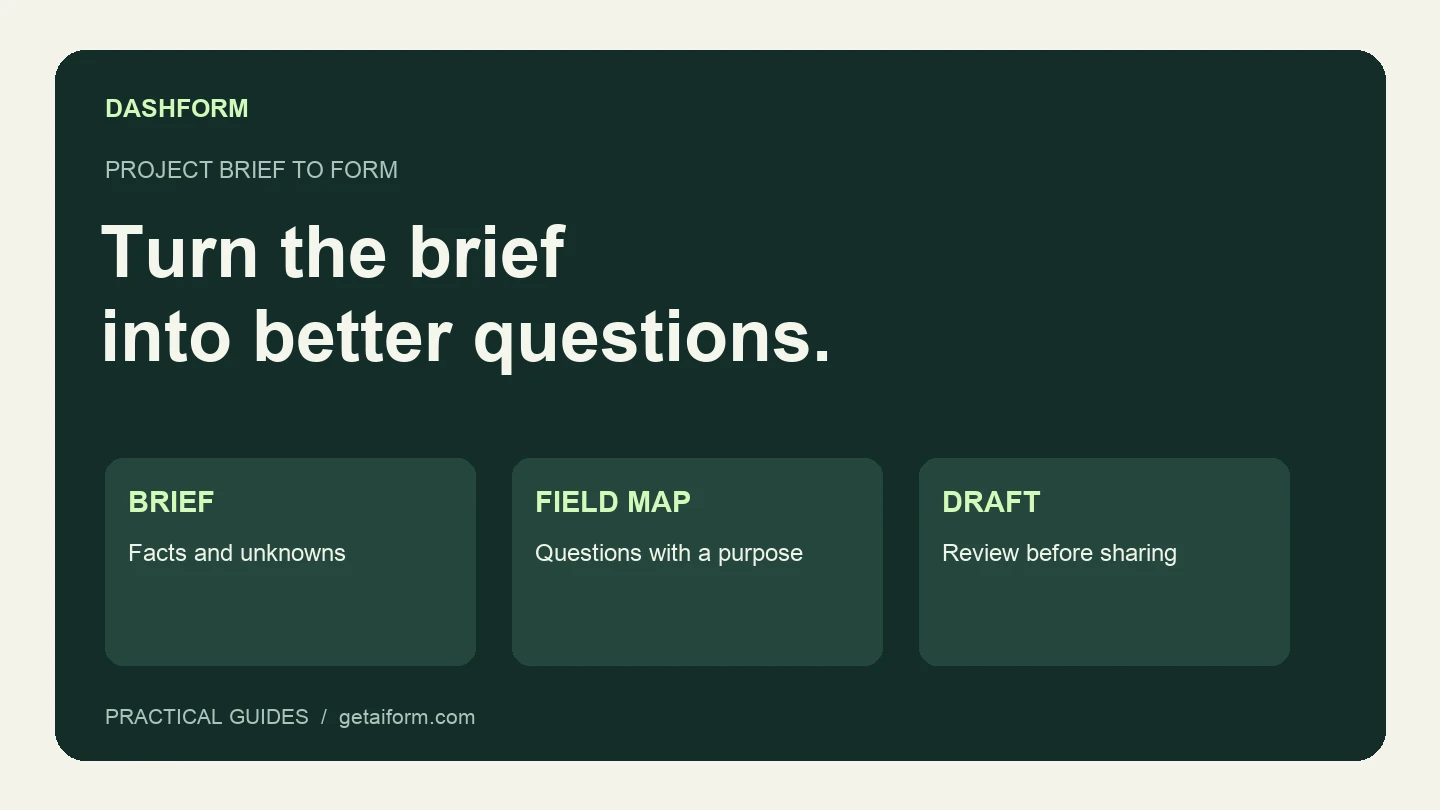
Turn a fictional agency brief into a reviewed Dashform draft using Claude Code, with copyable prompts, a field map, and a publication checklist.
Try the world's first AI-native form and turn every response into action instantly.