

This seven-question form collects the essential contact and emergency information a school, club, or care provider needs to keep a child safe. It opens by asking for the child's full legal name and date of birth to create an accurate record, then gathers the primary caregiver's name and phone number before moving on to a separate emergency contact, ensuring there is always a second person to reach. The optional final question about allergies, medical conditions, or special requirements sits last so it doesn't interrupt the core contact flow but still captures critical health information. After submitting, respondents see a confirmation screen thanking them and confirming their details will be used to maintain accurate records.
Try the conversation below to see how this template works
Trusted by over 10,000 customers and growing
Conversations Started
Questions Answered
Forms Created
Rely on the "What is the full name of an emergency contact (other than Parent/Guardian 1)?" question to ensure a second reachable adult is always on record for every pupil.
Use the "Are there any known allergies, medical conditions, or special requirements we should be aware of?" question to flag health needs before a child takes part in physical activities.
Depend on the "What is the child's date of birth?" and "What is the primary phone number for Parent/Guardian 1?" questions to build accurate intake records quickly at the start of each programme.

AI builds and refines your form through natural conversation no templates, no complex logic, no coding. From a simple text prompt or URL, Dashform generates intelligent flows that adapt automatically.
Dashform turns traditional form-filling into a two-way dialogue. The AI understands intent, remembers context, and asks relevant follow-up questions just like a real human conversation.
Every response is transformed into structured, meaningful, and ready-to-use data. Integrate with your favorite tools.
Everything you need to create amazing forms
Everything you need to know about this template
Don't see exactly what you need? Use our AI Form Generator to create a custom form in seconds. Just describe what you want, and AI will build it for you.
Explore more templates to find the perfect fit
 Feedback
A ten-question survey covering satisfaction, quality, highlights, problems, and likelihood to recommend.
 Client Intake
Collect customer contact details, preferred communication channel, and referral source in one tidy form.
 Survey
Measure customer satisfaction, loyalty, and acquisition in seven focused questions.
 Survey
A seven-question post-support survey covering resolution, agent helpfulness, response time, and ease of contact.
 Satisfaction Survey
A nine-question survey covering satisfaction, response time, staff knowledge, issue resolution, and likelihood to recommend.
 Agreement
Gather customer review status, satisfaction, concerns, and acceptance choices for a named project or service.
Learn how to get the most out of your forms and templates
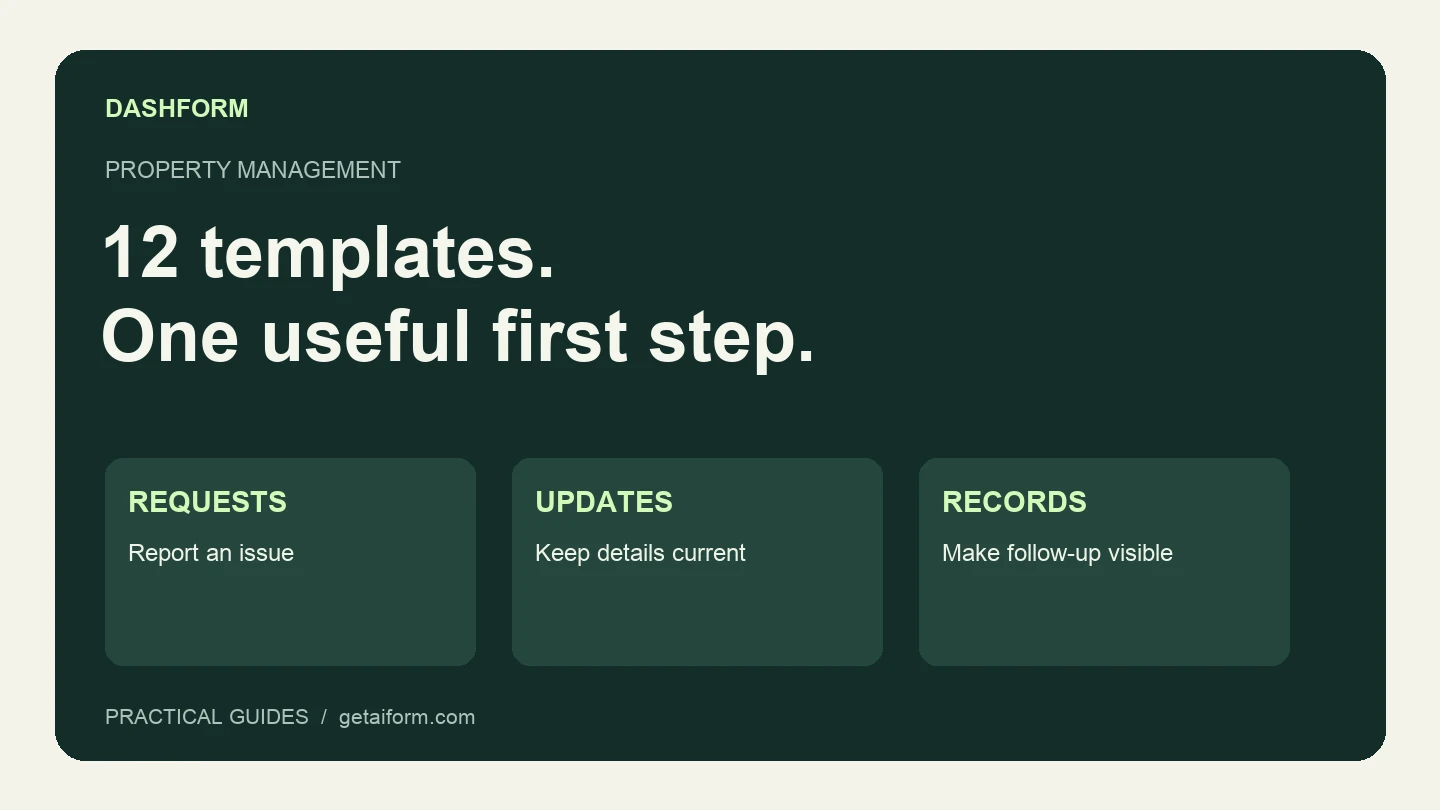
Find property management templates for maintenance, tenant updates, inspections, and rental administration, with a practical rollout and review checklist.

15 real estate forms and templates agents use to capture leads, run showings, collect feedback, and keep transactions organized.
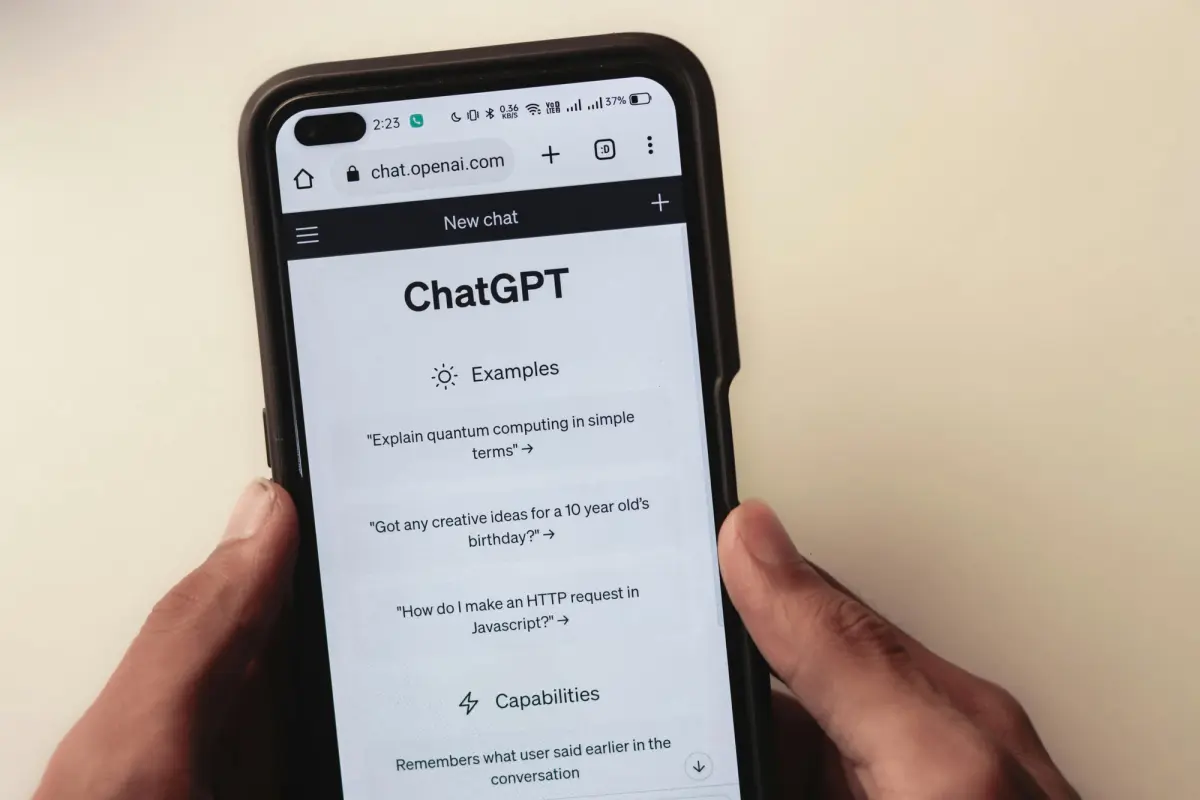
Discover 50 powerful Dashform AI prompts for creating forms and surveys. Learn how to generate better survey questions, improve engagement, and streamline data collection with AI-driven form design.
Try the world's first AI-native form and turn every response into action instantly.