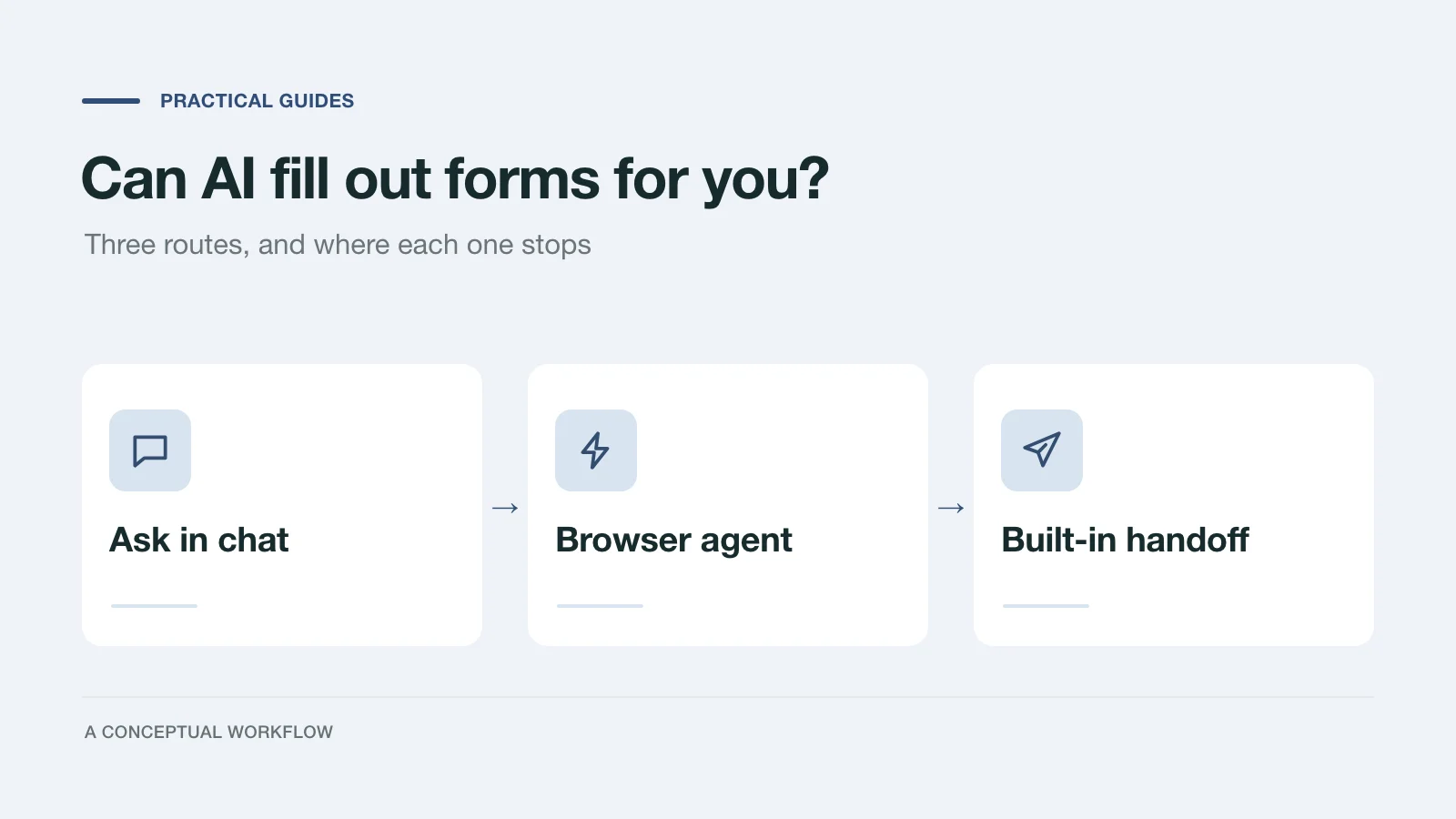
Yes. ChatGPT and Claude can both help you fill out an online form, but "help" covers three very different things: drafting answers you paste in yourself, driving your browser to type and click for you, or handing the form to an assistant that submits it directly. Which one works depends far more on the form than on the AI.
We tested two of these routes on October 22, 2026, with a demo inquiry form and Claude Code running Claude Opus 5.5. The details are in our test write-up. This guide covers all three routes from the point of view of the person filling out the form, along with what each one can't do.
Route 1: ask in chat, then fill it in yourself
The simplest version works with any assistant and any form. Copy the questions into the chat, add the facts it needs, and ask for answers you can paste.
This is slower than it sounds for a long form, since you still do every click. It's still the safest choice for anything with legal, tax, medical, or immigration consequences, because nothing gets submitted without you reading each answer in place. It's also the only route that works for a PDF you have to print and sign, or for a form behind a login you'd rather not share with an extension.
A prompt that gets usable answers:
Here are the questions from a form I need to fill in, and my notes.
Draft an answer for each question using only my notes.
If my notes don't answer a question, write "ASK ME" instead of guessing.
For multiple-choice questions, pick one of the listed options exactly as written.
The "ASK ME" line matters. Without it, assistants tend to fill gaps with plausible guesses, and a plausible guess on a form is just a wrong answer that looks right.
Route 2: let a browser agent click through the form
Both Anthropic and OpenAI now offer browser tools that fill out web forms by typing and clicking the way a person would.
Claude in Chrome is a Chrome extension available on Claude's paid plans. According to Anthropic's getting-started guide, it fills out forms "the way a person would" and can attach files. Its safety guide suggests starting with simple tasks like form filling, says it pauses for confirmation before entering sensitive information, and lists things it won't do at all, including bypassing CAPTCHAs.
ChatGPT's browser extension gained a Work mode for taking browser actions on October 15, 2026. Yahoo Tech reported that it can fill out forms using information from open tabs or files on your computer, that it runs in Chrome, Edge, Brave, and Opera, and that you can review a completed form before it's submitted. We haven't tested it, and plan availability was still unclear in that coverage, so check OpenAI's help center for the current details.
In our own test, a browser agent completed a nine-question inquiry form correctly. It took just under two minutes and about two dozen actions, and it hit three snags along the way:
- the answer choices were unlabeled buttons, so it matched them by position
- a selected option only showed up visually, so it needed a screenshot to confirm each pick
- an animation that types out each question meant the page looked half-finished for a couple of seconds
None of these stopped it. They're the kind of friction that makes browser agents slow and occasionally wrong on forms built for human eyes.
The bigger risk is the page itself. Anthropic calls prompt injection, text on a page written to redirect the agent, "the biggest risk facing browser-using AI tools". A form can contain instructions an agent might follow. Keep browser agents to forms from sites you trust, and keep sensitive details out of them.
Route 3: use a form built for assistants
Some forms now offer a direct path for your assistant. A Dashform form with AI Handoff turned on shows an "Or let your AI fill it in" row on its start screen, with buttons for the Claude app, Claude Code, and the Codex app, plus a Copy prompt option.
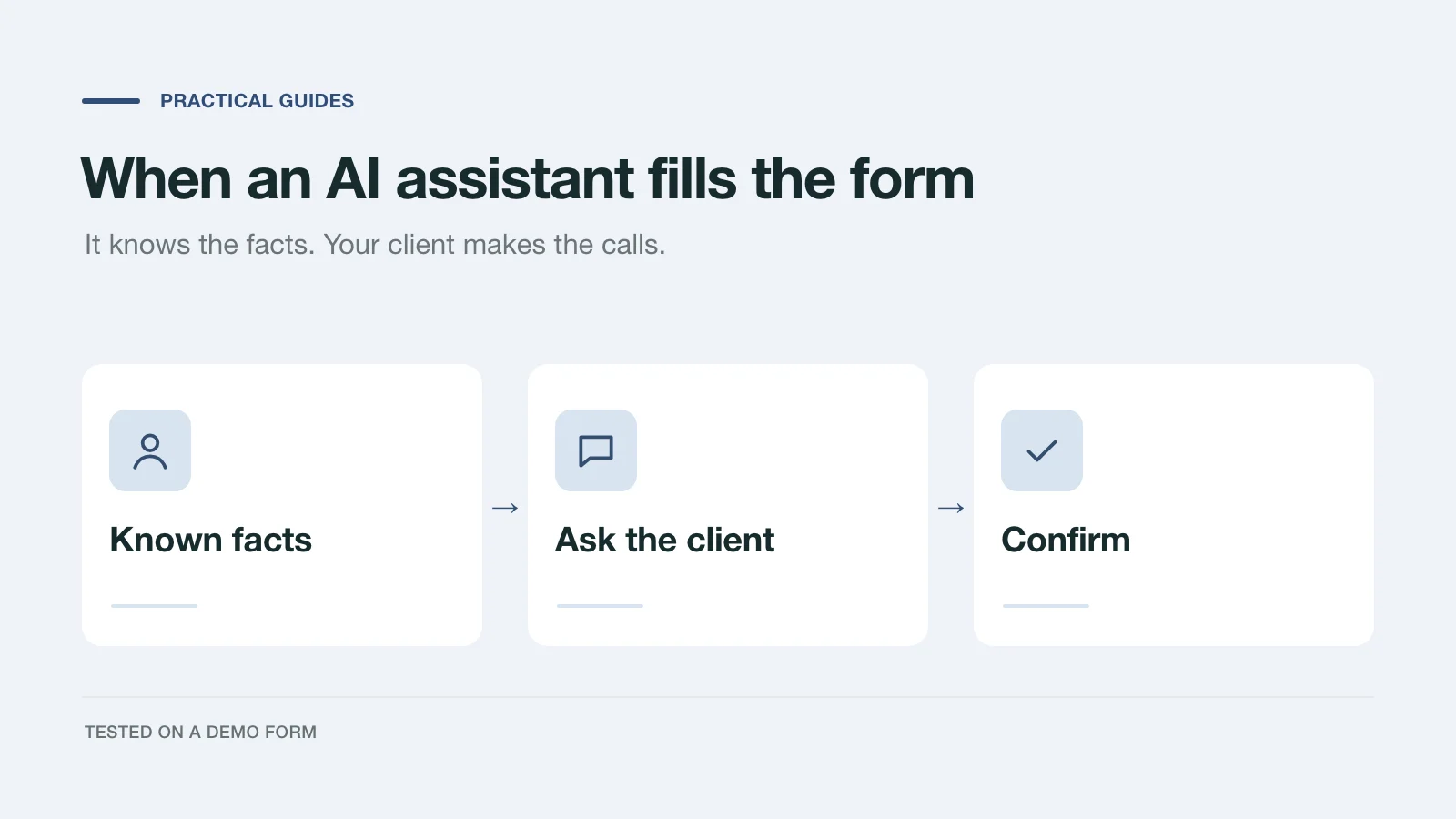
That prompt tells your assistant to read the form's questions straight from Dashform rather than from the page, answer what it already knows about you, ask you for the rest, show you a summary, and submit only after you confirm. In our test it filled four answers from the client's notes, proposed two more for confirmation, and asked three questions it couldn't answer. The submission took under two seconds, and the form rejected an answer that didn't exactly match one of its options.
This route only exists when the form's owner offers it. When it's there, it's the fastest and the least error-prone of the three, because the assistant never has to interpret the page.
Which route to use
| Route | Works on | What you still do | Best for |
|---|---|---|---|
| Ask in chat | Any form, including PDFs | Every click and the final submit | Official, legal, tax, or medical forms |
| Browser agent | Most web forms in your browser | Watch, approve sensitive steps, check before submit | Routine web forms on sites you trust |
| Built-in handoff | Forms that offer it | Answer what it asks, confirm the summary | Inquiries and intake forms that support it |
What to keep out of AI hands
Some forms shouldn't be delegated, whichever route you use:
- Anything you sign or swear to. Tax returns, government applications, and legal declarations make you responsible for every answer. Draft with AI if it helps, then fill and submit them yourself.
- Payment and identity details. Card numbers, bank details, and government ID numbers don't belong in a chat or a browser agent. Claude in Chrome's safety guide points out that the agent can't filter sensitive content out of what it sees, and suggests keeping it away from sensitive sites.
- Forms with a CAPTCHA. It's there to confirm a person is present, and well-behaved agents won't try to get around it.
- Answers about how you feel or what you want. An assistant can supply your email address. It shouldn't decide your budget, your goals, or whether you agree to something.
Getting better results from any assistant
Give it the facts up front in a short note: name, contact details, company, links, and anything specific to this form. Tell it which questions to leave for you. Ask it to stop before submitting and show you every answer next to its question. Then read that summary as if you'd written it yourself, because once it's submitted, it's yours.
If you run forms rather than fill them in, the other side of this question is worth a look: what happens when an assistant fills out your intake form, and how a conversational form differs from a static one. To make a form that offers the handoff route, start a Dashform draft.